1. Bubuka
This manual provides essential instructions for the setup, operation, maintenance, and troubleshooting of your RCA 40-inch MultiTuner HD Google TV, Model R40M-F4G. Please read this manual thoroughly before using your television to ensure proper functionality and safety.
2. Émbaran Kasalametan penting
Salawasna turutan pancegahan kaamanan dasar nalika nganggo produk ieu pikeun ngirangan résiko seuneu, kejutan listrik, sareng tatu.
- Ulah ngalaan TV ka hujan atawa beueus.
- Ulah muka TV casing; ngarujuk sadaya jasa ka tanaga anu mumpuni.
- Pastikeun ventilasi ditangtoskeun sabudeureun TV.
- Anggo ukur kabel listrik anu disayogikeun sareng TV.
- Jauhkeun TV tina sinar panonpoé langsung sareng sumber panas.
3. Naon Kaasup
Pastikeun yén sadaya komponén aya dina bungkusan:
- RCA 40-inch MultiTuner HD Google TV (Model R40M-F4G)
- Remote Control (kalayan batré)
- Manual pangguna (dokumén ieu)
- Kabel listrik
- Nangtung TV (2) jeung Screws

Image 1: RCA 40-inch Google TV with included remote control and stand components.
4. Setélan
4.1 Ngalampirkeun Stand TV
- Teundeun TV sacara saksama dina permukaan anu lemes sareng bersih pikeun nyegah karusakan layar.
- Sejajarkeun unggal stand jeung liang screw nu pakait dina handap TV.
- Ngamankeun nangtung ngagunakeun screws disadiakeun. Ulah overighten.
4.2 Pamasangan Tembok (Pilihan)
If you plan to wall-mount your TV, refer to the instructions provided with your wall-mount bracket. Ensure the bracket is compatible with the TV's VESA mounting pattern (refer to specifications). Remove the TV stands before wall mounting.

Gambar 2: Tukangeun view of the TV, highlighting the VESA mounting points for wall installation.
4.3 Nyambungkeun Alat
Connect your external devices (e.g., cable box, Blu-ray player, gaming console) to the appropriate ports on the TV.
- HDMI: Pikeun audio sareng pidéo definisi luhur.
- USB: Pikeun nyambungkeun alat panyimpenan USB.

Gambar 3: Sisi view of the TV, illustrating the location of HDMI and USB ports for device connectivity.
4.4 Mimiti Power-On jeung Google TV Setup
- Colokkeun kabel listrik kana TV teras kana stop kontak témbok.
- Pencét tombol Daya dina remot kontrol atanapi TV.
- Turutan parentah dina-layar pikeun ngarengsekeun setelan awal, kaasup:
- Pilihan basa
- Sambungan jaringan (Wi-Fi)
- asup akun Google
- Panyeken saluran (upami nganggo anteneu)
5. Operating Your RCA Google TV
5.1 Panganteur Google TV
The Google TV operating system provides a centralized hub for your streaming services, live TV, and apps. Navigate using the remote control's directional pad and select button.

Image 4: The Google TV home screen, showing recommended content and installed applications.
5.2 Fitur konci
- Asisten Google: Control your TV, search for content, or get information using voice commands. Press the Google Assistant button on your remote and speak into the microphone.

Image 5: Using Google Assistant with the remote control for voice commands.
- Chromecast Diwangun-di: Cast content (videos, photos, music) from your compatible smartphone, tablet, or computer directly to the TV screen.
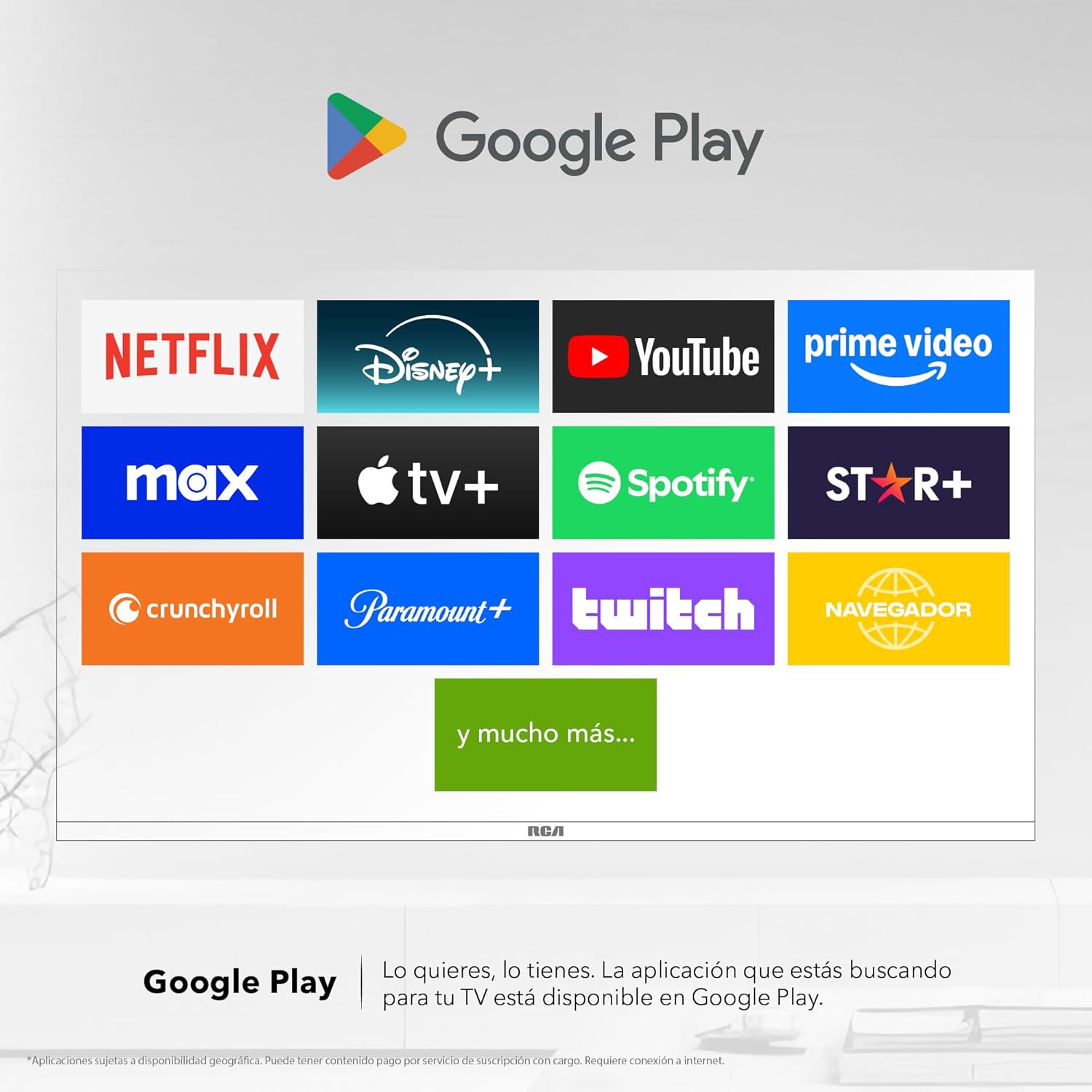
Image 6: Demonstrating content casting from a mobile device to the TV via Google Cast.
- Konektipitas Bluetooth: Connect Bluetooth-enabled devices such as soundbars, headphones, or game controllers wirelessly to your TV.

Image 7: The TV connected to a soundbar via Bluetooth for enhanced audio.
- Google Play Store: Download and install a wide variety of applications directly onto your TV.

Image 8: The Google Play Store displaying various applications available for download.
- Barudak Profile: Jieun pro dedicatedfile for children to manage accessible applications and content.

Image 9: The Kids Profile interface, designed for child-friendly content management.
- Dolby Audio: Experience clear, rich, and detailed sound with Dolby Audio technology.
Image 10: The Dolby Audio feature enhancing the sound experience on the TV.
6. Pangropéa
6.1 Ngabersihan Layar
- Pareuman TV jeung cabut colokan tina stop kontak listrik.
- Ngusap layar nganggo kaén anu lembut sareng teu aya serat.
- Pikeun tanda pengkuh, enteng dampen lawon ku cai atawa cleaner layar husus (ulah menyemprot langsung kana layar).
- Hindarkeun ngagunakeun bahan kimia anu kasar atanapi bahan abrasive.
6.2 Perawatan Umum
- Keep the TV in a well-ventilated area.
- Protect the TV from dust by regularly wiping the casing ku lawon anu lemes sareng garing.
- Hindarkeun nempatkeun barang beurat dina luhureun TV.
7. Cara ngungkulan
| Masalah | Mungkin Cukang lantaranana | Solusi |
|---|---|---|
| Taya kakuatan | Power cord disconnected; power outlet issue | Pastikeun kabel listrik disambungkeun aman. Nguji stop kontak jeung alat sejen. |
| Henteu aya gambar, tapi aya sora | Incorrect input source; faulty cable | Press the "Input" button on the remote to select the correct source. Check HDMI/AV cable connections. |
| Henteu aya sora, tapi aya gambar | Volume too low; Mute activated; audio settings issue | Increase volume. Check if Mute is active. Verify audio output settings in the TV menu. |
| Kadali jauh teu jalan | batré maot; halangan; masalah papasangan | Replace batteries. Remove any obstructions between remote and TV. Re-pair Bluetooth remote if applicable. |
| Masalah sambungan Wi-Fi | Router problem; incorrect password; signal interference | Restart your router. Re-enter Wi-Fi password. Move TV closer to router or reduce interference. |
8. Spésifikasi
| Fitur | Rincian |
|---|---|
| merek | RCA |
| Modél | R40M-F4G |
| Ukuran layar | 40 inci |
| Téknologi tampilan | LED |
| Resolusi | 1920 x 1080 (HD lengkep) |
| Refresh Laju | 60 Hz |
| Sistem operasi | Google TV |
| Encoding Audio | Dolby Atmos |
| Panganteur Hardware | HDMI, USB |
| Total palabuhan USB | 2 |
| Rojongan Bluetooth | Sumuhun |
| Fitur husus | Chromecast, Flat Screen |
| Tipe Pamasangan | Tembok Mountable |
| Diménsi Produk (WxHxD) | 97 x 56 x 11 cm |
| Beurat produk | 7 kg |
9. Garansi jeung Rojongan
9.1 Émbaran jaminan
This product comes with a manufacturer's warranty. Please refer to the warranty card included in your packaging for specific terms and conditions. Extended warranty options may be available from your retailer.
9.2 Rojongan Palanggan
For technical assistance, troubleshooting beyond this manual, or warranty claims, please contact RCA customer support. Visit the official RCA websitus pikeun wincik kontak jeung sumber rojongan.
Resmi RCA Websitus: www.rca.com


