1. Bubuka jeung Leuwihview
The Linksys Velop Micro 7 Dual-Band BE5000 Wi-Fi 7 Mesh System is designed to provide extensive and reliable Wi-Fi coverage throughout your home. This system offers advanced features for seamless connectivity and network management. With Wi-Fi 7 technology, it delivers high speeds and supports numerous devices simultaneously, ensuring a stable and efficient network experience.
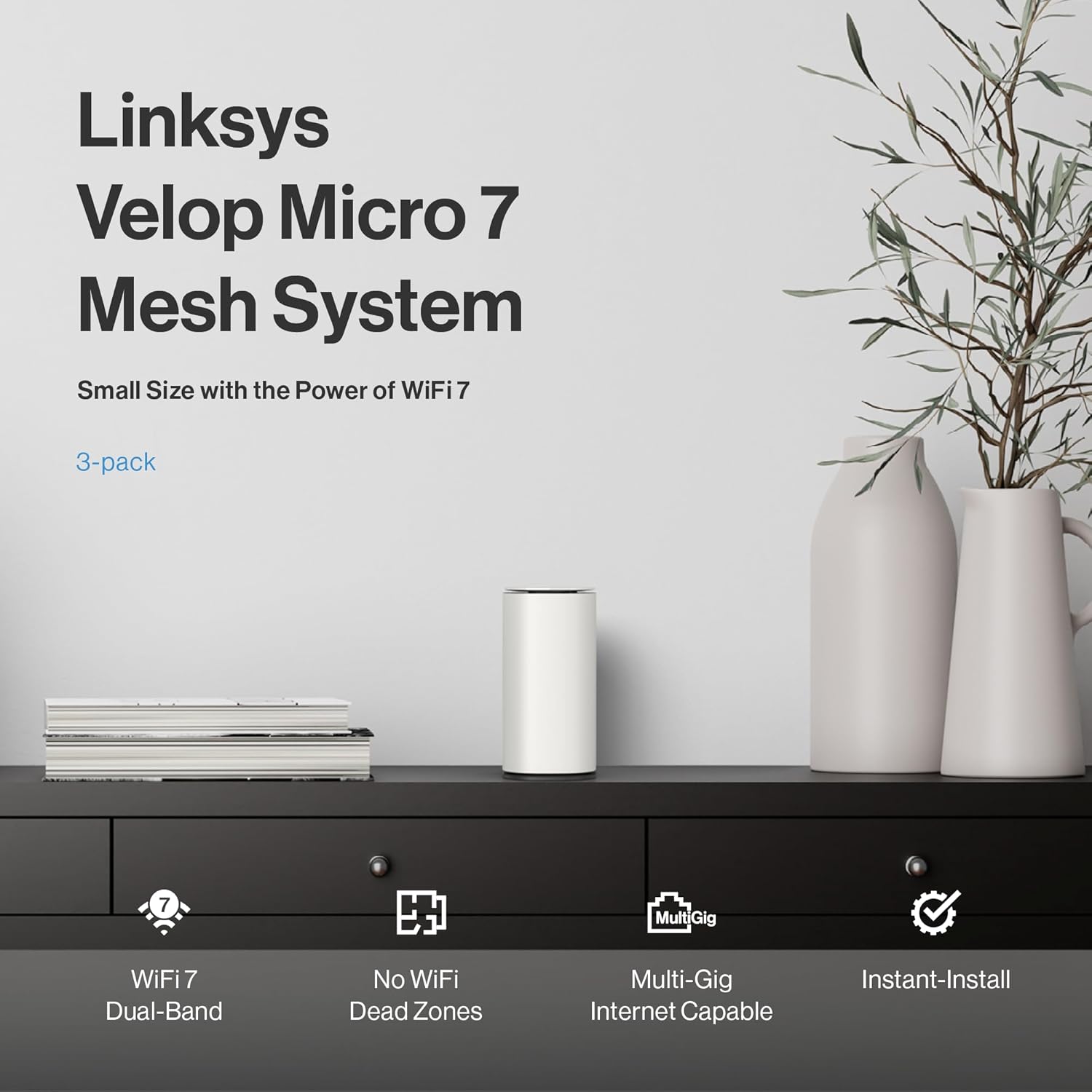
Image: Linksys Velop Micro 7 Mesh System node on a table, highlighting key features like Wi-Fi 7 Dual-Band, No WiFi Dead Zones, Multi-Gig Internet Capable, and Instant-Install.
2. Naon dina Box
Your Linksys Velop Micro 7 Mesh System package includes the following components:
- Velop Micro 7 Router/Nodes (quantity varies by pack size, e.g., 3-Pack)
- Kabel kakuatan
- Kabel Ethernet
- Gancang Mimitian Guide
Video Unboxing
Video: A seller-provided unboxing video for the Linksys Velop Micro 7 Mesh System, showing the contents of the retail package.
3. Parentah Setup
The Linksys Velop Micro 7 Mesh System features Instant-Install for a quick and easy setup process without requiring a mobile app or cloud account for basic personalization.

Image: Visual guide for Instant-Install, showing steps to scan a QR code, expand the network with Instant-Pair, and set up a guest network.
Lengkah-demi-Lengkah Setup:
- Nyolok sareng Puter: Connect the primary Velop Micro 7 node to your modem using the provided Ethernet cable and plug it into a power outlet. Wait for the node to boot up and show a solid blue light, indicating it's ready.
- Nyambung ka Wi-Fi: Scan the QR code on the Quick Start Guide or the bottom of your router to connect your device to the default Wi-Fi network.
- Login to your Mesh: Aksés ka web interface by typing the router's IP address (usually 192.168.1.1) into your web browser. Use the default login credentials found on the Quick Start Guide or the bottom of the router.
- Setélan pribados: Once logged in, you can change your Wi-Fi name (SSID) and password, set up guest networks, and configure other advanced settings.
- Expand Your Network: To add additional nodes, simply press the Instant-Pair button on the new node and the existing network node. They will automatically connect and extend your Wi-Fi coverage.
Video: A seller-provided guide on the simple plug-and-play setup process for the Velop Micro 7 Mesh System.
Video: A seller-provided tutorial on how to log in to the Velop Micro 7 Mesh System's web panganteur.
Video: A seller-provided guide on personalizing settings within the Velop Micro 7 Mesh System's interface.
4. Advanced Network Security
The Velop Micro 7 Mesh System integrates premium security features to protect your network without additional subscription fees.

Image: Advanced network security features including Firmware Auto Update, Guest Access, and Trusted Router-OS.
- Firmware Auto Update: Automatic updates ensure your system always has the latest security patches.
- Aksés Tamu: Create a separate guest network to keep your home Wi-Fi secure and private.
- Trusted Router-OS: Instant-Security allows for safe browsing and protects your connected devices.
5. Performance and Coverage
Experience superior Wi-Fi performance and extensive coverage with the Velop Micro 7 Mesh System.
Ngaleungitkeun Zona Paéh Wi-Fi

Image: A home floor plan illustrating how multiple mesh nodes provide seamless Wi-Fi coverage, eliminating dead zones.
Each node delivers exceptional Wi-Fi coverage up to 2,200 sq. ft., allowing you to effortlessly build a network that supports everyone and every device in your home. The 3-pack system provides coverage up to 6,600 sq. ft.
Greater Capacity with Lower Latency

Image: Four vignettes showing individuals engaged in high-bandwidth activities like streaming, video calls, and gaming.
- Stream multiple 4K/Ultra-HD videos simultaneously without interruption.
- Enjoy real-time responsiveness for gaming.
- Experience ultra high-speed downloads and uploads.
1.8X Faster Wi-Fi Speed for Better Battery Life

Image: A graphic comparing Wi-Fi 7 (240 MHz band, 4K QAM) with Wi-Fi 6 (160 MHz band, 10 bits/symbol), illustrating higher capacity and data transfer for Wi-Fi 7.
Extra-wide 240 MHz band and 4K QAM deliver 1.8X higher capacity and 20% more data than Wi-Fi 6, resulting in higher speeds and longer device battery life.
Built for Performance

Gambar: Hiji ngabeledug view of the Velop Micro 7 node, detailing its internal components, including the processor, antennas, and thermal design.
- Powerful 1.1 GHz quad-core processor optimized for Wi-Fi 7.
- Antennas positioned for expanded coverage.
- Thermally optimized venting for enhanced performance and energy efficiency.
- Per node, 1x 2.5 Gbps auto-sensing Ethernet port supports Multi-Gig internet service from your service provider.
6. Spésifikasi Téknis

Image: Close-up of the Linksys Velop Micro 7 node, showing the reset button, pair button, and 2.5 Gigabit Ethernet port, alongside a table of technical specifications.
| Fitur | Spésifikasi |
|---|---|
| Téhnologi nirkabel | 802.11.be (Wi-Fi 7) |
| Wi-Fi Speed | BE5000 (up to 5 Gbps) |
| Aliran spasial | Per node: 4 Wi-Fi streams (2.4GHz 2x2, 5GHz 2x2) |
| Prosesor | Quad-core 1.1 GHz |
| palabuhan Ethernet | Per node: 1x 2.5 Gigabit Internet/WAN port |
| Frékuénsi Band Kelas | Dual-Band |
| Jenis anteneu | Internal |
| Sistem operasi | Sistem Operasi Linksys |
| Nomer Modél Item | LN1603 |
| Item Beurat | 5.74 pon |
| Ukuran Paket | 16.14 x 11.46 x 3.39 inci |
7. Ngoperasikeun Sistem Mesh Anjeun
Once your Velop Micro 7 Mesh System is set up, it operates automatically to provide seamless Wi-Fi coverage. You can manage your network settings through the web interface or the Linksys app (if you choose to use it).
- Manajemén jaringan: Ngagunakeun éta web panganteur pikeun view connected devices, prioritize traffic, and manage parental controls.
- Jaringan Tamu: Easily enable or disable guest access for visitors.
- Prioritas Alat: Allocate bandwidth to specific devices for optimal performance during critical tasks like gaming or streaming.
8. Pangropéa
To ensure optimal performance and security of your Linksys Velop Micro 7 Mesh System, follow these maintenance guidelines:
- Tetep firmware diropéa: The system is designed for automatic firmware updates. Ensure this feature is enabled to receive the latest security patches and performance improvements.
- Penempatan anu leres: Ensure nodes are placed in open areas, away from obstructions and sources of interference (e.g., large metal objects, microwaves, cordless phones).
- Kabersihan: Keep the nodes clean and free from dust to prevent overheating. Use a soft, dry cloth for cleaning.
- Balikan deui périodik: Occasionally restarting your modem and Velop nodes can help resolve minor network issues and improve performance.
9. Cara ngungkulan
If you encounter issues with your Linksys Velop Micro 7 Mesh System, try the following troubleshooting steps:
- Henteu aya sambungan internét:
- Pariksa lamun modem anjeun jalan bener.
- Pastikeun sadaya kabel Ethernet disambungkeun kalayan pageuh.
- Restart your modem and then your primary Velop node.
- Sinyal Wi-Fi Lemah / Zona Paeh:
- Relocate your Velop nodes to optimize coverage. Ensure they are within range of each other.
- Add an additional Velop node to extend coverage further.
- Laju Lambat:
- Pariksa kecepatan panyadia layanan internét anjeun.
- Ensure no background applications or devices are consuming excessive bandwidth.
- Prioritize important devices through the web panganteur.
- Teu Bisa Nyambung ka Wi-Fi:
- Verify you are using the correct Wi-Fi name (SSID) and password.
- Restart the affected device and try connecting again.
- Perform a factory reset on the Velop node if all else fails (refer to the Quick Start Guide for instructions).
10. Garansi jeung Rojongan
Kanggo inpormasi garansi sareng dukungan téknis, mangga tingal ka Linksys resmi website or the documentation included in your product package. You can also contact Linksys customer support directly for assistance.
- Dukungan Online: Nganjang ka Dukungan Linksys Websitus kanggo FAQ, pituduh ngungkulan masalah, sareng unduhan parangkat lunak.
- Palayanan palanggan: Contact Linksys customer service for personalized assistance.


