Bubuka
The Tapo C201 is a versatile 1080p Full HD Pan/Tilt Home Security Wi-Fi Smart Camera designed for indoor monitoring. It offers comprehensive coverage and advanced features to keep your home secure and connected. This manual provides essential information for setting up, operating, and maintaining your device.

Gambar: Hareupeun view of the Tapo C201 camera, showcasing its sleek, spherical design with the lens visible.
Naon dina Box
- Kaméra Tapo C201
- Adaptor kakuatan
- Gancang Mimitian Guide
- Ngepaskeun Jangkar
- Pamasangan screws
- Pamasangan Témplat
- Base kaméra

Image: The Tapo C201 camera and its included accessories, such as the power adapter, mounting kit, and quick start guide, displayed next to its retail packaging.
Guide Setup
- Daya Hurung: Connect the provided power adapter to your Tapo C201 camera and plug it into a power outlet.
- Unduh Aplikasi Tapo: Download the Tapo app from your device's app store (available for iOS and Android).
- Nyiptakeun Akun: Open the Tapo app and create a new account or log in with an existing one.
- Tambahkeun Alat: Tap the '+' icon in the app to add a new device. Select your Tapo C201 model and follow the on-screen instructions to connect it to your home Wi-Fi network.
- Pamasangan (Opsional): The camera can be placed on a flat surface or ceiling-mounted using the included mounting anchors, screws, and template. Ensure the camera is positioned to cover the desired area.
Parentah Operasi
The Tapo C201 offers a range of features for effective home monitoring:

Image: An infographic highlighting key features of the Tapo C201, including 1080p Full HD, Pan/Tilt View, Baby Crying Detection, Customizable Privacy Mode, Motion Detection, MicroSD Card Storage, Two-Way Audio, and Clip Sharing.
Pidéo High-Definition
Experience clear and detailed footage with 1080p Full HD video resolution. This allows for enhanced viewing and the ability to zoom in for sharp details.

Image: A child playing on a rug, viewed through the Tapo C201 camera, demonstrating 1080p enhanced viewing with a 1920x1080 pixel overlay.
Pan jeung Dengdekkeun Fungsionalitas
Ngontrol kaméra viewing angle remotely through the Tapo app. It offers a 360° horizontal and 114° vertical range, ensuring complete coverage of your space.

Image: The Tapo C201 camera illustrating its 360° horizontal and 114° vertical pan and tilt capabilities, with arrows indicating movement ranges.
Visi Peuting
Equipped with advanced night vision, the camera provides clear monitoring up to 40 feet, even in low-light conditions. This feature is crucial for round-the-clock surveillance.
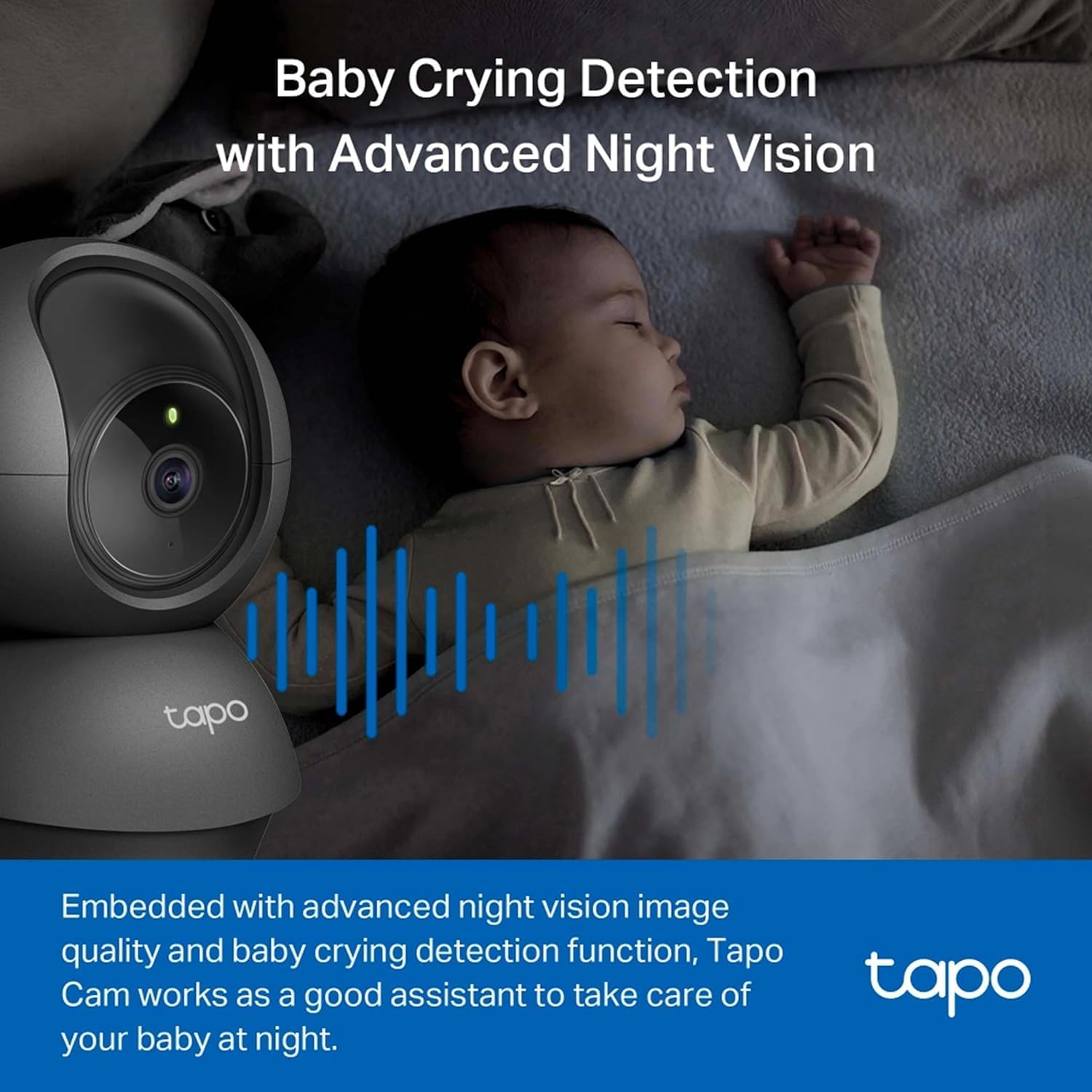
Image: A baby sleeping in a crib with the Tapo C201 camera nearby, highlighting its baby crying detection and advanced night vision features for nighttime monitoring.
Deteksi gerak sareng Tanda
The camera utilizes smart motion detection to identify movement and send instant notifications to your smartphone. You can customize activity zones to focus on specific areas.
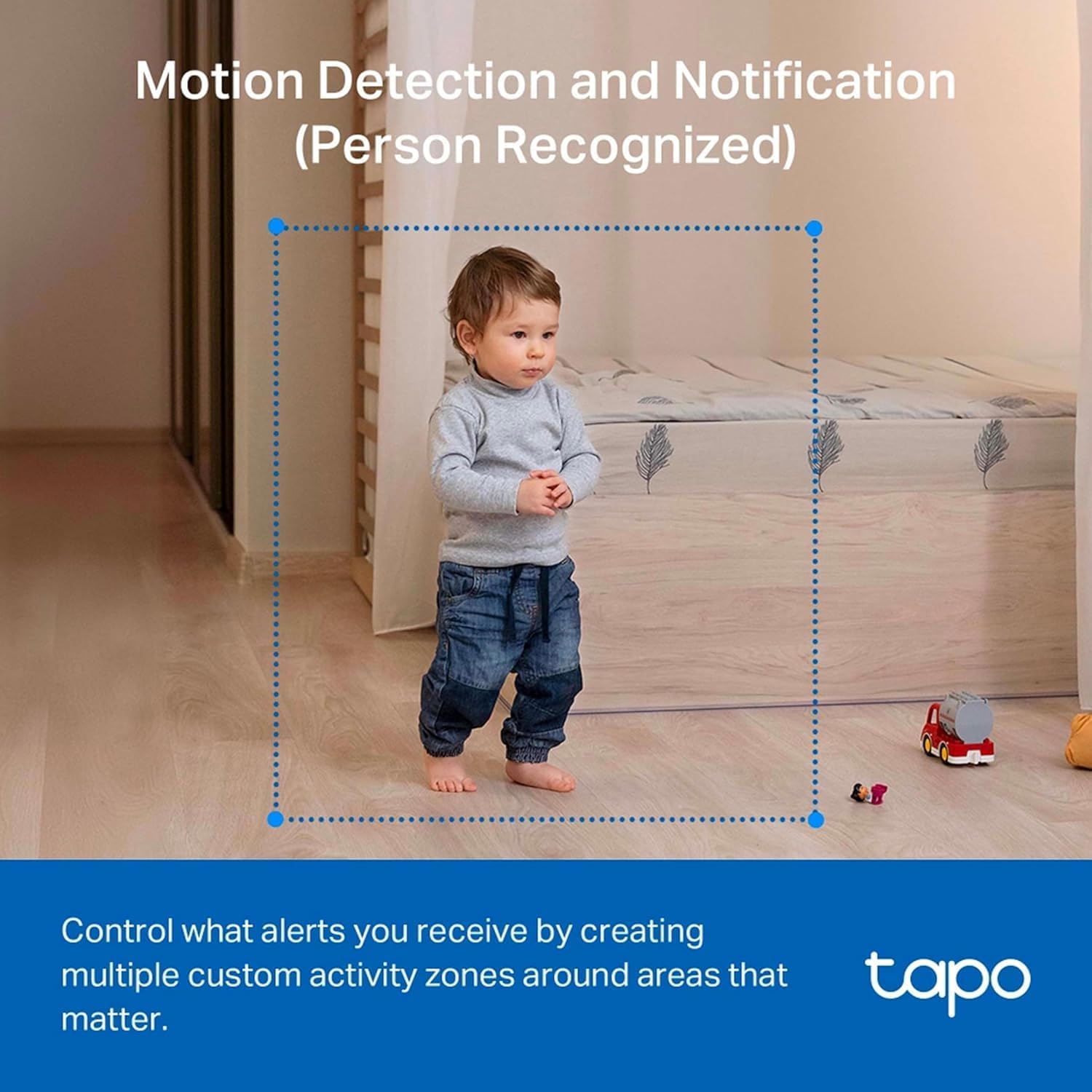
Image: A child standing in a room, with a blue dotted box indicating a custom activity zone for motion detection and notifications by the Tapo C201 camera.
Audio Dua Arah
With a built-in microphone and speaker, the Tapo C201 enables two-way communication. This allows you to interact with family members, pets, or deter intruders.
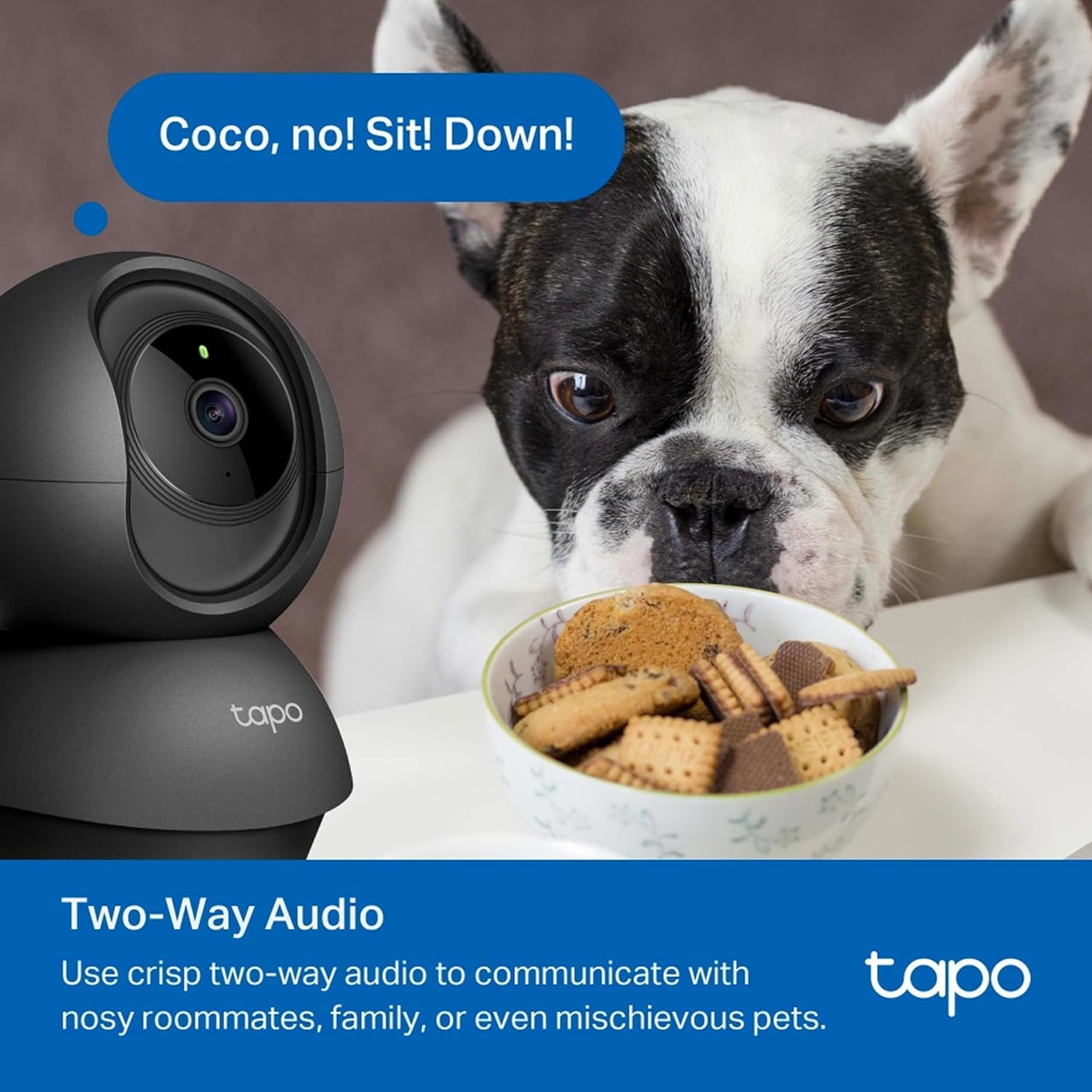
Image: A dog looking at a bowl of treats with the Tapo C201 camera in the foreground, illustrating the two-way audio feature for communication.
Panyimpenan Lokal
The device supports microSD cards up to 512GB for secure and cost-effective local storage of your footage.
Modeu Privasi
Activate Privacy Mode via the Tapo app to temporarily stop recording and monitoring, ensuring your privacy when needed.
Kontrol sora
The Tapo C201 is compatible with Google Assistant and Amazon Alexa, offering convenient hands-free control.
Énkripsi Aman
Advanced encryption and wireless protocols ensure data privacy and secure communication between your phone and the device.
spésifikasi
| Fitur | Nilai |
|---|---|
| Pamakéan jero rohangan / outdoor | jero rohangan |
| Alat nu cocog | Smartphone, Smartwatch |
| Sumber Daya | Kabel Listrik |
| Protokol konektipitas | Wifi |
| Tipe Controller | Asisten Google, Amazon Alexa |
| Tipe Pamasangan | Gunung siling |
| Resolusi Capture Video | 1080 p |
| Jumlah Item | 1 |
| Ukuran barang L x W x H | 3.93 x 3.93 x 8.66 inci |
| Format Capture Video | MPEG-4 |
| Dimensi produk | 3.93 x 3.93 x 8.66 inci |
| Nomer modél barang | TAPO-C201 |
| Produsén | TP-Link |
| Dianjurkeun Mangpaat Pikeun Produk | Baby Monitoring, Pet Monitoring, Indoor Security |
| Téhnologi konektipitas | Nirkabel |
| Fitur husus | 2 Way Audio, HD Resolution, Night Vision, Cry Detection, Motion Sensor |
Pamérésan masalah
If you encounter any issues with your Tapo C201 camera, please consider the following:
- Henteu aya kakuatan: Pastikeun adaptor kakuatan disambungkeun sacara aman ka kaméra sareng stop kontak listrik anu tiasa dianggo.
- Masalah Sambungan Wi-Fi: Verify your Wi-Fi network is 2.4 GHz. Restart your router and the camera. Ensure the camera is within range of your Wi-Fi signal.
- Konéktipitas Aplikasi: Make sure your smartphone has a stable internet connection and the Tapo app is updated to the latest version.
- Kualitas Gambar: Check your internet speed. Higher quality video streams require a faster internet connection.
Perawatan sareng Pangropéa
To ensure the longevity and optimal performance of your Tapo C201 camera:
- Keep the camera clean by gently wiping it with a soft, dry cloth.
- Hindarkeun ngalaan kaméra ka suhu atanapi kalembaban anu ekstrim.
- Do not attempt to disassemble or repair the camera yourself. Refer to professional service if needed.
Ngarojong
For further assistance, warranty information, or technical support, please contact TP-Link customer service or visit their official websitus.


