1. Bubuka
This manual provides essential information for the proper setup, operation, and maintenance of your KOORUI E2711K 27 Inch 144Hz FHD IPS Monitor. Please read this manual thoroughly before using the product and retain it for future reference.
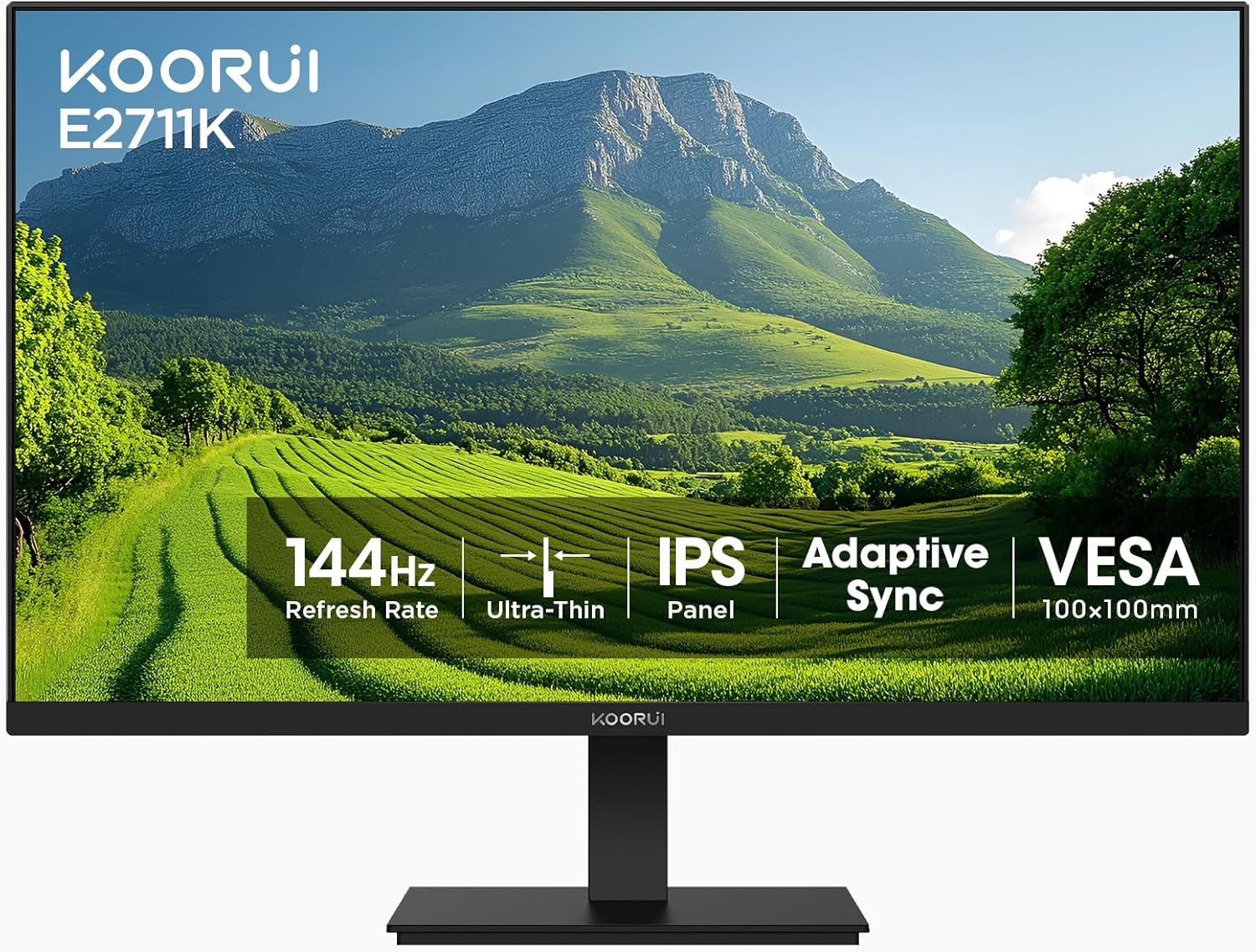
Gambar 1.1: Hareupeun view of the KOORUI E2711K 27 Inch Monitor, showcasing bezels ramping na nangtung.
2. Eusi Paket
Pastikeun yén sadaya item aya dina bungkusan:
- 27 inci Monitor
- Kabel Daya
- Kabel HDMI
- Manual pamaké
3. Parentah Setup
3.1 Majelis nangtung
- Taliti cabut monitor jeung nangtung komponén tina bungkusan.
- Pasangkeun dasar penyangga kana beuheung penyangga, amankeun nganggo sekrup anu disayogikeun.
- Sejajarkeun stand nu dirakit jeung slot ningkatna dina tonggong monitor jeung dorong nepi ka clicks kana tempatna. Pastikeun éta aman fastened.
3.2 VESA Pamasangan
The monitor supports VESA 100x100mm mounting for alternative installation options such as wall mounts or monitor arms. Remove the stand before attaching a VESA-compatible mount.

Gambar 3.1: Tukangeun view of the monitor showing the VESA 100x100mm mounting points for attaching to a monitor arm or wall mount.
3.3 Nyambungkeun ka Alat
Connect the monitor to your computer or other devices using the available ports:
- HDMI: Use the provided HDMI cable to connect to an HDMI port on your device. The HDMI port supports a 144Hz refresh rate.
- VGA: Use a VGA cable (not included) to connect to a VGA port on your device. The VGA port supports a 60Hz refresh rate.
- Kaluaran Audio: Connect external speakers or headphones to the 3.5mm audio output jack.
- Kakuatan DC: Connect the power cable to the DC input on the monitor and then to a power outlet.

Image 3.2: Close-up of the monitor's rear panel, highlighting the HDMI, VGA, Audio Output, and DC power ports, along with an illustration of the tilt adjustment range.
4. Parentah Operasi
4.1 Daya Hurung/Pareuman
Pencét tombol daya anu aya dina monitor pikeun ngaktipkeun atanapi mareuman. Lampu indikator daya bakal hurung nalika monitor aktip.
4.2 Menu dina layar (OSD).
The OSD menu allows you to adjust various monitor settings. Use the vertical buttons on the back of the monitor to navigate and select options within the OSD menu.

Gambar 4.1: Sisi view of the monitor emphasizing its slim design and the location of the vertical control buttons for OSD navigation.
4.3 Setélan tampilan
- Resolusi: The monitor supports a native Full HD (1920 x 1080) resolution for clear and detailed images.
- Laju Refresh: Enjoy smooth visuals with a 144Hz refresh rate, reducing motion blur in fast-paced content.
- Adaptive Sync (FreeSync): This technology synchronizes the monitor's refresh rate with your graphics card's frame rate, eliminating screen tearing and stuttering for a fluid experience.
- HDR10: High Dynamic Range 10 provides enhanced contrast and color depth for compatible content.
- Warna Gamut: The monitor covers 99% sRGB color gamut, offering accurate and vibrant color reproduction.

Image 4.2: A comparison demonstrating sharper text and clearer motion at 144Hz refresh rate compared to 75Hz, highlighting reduced eye fatigue.

Image 4.3: A visual representation of the monitor's 99% sRGB color gamut, indicating its ability to display a wide range of accurate colors.
4.4 Fitur Perawatan Panon
The monitor incorporates features designed to reduce eye strain during extended use:
- Bebas kedip-kedip: Ngaleungitkeun kedip-kedip layar, anu tiasa nyababkeun panon capé.
- Filter Cahaya Biru: Ngurangan émisi cahaya biru anu ngabahayakeun pikeun ngajaga panon anjeun.
- Anti sorotan: The matte screen surface minimizes reflections, improving visibility in various lighting conditions.
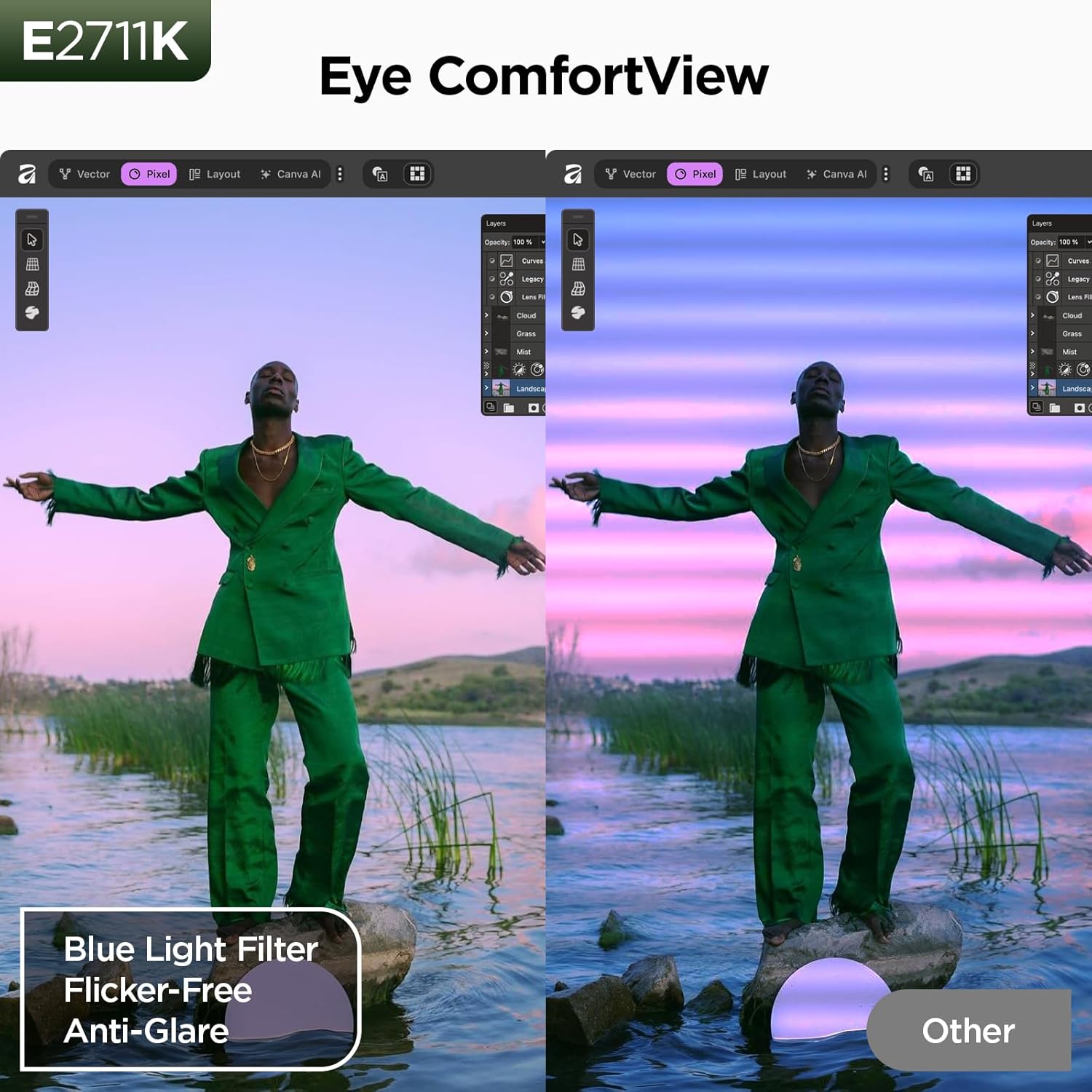
Image 4.4: A split-screen comparison illustrating the benefit of Eye ComfortView features, showing reduced blue light and glare compared to a standard display.
4.5 Pangaluyuan ergonomic
Stand monitor ngamungkinkeun pangaturan kemiringan pikeun ngaoptimalkeun viewing comfort. You can tilt the screen from -5 degrees forward to 15 degrees backward.

Image 4.5: A visual demonstration of the 178-degree wide viewing angle provided by the IPS panel, ensuring consistent image quality from various perspectives.
5. Pangropéa
5.1 Ngabersihan Monitor
Pikeun ngabersihkeun layar monitor, usap sacara lembut nganggo kaén anu lemes sareng teu aya serat. Pikeun tanda pengkuh, enteng dampBilas lawon ku cai atanapi pembersih layar anu hampang sareng henteu abrasif. Hindarkeun nganggo bahan kimia anu keras atanapi bahan abrasif.
5.2 Panyimpenan
When storing the monitor, ensure it is powered off and disconnected from all cables. Store it in a cool, dry place, preferably in its original packaging, to protect it from dust and physical damage.
6. Cara ngungkulan
Upami anjeun mendakan masalah sareng monitor anjeun, tingal masalah sareng solusi umum ieu:
- Henteu aya kakuatan: Pastikeun kabel daya disambungkeun sacara aman ka monitor sareng stop kontak listrik anu tiasa dianggo.
- Henteu aya sinyal: Verify that the video cable (HDMI or VGA) is correctly connected to both the monitor and your device. Check that the correct input source is selected on the monitor.
- Masalah Kualitas Gambar: Adjust resolution and refresh rate settings on your computer. Check for driver updates for your graphics card.
- Layar Soék/Gaplok: Ensure Adaptive Sync (FreeSync) is enabled in both your monitor's OSD settings and your graphics card control panel.
7. Spésifikasi
| Fitur | Spésifikasi |
|---|---|
| Nomer modél | MB27V29Q |
| Ukuran layar | 27 inci |
| Resolusi | 1920 x 1080 (FHD 1080p) |
| Refresh Laju | 144Hz (via HDMI) |
| Tipe Panel | IPS |
| Rasio Aspék | 16:9 |
| Caang Gambar | 250 Candela |
| Babandingan Kontras | 20,000,000: 1 (Dinamis) |
| Warna Gamut | 99% sRGB |
| Viewdina Angle | 178° |
| Konektipitas | HDMI 1.4, VGA, Audio Output |
| Kasaluyuan VESA | 100 x 100 mm |
| Adjustment Dengdekkeun | -5 ° ka 15 ° |
| Dimensi produk | 24.13 x 7.28 x 18.15 inci |
| Item Beurat | 10.68 pon |
8. Video Produk Leuwihview
Watch this video for a visual guide on the features and benefits of the KOORUI E2711K monitor.
Video 8.1: Hiji acara video produk resmicasing the KOORUI 27 inch 144hz monitor E2711K, demonstrating its design, features, and connectivity options.
9. Garansi jeung Rojongan
KOORUI provides a 3-Taun jaminan kawates for this product. For technical assistance, troubleshooting, or warranty claims, please contact KOORUI customer support. Refer to the contact information provided in your product packaging or on the official KOORUI websitus.


