1. Bubuka
Welcome to the RORSOU B8 Over-Ear Bluetooth Headphones. These headphones are designed to deliver a high-fidelity audio experience with deep bass, versatile connectivity, and exceptional comfort. This manual will guide you through the features and functions of your new headphones.
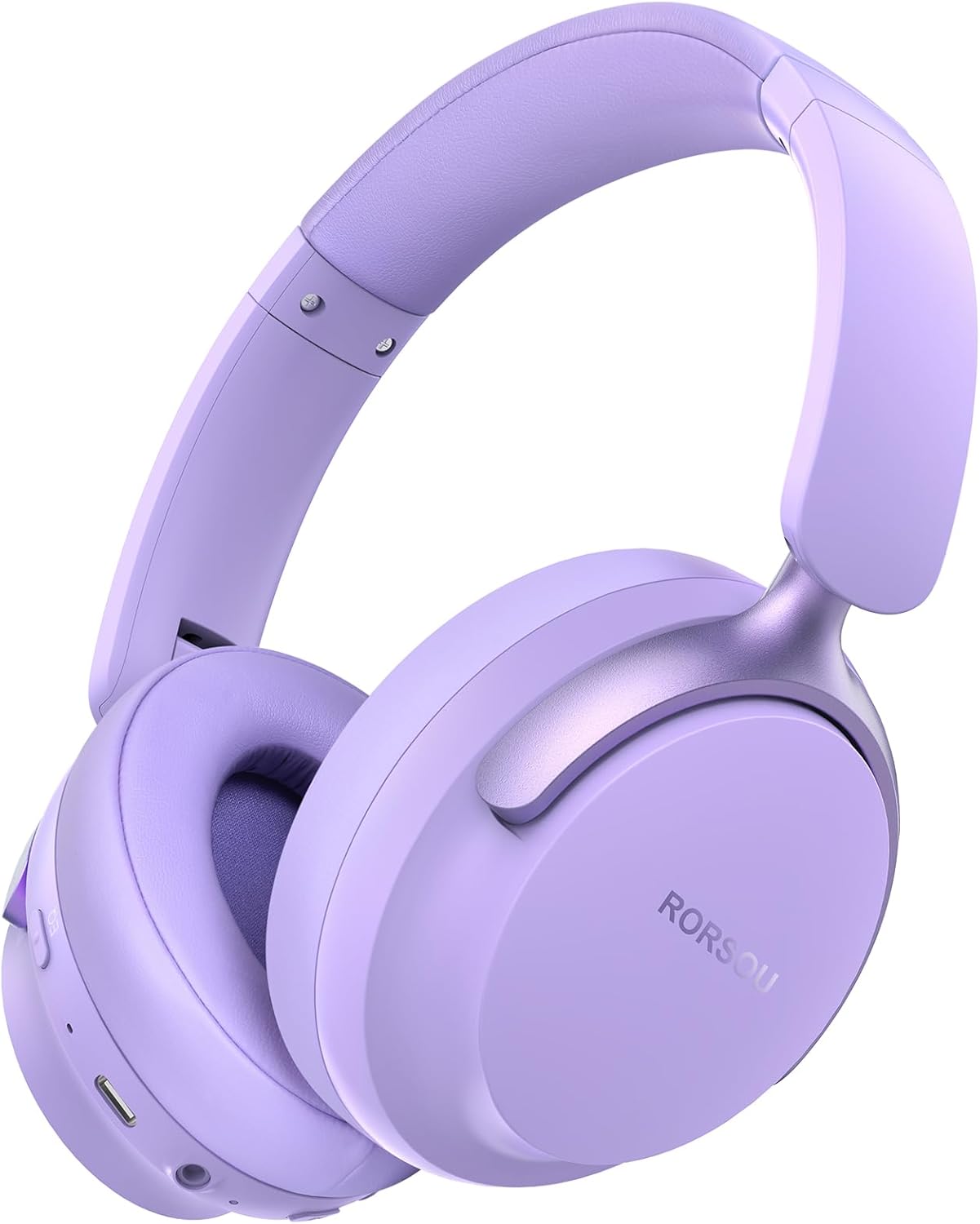
Figure 1: RORSOU B8 Over-Ear Bluetooth Headphones (Purple)
Fitur konci:
- Hi-Fi Stereo and Deep Bass Sound: Equipped with 40mm audio drivers and an advanced Bluetooth 5.4 chip for clear sound, full dynamic range, rich bass, and crisp mids.
- Strong Bluetooth 5.4 & Wired Connection: Offers faster, more stable data transmission, dual-device pairing, and a 3.5mm audio jack for wired use.
- Optimized Sound Quality with 6 EQ Modes: Allows switching between six preset EQ settings (Standard, Classical, Metal, Jazz, Rock, Bass) for different music styles. Features a built-in microphone for clear calls.
- All-day Comfort & Foldable Design: Ultra-soft protein leather earcups and an adjustable headband ensure comfort during extended use. The foldable and lightweight design enhances portability.
- Dipanjangkeun Playtime: 400mAh battery provides up to 50 hours of playtime. Can be used in wired mode when the battery is depleted.
2. Naon dina Box
- RORSOU B8 Over-Ear Bluetooth Headphones
- Kabel Ngecas USB-C
- Kabel Audio 3.5mm
- Manual pamaké
- Mawa Kantong
3. Setélan
3.1 Ngecas Headphone
Before first use, fully charge your RORSOU B8 headphones. Connect the provided USB-C charging cable to the charging port on the headphone and the other end to a USB power source (e.g., computer, wall adapter). The LED indicator will show charging status and turn off when fully charged. A full charge takes approximately 2 hours.
3.2 Powering on / Pareum
- Pikeun Ngahurungkeun: Pencét terus tahan tombol Daya salami 3 detik dugi ka indikator LED hurung.
- Pikeun mareuman: Pencét jeung tahan tombol Daya salila 3 detik nepi ka indikator LED pareum.
3.3 Nyapasangkeun Bluetooth
To connect your RORSOU B8 headphones to a Bluetooth-enabled device:
- Pastikeun headphone dipareuman.
- Press and hold the Power button for approximately 5 seconds until the LED indicator flashes blue and red alternately. This indicates pairing mode.
- Dina alat anjeun (smartphone, tablet, PC), aktipkeun Bluetooth sareng milarian alat anu sayogi.
- Select "RORSOU B8" from the list of available devices.
- Once connected, the LED indicator on the headphones will flash blue slowly or remain solid blue.
Headphone ieu tiasa dipasangkeun sareng dua alat sakaligus sareng tiasa ngalih di antara dua alat éta kalayan lancar.
3.4 Sambungan kabel
For a wired connection, use the provided 3.5mm audio cable. Plug one end into the 3.5mm audio jack on the headphones and the other end into your audio source. This mode does not require battery power.
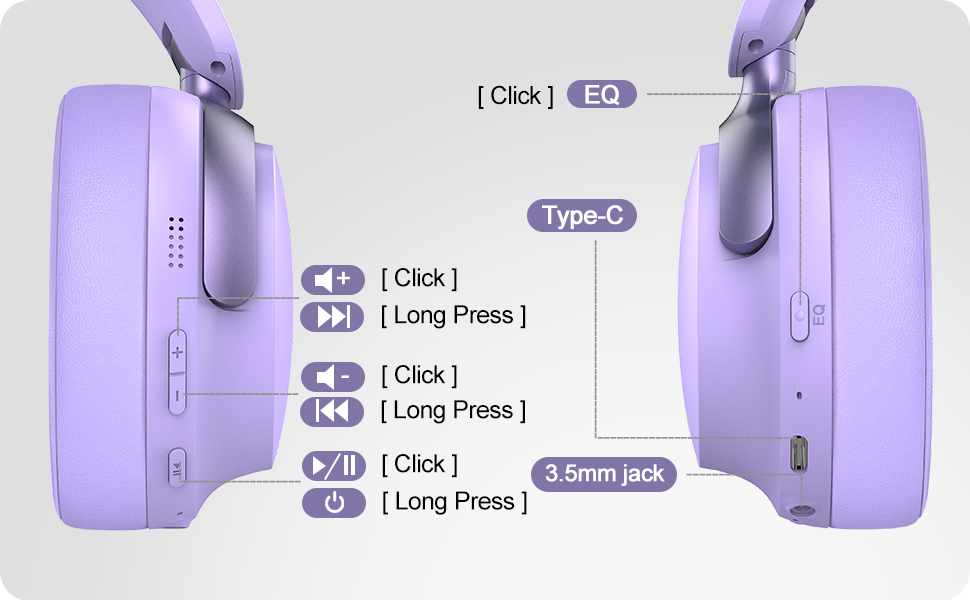
Figure 2: Bluetooth 5.4 Wireless vs. 3.5mm Wired Connection
4. Parentah Operasi
4.1 Kontrol Leuwihview
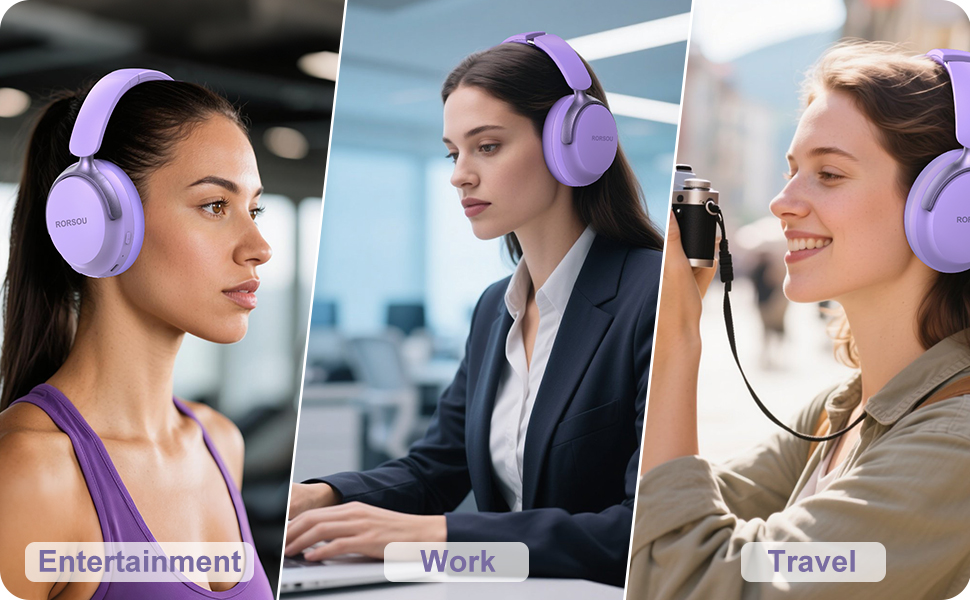
Figure 3: RORSOU B8 Headphone Controls
- Tombol Daya: Pencét jeung tahan pikeun mareuman/nonaktipkeun.
- Volume Naik (+): Click to increase volume. Long press for next track.
- Volume Turun (-): Click to decrease volume. Long press for previous track.
- Tombol Multi-fungsi (Play/Reureuh): Click to play/pause music, answer/end calls. Long press to activate voice assistant.
- Tombol EQ: Click to cycle through 6 preset EQ modes (Standard, Classical, Metal, Jazz, Rock, Bass).
4.2 Modeu EQ
The RORSOU B8 headphones feature 6 distinct EQ modes to enhance your listening experience based on music genre:
- Standar
- Klasik
- logam
- Jazz
- Batu
- Bass
Press the EQ button to switch between these modes and find the optimal sound profile for your audio.
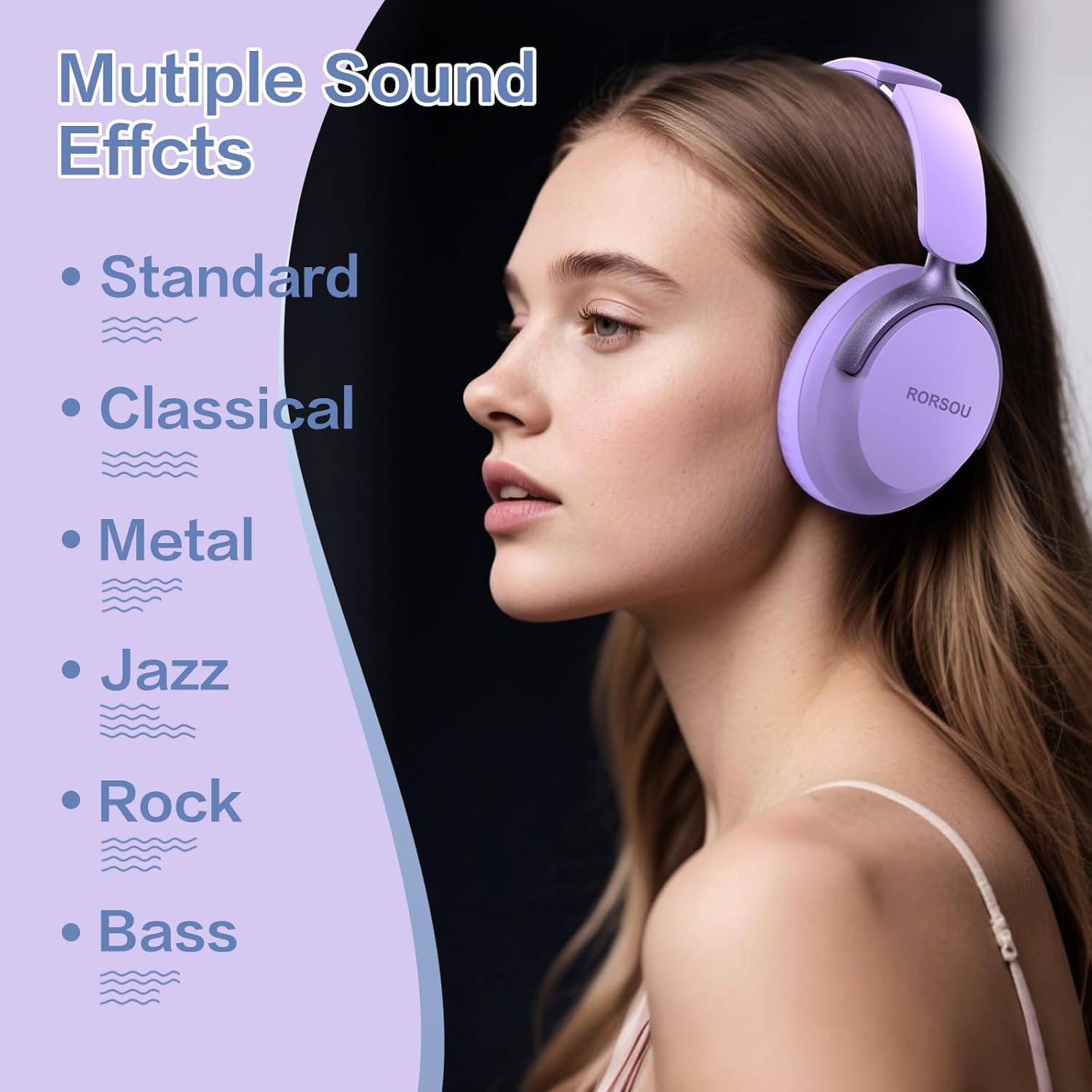
Figure 4: Multiple Sound Effects (EQ Modes)
5. Kanyamanan sareng Portabilitas
The RORSOU B8 headphones are designed for extended wear and easy transport.
- Ultra-soft Protein Leather Earcups: Provides comfort for long listening sessions.
- Headband adjustable: Mastikeun ukuran sirah anu aman sareng nyaman pikeun rupa-rupa ukuran.
- Desain anu tiasa dilipat: Earcups swivel 90 degrees and the headphones fold compactly for easy storage in the included carrying pouch, ideal for travel.

Figure 5: Comfort and Foldable Design
6. Pangropéa
To ensure the longevity and optimal performance of your RORSOU B8 headphones, follow these maintenance guidelines:
- beberesih: Wipe the headphones with a soft, dry cloth. For earcups, use a slightly damp cloth with mild soap if necessary, then wipe dry immediately. Avoid harsh chemicals or abrasive materials.
- Panyimpenan: When not in use, store the headphones in the provided carrying pouch to protect them from dust and scratches. Store in a cool, dry place.
- Hindarkeun Kaayaan Ekstrim: Do not expose the headphones to extreme temperatures, humidity, or direct sunlight. They are not water-resistant.
- Perawatan kabel: Anggo kabel ngecas sareng audio kalayan ati-ati. Hindarkeun bengkok anu seukeut atanapi tarikan anu kaleuleuwihi pikeun nyegah karusakan.
7. Cara ngungkulan
If you encounter any issues with your RORSOU B8 headphones, refer to the following common solutions:
| Masalah | Mungkin Cukang lantaranana | Solusi |
|---|---|---|
| Headphone moal hurung | batré lemah | Charge the headphones fully (approx. 2 hours). |
| Teu bisa masangkeun via Bluetooth | Headphone henteu dina mode papasangan; alat Bluetooth pareum; gangguan | Ensure headphones are in pairing mode (flashing blue/red). Turn off and on your device's Bluetooth. Move closer to the device. |
| Henteu aya sora atanapi kualitas sora na goréng | Volume too low; incorrect EQ mode; loose wired connection; device issue | Increase headphone/device volume. Cycle through EQ modes. Re-insert 3.5mm cable firmly. Test with another audio source. |
| Mikropon teu jalan | Device settings; microphone blocked | Check device's audio input settings. Ensure microphone port is clear. |
| Headphone sering pegat sambungan | Di luar jangkauan; gangguan; batré lemah | Stay within Bluetooth range (up to 10 meters). Avoid obstacles. Charge headphones. |
If the issue persists after trying these steps, please contact RORSOU customer service for further assistance.
8. Spésifikasi
| Fitur | Rincian |
|---|---|
| Ngaran modél | B8 |
| merek | RORSOU |
| Téhnologi konektipitas | Bluetooth 5.4, Wired, Wireless |
| Headphone Jack | 3.5 mm Jack |
| Kontrol bising | Pembatalan Noise Pasip |
| Ukuran Supir Audio | 40 milimeter |
| Kahirupan batré | 50 Jam |
| Waktu Ngecas | 2 Jam |
| Item Beurat | 0.23 Kilogram (8.1 ons) |
| Bahan | Polikarbonat (PC) |
| Tipe Kontrol | Kontrol Volume, Tombol Pencét |
| Komponén Kaasup | User Manual, USB-C Charging Cable, 3.5mm Audio Cable, Carrying Pouch |
9. Garansi jeung Rojongan
RORSOU is dedicated to providing high-quality products with excellent after-sale service. Your RORSOU B8 headphones come with a 180-day Hassle-Free Limited Protection.
If you have any questions, concerns, or require technical support, please contact RORSOU customer service. We aim to respond to all inquiries within 24 hours.
For the most up-to-date support information, please visit the official RORSOU websitus atanapi tingal wincik kontak disadiakeun kalawan bungkusan produk Anjeun.


