1. Bubuka
This manual provides detailed instructions for the operation and maintenance of your KEPLUG MX9 Sunrise Alarm Clock. This device combines a digital alarm clock, a sunrise simulation wake-up light, a dimmable bedside night light, and a white noise machine with 30 soothing sounds. Please read this manual thoroughly before use to ensure proper functionality and safety.
2. Émbaran Kasalametan
- Pastikeun alat disimpen dina permukaan datar anu stabil.
- Ulah ngalaan alat ka cai atawa kaleuleuwihan Uap.
- Anggo ngan ukur adaptor daya sareng kabel anu disayogikeun.
- Jauhkeun tina jangkauan barudak sareng piaraan.
- Ulah nyobian ngabongkar atawa ngalereskeun alat sorangan. Kontak personil mumpuni pikeun layanan.
- Cabut colokan alat nalika badai kilat atanapi nalika henteu dianggo kanggo waktos anu lami.
3. Eusi Paket
Pastikeun yén sadaya item aya dina bungkusan:
- KEPLUG MX9 Sunrise Alarm Clock
- Adaptor kakuatan
- Kabel Daya
- Manual pangguna (dokumén ieu)
4. Produk Langkungview
Familiarize yourself with the main components and control buttons of your KEPLUG MX9 Sunrise Alarm Clock.

Gambar 1: Hareupeun view of the KEPLUG MX9 Sunrise Alarm Clock, showing the main light dome, digital time display, and control buttons at the base.
The device features a large light dome, a digital time display, and several touch-sensitive buttons for control:
- Tombol Alarm: Used to set and activate alarms.
- Tombol waktos: Used to set the current time and 12/24-hour format.
- Tombol Snooze/Cahaya: Activates snooze during an alarm, or turns on/off and adjusts the night light.
- Tombol tambah (+) : Increases values (time, volume, brightness) or navigates options.
- Minus (-) Tombol: Decreases values (time, volume, brightness) or navigates options.
- Tombol Catetan Musik: Selects soothing sounds or white noise.
5. Setélan
5.1 Sambungan Daya
- Connect the power cable to the DC input port on the back of the alarm clock.
- Colokkeun adaptor kakuatan kana stop kontak listrik standar.
- Layar digital bakal hurung, nunjukkeun alat parantos dihurungkeun.
5.2 Nyetél Waktos Ayeuna
- Pencét jeung tahan tombol Tombol Waktos for 3 seconds to enter time setting mode. The hour digits will flash.
- Ngagunakeun éta tambah (+) or Minus (-) Buttons pikeun nyaluyukeun jam.
- Pencét éta Tombol Waktos deui pikeun mastikeun jam sareng pindah ka setélan menit. Angka menit bakal kedip-kedip.
- Ngagunakeun éta tambah (+) or Minus (-) Buttons pikeun nyaluyukeun menit.
- Pencét éta Tombol Waktos a third time to confirm the minutes and select 12-hour or 24-hour format.
- Ngagunakeun éta tambah (+) or Minus (-) Buttons pikeun milih format waktos anu dipikahoyong.
- Pencét éta Tombol Waktos one last time to exit time setting mode.
6. Parentah Operasi
6.1 Setting an Alarm (Sunrise Simulation & Sound)
The KEPLUG MX9 allows you to set multiple alarms with customizable sunrise simulation and sound options.

Image 2: Illustration of the sunrise simulation feature, where the light gradually brightens over a set period, mimicking a natural sunrise.
- Pencét éta Tombol Alarm to select an alarm slot (e.g., Alarm 1, Alarm 2).
- Pencét jeung tahan tombol Tombol Alarm for 3 seconds to enter alarm setting mode. The alarm hour digits will flash.
- Ngagunakeun éta tambah (+) or Minus (-) Buttons pikeun ngeset jam alarm nu dipikahoyong.
- Pencét éta Tombol Alarm to confirm the hour and set the minutes.
- Ngagunakeun éta tambah (+) or Minus (-) Buttons pikeun nyetel menit alarm nu dipikahoyong.
- Pencét éta Tombol Alarm to confirm minutes and set the sunrise duration (15-120 minutes). This is the time before the alarm sound when the light will gradually brighten.
- Ngagunakeun éta tambah (+) or Minus (-) Buttons to select the sunrise duration.
- Pencét éta Tombol Alarm to confirm duration and select the wake-up sound.
- Ngagunakeun éta tambah (+) or Minus (-) Buttons to cycle through the available wake-up sounds (e.g., nature sounds, melodies).
- Pencét éta Tombol Alarm to confirm the sound and set the alarm volume.
- Ngagunakeun éta tambah (+) or Minus (-) Buttons to adjust the alarm volume (7 levels).
- Pencét éta Tombol Alarm one last time to save the alarm settings and activate the alarm. An alarm icon will appear on the display.
6.2 Fungsi Tunda
Sawaktos alarm disada, pencét tombol Tombol Snooze / Lampu to activate the snooze function. The alarm will pause for 9 minutes and then sound again. You can snooze multiple times.
6.3 Turning Off an Alarm
To turn off a sounding alarm, press any button other than the Tombol Snooze / Lampu. To deactivate an alarm completely, press the Tombol Alarm until the alarm icon disappears from the display.
6.4 Night Light / Bedside Lamp Fungsi
The device can function as a dimmable night light with various colors.

Image 3: The alarm clock used as a bedside lamp, displaying various solid colors and mood lighting options.
- Pencét éta Tombol Snooze / Lampu once to turn on the light.
- Pencét éta Tombol Snooze / Lampu repeatedly to cycle through different solid colors (8 options) and RGB mood lights (4 options).
- To adjust the brightness of the selected light, press and hold the Tombol Snooze / Lampu, teras nganggo tambah (+) or Minus (-) Buttons to increase or decrease brightness. Release the Tombol Snooze / Lampu nalika rengse.
- Pencét jeung tahan tombol Tombol Snooze / Lampu deui mareuman lampu.
6.5 White Noise Machine & Soothing Sounds
The device offers 30 soothing sounds for relaxation or sleep aid.

Image 4: Visual representation of the 30 smooth sounds for sleep, including white noise, nature sounds, and lullabies.
- Pencét éta Tombol Catetan Musik to turn on the sound machine. It will start playing the last selected sound.
- Pencét éta Tombol Catetan Musik repeatedly to cycle through the 30 available sounds.
- Ngagunakeun éta tambah (+) or Minus (-) Buttons pikeun nyaluyukeun polumeu sora.
- To set a timer for the sound playback, press and hold the Tombol Catetan Musik. The timer options (e.g., 15 min, 30 min, 60 min, continuous) will appear. Use the tambah (+) or Minus (-) Buttons to select a duration. The sound will automatically turn off after the selected time.
- Pencét jeung tahan tombol Tombol Catetan Musik deui mareuman mesin sora.
6.6 Sunset Simulation (Sleep Aid)
The sunset simulation feature gradually dims the light and can play soothing sounds to help you fall asleep.
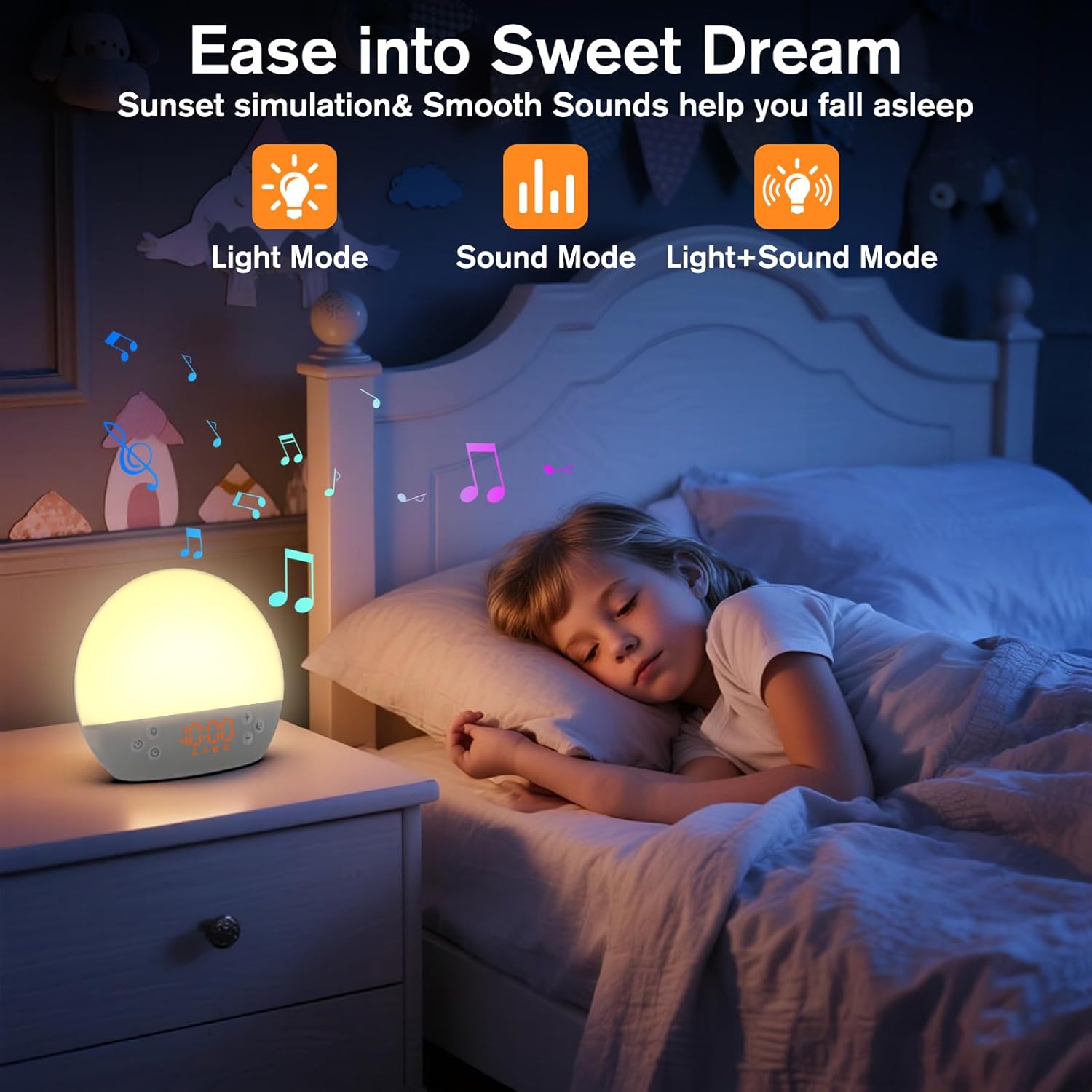
Image 5: The alarm clock in sunset simulation mode, providing a calming light and sound environment to aid sleep.
- To activate sunset simulation, press and hold the Tombol Waktos until the sunset icon appears.
- Ngagunakeun éta tambah (+) or Minus (-) Buttons to set the duration of the sunset simulation (e.g., 15, 30, 60 minutes).
- Pencét éta Tombol Waktos to confirm the duration. You can then choose to have light only, sound only, or both light and sound.
- Ngagunakeun éta tambah (+) or Minus (-) Buttons to select the desired mode (Light Mode, Sound Mode, Light+Sound Mode).
- If Light+Sound Mode is selected, you can choose a specific soothing sound and adjust its volume.
- Pencét éta Tombol Waktos again to start the sunset simulation. The light will gradually dim, and sounds will fade out over the set duration.
6.7 adjustment kacaangan tampilan
The brightness of the digital time display can be adjusted to your preference.
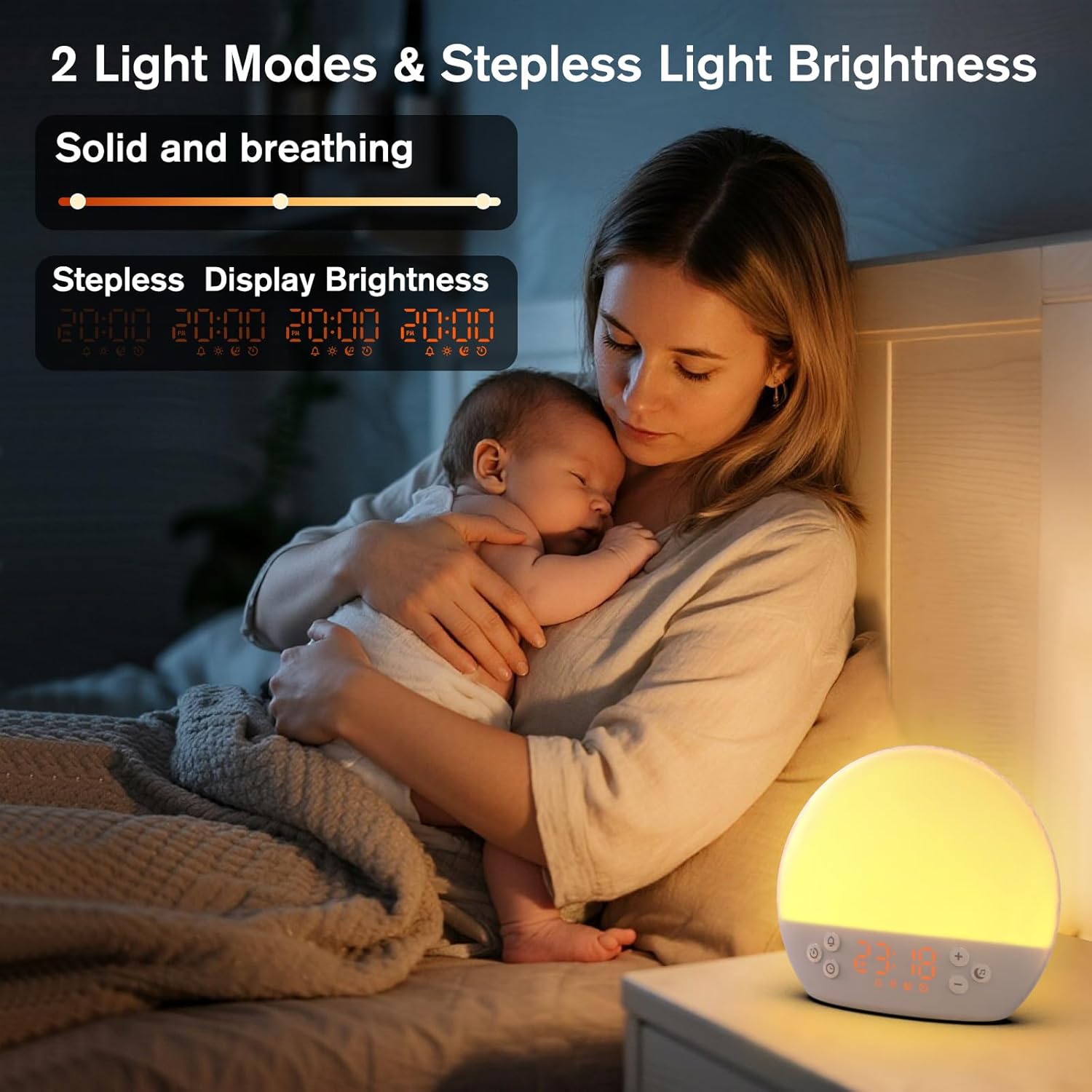
Image 6: The alarm clock demonstrating stepless display brightness adjustment, from very dim to bright.
Pikeun nyaluyukeun kacaangan tampilan, pencét sakeudeung Tombol Waktos (do not hold). Each press will cycle through different brightness levels (e.g., bright, medium, dim, off). Select the level that suits your environment.
7. Pangropéa
- beberesih: Unplug the device before cleaning. Use a soft, dry cloth to wipe the surface. Do not use abrasive cleaners or solvents.
- Panyimpenan: Upami teu dianggo salami waktos anu lami, cabut kabel alat teras simpen di tempat anu tiis sareng garing.
8. Cara ngungkulan
| Masalah | Mungkin Cukang lantaranana | Solusi |
|---|---|---|
| Alat teu hurung. | Power cable not connected properly or power outlet is faulty. | Pariksa sambungan kabel daya. Cobi stop kontak anu béda. |
| Alarm teu disada. | Alarm not activated or volume is too low. | Ensure the alarm icon is visible on the display. Increase alarm volume during setup. |
| Lampu henteu hurung. | Fungsi lampu pareum atanapi kacaangan disetel ka minimum. | Pencét éta Tombol Snooze / Lampu to turn on. Adjust brightness using tambah (+) or Minus (-) Buttons while holding the Tombol Snooze / Lampu. |
| Sounds are not playing. | Sound machine is off or volume is too low. | Pencét éta Tombol Catetan Musik to turn on. Increase volume using tambah (+) Tombol. |
| Tampilan waktos caang teuing/redup. | Display brightness setting needs adjustment. | Pencét sakeudeung Tombol Waktos to cycle through display brightness levels. |
9. Spésifikasi
| Fitur | Rincian |
|---|---|
| Ngaran modél | MX9 |
| merek | KEPLUG |
| Bahan | palastik |
| Warna | Bodas |
| Sumber Daya | Kabel Listrik |
| Item Beurat | 258 Gram (9.1 ons) |
| Dimensi produk | 2.36 x 5.59 x 6.3 inci (6 x 14.2 x 16 cm) |
| Jumlah Sumber Cahaya | 2 |
| Fitur husus | Jilid anu tiasa diatur |
| Durasi Simulasi Matahari Terbit | 15-120 menit |
| Sora-sora Ngareuah-reuah | 30 pilihan |
| Tingkat Jilid Alarm | 7 tingkat |
10. Garansi jeung Rojongan
Your KEPLUG MX9 Sunrise Alarm Clock is covered by a standard manufacturer's warranty. For specific warranty details, please refer to the product packaging or contact KEPLUG customer support. If you encounter any issues not covered in the troubleshooting section, or require further assistance, please reach out to our customer service team through the retailer where you purchased the product or visit the official KEPLUG websitus pikeun informasi kontak rojongan.


