1. Getting Started: Unboxing and Components
This section details the contents of your TABWEE T80 package and provides an overview of the tablet's physical features.
1.1 Eusi pakét
Pastikeun yén sadaya item anu didaptarkeun di handap aya dina pakét anjeun:
- TABWEE T80 Android Tablet
- Keyboard Bluetooth
- Mouse nirkabel
- Stylus Pen
- Kasus pelindung
- Pelindung Layar (sateuacan dipasang atanapi misah)
- Tablet Stand
- Charger and USB-C Cable

1.2 Produk Leuwihview
Familiarize yourself with the tablet's buttons, ports, and camera locations.
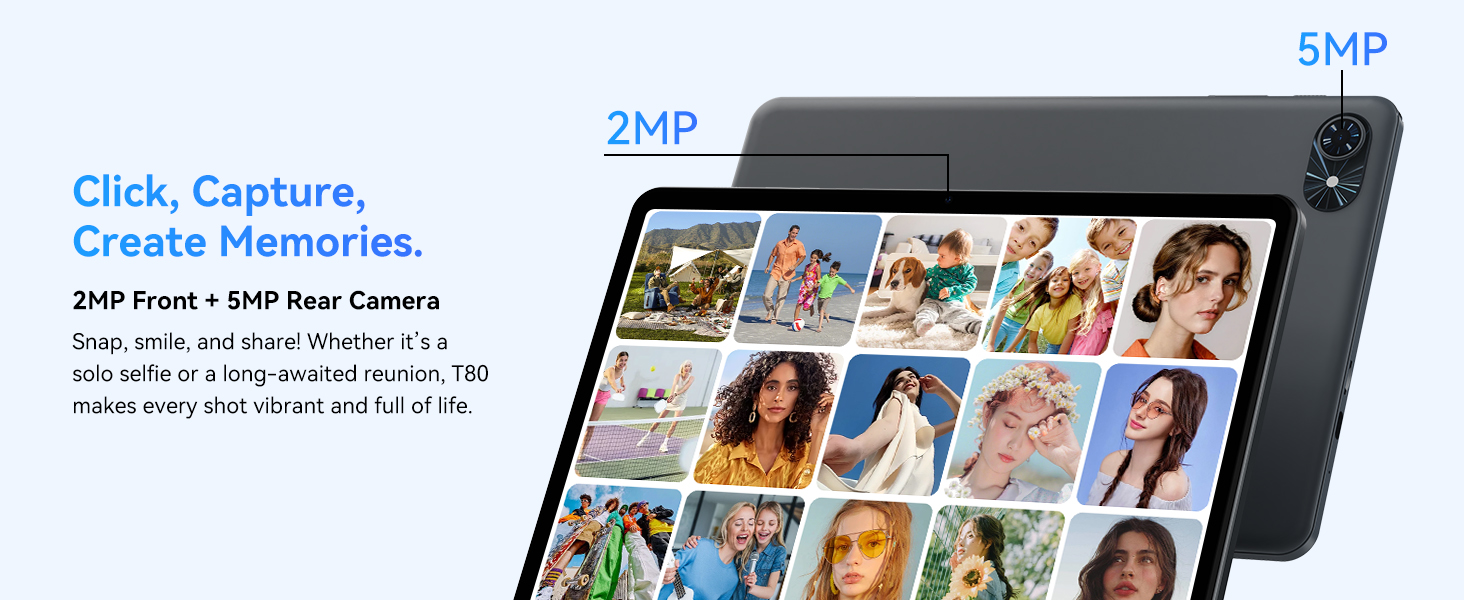
- Kaméra hareup: Located at the top center when held in landscape orientation. (2MP)
- Kaméra tukang: Located on the back panel, typically in the upper left corner. (5MP)
- Tombol Daya: Dianggo pikeun ngahurungkeun/mareuman tablet atawa ngahudangkeun/ngahurungkeun layar.
- Tombol Volume: Saluyukeun tingkat kaluaran audio.
- Palabuhan USB-C: Pikeun ngecas sareng mindahkeun data.
- Slot Kartu MicroSD: Pikeun ngalegaan panyimpenan dugi ka 2TB.
- Panyatur: Spiker ganda pikeun kaluaran audio.
2. Parentah Setup
Follow these steps to set up your TABWEE T80 tablet for first-time use.
2.1 Daya Awal Hurung sareng Konfigurasi Dasar
- Ngeusi batre tablet: Connect the provided USB-C cable and charger to the tablet and a power outlet. Allow the tablet to charge for at least 30 minutes before first use.
- Daya Hurung: Press and hold the Power button until the TABWEE logo appears on the screen.
- Basa jeung Wewengkon: Turutan parentah dina-layar pikeun milih basa jeung wewengkon nu Anjeun pikaresep.
- Nyambung ka Wi-Fi: Select your Wi-Fi network from the list and enter the password. A stable internet connection is required for initial setup and updates.
- Akun Google: Lebet nganggo akun Google anjeun atanapi jieun anu énggal. Ieu diperyogikeun pikeun ngaunduh aplikasi ti Google Play Store.
- Tanggal sareng Waktos: Confirm the date and time settings.
- Kaamanan: Setel konci layar (PIN, pola, atawa kecap akses) pikeun kaamanan.
2.2 Nyambungkeun Asesoris
The TABWEE T80 comes with several accessories to enhance its functionality.
- Bluetooth Keyboard and Mouse:
- Pastikeun kibor sareng beurit dieusi sareng diaktipkeun.
- Dina tablet anjeun, buka Setelan > Alat nu disambungkeun > Bluetooth.
- Enable Bluetooth and scan for new devices.
- Select the keyboard and mouse from the list to pair them. Follow any on-screen prompts.
- Stylus Pen: The stylus pen can be used directly on the screen for navigation, drawing, or writing. No pairing is typically required for basic capacitive styluses.
- Protective Case and Stand: Attach the protective case to the tablet. The case often includes a foldable stand for hands-free viewing.
3. Parentah Operasi
This section covers the daily operation of your TABWEE T80 tablet.
3.1 Napigasi Dasar sarta Android 15 Fitur
- Layar Utama: Swipe left or right to access different home screens. Tap and hold an empty space to customize widgets, wallpaper, and settings.
- Bewara sareng Setélan Gancang: Gesek ka handap ti luhur layar pikeun view notifications and access quick settings like Wi-Fi, Bluetooth, and brightness.
- Laci Aplikasi: Gesek ka luhur ti bagean handap layar pikeun ngakses sadaya aplikasi anu dipasang.
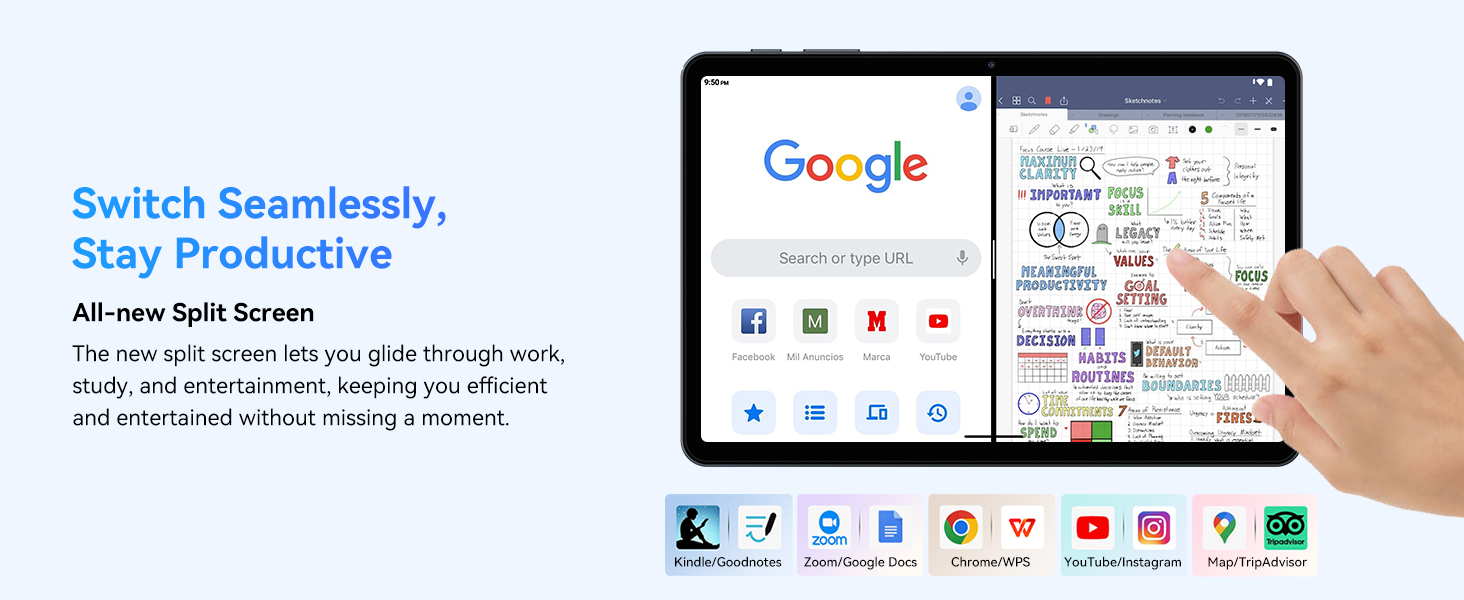
- Multitasking (Split Screen): Android 15 supports enhanced split-screen functionality. To use, open an app, then swipe up from the bottom, hold, and drag another app icon to either side of the screen.
- Gemini AI 2.0: Your tablet integrates Gemini AI 2.0 for enhanced task management, smart chats, text-to-image generation, voice-enabled Q&A, and real-time conversations. Access AI features through compatible apps or dedicated AI interfaces.
- Privasi sareng Kaamanan: Android 15 offers improved privacy controls. Review and adjust app permissions in Setelan > Privasi.
3.2 Konéktipitas
- Wifi: Supports 802.11a/b/g/n/ac for fast 5G Wi-Fi connectivity. Manage Wi-Fi connections in Setelan > Jaringan & Internét > Wi-Fi.
- Bluetooth 5.0: For connecting wireless headphones, speakers, keyboards, and mice. Manage Bluetooth devices in Setelan > Alat nu disambungkeun > Bluetooth.
- GPS: The tablet includes GPS functionality for location services and navigation apps.
- OTG (On-The-Go): Supports OTG, allowing you to connect USB devices like flash drives or external hard drives using an appropriate adapter.
3.3 Pamakéan kaméra
The TABWEE T80 features a 2MP front camera and a 5MP rear camera.
- Buka aplikasi Kamera tina layar utama anjeun atanapi laci aplikasi.
- Ketok tombol jepret pikeun nyandak poto.
- Pindah antara kaméra hareup sareng pungkur nganggo ikon toggle kaméra.
- Explore different modes such as video recording or panorama if available.

3.4 Panyimpenan sareng Kinerja
- RAM: The tablet comes with 6GB of physical RAM, expandable virtually to 18GB for smooth multitasking. Adjust RAM settings in Setélan lamun diperlukeun.
- Panyimpenan internal: 128GB ROM is provided for apps and files.
- Panyimpenan anu tiasa dilegakeun: A MicroSD card slot allows for storage expansion up to 2TB. Insert a compatible MicroSD card into the designated slot.
- Prosesor: Powered by a Quad-Core Unisoc T310 processor (1x A75 2.0GHz, 3x A55 1.8GHz) and GE8300 GPU for efficient performance.
3.5 Batré sareng Ngecas
- Kapasitas batré: Equipped with a 6000mAh battery, providing over 10 hours of typical usage.
- Ngecas: Use the provided 10W fast charger and USB-C cable. Connect the cable to the tablet's USB-C port and the charger to a power outlet.
- Optimasi batré: Android 15 includes AI Super Power Saving Algorithms to extend battery life. Monitor battery usage in Setélan> Batré.

3.6 Display and Entertainment
- tampilan: 10-inch IPS display with a resolution of 1280 x 800 pixels.
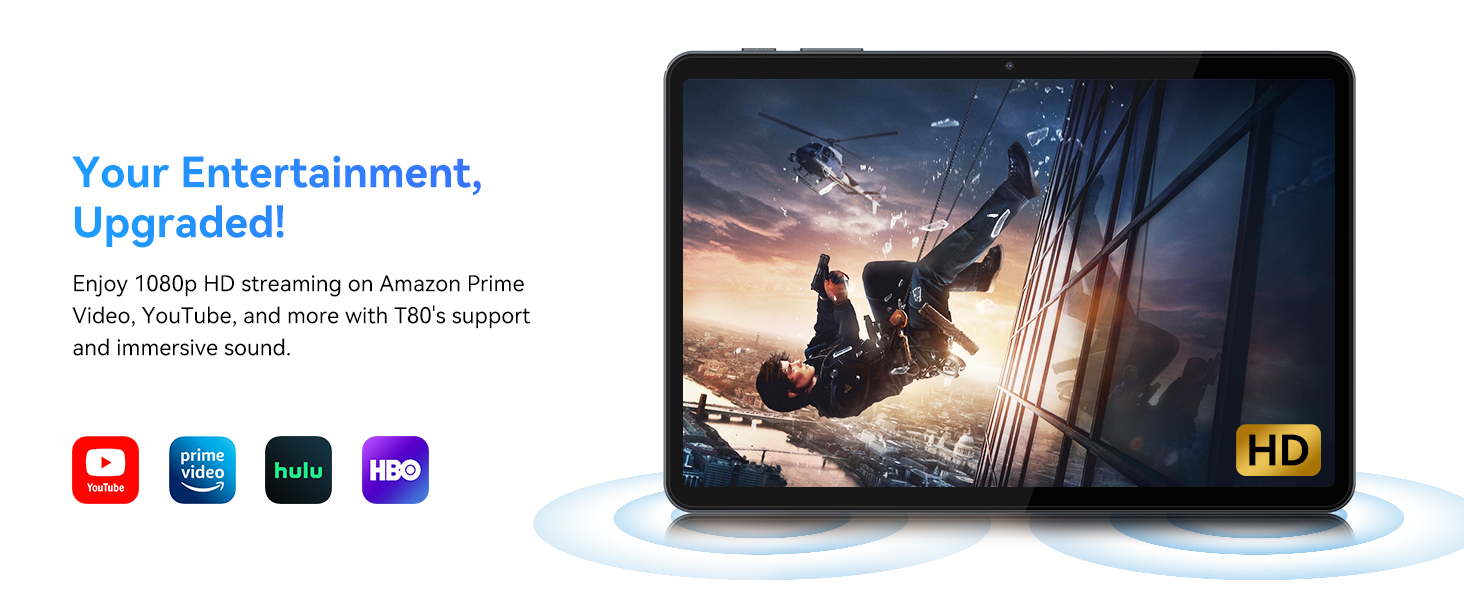
- Puterkeun Pidéo: Supports 1080P video playback for streaming services like Amazon Prime Video, YouTube, Hulu, and HBO.
- Audio: Dual speakers provide clear audio for media consumption.
4. Pangropéa
Pangropéa anu leres mastikeun umur panjang sareng kinerja tablet anjeun anu optimal.
4.1 Perawatan Batré
- Hindarkeun suhu anu ekstrim, sabab tiasa ngirangan umur batre.
- Ulah sering-sering ngantep batréna béak. Cas heula sateuacan batréna 0%.
- Anggo ngan ukur carjer sareng kabel anu disayogikeun pikeun nyegah karusakan.
4.2 beberesih
- Anggo lawon anu lemes sareng henteu lint pikeun ngabersihan layar sareng awak tablet.
- Pikeun smudges nekad, rada dampen lawon kalayan cai atanapi solusi beberesih layar. Hindarkeun bahan kimia anu kasar.
- Pastikeun sadaya port bébas tina lebu sareng runtah.
4.3 Apdet parangkat lunak
- Regularly check for and install system updates. These updates often include performance improvements, security patches, and new features.
- Pindah ka Setélan > Sistem > Apdet sistem pikeun mariksa apdet sadia.
5. Cara ngungkulan
This section addresses common issues you might encounter with your TABWEE T80 tablet.
5.1 Tablet Teu Nyala
- Pastikeun tablet tos dicas cekap. Sambungkeun kana carjer teras antosan sababaraha menit sateuacan nyobian ngahurungkeun deui.
- Try holding the Power button for 10-15 seconds to force a restart.
5.2 Masalah Konektipitas Wi-Fi
- Toggle Wi-Fi off and on in Quick Settings.
- Balikan deui router Wi-Fi anjeun.
- Poho jaringan di Setelan > Jaringan & Internét > Wi-Fi jeung nyambung deui.
5.3 Performance slow
- Tutup aplikasi latar tukang anu teu perlu.
- Clear cache for frequently used apps in Setelan > Aplikasi > [Ngaran Aplikasi] > Panyimpenan & cache > Hapus cache.
- Ensure you have sufficient free storage space. Delete old files or move them to expandable storage.
- Balikan deui tablet périodik.
5.4 Asesoris Teu Nyambung
- For Bluetooth accessories, ensure they are charged, powered on, and in pairing mode.
- Verify Bluetooth is enabled on the tablet and try re-pairing the device.
- Check the battery level of the accessories.
6. Spésifikasi
Detailed technical specifications for the TABWEE T80 Android 15 Tablet.
| Fitur | Spésifikasi |
|---|---|
| Ngaran modél | T80(6+128) |
| Sistem operasi | Android 15 |
| Ukuran layar | 10 inci |
| Resolusi layar Max | 1280 x 800 piksel |
| Prosesor | Unisoc T310 Quad-Core (1x A75 2.0GHz, 3x A55 1.8GHz) |
| Ram | 18GB (6GB fisik + 12GB virtual) |
| Ukuran Mémori Flash (ROM) | 128 GB |
| Panyimpenan Expandable | Nepi ka 2TB via kartu MicroSD |
| Tipe Wireless | 802.11a, 802.11ac, 802.11b, 802.11g, 802.11n (5G WiFi) |
| Bluetooth | Bluetooth 5.0 |
| Kapasitas batré | 6000 mah |
| Rata Kahirupan Batré | 480 Hours (Standby) / 10+ Hours (Usage) |
| Kaméra hareup | 2MP |
| Kaméra tukang | 5MP |
| Item Beurat | 1.1 pon |
| Dimensi produk | 9.5 x 6.3 x 0.3 inci |
| Warna | Pérak Gray |
7. Garansi jeung Rojongan
Information regarding your product warranty and how to obtain customer support.
7.1 Garansi Produk
The TABWEE T80 tablet comes with a 2-Taun Garansi, covering manufacturing defects and ensuring product reliability. This warranty provides peace of mind and support for your device.
7.2 Rojongan Palanggan
For any technical assistance, inquiries, or warranty claims, please contact TABWEE customer support:
- Surélék: serviceplus.linda@gmail.com
- Telepon (AS): +1 (717) 896-6060
- Telepon (Inggris): +44 7700 156388
- Phone (CA): +1 (587) 841-0500
- Telepon (DE): +49 157 3598 0115
TABWEE offers 24/7 customer support and lifetime technical assistance to ensure you have the best experience with your product.