Bubuka
This manual provides essential instructions for setting up, operating, and maintaining your Agreago Projector V3. Please read it thoroughly before use to ensure proper functionality and to maximize your viewpangalaman.
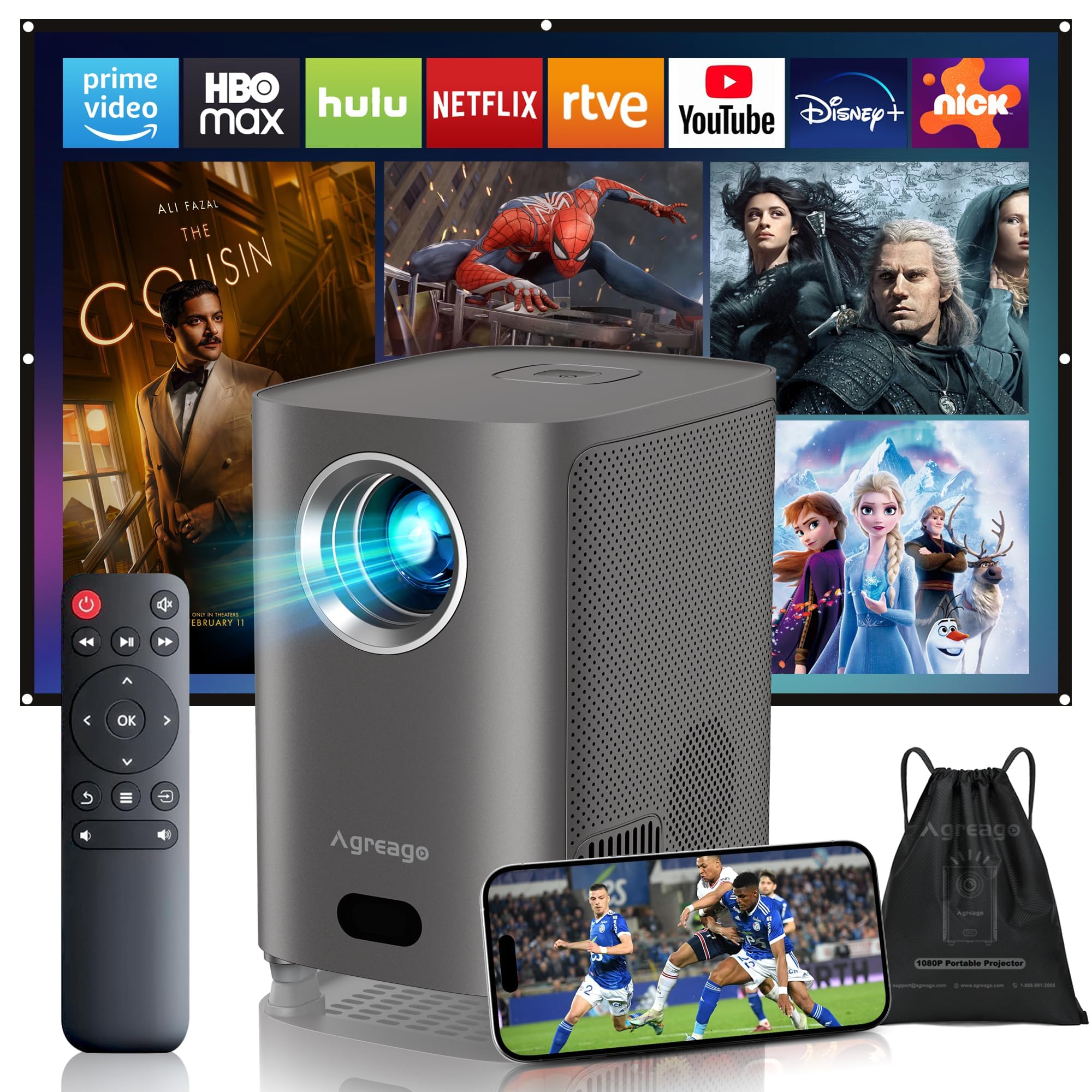
Figure 1: Agreago Projector V3 and accessories.
Naon dina Box
Saatos unboxing, pariksa yén sadaya komponén aya:
- Agreago Projector V3
- Kadali jauh
- Kabel Daya
- Kabel HDMI
- AV kabel
- Manual pamaké
- Tali Kantong Mawa
Video 1: Unboxing the Agreago Projector V3, showing included accessories.
Produk Leuwihview
Biasakeun diri anjeun sareng komponén sareng port sambungan proyéktor.
Palabuhan sambungan

Figure 2: Rear panel with audio, AV, HDMI, and USB ports.
- Audio kaluar (3.5mm): Sambungkeun speaker éksternal atawa headphone.
- Input AV: Sambungkeun alat anu langkung lami nganggo kabel AV anu disayogikeun.
- HDMI (x2): Connect devices like TV sticks, laptops, gaming consoles (Xbox, PS5).
- USB (x2): Sambungkeun drive USB pikeun playback média.
- Panarima IR: Pikeun sinyal kadali jauh.
Kadali jauh

Figure 3: Remote control for easy navigation and function access.
The remote control provides convenient access to all projector functions, including power, navigation, volume, focus adjustment, and direct access to popular streaming applications.
Video 2: Hiji leuwihview of the Agreago Projector V3's features and design.
Disetél
panempatan
Position the projector on a stable, flat surface. The integrated stand allows for flexible angle adjustments. For larger screen sizes, increase the distance between the projector and the projection surface.

Gambar 4: Jarak proyéksi anu disarankeun pikeun rupa-rupa ukuran layar.
Daya Hurungkeun
Connect the power cable to the projector and a power outlet. Press the power button on the projector or the remote control to turn it on.
adjustment fokus
The projector features electric focus. Use the dedicated focus buttons on the remote control (F+ / F-) to achieve a clear and sharp image. The auto-focus feature will also assist in initial setup.

Figure 5: Adjusting electric focus using the remote control.
Koréksi Keystone
The projector supports automatic keystone correction to ensure a rectangular image even when projected at an angle. Manual adjustments can also be made via the settings menu if needed.
Network Connection (WiFi & Bluetooth)
Connect the projector to your home Wi-Fi network for online streaming and screen mirroring. Use Bluetooth 5.2 to pair with external audio devices for enhanced sound.
Video 3: Demonstrating Wi-Fi and Bluetooth connectivity for the Agreago Projector V3.
Nyambungkeun Alat
Proyektor ieu nawiskeun sababaraha pilihan konéktivitas:
- HDMI: Connect TV sticks, laptops, gaming consoles (Xbox, PS5).
- USB: Insert USB drives for direct media playback.
- OF: Paké kabel AV disadiakeun pikeun alat heubeul.
- Screen Mirroring (iOS/Android): Wirelessly display content from your smartphone or tablet.
Parentah Operasi
Napigasi
Use the remote control's directional buttons and 'OK' button to navigate the projector's interface. Dedicated buttons for streaming services provide quick access.
Média Playback
Select the desired input source (HDMI, USB, Screen Mirroring) from the home screen. Navigate to your media files or streaming app to begin playback.
Setélan sora
The projector features built-in dual stereo speakers. Adjust volume using the remote. For a private listening experience, connect headphones via the 3.5mm audio jack or pair Bluetooth headphones.
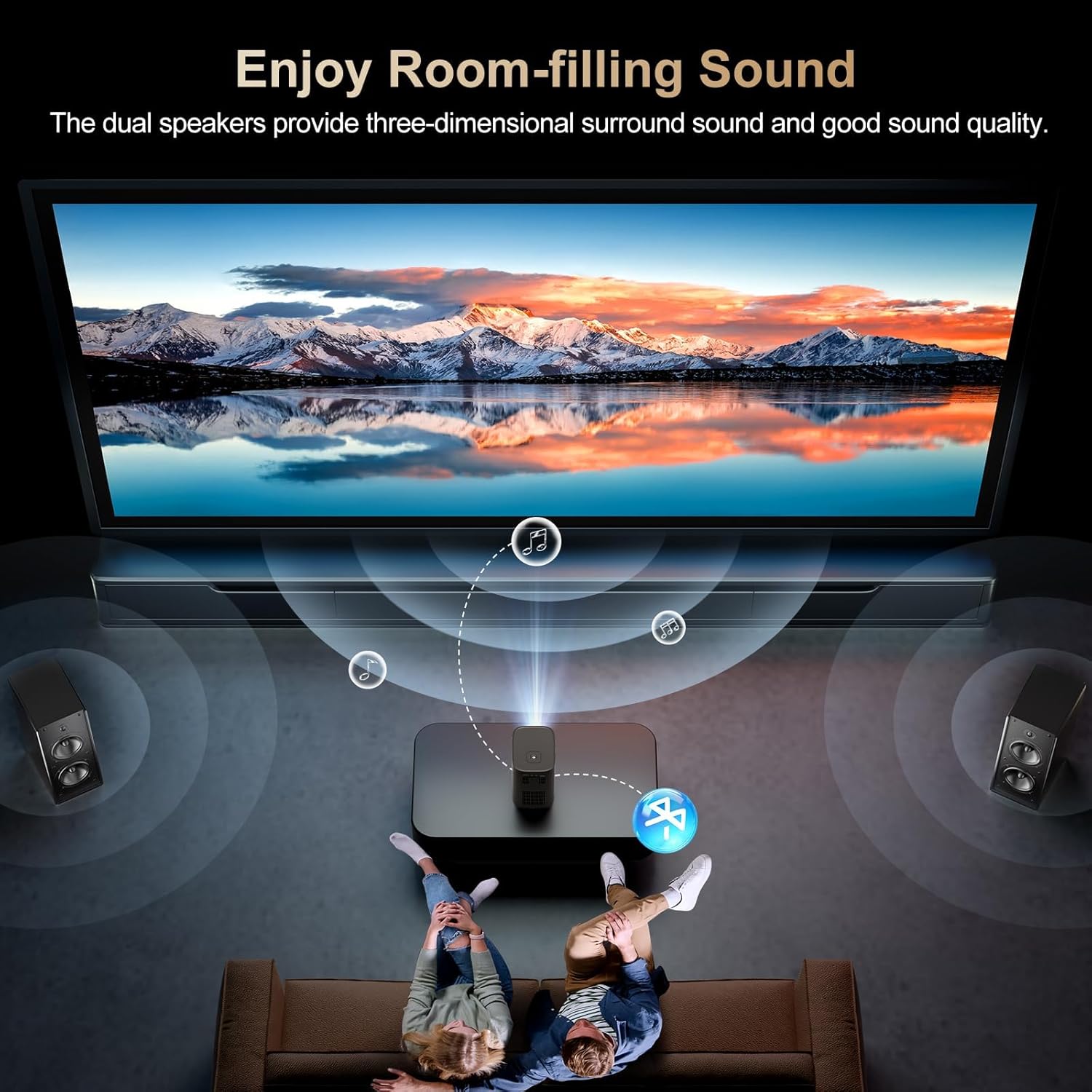
Figure 6: Dual stereo speakers provide immersive sound.
Setélan Gambar
Access the settings menu to adjust image parameters such as brightness, contrast, color temperature, and projection mode for optimal viewkaayaan ing.
Pangropéa
Ngabersihan Lensa
Gently wipe the projector lens with a soft, lint-free cloth. Avoid abrasive materials or harsh chemicals that could damage the lens coating.
Saringan lebu
Regularly check and clean the dust filter to maintain optimal airflow and prevent overheating. Refer to the full user manual for specific instructions on accessing and cleaning the filter.
Pamérésan masalah
- Teu aya gambar: Ensure the power cable is securely connected and the projector is turned on. Verify the input source is correctly selected.
- Gambar kabur: Adjust the electric focus using the remote control. Ensure the projection surface is flat and the projector is stable.
- Henteu aya sora: Check the volume settings on the projector and the connected device. Ensure external speakers/headphones are properly connected or paired via Bluetooth.
- Masalah Pangeunteungan Layar: Confirm both the projector and your device are connected to the same Wi-Fi network. Ensure your device supports the mirroring protocol (iOS/Android).
spésifikasi
| merek | Agrago |
| Nomer modél | V3 |
| Resolusi tampilan | 1920 x 1080 (Asli 1080P) |
| Caang | 15,000 Lumén |
| Babandingan Kontras | 15,000:1 |
| Téhnologi konektipitas | HDMI, USB, AV, 3.5mm Audio, WiFi 6, Bluetooth 5.2 |
| Fitur husus | Auto Focus, Electric Focus, 50%-100% Zoom, Dual Stereo Speakers |
| Dimensi produk | 5.5 x 6.1 x 4.2 inci |
| Item Beurat | 2.94 pon |
Garansi sareng Rojongan
For warranty information and customer support, please refer to the contact details provided in the included user manual or visit the official Agreago website. Protection plans are available for extended coverage.


