1. Bubuka
Thank you for choosing the Medcursor MD-EM03 Eye Massager. This device is designed to provide relief from eye fatigue, promote relaxation, and improve sleep quality through a combination of air pressure massage, targeted heating, and optional music. Please read this manual thoroughly before use to ensure proper operation and to maximize your experience.
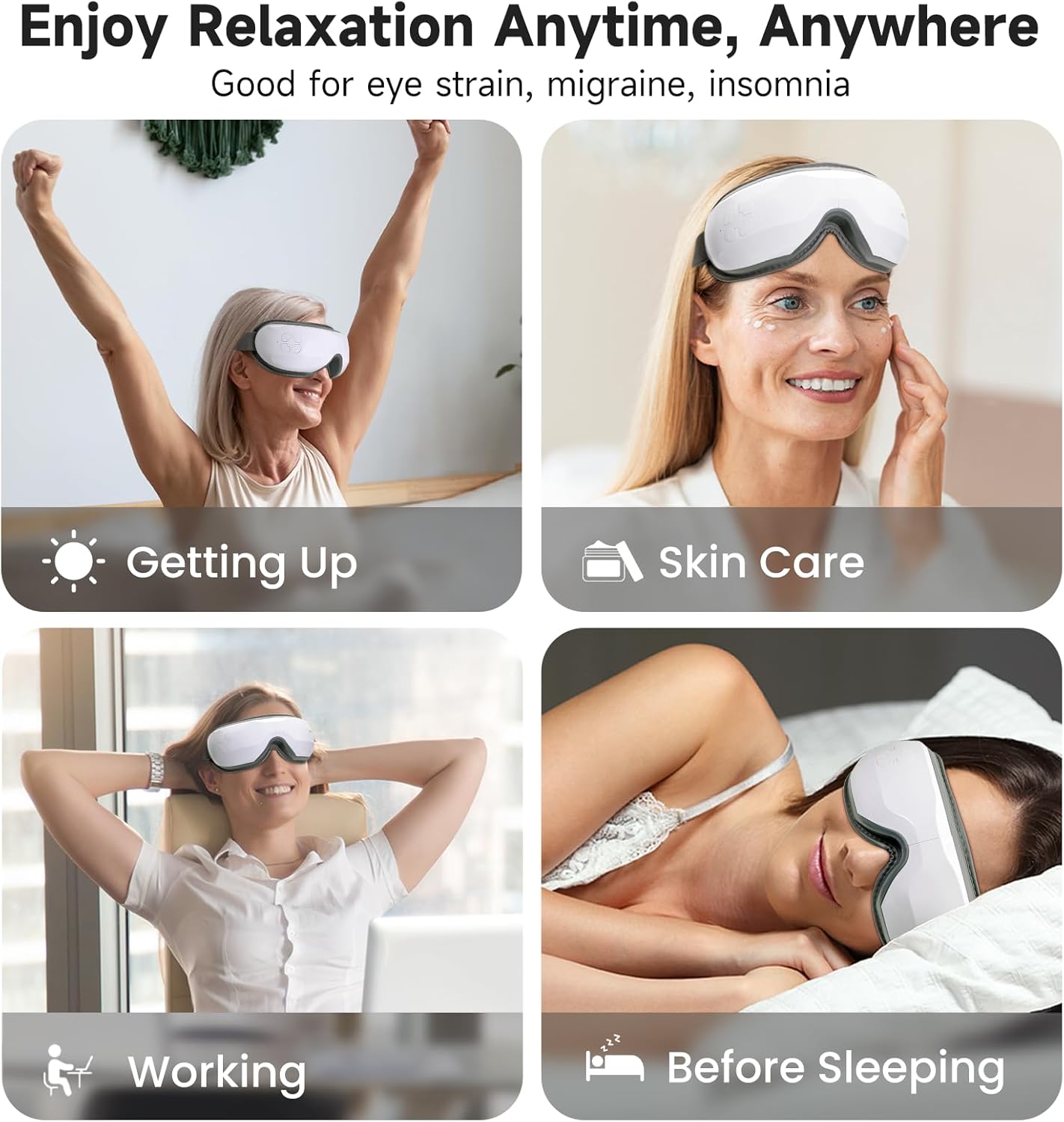
Image: The Medcursor Eye Massager provides relaxation for various situations, including waking up, during skincare routines, while working, and before sleeping.
2. Émbaran Kasalametan
- Do not use this product if you have eye injuries, inflammation, or have undergone eye surgery recently. Consult a physician before use if you have any pre-existing eye conditions.
- Jauhkeun alat tina cai sareng kalembaban anu luhur.
- Ulah ngabongkar atanapi nyobian ngalereskeun alat sorangan. Kontak rojongan customer pikeun pitulung.
- Jauhkeun tina jangkauan barudak.
- Paké ngan kabel ngecas disadiakeun.
- If you experience any discomfort during use, discontinue immediately.
- The heating function should be used with caution by individuals sensitive to heat.
3. Eusi Paket
Mangga parios pakét pikeun mastikeun yén sadaya barang aya:
- 1 x Medcursor Eye Massager
- 1 x Kabel Ngecas USB Tipe-C
- 1 x Manual Pamaké

Image: The package includes one eye massager, one USB cable, and one user manual.
4. Fitur Produk
- 4 Modeu Pijet: Soft, Strong, Relax, and Sleep modes for varied massage experiences.
- Intelligent Heating Function: Adjustable heat settings (off, low, medium, high) to relieve eye fatigue and improve circulation.
- Tekanan hawa adjustable: Customizable intensity with a dual-layer massage pad for comfort.
- Konektipitas Bluetooth: Connect to your smartphone to play personal music or use built-in light music.
- Operasi Hiji-Konci: Simple control for mode selection and power.
- Ngecas Tipe-C: Fast charging in approximately 1.5 hours.
- Headband adjustable: Ensures a comfortable fit for most users.
5. Setélan
- Ngeusi batre alat: Before first use, fully charge the eye massager using the provided Type-C USB cable and a compatible adapter or power bank. The charging indicator light will show charging status.
- Saluyukeun Headband: Place the massager over your eyes and adjust the elastic headband for a snug yet comfortable fit. Ensure the device is centered over your eyes.
6. Operasi
6.1 Daya Hurung/Pareuman
- Daya Hurung: Press and hold the power button for 2-3 seconds. The device will start in the default mode.
- Pareum listrik: Press and hold the power button for 2-3 seconds again.
6.2 Pamilihan Mode
The device features 4 massage modes, cycling automatically every 15 minutes. Press the power button briefly to cycle through the modes manually:
- Mode lemes: Air Pressure + Heating + Music (Gentle relaxation)
- Modeu kuat: Enhanced Air Pressure + Heating + Music (Deep pressure relief)
- Modeu Bersantai: Air Pressure + Music (Soothes tension)
- Modeu Bobo: Heating + Music (Pre-bed calm)
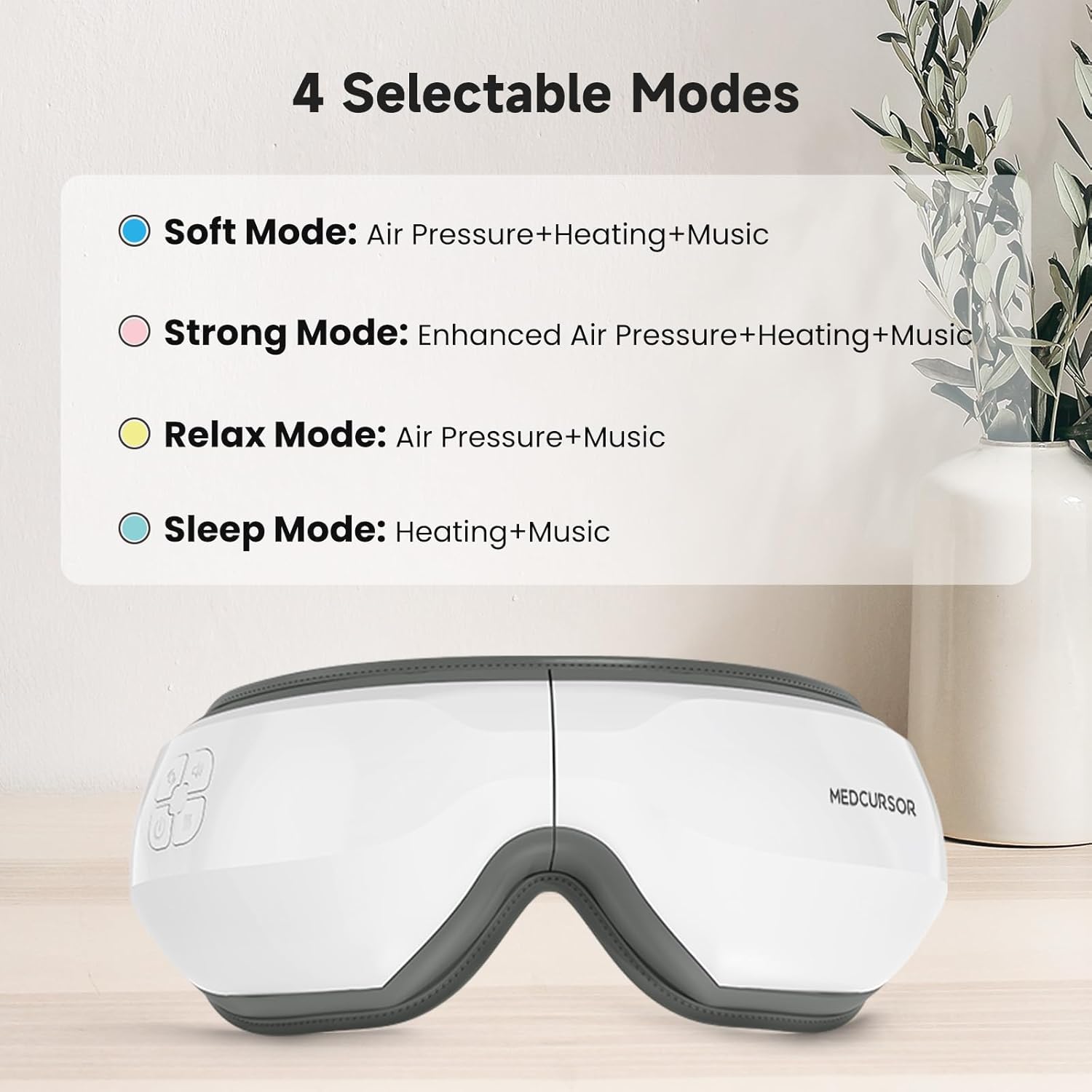
Image: The four selectable modes and their features.
6.3 Fungsi pemanasan
The heating function is integrated into some modes. The device offers four heating settings (off, low, medium, high). The constant temperature range is 38°C - 45°C.

Image: The heating function provides a comfortable and warm experience for the eyes, covering a large area.
6.4 Bluetooth Connection and Music
The massager supports Bluetooth connectivity to play your own music or utilize the built-in light music.
- Pastikeun Bluetooth diaktipkeun dina smartphone Anjeun.
- Turn on the eye massager.
- Milarian pikeun "Medcursor" or a similar device name in your phone's Bluetooth settings and pair.
- Once connected, you can play music from your phone through the massager's speakers.

Image: The eye massager connects to your phone via Bluetooth for a personalized music experience.
6.5 Fungsi Jempé
To mute the device's sounds (including built-in music and operational prompts), press the standby button three times quickly.

Image: Pressing the standby button three times mutes the device, creating an immersive eye massage experience.
7. Ngecas
- The device uses a Type-C charging interface.
- Ngeusi batre pinuh butuh kurang leuwih 1.5 jam.
- The battery supports approximately 4-5 applications on a single charge.
- The charging indicator light will illuminate during charging and turn off or change color when fully charged (refer to specific product indicator behavior).
8. Pangropéa
- beberesih: Usap beungeut alat pijet ku kaén nu lemes, radaamp lawon. Ulah make cleaners abrasive atawa neuleumkeun alat dina cai.
- Panyimpenan: Simpen alat dina tempat anu tiis sareng garing jauh tina sinar panonpoé langsung upami henteu dianggo.
9. Cara ngungkulan
| Masalah | Mungkin Cukang lantaranana | Solusi |
|---|---|---|
| Alat henteu hurung. | batré lemah atawa euweuh muatan. | Ngecas alat sapinuhna. |
| No air pressure or weak massage. | Modeu anu dipilih salah atanapi batréna lemah. | Switch to a stronger mode (e.g., Strong Mode). Ensure the device is fully charged. |
| Taya panas atawa panas cukup. | Heating function is off or low setting. | Ensure a mode with heating is selected. Check heat settings. |
| Masalah sambungan Bluetooth. | Device not in pairing mode or phone's Bluetooth is off. | Ensure the massager is on. Turn off and on your phone's Bluetooth and try pairing again. |
| Loud motor sound. | Normal operation sound or potential internal issue. | Some motor sound is normal during air pressure operation. If excessively loud or unusual, contact customer support. |
10. Spésifikasi
| Fitur | Rincian |
|---|---|
| Nomer modél | MD-EM03 |
| Dimensi produk | 7.87 x 5.51 x 4.17 inci |
| Beurat | 1.41 pon |
| Batré | 1 Nonstandard Battery (Rechargeable) |
| Pangecas Interface | USB Tipe-C |
| Waktu Ngecas | Kira-kira. 1.5 jam |
| Bahan | palastik |
| Warna | Bodas |
| Fitur husus | Rechargeable, Timer, Bluetooth, Heat, Air Pressure |
11. Garansi jeung Rojongan
Medcursor products are designed for quality and reliability. For warranty information, technical support, or any questions regarding your MD-EM03 Eye Massager, please contact Medcursor customer service. Refer to the contact information provided on the product packaging or the official Medcursor websitus.


