1. Bubuka
This manual provides essential information for the safe and efficient use of your DOOGEE Fire 3 rugged smartphone. Please read it thoroughly before operating your device.
The DOOGEE Fire 3 is designed for durability and performance, featuring a robust build, long-lasting battery, and the latest Android 15 operating system. It is engineered to withstand challenging environments while providing a smooth and personalized mobile experience.

Gambar 1: Hareup jeung tukang view of the DOOGEE Fire 3 rugged smartphone.
Unboxing the DOOGEE Fire 3
Watch this video for a detailed unboxing experience of your new DOOGEE Fire 3 smartphone, showcasing all included accessories and initial presentation.
Video 1: DOOGEE Fire 3 Unboxing.
2. Setup Awal
2.1 Kartu SIM sareng Pamasangan Kartu MicroSD
To install your SIM card(s) and an optional MicroSD card:
- Tangtukeun lokasi baki kartu SIM di sisi telepon.
- Selapkeun alat ejector SIM anu disayogikeun kana liang leutik di gigireun baki teras pencét lalaunan dugi baki éta kaluar.
- Pasang kartu Nano-SIM anjeun sareng/atawa kartu MicroSD kana slot anu ditunjuk dina baki. Pastikeun kontak emas nyanghareup ka handap.
- Taliti dorong baki deui kana telepon nepi ka siram jeung awak alat.
Note: Please check compatibility with your local frequency band before purchasing and inserting SIM cards. The phone supports GSM T-Mobile, but may not work with AT&T, new Cricket, or Verizon.
2.2 Ngahurungkeun sareng Konfigurasi Awal
To power on your device, press and hold the Power button located on the side of the phone until the DOOGEE logo appears. Follow the on-screen prompts to complete the initial setup, which includes:
- Milih basa anjeun.
- Nyambungkeun ka jaringan Wi-Fi.
- Nyetél akun Google anjeun.
- Ngonpigurasikeun konci layar (PIN, pola, kecap akses).
2.3 Setelan Buka Kunci Raray
For enhanced security and convenience, you can set up Face Unlock:
- Pindah ka Setélan > Kaamanan & privasi > Muka konci raray.
- Turutan parentah dina-layar pikeun ngadaptarkeun beungeut anjeun. Pastikeun anjeun aya di daérah anu cahayana saé.
- Saatos didaptarkeun, anjeun tiasa muka konci telepon anjeun ku ngan ukur ningali kaméra hareup.
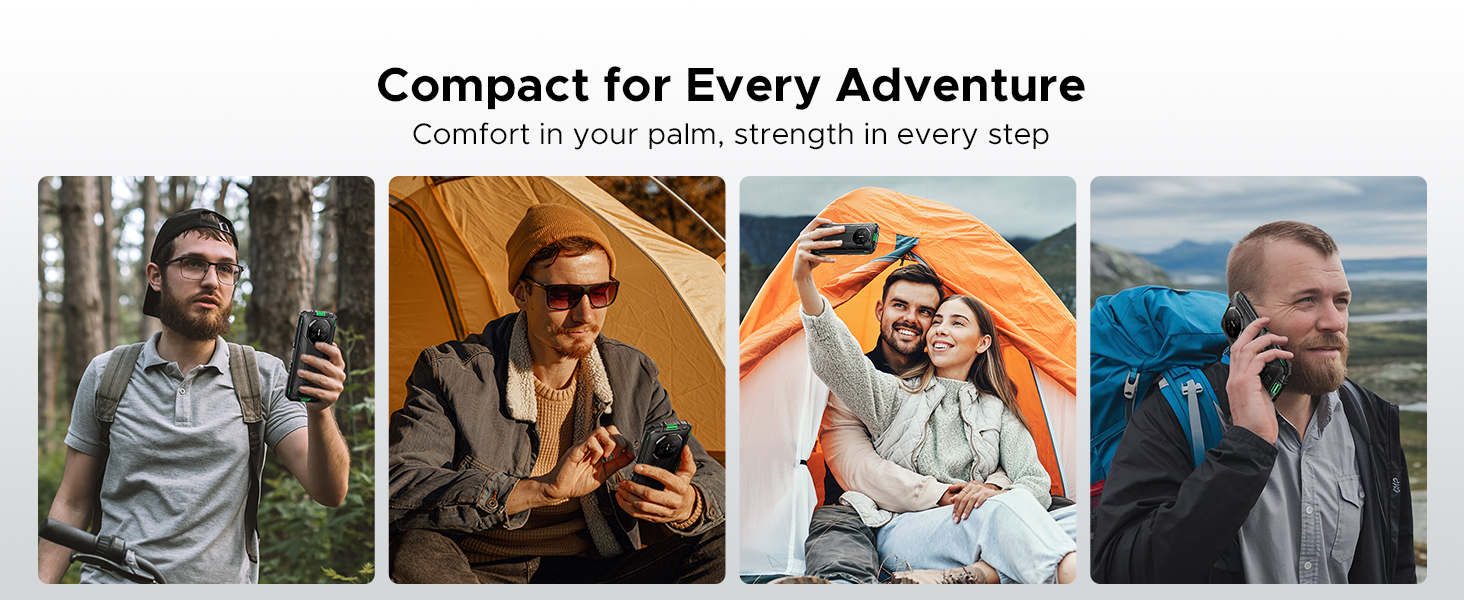
Figure 2: Key features including Face Unlock.
3. Ngoperasikeun Alat Anjeun
3.1 Fitur Android 15
Your DOOGEE Fire 3 runs on Android 15, offering a range of features for improved usability and privacy:
- Kloning Aplikasi: Jalankeun sababaraha conto aplikasi anu sami pikeun akun anu béda.
- Panginderaan Gerakan Pinter: Utilize gestures for quick actions.
- Papan klip Super: Fungsi clipboard anu ditingkatkeun pikeun ngatur eusi anu disalin.
- Layar pamisah: Use two apps simultaneously on the screen.
- Enhanced Privacy Protection: Granular control over app permissions and data access.
- Modeu Sarung Tangan: Improve touch sensitivity for use with gloves.
- Screen Awareness: Ngajaga layar tetep hurung nalika anjeun ningalina.
- Caption Langsung: Automatically captions media playing on your device (English only).
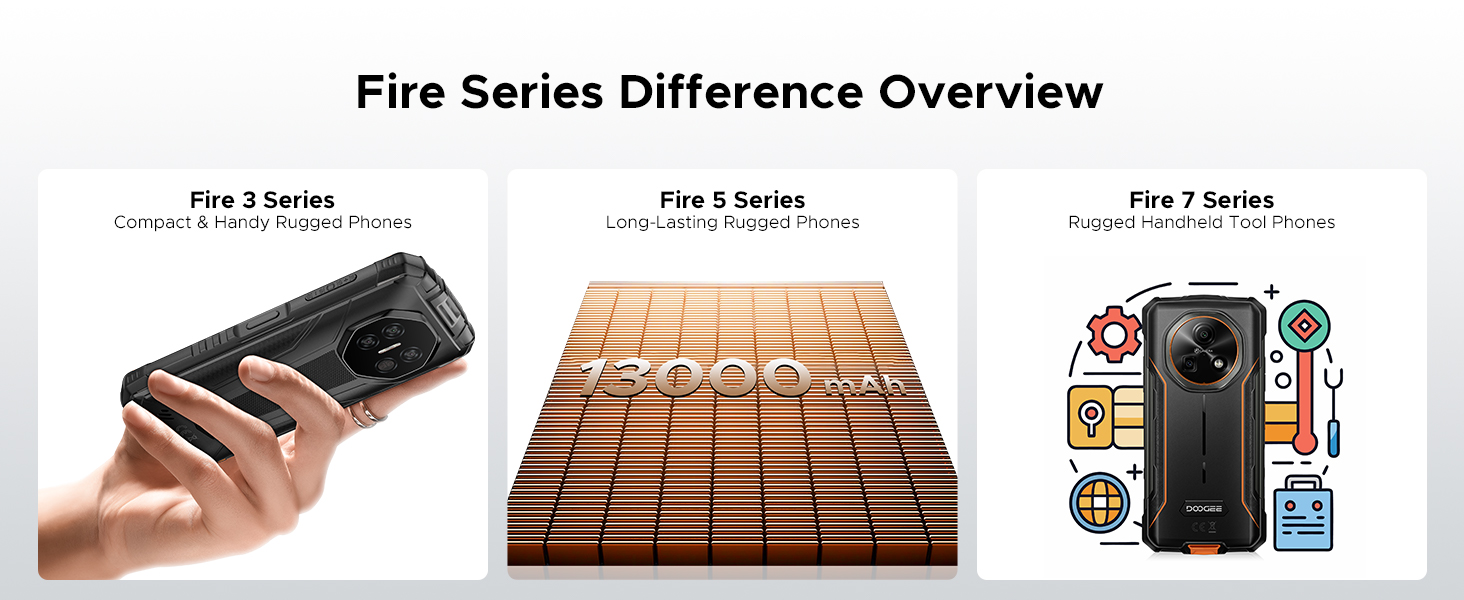
Figure 3: Android 15 operating system features.
3.2 Pamakéan kaméra
The DOOGEE Fire 3 features a 13MP AI triple rear camera and an 8MP front camera.
- Nyandak Poto: Buka aplikasi Kamera, pigura poto anjeun, teras ketok tombol jepret.
- Pangakuan Adegan AI: The camera automatically detects scenes (e.g., greenery, sunrise) and optimizes settings for the best photo quality.
- Kaméra hareup: Switch to the front camera for selfies and video calls.

Figure 4: Capturing photos with the 13MP main camera.
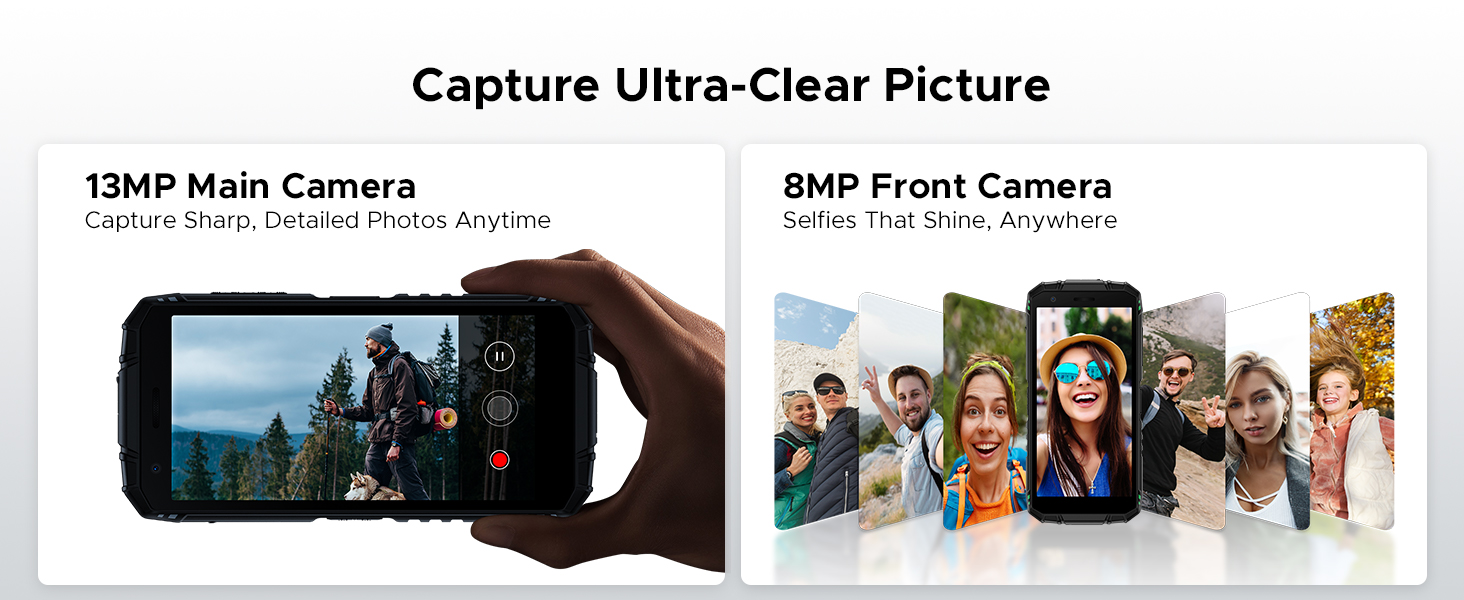
Figure 5: AI Scene Recognition in the camera app.
3.3 Pakakas Digital
The DOOGEE Fire 3 includes a suite of useful tools for outdoor and daily activities:
- Kompas
- Méter Sora
- Pic Gantung
- Kaca pembesar
- Protractor
- Plum Bob
- Bel Alarm
- Gradién
- Ukur Jangkung
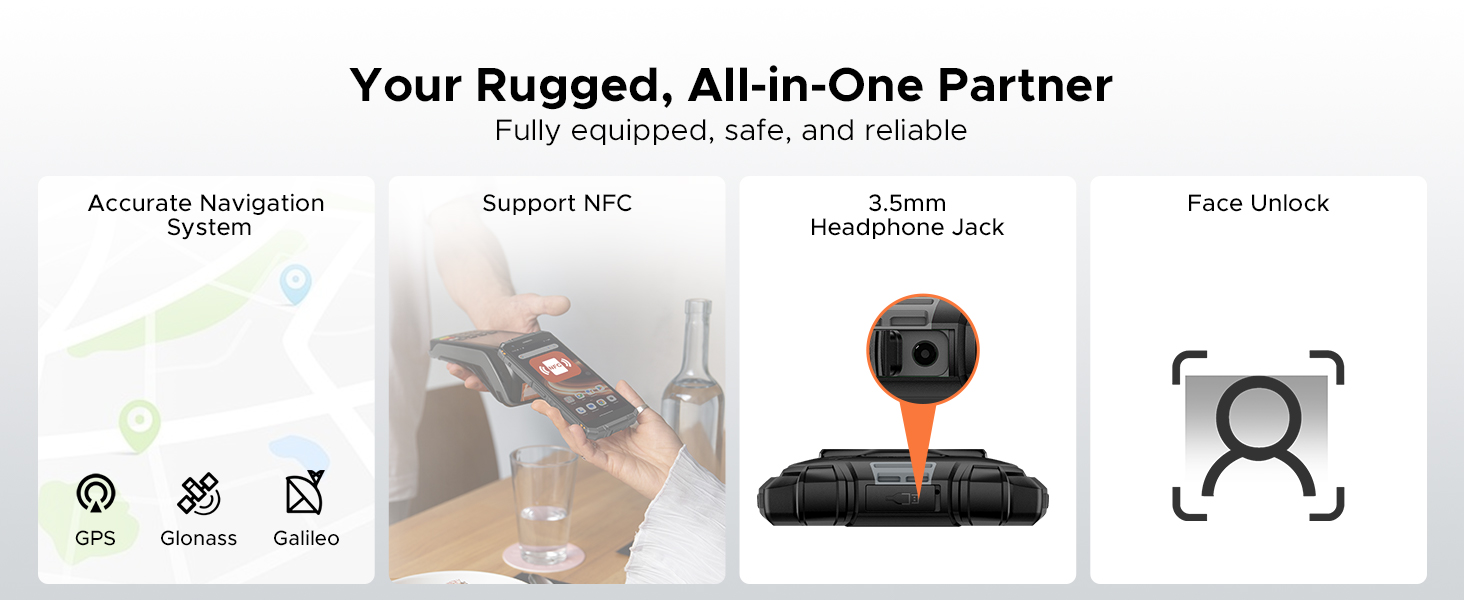
Figure 6: Digital Toolkit applications.
3.4 Navigasi sareng Konéktivitas
The device supports multiple navigation systems and essential connectivity features:
- Napigasi: Accurate positioning with GPS, Glonass, and Galileo.
- NFC: Supports Near Field Communication for contactless payments and data exchange.
- Jack Headphone 3.5mm: Pikeun asesoris audio kabel.
3.5 General Usage Overview
video ieu nyadiakeun leuwih umumview of the DOOGEE Fire 3's compact size and powerful features in various usage scenarios.
Video 2: DOOGEE Fire 3 Small Body, Big Power.
4. Manajemén batré
The DOOGEE Fire 3 is equipped with a massive 8350mAh battery, designed for extended use.
4.1 Kahirupan Batré sareng Ngecas
- Waktu sayaga: Dugi ka 47 dinten.
- Puteran musik: Nepi ka 87 jam.
- Lalajoan Video: Nepi ka 28 jam.
- Nelepon: Nepi ka 44 jam.
- Ngecas: Ngarojong ngecas 10W.
- Ngecas Balik: The phone can act as a power bank to charge other devices like earbuds or smartwatches.
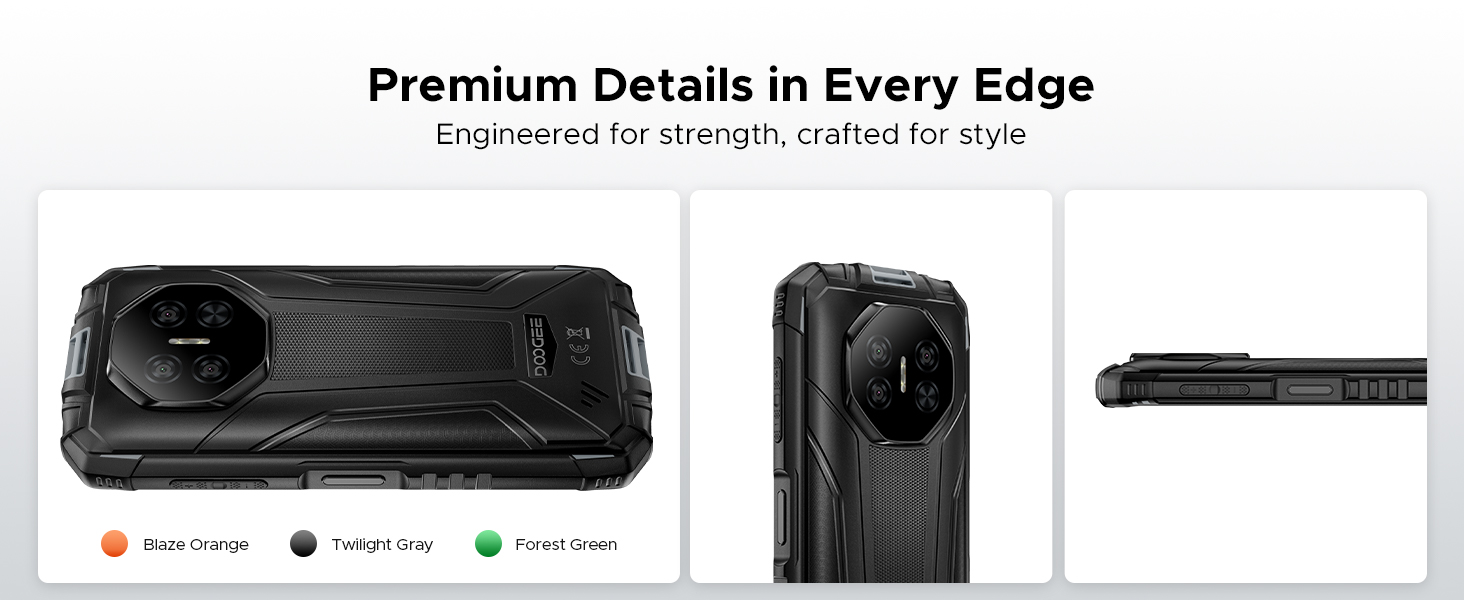
Figure 7: 8350mAh large battery features.
4.2 Battery Performance Overview
This video demonstrates the impressive battery life and charging capabilities of the DOOGEE Fire 3 rugged phone.
Video 3: DOOGEE Fire 3 Rugged Phone - Big Battery.
5. Daya Tahan sareng Desain
The DOOGEE Fire 3 is built to endure harsh conditions, certified with industry-leading ruggedness standards.
5.1 Sertifikasi Kakuatan
- IP68: Tahan cai sareng lebu.
- IP69K: Tahan kana semburan cai tekanan tinggi sareng suhu tinggi.
- MIL-STD-810H: Military-grade standard for drops, shocks, and extreme temperatures.
The phone can withstand drops from up to 5 feet, survive 30 minutes underwater at 4 feet depth, and is fully protected against dust, sand, and dirt.
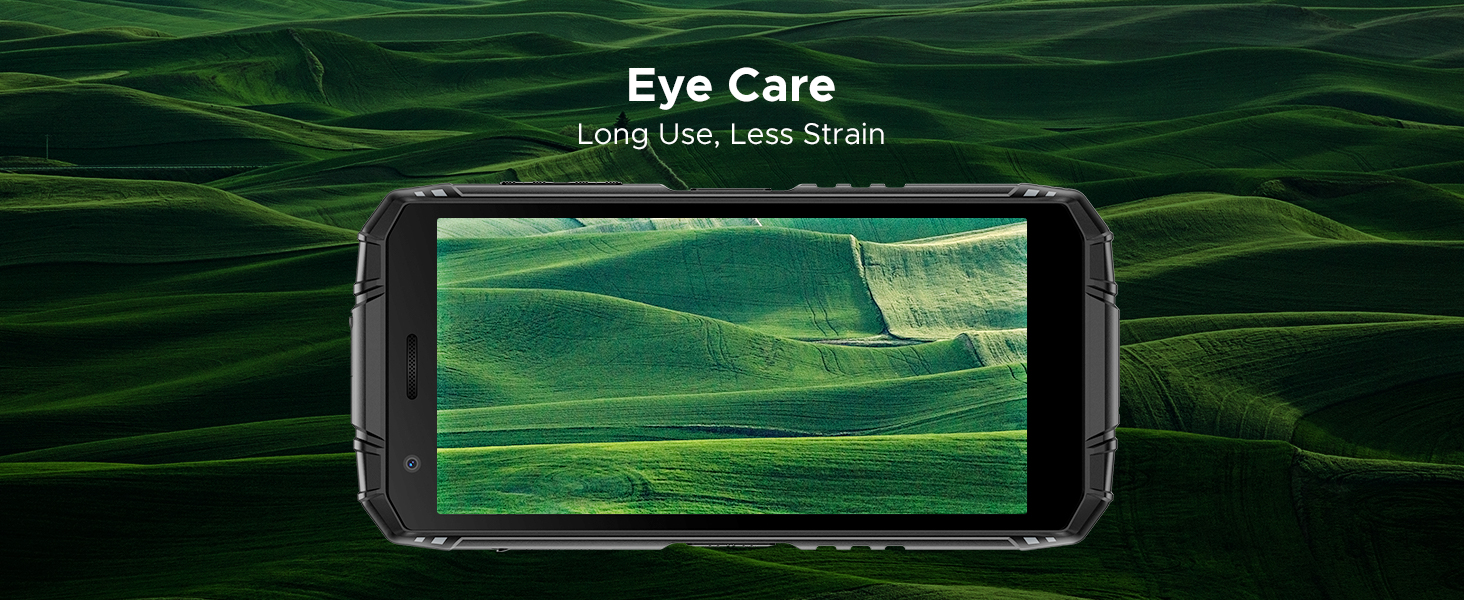
Figure 8: IP68/IP69K/MIL-STD-810H certifications for water, drop, and dust resistance.
5.2 Ciri Fisik
- ukuran: 162.5 x 77.4 x 17.8 mm
- beurat: 291g (9.2 ons)
- tampilan: 5.5" HD+ IPS Display with 400 nits (TYP) brightness, 16.7M screen color, and 720*1440 resolution. Features Eye Care mode for reduced strain.
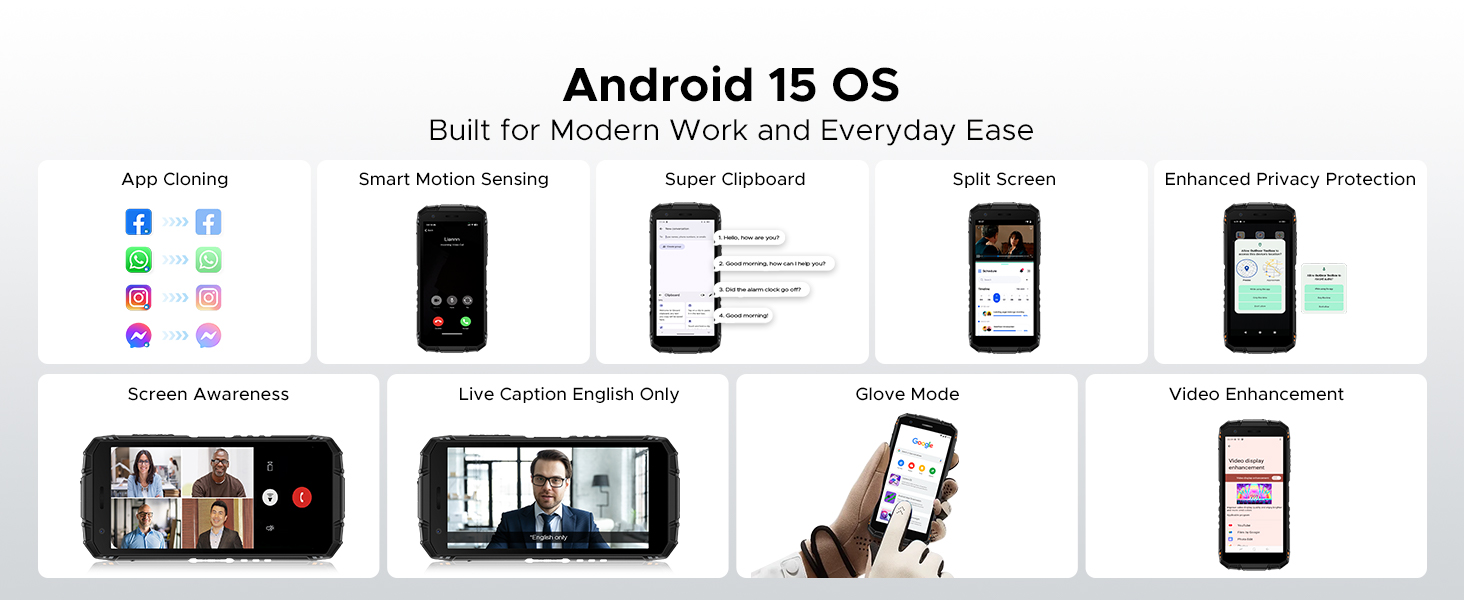
Figure 9: Compact design for comfortable grip.
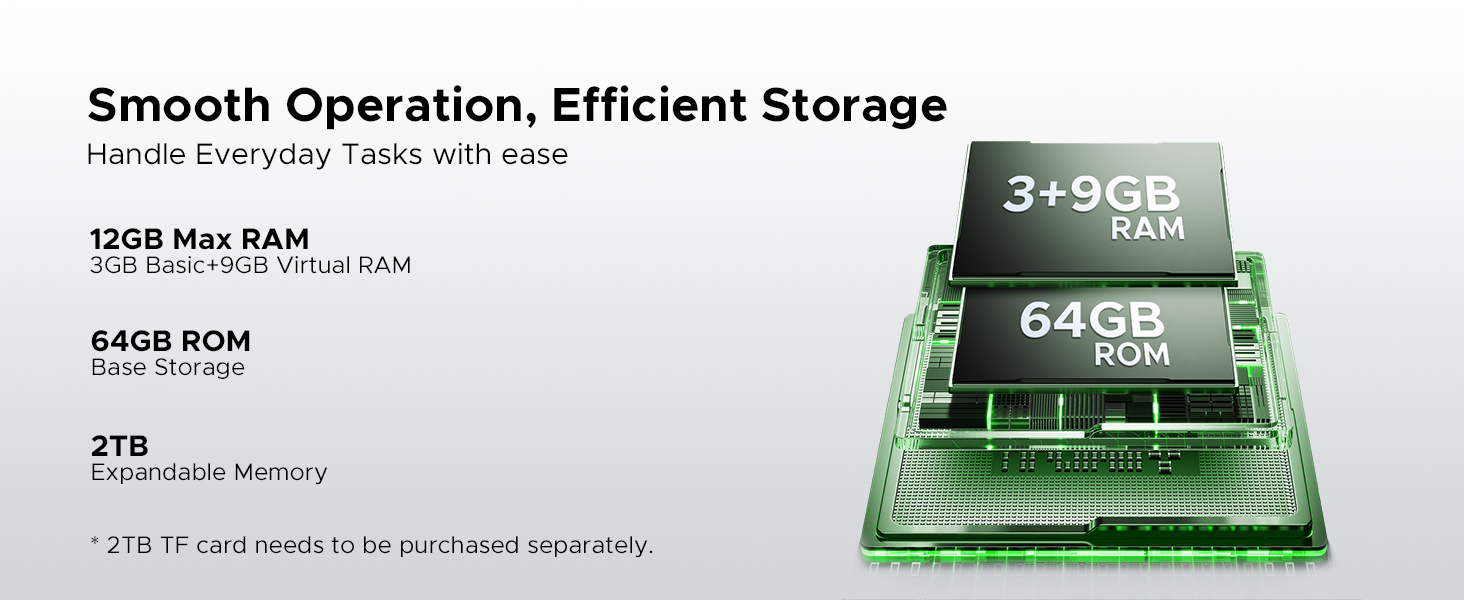
Figure 10: 5.5" HD+ IPS Display details.
6. Spésifikasi
| Fitur | Rincian |
|---|---|
| merek | DOOGEE |
| Ngaran modél | Seuneu3 |
| Sistem operasi | Android 15 |
| Prosesor | Unisoc SC9863A Octa-Core (1.6GHz) |
| Ram | 12GB (3GB Dasar + 9GB Virtual) |
| Panyimpenan internal | 64GB |
| Panyimpenan Expandable | Up to 2TB via MicroSD card (not included) |
| Ukuran layar | 5.45 inci |
| Tipe tampilan | HD+ IPS Display |
| Resolusi | 720*1440 |
| Caang | 400 nits (TYP) |
| Kaméra tukang | Kaméra Tilu AI 13MP |
| Kaméra hareup | 8MP |
| Kapasitas batré | 8350 mah |
| Ngecas | 10W, Reverse Charging supported |
| Daya tahan | IP68, IP69K, MIL-STD-810H (Waterproof, Drop-proof, Dust-proof) |
| Konektipitas | 4G Cellular Technology, Wireless, NFC |
| Napigasi | GPS, Glonass, Galileo |
| Diménsi | 162.5 x 77.4 x 17.8 mm |
| Item Beurat | 262 Gram (9.2 ons) |
| Fitur husus | Face Unlock, Digital Toolkit, 3.5mm Headphone Jack |
| Kasaluyuan Carrier Wireless | GSM T-Mobile (Not compatible with AT&T, new Cricket, Verizon) |
7. Cara ngungkulan
If you encounter issues with your DOOGEE Fire 3, refer to the following common solutions:
7.1 Power and Charging Issues
- Telepon teu tiasa dihurungkeun: Pastikeun batréna geus dieusian. Sambungkeun télépon ka carjer sarta antosan sababaraha menit samemeh nyoba ngahurungkeun deui.
- Telepon teu ngecas: Pariksa kabel ngecas sareng adaptorna naha aya karusakan. Coba colokan listrik anu sanés. Pastikeun port ngecasna bersih sareng bébas tina kokotor.
7.2 Jaringan sareng Konéktivitas
- No signal/Network issues: Verify your SIM card is correctly inserted. Check if your carrier is supported by the device (GSM T-Mobile compatible). Restart the phone.
- Masalah sambungan Wi-Fi: Balikan deui router Wi-Fi anjeun. Poho jaringan dina telepon anjeun sarta sambungkeun deui.
7.3 Performance jeung Software
- Apps crashing/Freezing: Close background apps. Clear the cache of the problematic app (Settings > Apps > [App Name] > Storage > Clear cache). Update the app or the phone's software.
- kinerja slow: Ngosongkeun rohangan neundeun ku mupus anu teu perlu fileatanapi aplikasi. Pareuman terus hurungkeun deui alat anjeun sacara rutin.
7.4 Masalah tampilan
- Layar teu ngaréspon: Perform a forced restart (usually by holding the Power button for 10-15 seconds).
- Display flickering: Check for software updates. If the issue persists, contact support.
7.5 Water/Dust Exposure
While the DOOGEE Fire 3 is rugged, prolonged exposure or extreme conditions beyond its ratings (IP68/IP69K/MIL-STD-810H) can cause damage. If the phone has been exposed to water or dust, ensure all ports are dry and clean before charging or using accessories.
8. Garansi jeung Rojongan
DOOGEE berkomitmen pikeun nyayogikeun produk anu kualitasna luhur sareng layanan palanggan anu saé pisan.
8.1 Émbaran jaminan
- Mangsa Garansi: Your DOOGEE Fire 3 comes with a 2-year free warranty.
- Jaminan Uang Balik: Enjoy 30 days of money back without reason from the date of purchase.
Punten tahan bukti pameseran anjeun pikeun klaim garansi.
8.2 Rojongan Palanggan
For any problems or inquiries, our professional support team is available 24/7 to assist you.
- Dukungan Online: Kunjungi DOOGEE resmi websitus kanggo FAQ, sumber daya dukungan, sareng pilihan kontak.
- Rojongan Email: Tingali kana bungkusan produk anjeun atanapi resmi website for specific email contact details.
We recommend checking the official DOOGEE websitus kanggo inpormasi dukungan sareng syarat garansi anu pangénggalna.


