1. Bubuka
Thank you for choosing the Baseus Picogo Qi2.2 25W MagSafe Portable Charger Power Bank. This device is designed to provide efficient and versatile charging for your mobile devices, featuring advanced Qi2.2 wireless charging and high-speed USB-C wired charging. Please read this manual carefully to ensure proper use and optimal performance.
2. Émbaran Kasalametan
- Ulah nepi ka power bank kakeunaan suhu anu ekstrim, sinar panonpoé langsung, atanapi seuneu.
- Ulah ngaleupaskeun, ngabongkar, atanapi ngarobih alat.
- Jauhkeun tina jangkauan barudak.
- Do not use if the device is damaged or swollen.
- Anggo ngan ukur kabel sareng adaptor ngecas anu disertifikasi.
- Pastikeun ventilasi anu leres nalika dianggo.
3. Eusi Paket
- Baseus Picogo Qi2.2 25W MagSafe Portable Charger Power Bank (Model E0028V00)
- Manual pamaké
4. Produk Langkungview
The Baseus Picogo Power Bank features a compact design with a built-in USB-C cable and a magnetic wireless charging surface. It includes an LED indicator for battery status.

Image: The Baseus Picogo Power Bank in Cosmic Black, showcasing its magnetic wireless charging surface and integrated USB-C cable.
5. Setélan
5.1 Ngecas Awal
Before first use, fully charge the power bank. Connect the built-in USB-C cable or an external USB-C cable to a compatible power adapter (not included) and plug it into a power source. The LED indicators will show the charging progress.
5.2 Daya Hurung/Pareuman
The power bank typically activates automatically when a device is connected for charging. To manually check the battery level or activate, press the power button (if available, refer to physical product for exact button location). The device will power off automatically when not in use for a period.
6. Parentah Operasi
6.1 Wireless Charging (Qi2.2 25W MagSafe)
Align your MagSafe-compatible device (e.g., iPhone 12-17 series) with the magnetic charging surface of the power bank. The magnets will snap the device into place, initiating 25W wireless charging. Ensure the device is centered for optimal charging efficiency.
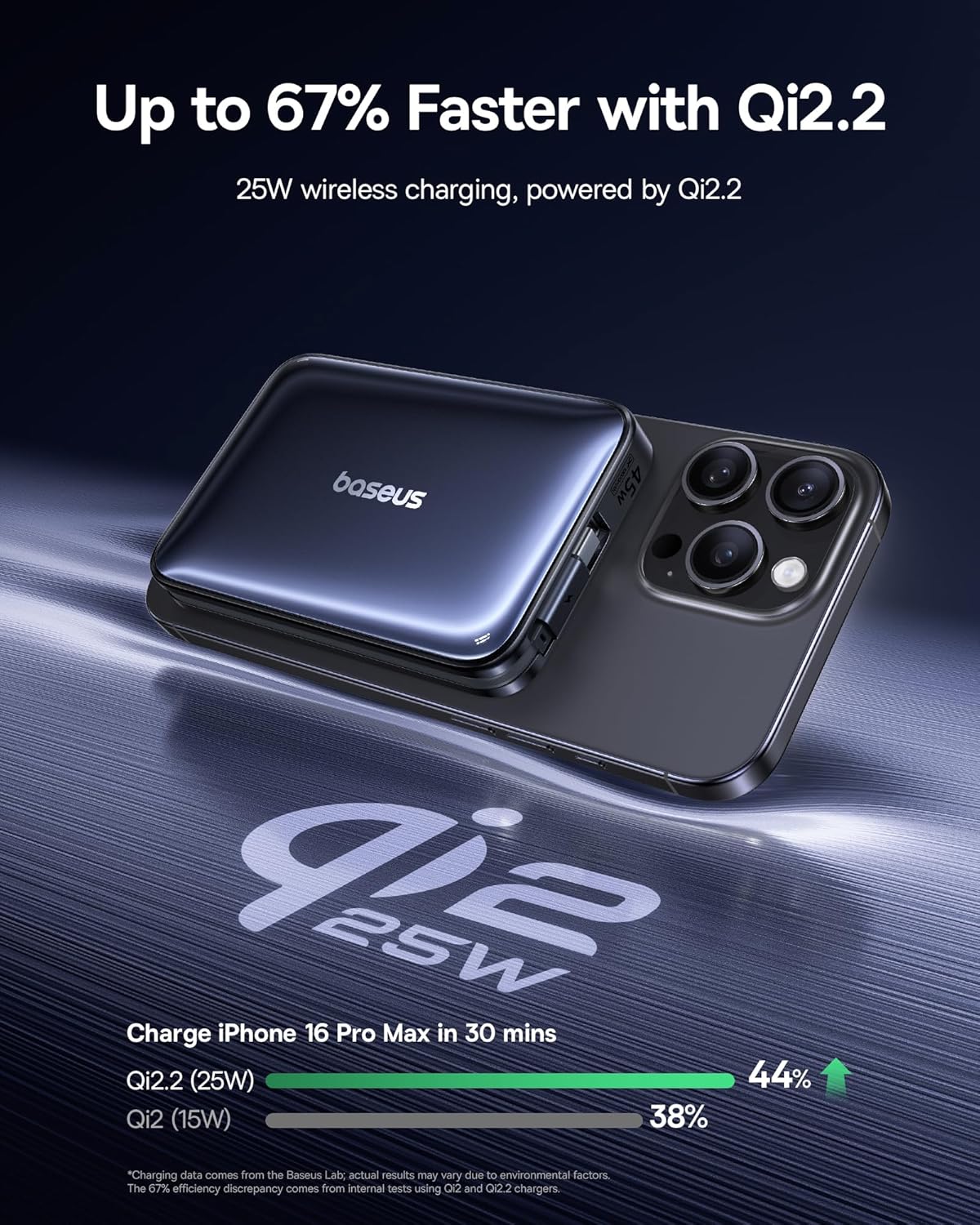
Image: A visual comparison demonstrating the faster charging speed of Qi2.2 25W wireless charging compared to standard Qi2 15W, showing a higher percentage charged in 30 minutes for an iPhone 16 Pro Max.
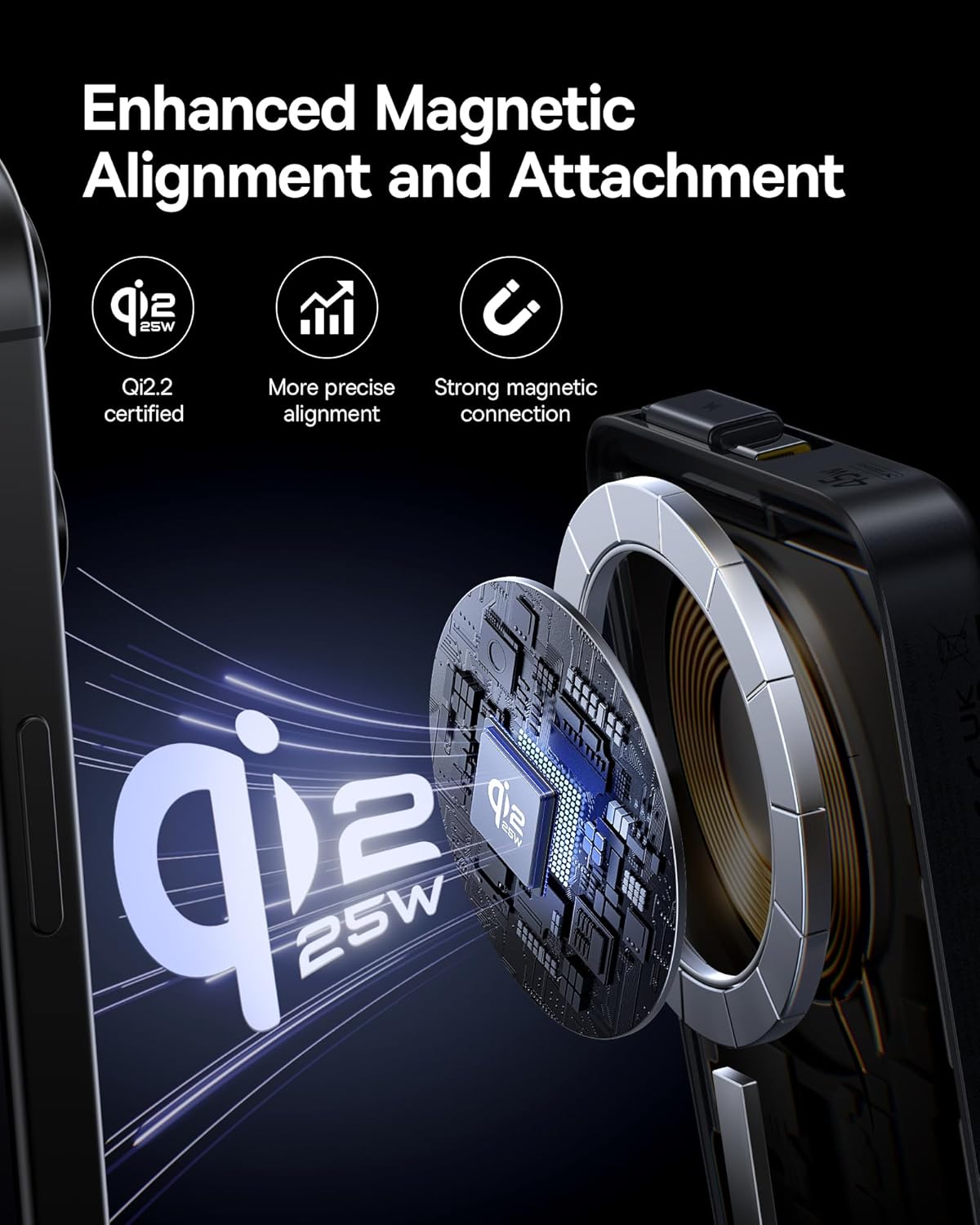
Image: An illustration detailing the internal components and magnetic alignment mechanism of the Qi2.2 certified power bank, highlighting precise and strong magnetic connection for stable charging.
6.2 Wired Charging (USB-C 45W)
For wired charging, use the built-in USB-C cable or an external USB-C to USB-C cable. Connect one end to the power bank's USB-C port and the other to your device. The power bank supports up to 45W wired fast charging.

Image: A smartphone connected to the power bank via its built-in USB-C cable, illustrating 45W wired fast charging capabilities for devices like the iPhone 16 Pro Max and Samsung Galaxy S25 Ultra.
6.3 Ngecas Sababaraha Alat Sacara Babarengan
The power bank can charge multiple devices concurrently using a combination of wireless charging and the USB-C port. This allows for efficient power delivery to your smartphone, earbuds, or other compatible devices.
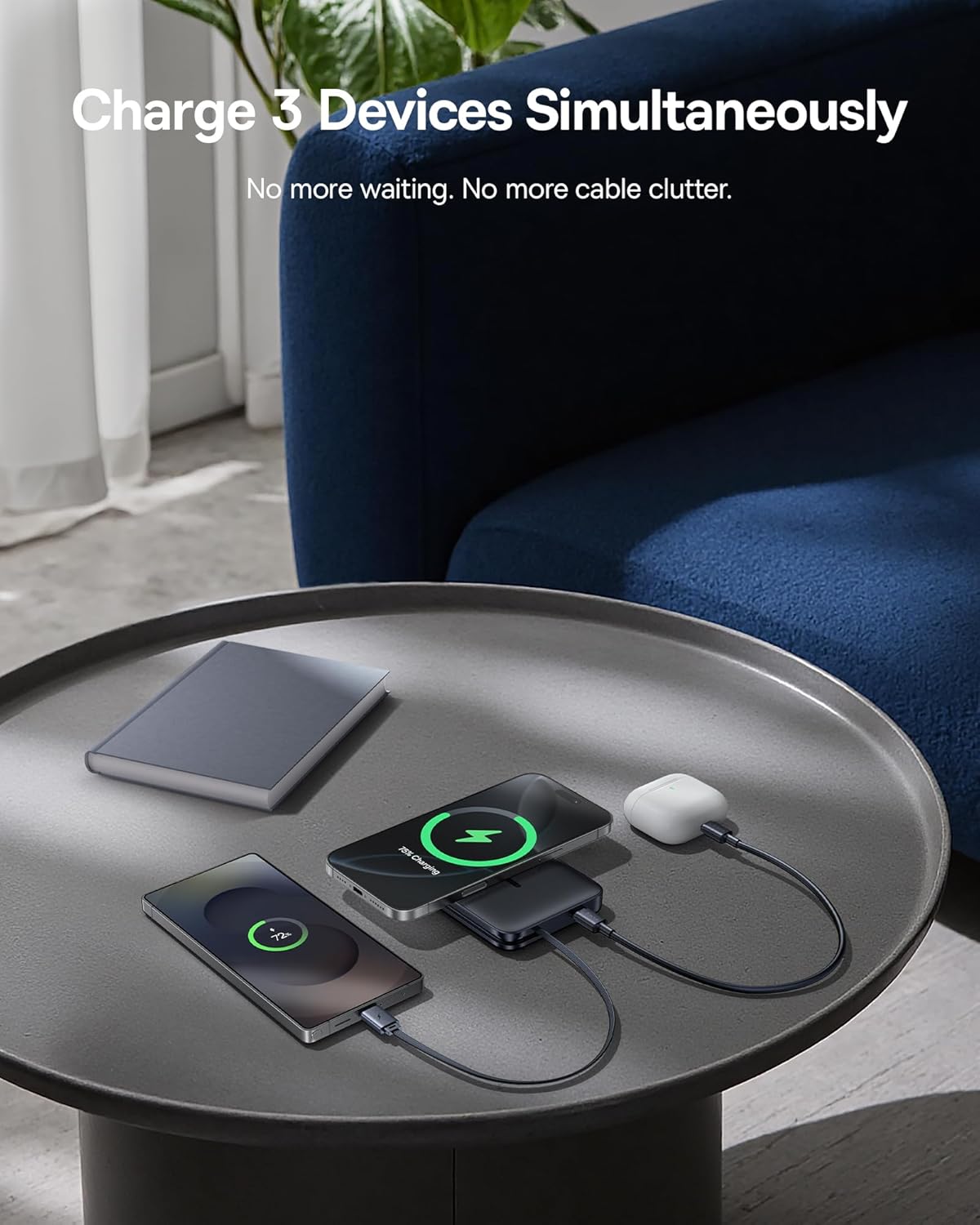
Image: The power bank simultaneously charging two smartphones wirelessly and a pair of earbuds via its built-in USB-C cable, demonstrating its multi-device charging capability.
6.4 Ngecas deui Power Bank
To recharge the power bank, connect it to a power adapter using its built-in USB-C cable or an external USB-C cable. The power bank supports 45W input for rapid recharging.
7. Pangropéa
7.1 beberesih
Lap power bank ku lawon anu lemes sareng garing. Entong nganggo bahan kimia anu keras atanapi bahan anu kasar.
7.2 Panyimpenan
Store the power bank in a cool, dry place away from direct sunlight and extreme temperatures. For long-term storage, it is recommended to charge the power bank to approximately 50% every three months to maintain battery health.
8. Cara ngungkulan
- Alat teu ngecas nirkabel: Ensure your device is MagSafe-compatible and properly aligned with the power bank's charging surface. Remove any thick cases that might interfere with wireless charging.
- Device not charging via USB-C: Check if the cable is securely connected to both the power bank and your device. Try a different USB-C cable if necessary.
- Power bank teu tiasa dicas deui: Verify that the charging adapter and cable are functioning correctly and connected properly.
- Ngecas lalaunan: Ensure your device supports fast charging and that the power bank has sufficient charge. For optimal speed, use a compatible fast-charging adapter to recharge the power bank.
- Overheating: The power bank features advanced cooling technology. If it feels excessively hot, discontinue use and allow it to cool down. Ensure it is not covered or in an enclosed space during charging.

Gambar: A cutaway view of the power bank highlighting its internal graphene material for thermal conductivity and an NCT chip for smart temperature monitoring, ensuring safe and cool charging.
9. Spésifikasi
| Fitur | Spésifikasi |
|---|---|
| Modél No. | E0028V00 |
| Kapasitas batré | 10,000mAh (5000mAh*2pcs) |
| Kaluaran Ngecas Nirkabel | 5W / 7.5W / 10W / 15W / 25W (Qi2.2 Certified) |
| USB-C Input (Built-in Cable) | 5V=3A, 9V=3A, 12V=2.5A, 15V=2.0A |
| USB-C Output (Built-in Cable) | 5V=3A, 9V=3A, 12V=3A, 15V=3A, 20V=2.25A, 10V=2.25A (Max 45W) |
| Total Kaluaran | 5V = 3A |
| Dimensi produk | 4 x 2.6 x 0.7 inci |
| Item Beurat | 9.6 ons |
| Sertifikasi | FCC, UL, TUV, DOE, CEC, UN, RoHS, Qi2.2 |

Image: The Baseus Picogo Power Bank displayed alongside its Qi2.2 certification document, emphasizing its adherence to the latest wireless charging standards.
10. Garansi jeung Rojongan
Baseus offers a 2-year replacement promise for this product. For warranty claims, technical support, or further inquiries, please contact Baseus customer service through the official websitus atanapi platform pameseran anjeun. Mangga simpen bukti pameseran anjeun kanggo validasi garansi.


