1. Bubuka
This manual provides detailed instructions for the setup, operation, maintenance, and troubleshooting of your LIGE EF13-E Military Smart Watch. Please read this manual thoroughly before using your device to ensure proper functionality and to maximize your user experience.
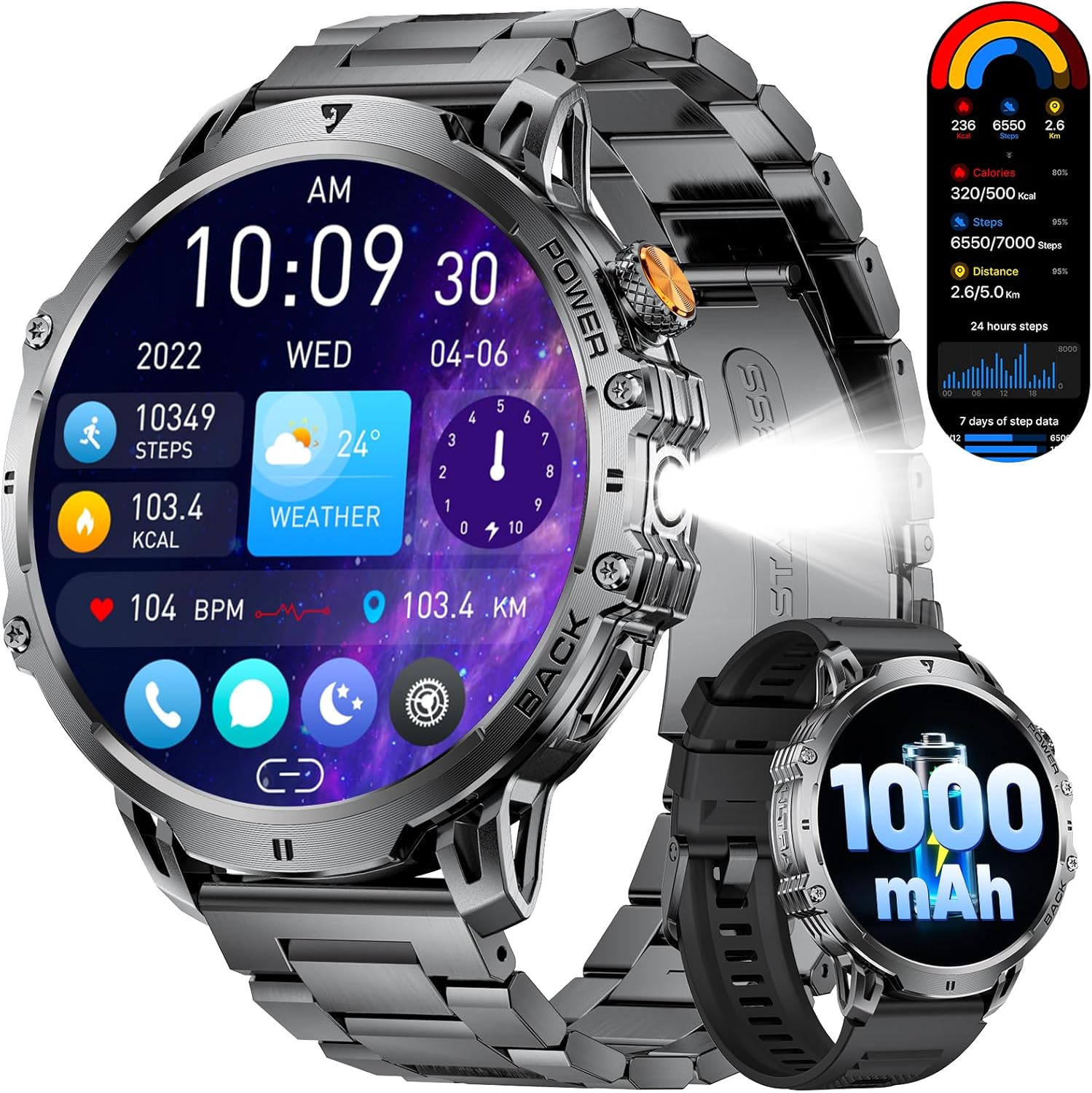
Figure 1: LIGE EF13-E Military Smart Watch Overview
2. Naon dina Box
Upon opening your LIGE EF13-E package, you should find the following items:
- LIGE EF13-E Smart Watch
- Kabel carjer magnét
- Stainless Steel Watch Strap
- Tali Jam Silikon
- Watch Strap Adjustment Tool
- Manual pamaké
Tali Jam Silikon
Stainless Steel Watch Strap
3. Setup Guide
3.1 Ngecas Awal
Before first use, ensure your smartwatch is fully charged. Connect the magnetic charging cable to the charging points on the back of the watch and plug the USB-A end into a compatible power source. The watch will automatically power on once charging begins.

Gambar 2: Sambungan Ngecas Magnét
3.2 Pamasangan Aplikasi sareng Papasangan
To unlock the full functionality of your LIGE EF13-E Smart Watch, you need to install the companion application, "FitCloudPro," on your smartphone (Android 4.4+ or iOS 8.0+).
- Scan the QR code displayed on the watch screen or in the user manual to download the "FitCloudPro" app from the Google Play Store or Apple App Store.
- Aktipkeun Bluetooth dina smartphone Anjeun.
- Open the "FitCloudPro" app, navigate to the "Device" section, and tap "Bind Device" or "Add New Device."
- Select "EF13" from the list of available devices.
- Konfirmasi pamundut papasangan dina smartphone Anjeun sareng smartwatch.
- Grant necessary permissions within the app for notifications, contacts, and call logs to ensure full functionality.

Gambar 3: Léngkah-léngkah Pamasangan sareng Pamasangan Aplikasi
Video 1: LIGE EF13 Smartwatch Setup and Features Overview
4. Band Installation and Adjustment
Your LIGE EF13-E Smart Watch comes with two interchangeable bands: a silicone band for sports and a stainless steel band for formal occasions. Both are designed for easy attachment and removal.
4.1 Attaching Bands
To attach a band, align the spring bar with the lug holes on the watch body. Push the spring bar inwards and slide the band into place, then release the spring bar to secure it. Ensure both ends are firmly locked.
4.2 Adjusting the Stainless Steel Band
The stainless steel band can be adjusted using the provided tool to remove or add links for a comfortable fit. Insert the tool's pin into the small holes on the side of the links, push to release the pin, and remove the desired number of links. Reassemble by inserting the pins back into the links.
Figure 4: Stainless Steel Band Adjustment
5. Ngoperasikeun Smart Watch
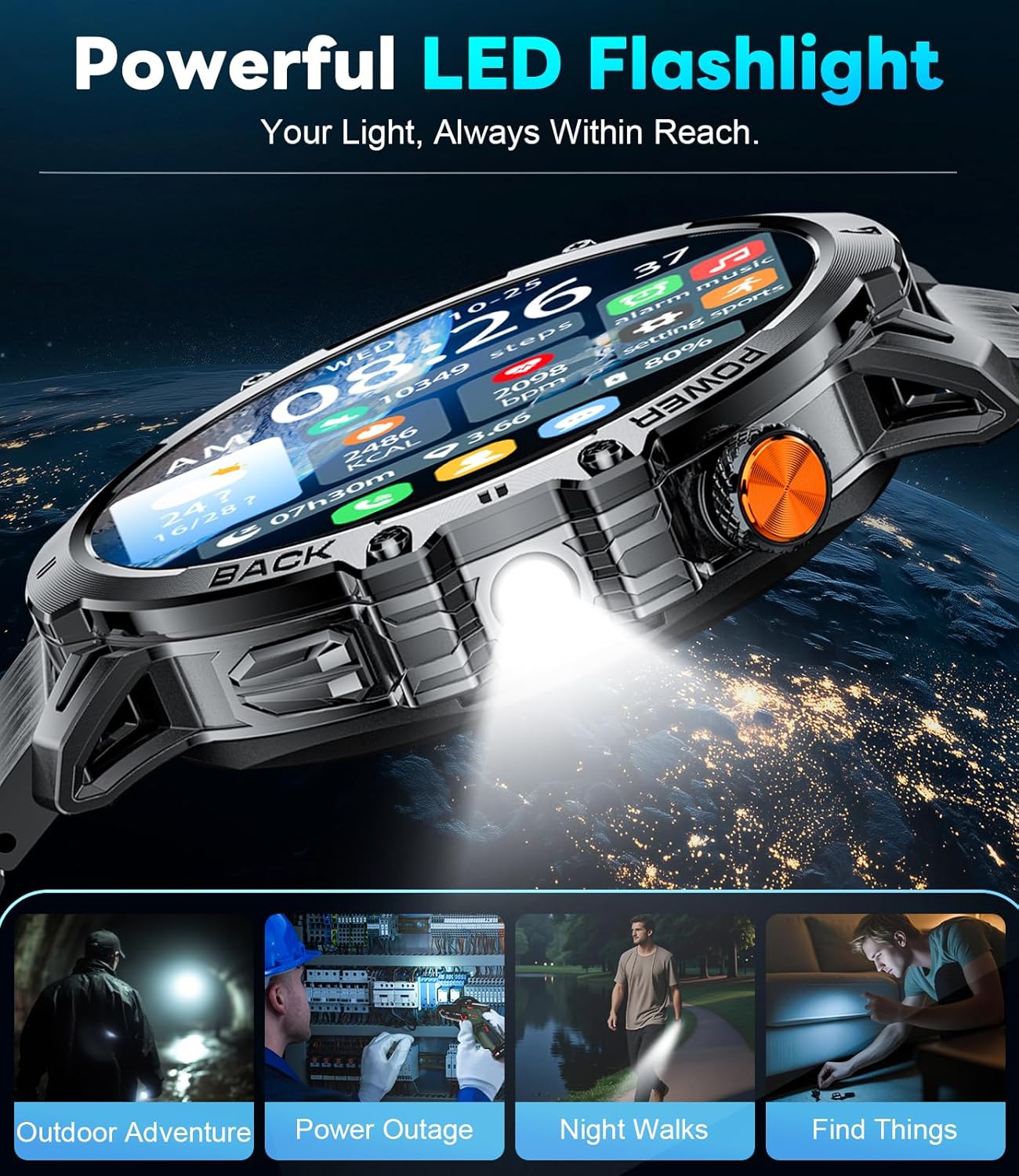
The LIGE EF13-E features a 1.85-inch HD full-touch screen for intuitive navigation and a built-in LED flashlight for convenience.
5.1 Pintonan Napigasi
- Gesek ka luhur/handap: Aksés setélan gancang atanapi béwara.
- Gesek Kénca/Katuhu: Navigate through various widgets such as activity data, heart rate, blood oxygen, and weather.
- Pencét Tombol Sisi: Balik deui ka layar utama atawa ngakses ménu utama.
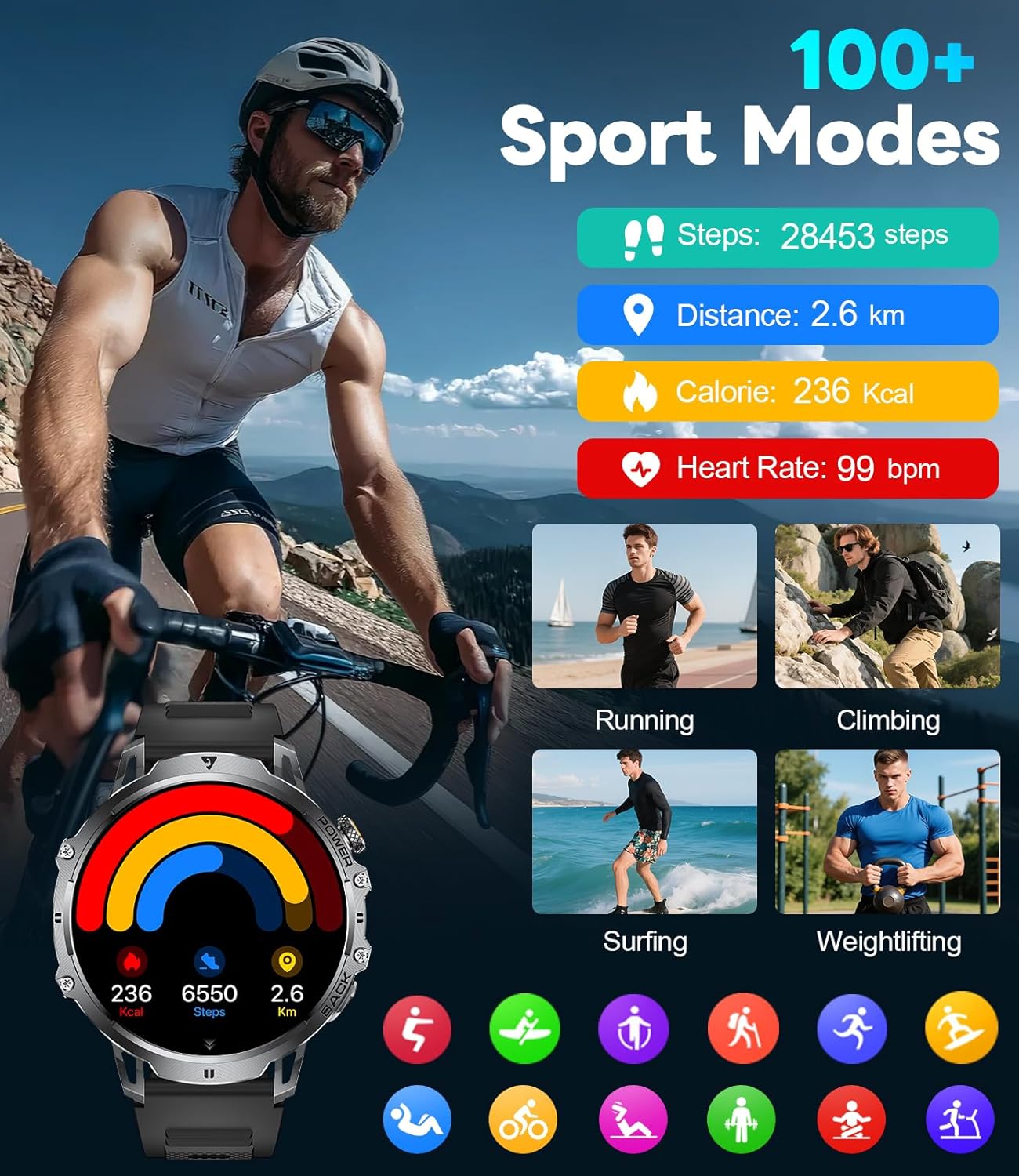
Figure 5: Watch Face and Menu Navigation
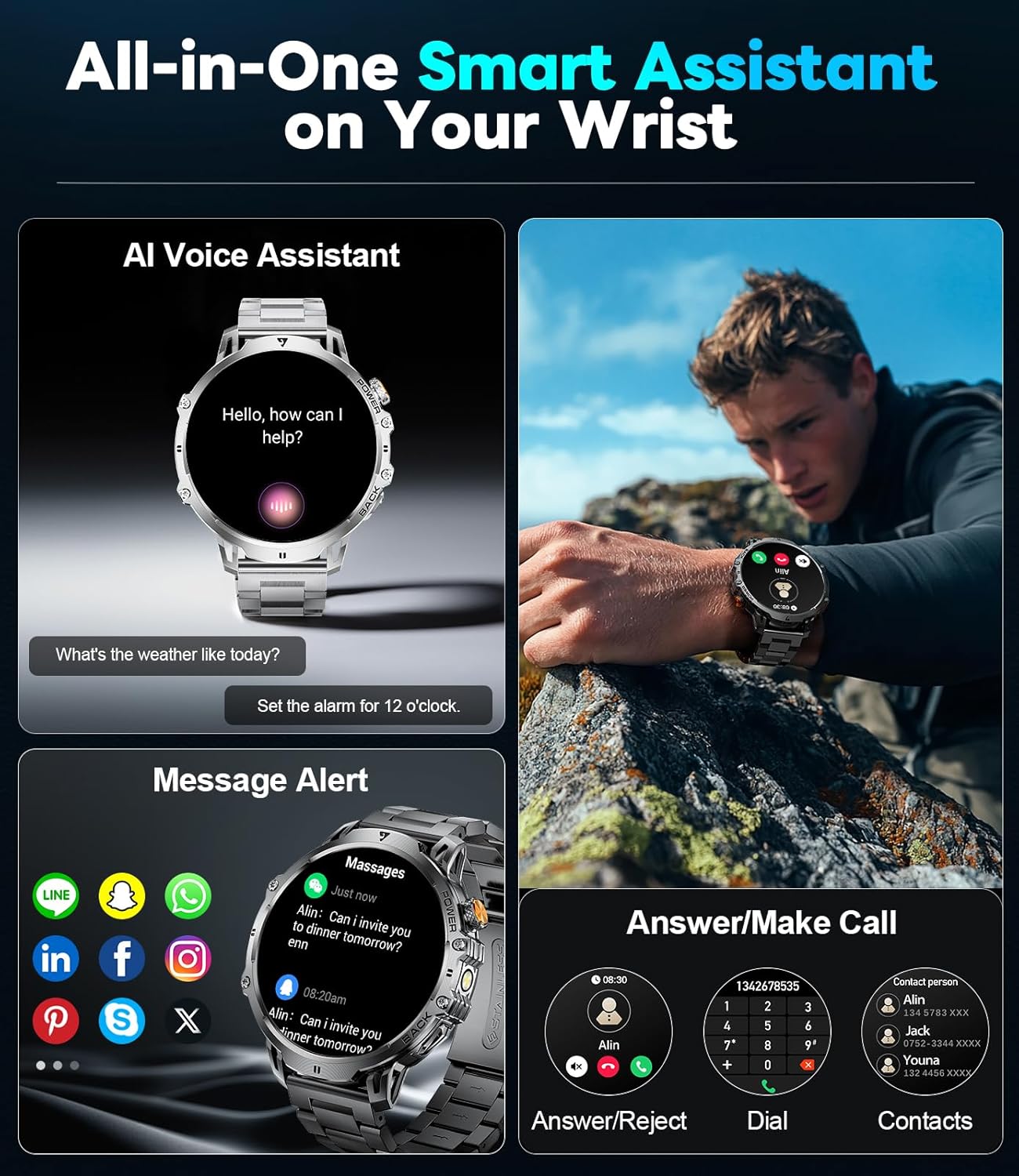
5.2 Bluetooth Calls & Notifications
Once paired with your smartphone, the watch allows you to manage calls and receive notifications directly on your wrist.
- Nelepon/Narima Telepon: Use the built-in microphone and speaker to make or answer calls without taking out your phone.
- Tanda Pesen: Receive real-time notifications for SMS, WhatsApp, and other social media apps.
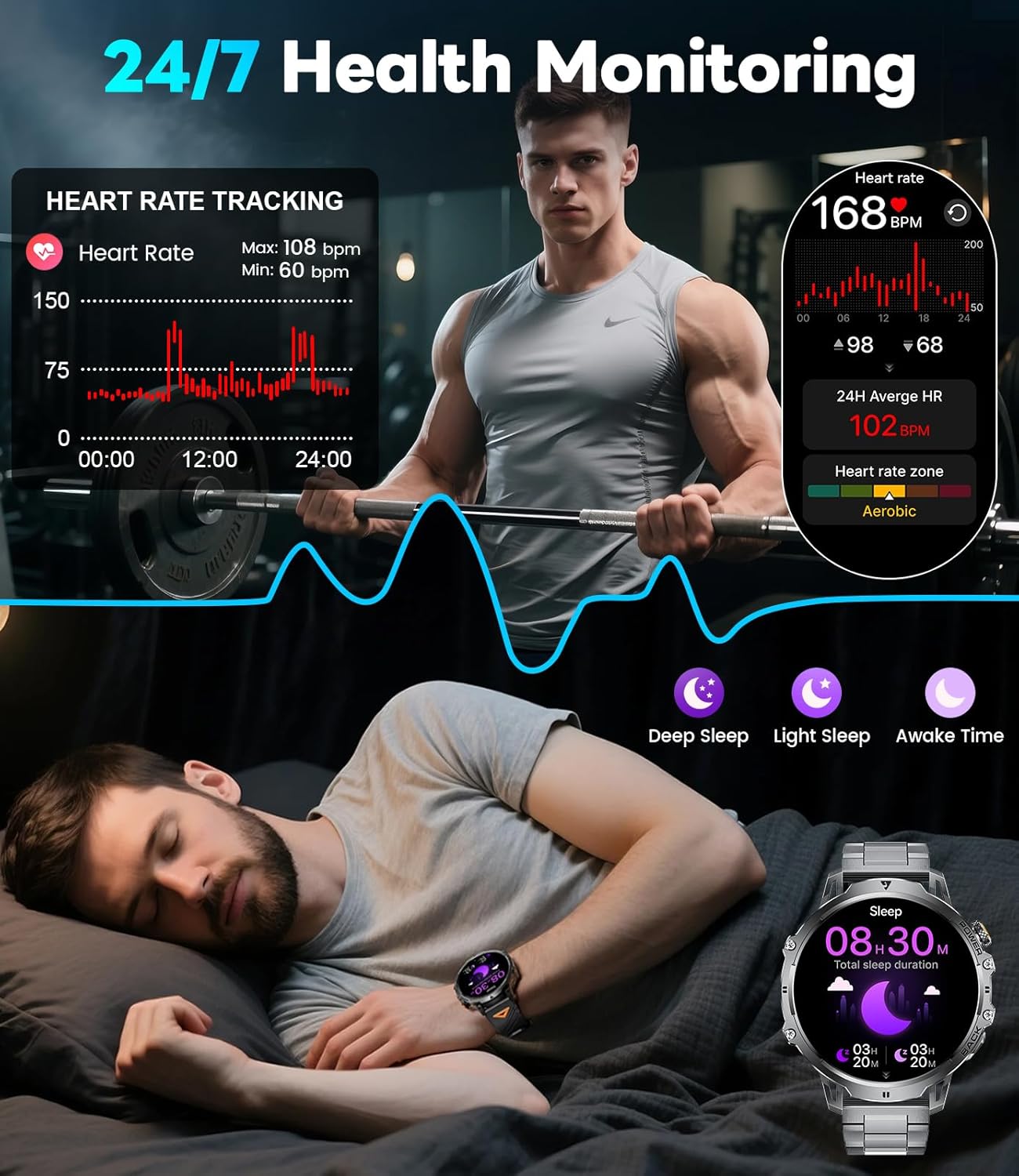
Figure 6: Bluetooth Calling and Message Notifications
5.3 Pangimeutan Kaséhatan
The EF13-E continuously monitors key health metrics:
- Laju Jantung: 24/7 heart rate tracking.
- Oksigén getih: Monitors SpO2 levels.
- Kualitas Saré: Tracks deep sleep, light sleep, and awake time to help improve sleep habits.
Gambar 7: Fitur Pangimeutan Kaséhatan
5.4 Modeu Olahraga
With over 110 sports modes, the watch accurately tracks calories, distance, and steps for various activities, from running and cycling to strength training.
angka 8: 110+ Olahraga Mode nyukcruk
5.5 Fitur tambahan
The smartwatch also includes a range of practical tools:
- Senter LED diwangun-di: Nyadiakeun katerangan dina lingkungan poék.
- Kontrol Musik: Atur pamuteran musik dina smartphone anjeun.
- Pembaruan Cuaca: Kéngingkeun inpormasi cuaca ayeuna.
- Stopwatch & Alarm: Essential timekeeping functions.
- Asistén Sora: Interaksi sareng alat anjeun nganggo paréntah sora.
- Kontrol kaméra: Aktipkeun kaméra smartphone anjeun ti jarak jauh.
- Kaulinan Mini: Two built-in games for entertainment.
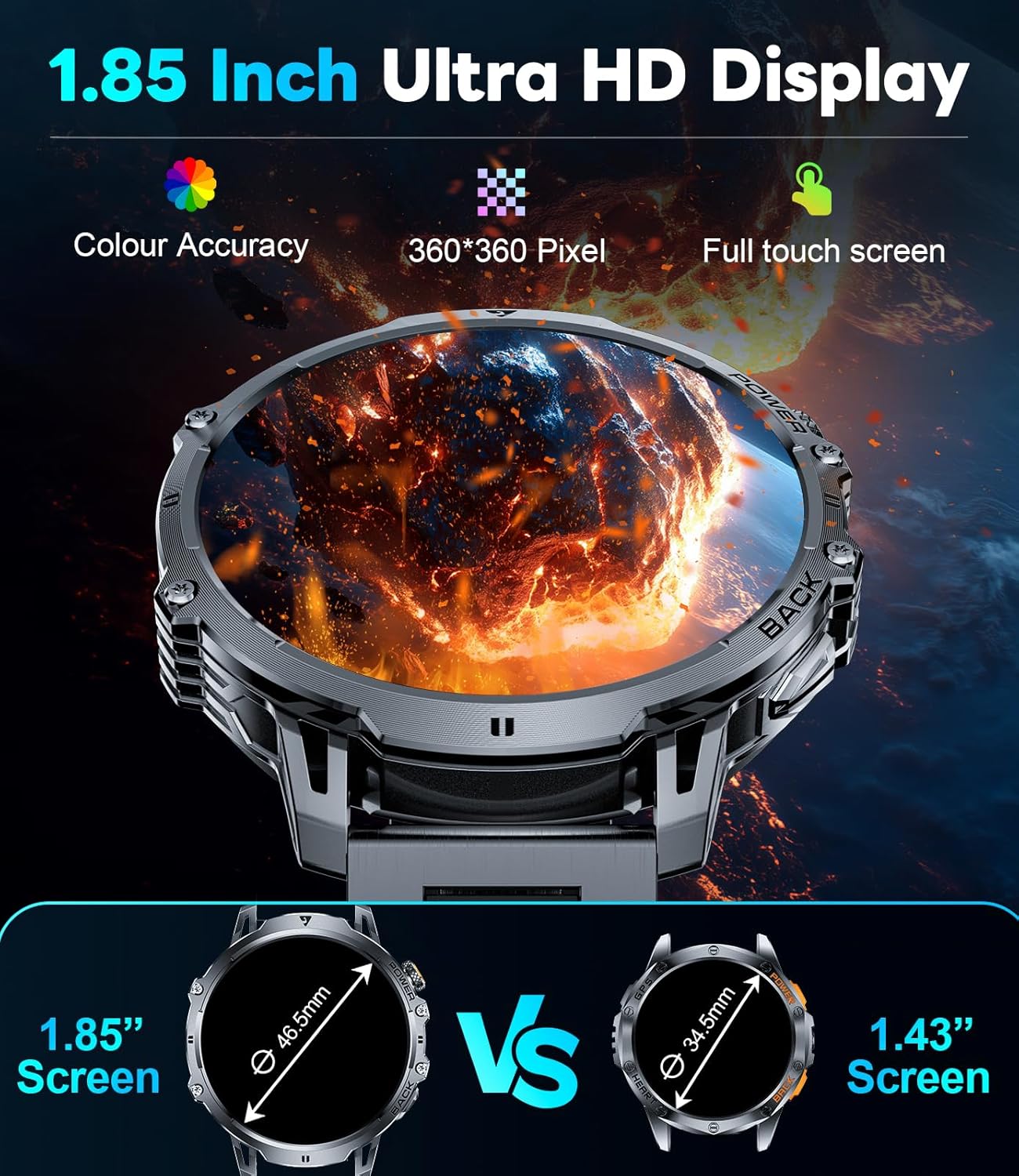
Figure 9: Powerful LED Flashlight
6. Pangropéa
To ensure the longevity and optimal performance of your LIGE EF13-E Smart Watch, follow these maintenance guidelines:
- beberesih: Regularly wipe the watch screen and bands with a soft, dry cloth. For stubborn dirt, use a slightly damp lawon jeung sabun hampang, teras garing tuntas.
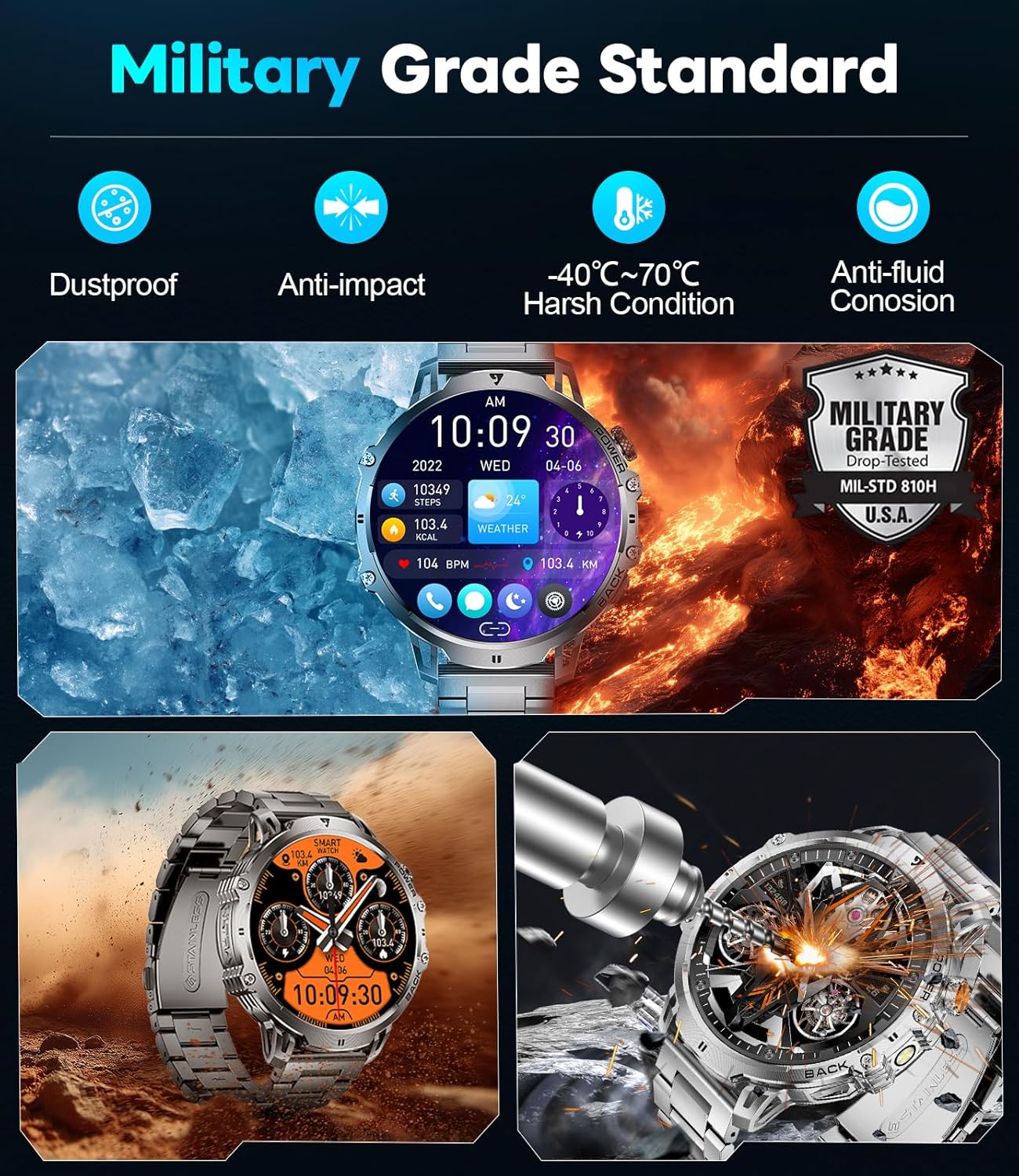
- Tahan cai: The watch is rated for 5ATM water resistance, making it suitable for swimming and showering. However, avoid hot water, steam, or prolonged submersion in deep water. Do not press buttons underwater.
- Ngecas: Use only the provided magnetic charging cable. Avoid exposing the charging contacts to metal objects to prevent short circuits.
- Panyimpenan: Simpen arloji dina tempat anu tiis sareng garing jauh tina sinar panonpoé langsung sareng suhu anu ekstrim.
- Hindarkeun Bahan Kimia: Do not expose the watch to strong chemicals, solvents, or detergents, as these can damage the materials.
7. Cara ngungkulan
If you encounter issues with your LIGE EF13-E Smart Watch, refer to the following common solutions:
- Lalajo teu hurung: Pastikeun arloji dicas pinuh. Sambungkeun kana carjer sareng antosan sababaraha menit.
- Teu tiasa dipasangkeun sareng smartphone:
- Pastikeun Bluetooth diaktipkeun dina telepon anjeun sareng arlojina aya dina jangkauan.
- Balikan deui telepon anjeun sareng jam tangan.
- Check if the "FitCloudPro" app has all necessary permissions.
- Try unbinding and re-pairing the device through the app.
- Bewara teu nampi:
- Verify that "Push Notifications" are enabled in the "FitCloudPro" app for specific applications.
- Check your phone's notification settings to ensure the app is allowed to send notifications.
- Pastikeun arloji disambungkeun via Bluetooth.
- Data kaséhatan teu akurat:
- Pastikeun yén arloji dipaké pas dina pigeulang anjeun, henteu ketat teuing atanapi longgar teuing.
- Ngabersihan sénsor dina tonggong arloji.
- Hindarkeun gerakan kaleuleuwihan salami pangukuran.
- hirup batré pondok:
- Ngurangan kacaangan layar sareng waktos layar-on.
- Nonaktipkeun fitur anu teu perlu sapertos ngawaskeun denyut jantung kontinyu upami teu diperyogikeun.
- Pastikeun jam tangan tos dicas pinuh sateuacan dianggo.
8. Spésifikasi
| Nomer modél | EF13-E |
| merek | LIGE |
| Ukuran tampilan | 1.85 Inches HD TFT (360x360 resolution) |
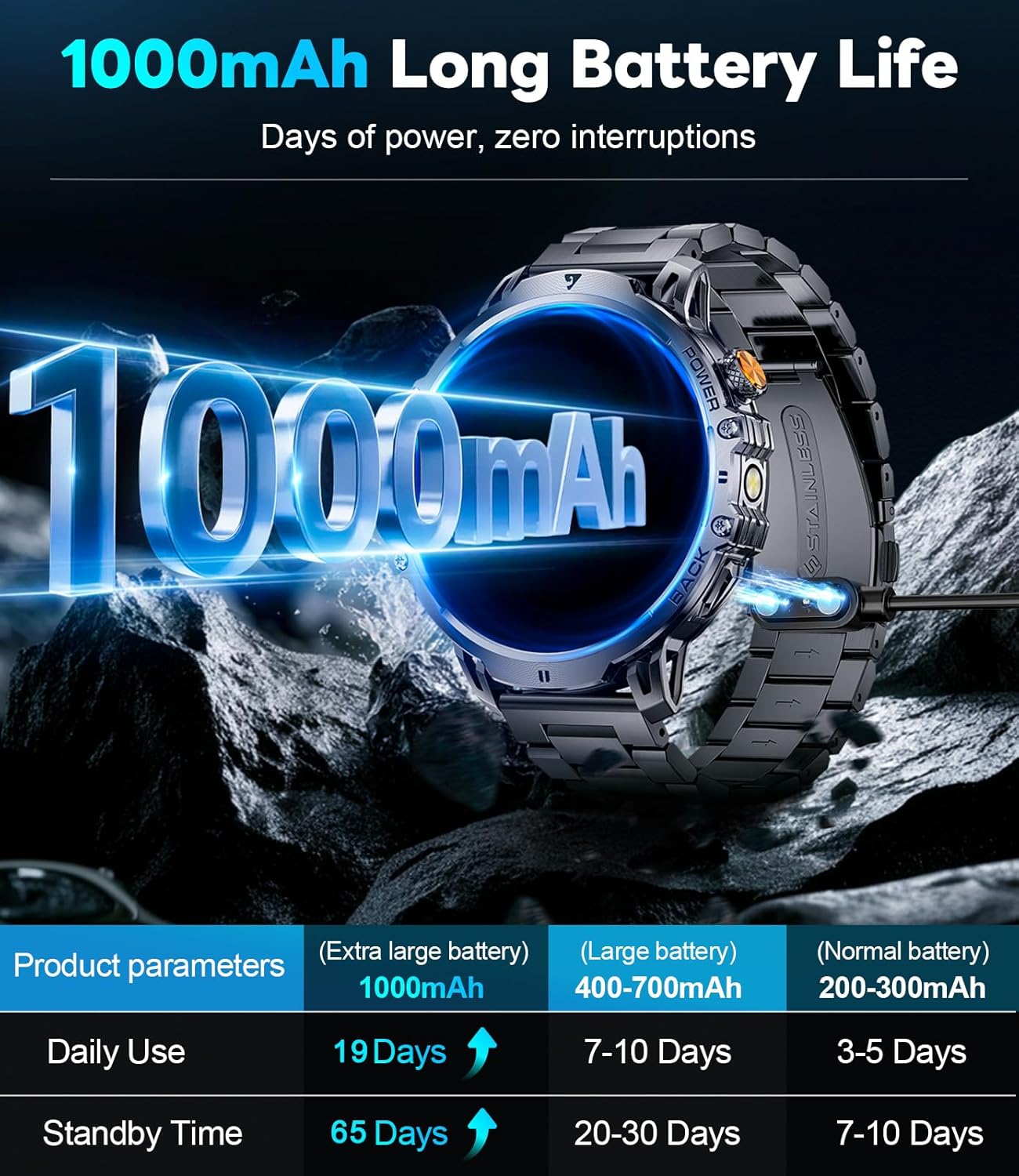
| Kapasitas batré | 1000 mAh Litium Polimér |
| Waktu sayaga | Nepi ka 65 Dinten |
| Waktos Pamakéan Normal | Over 19 Days |
| Tahan cai | 5ATM |
| Konektipitas | Bluetooth |
| Kasaluyuan System Operasi | Android 4.4+ sareng ios 8.0+ |
| Kapasitas Panyimpenan Mémori | 256 MB |
| Fitur husus | 1.85" Large HD Screen, 5ATM Waterproof, 1000 mAh Battery, 110+ Sport Modes, Sleep Monitor, Alarm Clock, Music Player, Sedentary Reminder, Activity Tracker, Calorie Tracker, Distance Tracker, Multisport Tracker, Bluetooth calls, Notifications, Weather Forecast, Built-in LED Flashlight, Voice Assistant, Camera Control, Mini-Games. |
| Item Beurat | 9.6 ons |
| Diménsi | 8.07 x 3.66 x 0.91 inci |

Figure 10: 1.85 Inch Ultra HD Display

Figure 11: Military Grade Standard Durability
9. Garansi jeung Rojongan
LIGE is committed to ensuring your satisfaction. If you have any questions, require support, or encounter any issues with your LIGE EF13-E Smart Watch, please do not hesitate to contact our customer service team. Refer to the contact information provided in your product packaging or on the official LIGE websitus pikeun pitulung.


