Bubuka
The Google Pixel Watch 4 is an advanced smartwatch designed by Google, featuring precision craftsmanship and a robust set of functionalities. It includes a first-of-its-kind Actua 360 domed display, extended battery life, and fast charging capabilities. This device integrates helpful AI, powerful health and fitness tracking tools, and essential safety features to enhance your daily life and provide peace of mind.
This manual provides detailed instructions on setting up, operating, maintaining, and troubleshooting your Google Pixel Watch 4.

Figure 1: Google Pixel Watch 4 (45mm) LTE Silver / Porcelain.
Disetél
Unboxing sareng Biaya Awal
Upon unboxing your Google Pixel Watch 4, ensure all components are present. The package typically includes the Pixel Watch 4 (45mm) LTE Silver / Porcelain, a Quick Start Guide, a USB-C Fast Charging Cable, and a Watch Band (both large and small sizes).
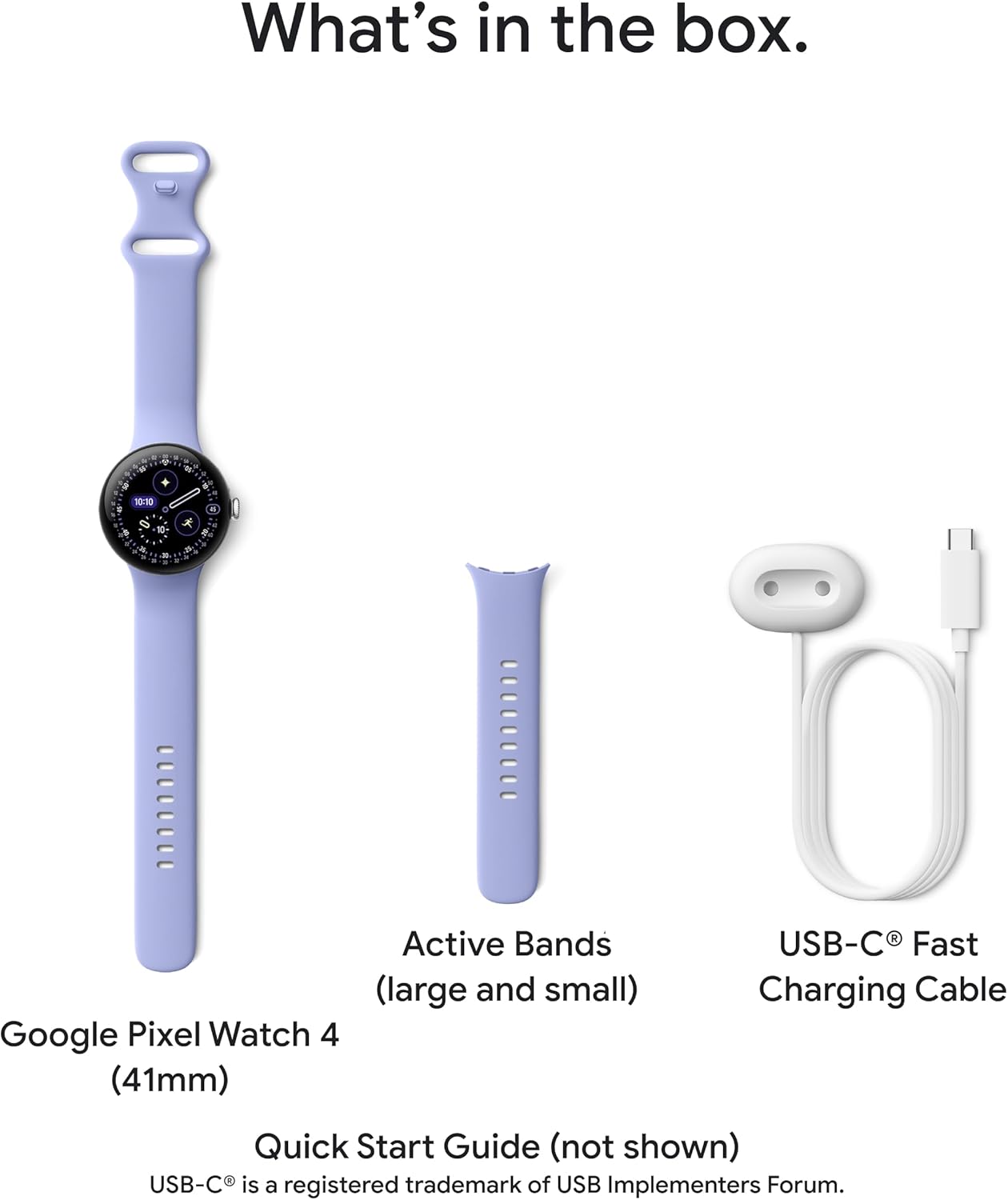
Figure 2: What's in the box: Google Pixel Watch 4, Active Bands (large and small), and USB-C Fast Charging Cable.
Before first use, it is recommended to fully charge your Pixel Watch 4. Connect the USB-C Fast Charging Cable to a compatible power adapter and attach the charging dock to the back of your watch. The new side charging dock provides up to 15 hours of battery life in 15 minutes or less.
Masangkeun sareng Alat Android
The Pixel Watch 4 is compatible with most Android devices running Android 11.0 or newer. To pair your watch:
- Pastikeun Bluetooth telepon Android anjeun diaktipkeun.
- Turn on your Pixel Watch 4.
- Follow the on-screen instructions on both your watch and phone to complete the pairing process via the Google Pixel Watch app.
- Once paired, you can listen to music with Pixel Buds, control your Pixel Camera, and view Nest Cam or Nest Doorbell feeds directly from your watch.

Figure 3: Pixel Watches are compatible with Google Pixel and Android phones running Android 11.0 or newer.
Ngoperasikeun Pixel Watch 4 Anjeun
Tampilan sareng Interaksi
The Pixel Watch 4 features an Actua 360 domed display, which is 10% larger and 50% brighter than previous models, offering enhanced visibility and interaction. Navigate the watch using the touchscreen and the physical crown on the side.
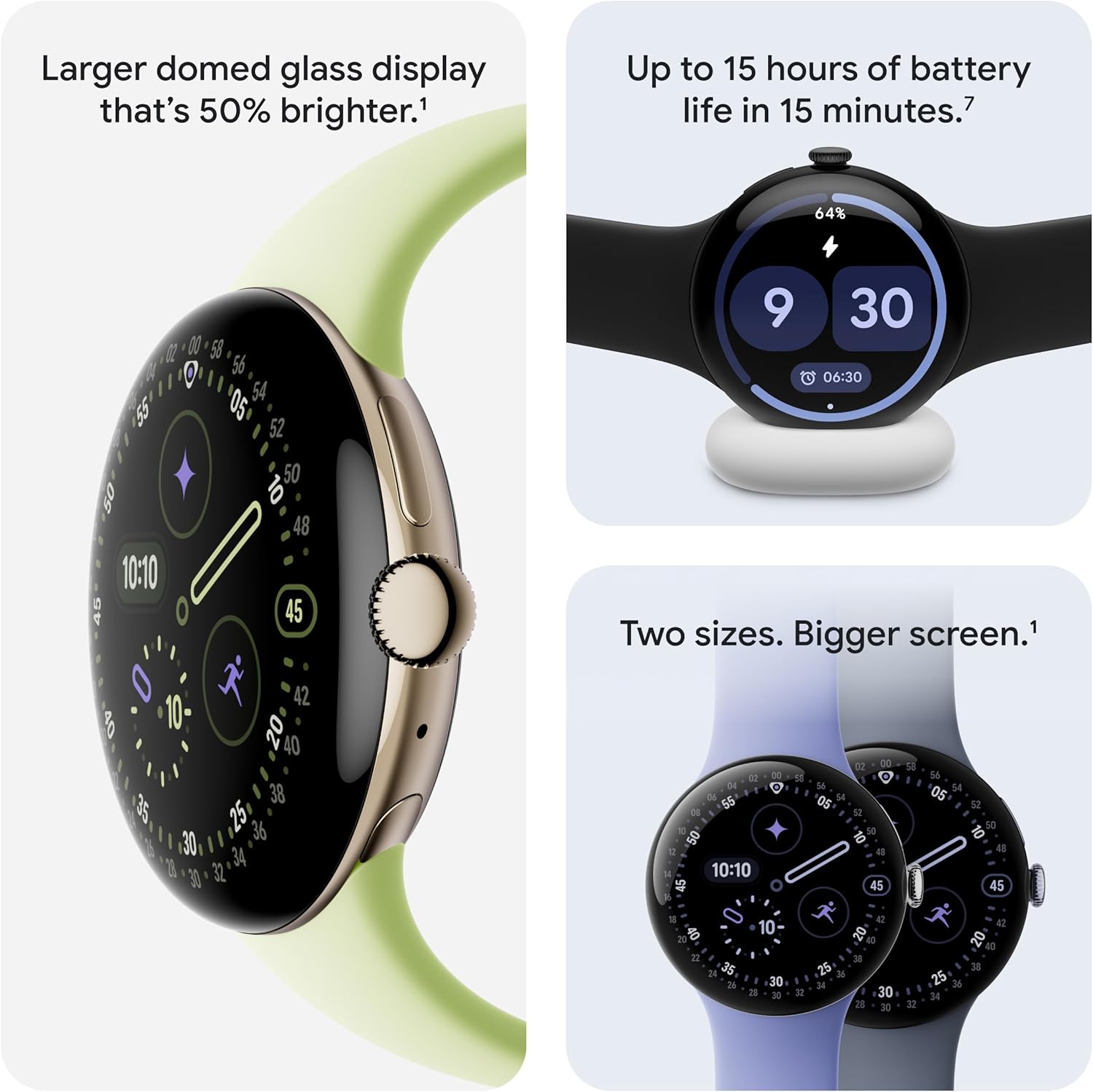
Figure 4: Features of the Actua 360 display, fast charging, and available sizes (41mm and 45mm).
Kaséhatan jeung Kabugaran Tracking
The Pixel Watch 4 provides comprehensive health and fitness monitoring:
- Nyukcruk Denyut Jantung: Utilizes Google's most accurate heart rate tracking technology.
- Wawasan Saré: Monitors your sleep patterns and provides detailed insights into your sleep quality.
- Key Health Metrics: Tracks SpO2 (blood oxygen saturation), HRV (Heart Rate Variability), and more.
- Modeu Latihan: Offers over 40 exercise modes with real-time statistics displayed on your wrist.
- GPS Frékuénsi Ganda: Provides highly accurate route tracking for outdoor activities like runs and hikes.
- Skor Kesiapan: Helps you understand if your body is ready for a workout or needs recovery.

Figure 5: Track your fitness with 40+ exercise modes and accurate GPS.

Figure 6: Monitor your body's readiness and optimize performance with real-time guidance.
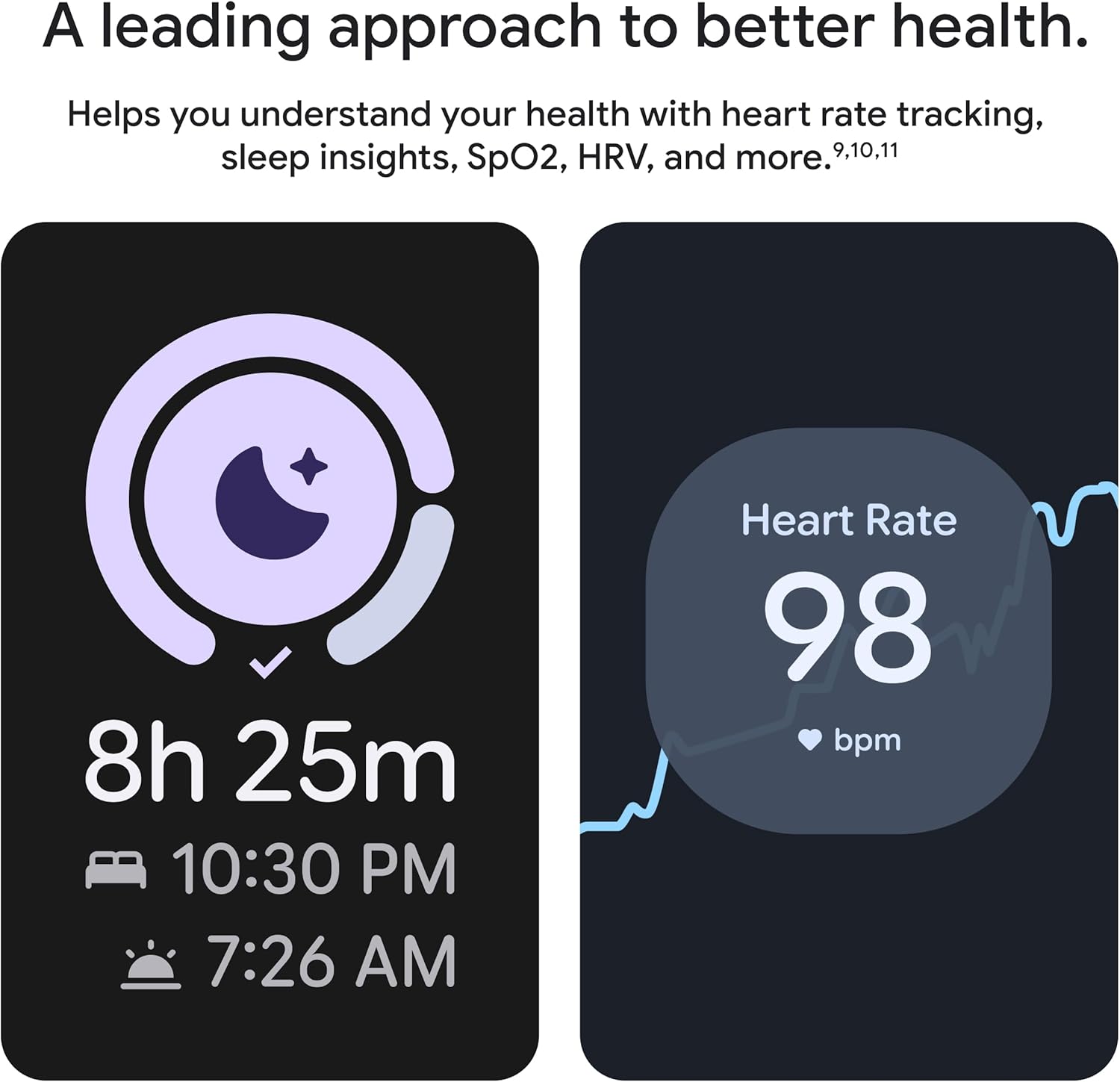
Figure 7: Understand your health with detailed sleep insights and accurate heart rate tracking.
Gemini AI Assistant
The Google Pixel Watch 4 has Gemini, your built-in AI assistant. You can ask questions and receive quick, personalized responses directly from your wrist. Gemini also powers hyper-relevant quick replies for texting, keeping you connected efficiently.
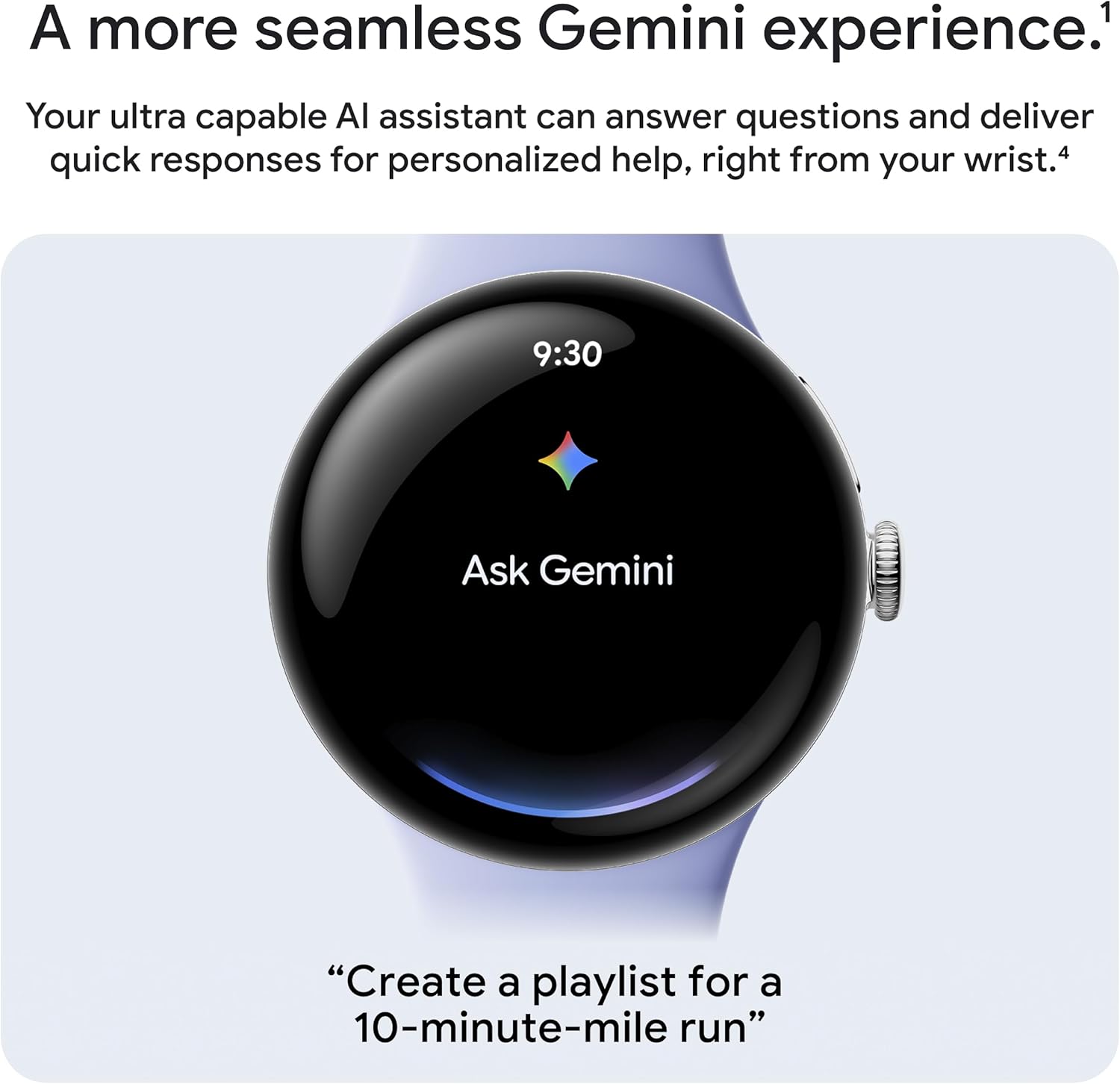
Figure 8: Interact with Gemini AI for quick assistance.
Fitur Kasalametan
The Pixel Watch 4 includes advanced safety features for your peace of mind:
- Leungitna Deteksi Denyut Nadi: Bisa ngadeteksi kajadian leungitna denyut nadi sareng sacara otomatis ngajurung telepon ka layanan darurat.
- Sambungan Layanan Darurat: In remote locations, the watch can connect you to emergency services through geostationary satellites.
- Babagi Lokasi sacara real-time: Ngirimkeun lokasi sareng tingkat batré anjeun sacara real-time ka kontak anu dipilih dina kaayaan anu penting.
- Deteksi Ragrag: Ngabantosan nyambungkeun anjeun ka layanan darurat upami anjeun labuh kalayan teuas.
- Trusted Contacts & 911 Alert: Allows you to alert trusted contacts or 911 if you feel unsafe.
- Timer kaamanan: Set a timer if you're out for a run or alone at night, which can alert contacts if not deactivated.
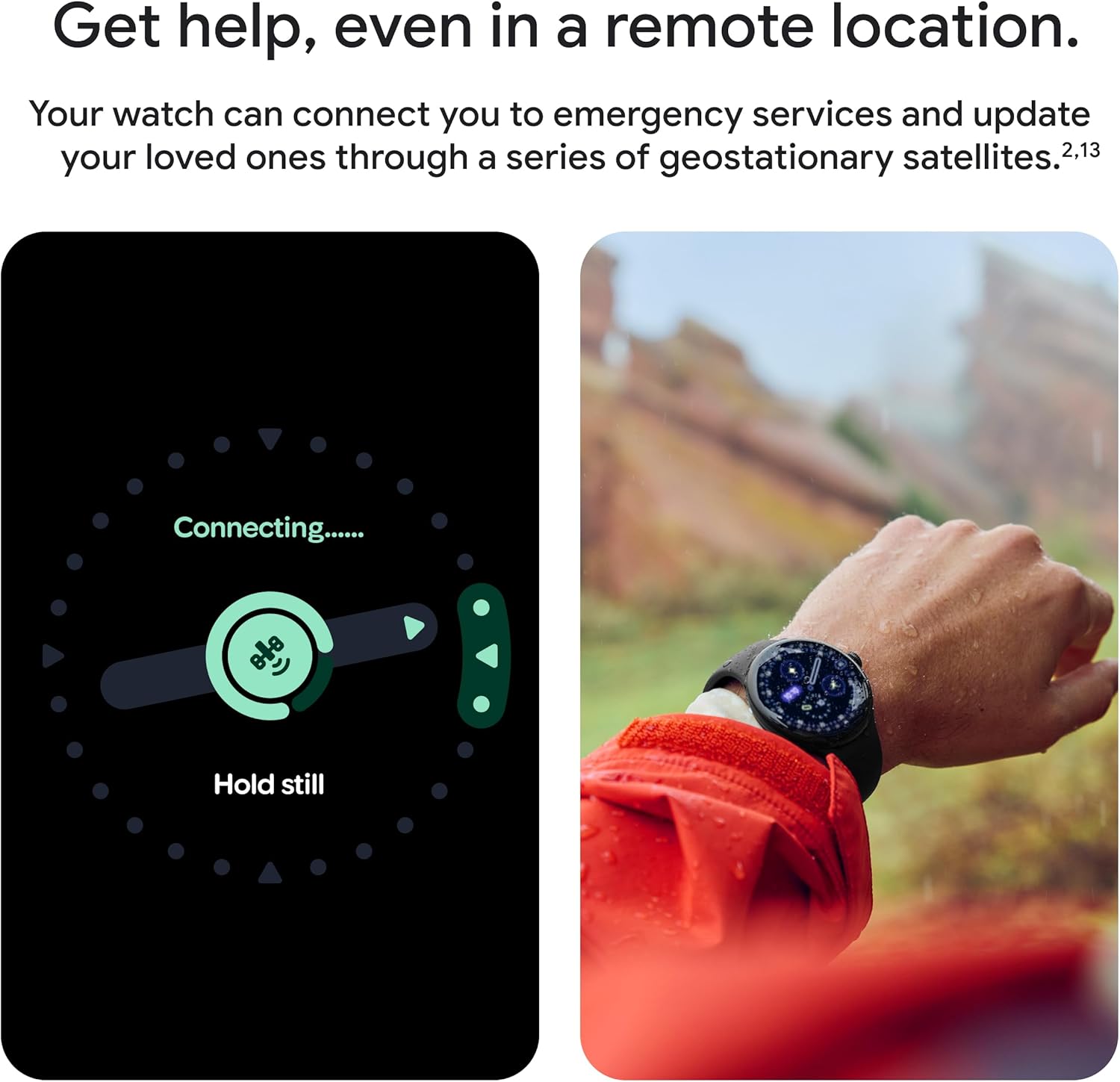
Figure 9: Connect to emergency services even in remote locations.

Figure 10: Loss of Pulse Detection feature.
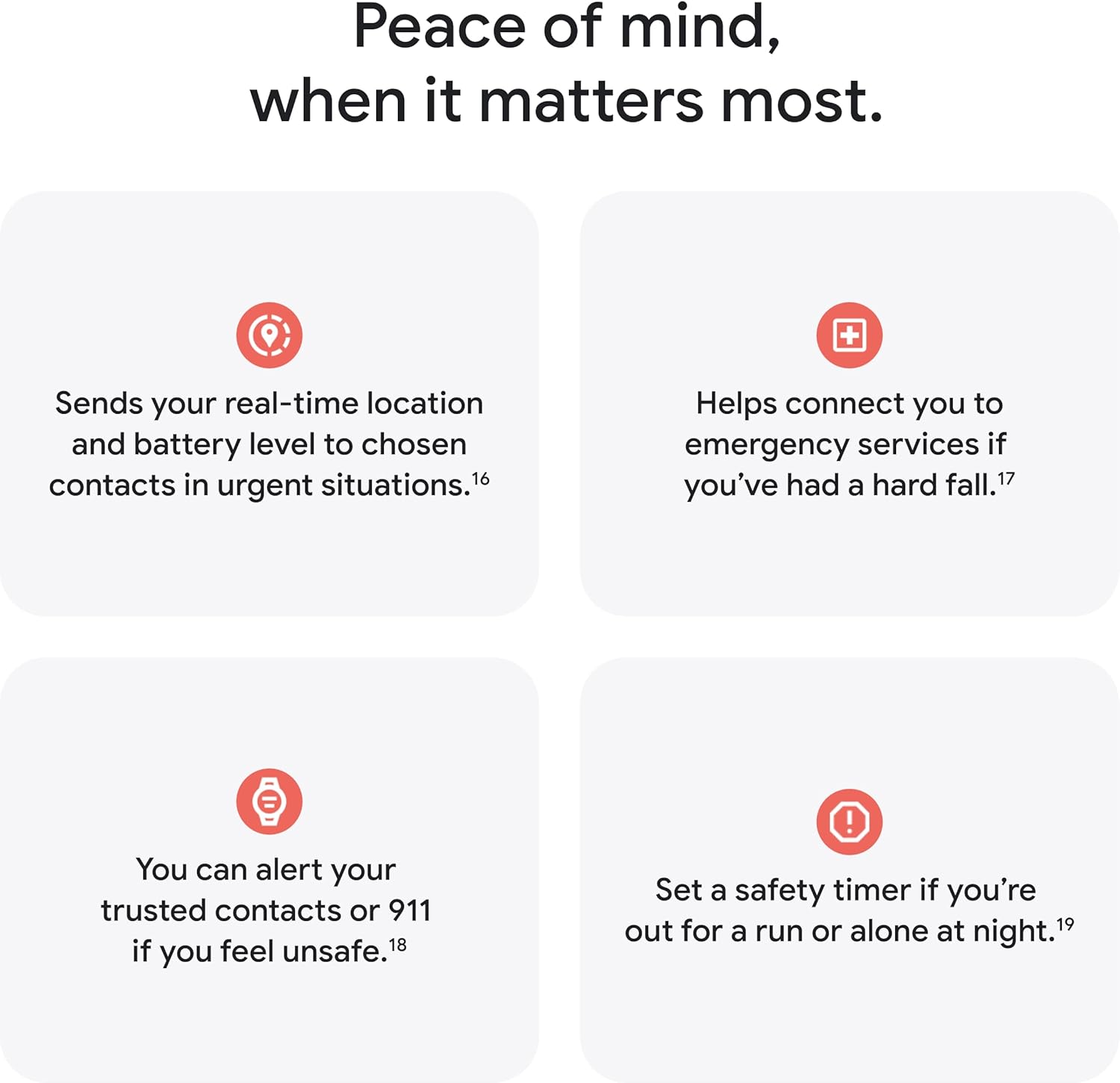
Gambar 11: Leuwihview of safety and security features.
Pangropéa
Pikeun mastikeun umur panjang sareng kinerja optimal Google Pixel Watch 4 anjeun, tuturkeun tungtunan pangropéa ieu:
- beberesih: Regularly wipe the watch face and band with a soft, lint-free cloth. For stubborn smudges, slightly dampen lawon jeung cai. Hindarkeun bahan kimia anu kasar atanapi bahan abrasive.
- Tahan cai: The Pixel Watch 4 is water resistant up to 50 meters. It is suitable for shallow-water activities like swimming in a pool or ocean. However, it is not recommended for scuba diving, waterskiing, or other activities involving high-velocity water or submersion below shallow depth. Always dry the watch thoroughly after exposure to water.
- Daya tahan: The watch features aerospace-grade aluminum housing and scratch-resistant Gorilla Glass for enhanced durability. While robust, avoid dropping the watch or exposing it to extreme impacts.
- Port ngecas: Tetep kontak ngecas beresih jeung garing pikeun mastikeun ngecas efisien.
Pamérésan masalah
If you encounter issues with your Google Pixel Watch 4, consider the following common troubleshooting steps:
- Lalajo Teu Ngabales: Try restarting the watch by holding down the crown until the Google logo appears.
- Masalah pasangan: Ensure your phone's Bluetooth is on, the watch is charged, and both devices are within range. Try unpairing and re-pairing the watch from your phone's Bluetooth settings.
- Solokan batré: Check for background apps consuming excessive power. Adjust screen brightness and disable unnecessary notifications.
- Bacaan teu akurat: Ensure the watch is worn snugly on your wrist. Clean the sensors on the back of the watch.
- Apdet parangkat lunak: Ensure your watch's software is up to date. Updates often include bug fixes and performance improvements.
For more detailed troubleshooting or persistent issues, please visit the official Google Pixel Watch support website or contact Google customer service.
spésifikasi
| Fitur | Rincian |
|---|---|
| Nomer modél | GA10844-AS |
| Sistem operasi | Android |
| tampilan | Actua 360 Domed Display, 45mm Screen Size, Scratch-resistant Gorilla Glass |
| Konektipitas | LTE, Bluetooth, Wireless |
| GPS | Built-in Dual-Frequency GPS |
| Kahirupan batré | Up to 40 hours (typical usage), up to 72 hours (Battery Saver mode) |
| Ngecas | Fast Charging (15 hours in 15 minutes) via USB-C Fast Charging Cable |
| Tahan cai | Nepi ka 50 méter |
| Bahan | Aerospace-grade aluminum housing |
| Panyimpenan internal | 32 GB |
| Beurat | 257 g |
| Warna | Porcelain (for this specific model) |

Figure 12: Comparison of Google Pixel Watch 4 and Pixel Watch 3 specifications.
Garansi sareng Rojongan
The Google Pixel Watch 4 is manufactured by Google. For warranty information, please refer to the documentation included with your product or visit the official Google support website. Google provides support for product inquiries, technical assistance, and warranty claims.
For the most up-to-date information regarding legal disclaimers, terms of service, and privacy policies, please refer to the official Google Pixel Watch website or the legal section within the product's digital documentation.
Sumberdaya Online:
- Rojongan Google resmi: support.google.com/pixelwatch
- Toko Google: store.google.com


