1. Bubuka
Thank you for choosing the Wentronic Y02 Active Noise Cancelling Headphones. This manual provides essential information for setting up, operating, and maintaining your headphones to ensure optimal performance and longevity. Please read this manual thoroughly before use.

Image: Wentronic Y02 Active Noise Cancelling Headphones, silver edition.
2. Eusi Paket
Pastikeun sadaya item aya dina pakét anjeun:
- Y02 ANC Headphones x 1
- Charging Cable (USB-C) x 1
- Kabel Audio 3.5 mm x 1
- Buku Panduan x 1
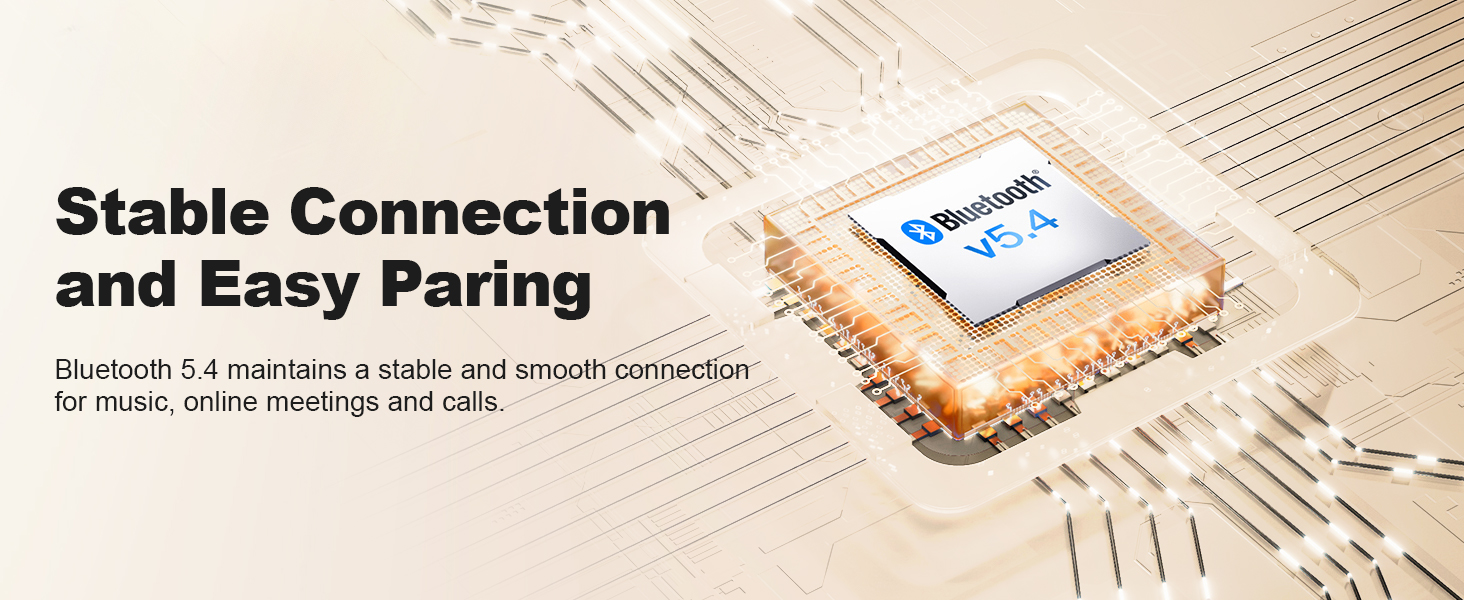
Image: The Wentronic Y02 headphones, USB-C charging cable, 3.5mm audio cable, and user manual as included in the product packaging.
3. Produk Langkungview
Kontrol jeung palabuhan
Familiarize yourself with the headphone controls:
- Tombol Daya: On/Off, Play/Pause, Answer/End Calls.
- Tombol Volume (+/-): Nyaluyukeun volume, ngaliwatan lagu.
- Tombol multi-fungsi: Rotate to switch EQ modes, press to toggle Active Noise Cancellation (ANC).
- Port ngecas USB-C: Pikeun ngecas headphone.
- 3.5mm Audio Jack: Pikeun sambungan kabel.
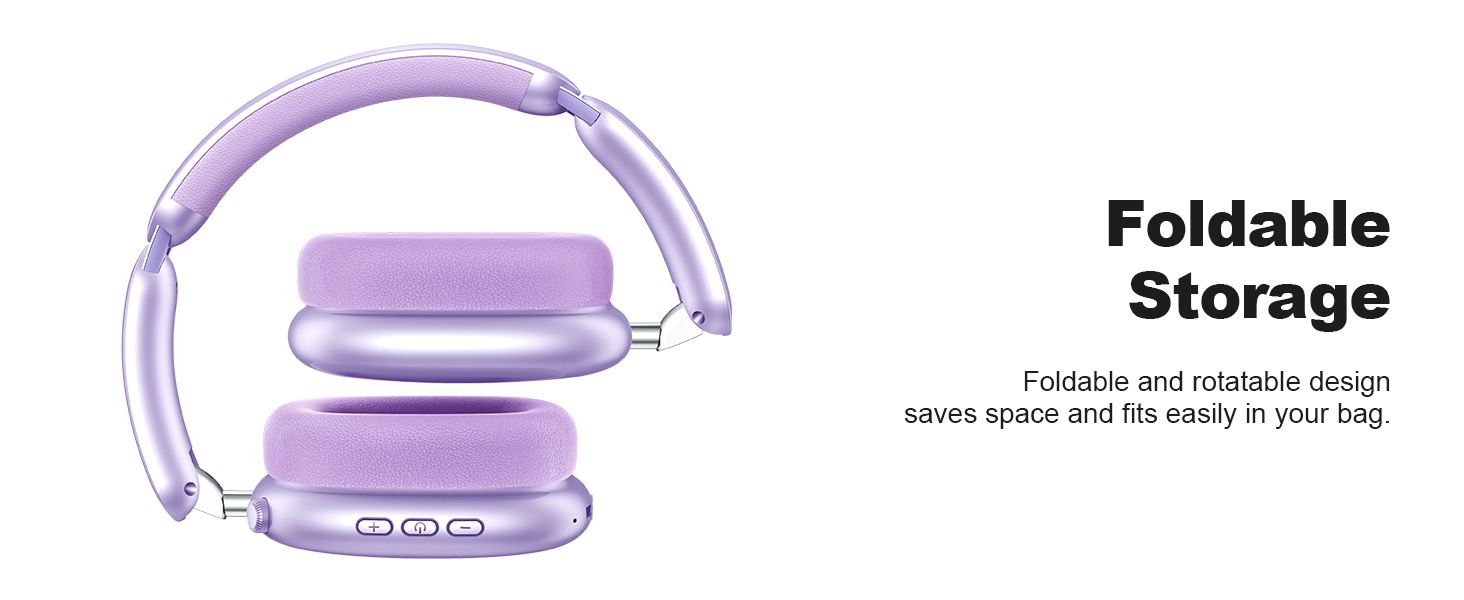
Image: Detail of the multi-functional knob on the headphone earcup, indicating its use for switching ANC and EQ modes.
4. Setélan
4.1 Ngecas Headphone
Before first use, fully charge your headphones. Connect the supplied USB-C charging cable to the headphone's charging port and a compatible USB power source. The LED indicator will show charging status.
- A full charge provides up to 60 hours of playtime (ANC off) or 48 hours (ANC on).
- Quick charge feature: 10 minutes of charging provides approximately 4 hours of playtime.

Image: Visual representation of the Y02 headphones' battery life: 48 hours with ANC on, 60 hours with ANC off, and 4 hours playtime from a 10-minute charge.
4.2 Nyapasangkeun Bluetooth
Pikeun nyambungkeun headphone anjeun sacara nirkabel:
- Pastikeun headphone dicas sareng dipareuman.
- Pencét jeung tahan tombol Daya nepi ka indikator LED hurung biru jeung beureum, nuduhkeun mode papasangan.
- Dina alat anjeun (smartphone, tablet, komputer), aktipkeun Bluetooth sareng milarian alat anu sayogi.
- Select "Wentronic Y02" from the list.
- Sakali disambungkeun, indikator LED bakal ngahurungkeun biru padet.
Headphone bakal otomatis nyambung deui ka alat anu terakhir dipasangkeun nalika dihurungkeun, upami aya dina jangkauan.
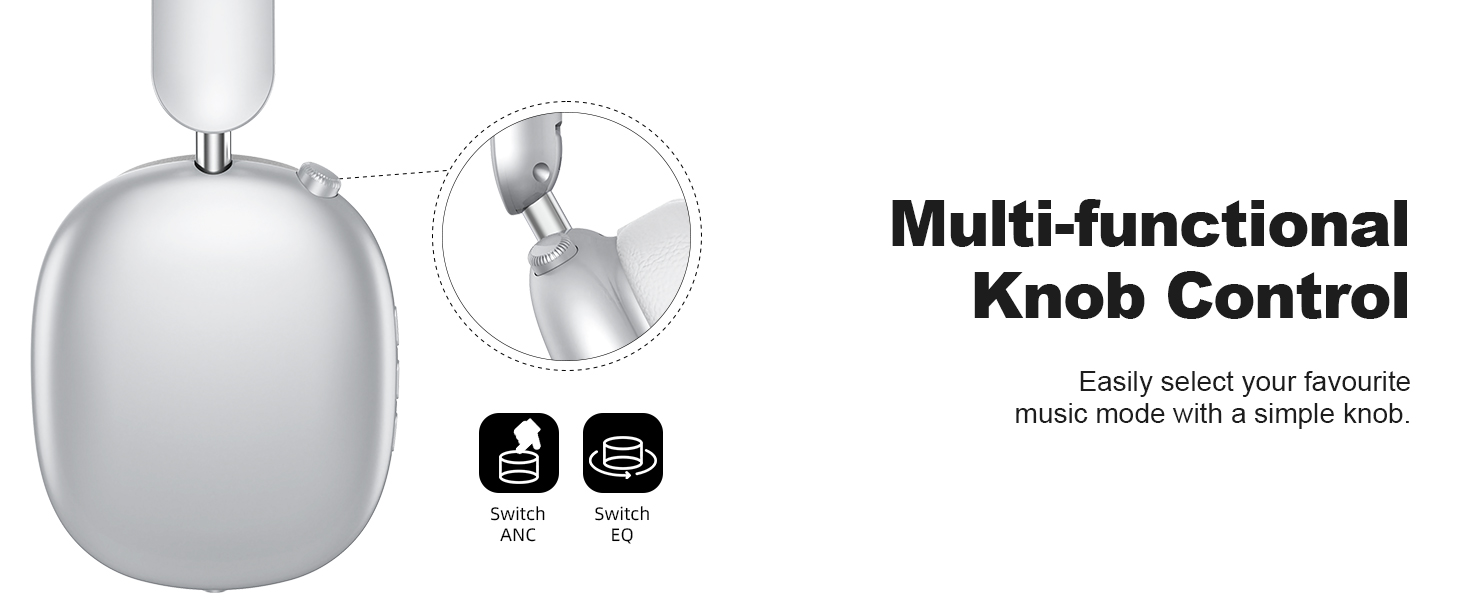
Image: A graphic depicting the Bluetooth 5.4 chip and its role in maintaining a stable and smooth connection for the Y02 headphones.
4.3 Sambungan kabel
For a wired audio experience or when the battery is depleted, use the included 3.5mm audio cable. Connect one end to the headphone's 3.5mm audio jack and the other end to your audio source's 3.5mm port. The headphones will automatically switch to wired mode.

Image: The Y02 headphones on a stand, connected to an audio source via the 3.5mm cable, highlighting both wireless and wired usage options.
5. Parentah Operasi
5.1 Daya Hurung/Pareuman
- Daya Hurung: Pencét jeung tahan tombol Daya salila 3 detik.
- Pareum listrik: Pencét jeung tahan tombol Daya salila 3 detik.
5.2 Pembatalan Noise Aktip (ANC)
The Y02 headphones feature advanced active noise cancellation to reduce ambient sounds.
- Aktipkeun / Nonaktipkeun ANC: Press the multi-functional knob once.
- ANC effectively blocks over 90% of ambient noise, such as engine sounds or general chatter.

Image: The Y02 headphones with a visual representation of sound waves being cancelled, highlighting the hybrid active noise cancellation feature.
5.3 EQ Sound Modes
Customize your audio experience with 5 preset EQ modes:
- Ganti Modeu EQ: Rotate the multi-functional knob.
- Available modes include Rock, Pop, Electronic, Jazz, Classical, and Normal.

Image: A visual guide to the five EQ music modes available on the Y02 headphones, allowing users to select their preferred sound profile.
5.4 Manajemén Telepon
The headphones are equipped with multiple microphones for clear calls.
- Ngajawab / mungkas Telepon: Pencét tombol Daya sakali.
- Nolak Telepon: Pencét jeung tahan tombol Daya salila 2 detik.

Image: A user making a call with the Y02 headphones, illustrating the distraction-free calling experience and voice pick-up enhancement.
5.5 Volume jeung Track Control
- Volume Up: Pencét tombol '+'.
- Volume Turun: Pencét tombol '-'.
- Lagu salajengna: Pencét jeung tahan tombol '+'.
- Lagu Sateuacanna: Pencét jeung tahan tombol '-'.
6. Kanyamanan sareng Desain
The Wentronic Y02 headphones are designed for extended wear and portability.
- Comfortable Earpads: Cloud-soft protein leather earcups with memory foam provide a comfortable and breathable fit.
- Headband adjustable: Ensures a secure yet gentle fit for various head sizes.
- Desain anu tiasa dilipat: The earcups fold inward for compact storage and easy transport.
- Desain Puteran: Earcups can rotate 90 degrees for a better fit and flat storage.

Gambar: A lengkep view of the cloud-soft protein leather earpads, designed for comfort during prolonged use.

Image: The Y02 headphones in their folded configuration, demonstrating the space-saving design for travel and storage.
7. Pangropéa
To ensure the longevity and performance of your Wentronic Y02 headphones, follow these maintenance guidelines:
- beberesih: Anggo lawon anu lembut sareng garing pikeun ngabersihan headphone. Ulah make cleaners abrasive atawa pangleyur.
- Panyimpenan: Store the headphones in a cool, dry place. Avoid extreme temperatures. When not in use, fold them for compact storage.
- Paparan cai: Headphone ieu teu tahan cai. Ulah kakeunaan cai, hujan, atanapi kalembaban anu kaleuleuwihi.
- Perawatan kabel: Handle the charging and audio cables gently to prevent damage.
8. Cara ngungkulan
If you encounter issues with your Wentronic Y02 headphones, refer to the table below:
| Masalah | Mungkin Cukang lantaranana | Solusi |
|---|---|---|
| Headphone teu hurung. | batré lemah. | Ngecas headphone pinuh. |
| Teu bisa masangkeun via Bluetooth. | Headphone henteu dina mode papasangan; alat Bluetooth pareum; jauh teuing ti alat. | Ensure headphones are in pairing mode (flashing blue/red). Turn device Bluetooth off/on. Move closer to device (within 10 meters). |
| Taya sora. | Volume teuing leutik; sumber audio salah; masalah sambungan kabel. | Increase volume. Check if connected to the correct device. Ensure 3.5mm cable is fully inserted if using wired mode. |
| ANC henteu tiasa dianggo sacara efektif. | ANC teu diaktipkeun; gangguan lingkungan teuing luhur. | Press the multi-functional knob to activate ANC. ANC is most effective against low-frequency, constant noise. |
| Kualitas panggero goréng. | Microphone obstructed; environmental noise; weak Bluetooth connection. | Ensure microphone is clear. Move to a quieter environment. Ensure stable Bluetooth connection. |
9. Spésifikasi
| Fitur | Rincian |
|---|---|
| Ngaran modél | Y02 Headphones |
| Téhnologi konektipitas | Nirkabel (Bluetooth 5.4), Kabel (Jack 3.5 mm) |
| Vérsi Bluetooth | 5.4 |
| Rentang Bluetooth | Nepi ka 10 méter (33 suku) |
| Kontrol bising | Aktif Noise pembatalan (ANC) |
| Tipe Supir Audio | Supir dinamis (40mm) |
| Kahirupan batré | Nepi ka 60 jam (ANC pareum), 48 jam (ANC on) |
| Port ngecas | USB-C |
| Modeu EQ | 5 (Rock, Pop, Electronic, Jazz, Classical, Normal) |
| Panempatan Ceuli | Leuwih Ceuli |
| Bahan | Protein Leather (earpads) |
| Item Beurat | 0.61 Kilogram (1.34 pon) |
| Tingkat Résistansi Cai | Henteu Tahan Cai |
10. Garansi jeung Rojongan
For warranty information and customer support, please refer to the documentation included with your purchase or visit the official Wentronic websitus. Simpen bukti pameseran anjeun pikeun klaim garansi.


