1. Bubuka
This manual provides essential instructions for the safe and efficient operation of your Jectse 4G LTE Mobile WiFi Hotspot Router. Please read this manual thoroughly before using the device and retain it for future reference.
The Jectse 4G LTE Mobile WiFi Hotspot Router is designed to provide portable internet access, supporting 4G and 3G networks. It features an integrated 8000mAh lithium-ion battery, allowing for extended use and the ability to charge other devices. The device supports connection for up to 10 devices simultaneously and offers secure internet access with WPA/WPA2 encryption.

Gambar 1.1: The Jectse router in an outdoor setting, demonstrating its portability for business and travel.
2. Eusi Paket
Pastikeun yén sadaya item aya dina bungkusan:
- 1 x Jectse 4G LTE Mobile WiFi Hotspot Router
- 1 x Kabel USB
- 1 x Manual Pamaké
3. Produk Langkungview
The Jectse 4G LTE Mobile WiFi Hotspot Router is a compact and versatile device. It features an LED display for status indication, a micro SIM card slot, and USB ports for charging and data transfer. Its design emphasizes both functionality and security.

Gambar 3.1: Hareupeun view of the Jectse 4G LTE Mobile WiFi Hotspot Router, showing its sleek design and transparent side panel with battery indicators.
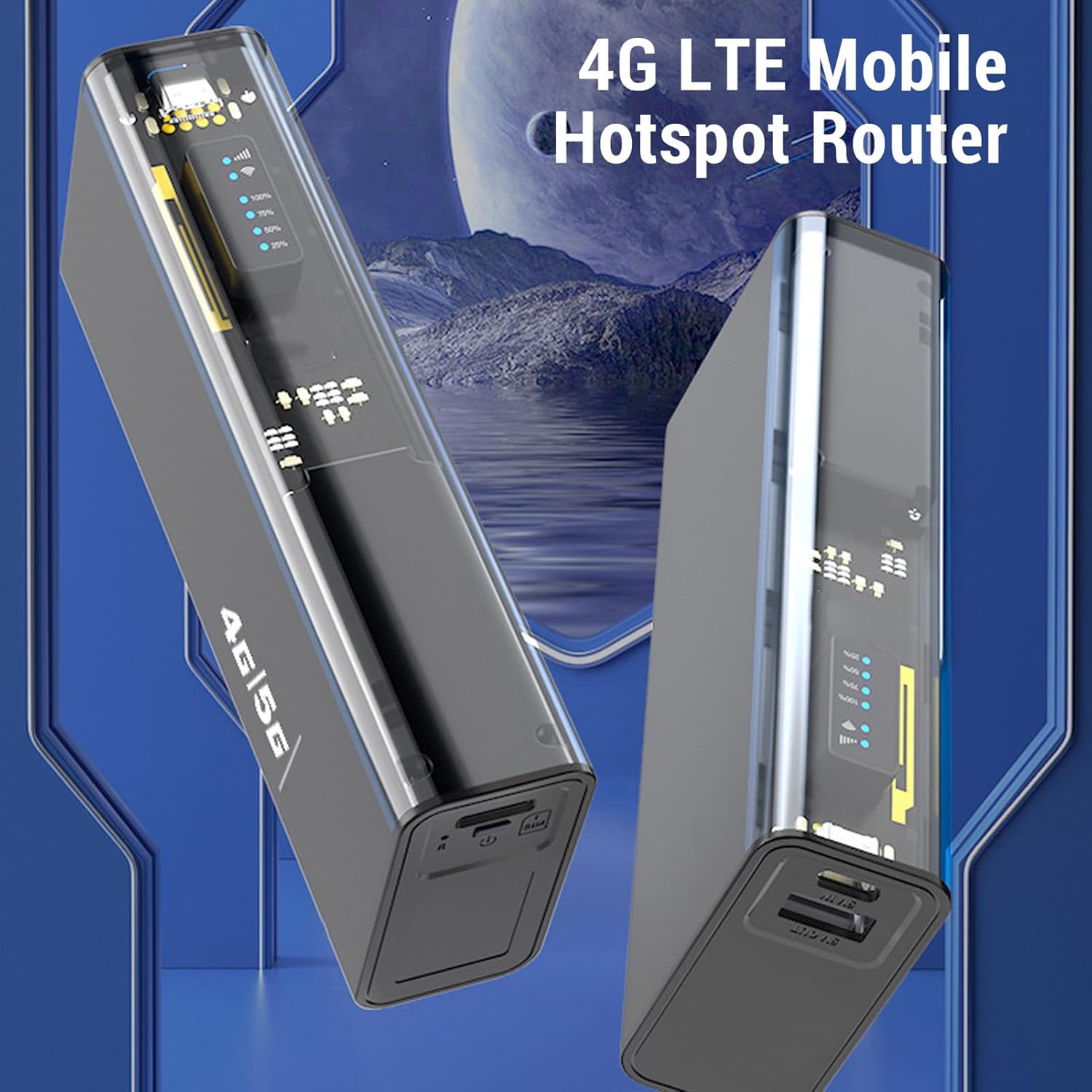
Gambar 3.2: Angled view of the Jectse 4G LTE Mobile WiFi Hotspot Router, highlighting its compact form factor.
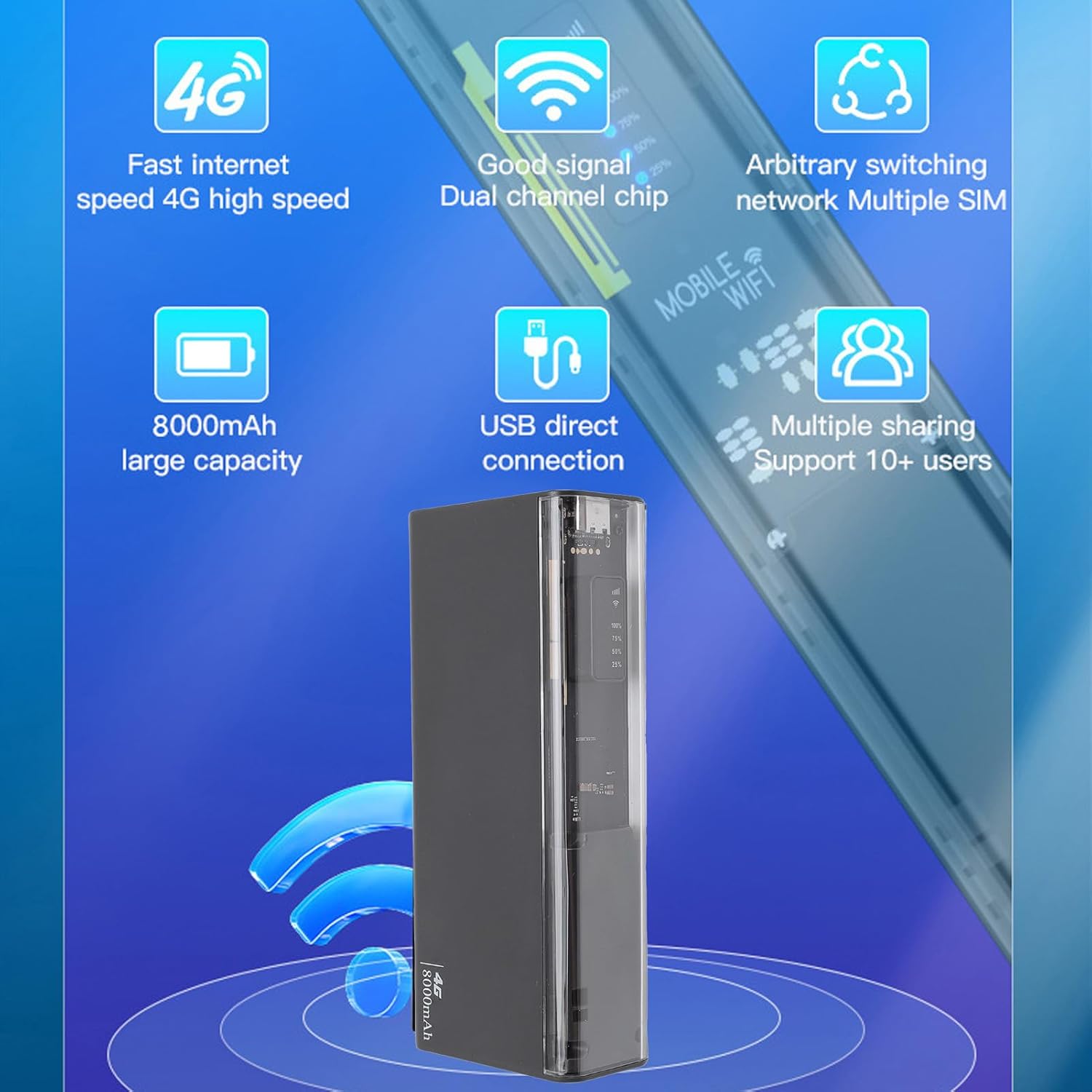
Gambar 3.3: The router displaying key features such as 4G high speed, good signal, multiple SIM support, 8000mAh capacity, USB direct connection, and support for 10+ users.

Gambar 3.4: The router depicted with a security shield, emphasizing its secure internet access features like WPA/WPA2 encryption.
4. Setélan
Follow these steps to set up your Jectse 4G LTE Mobile WiFi Hotspot Router:
- Lebetkeun Kartu Mikro SIM: Locate the micro SIM card slot on the device. Carefully insert your activated micro SIM card into the slot until it clicks into place. Ensure the card is inserted in the correct orientation as indicated on the device.
- Daya Hurung: Press and hold the power button (usually located near the SIM slot) for a few seconds until the device powers on and the LED indicators light up.
- Konfigurasi Awal (Opsional): For advanced settings or to change the default WiFi name (SSID) and password, connect to the device's WiFi network using a computer or smartphone. Open a web browser and navigate to the router's administration page (usually 192.168.0.1 or 192.168.1.1). Refer to the device's label for default login credentials.

Gambar 4.1: Illustration of inserting a micro SIM card into the designated slot on the router.
Catetan: This device is a European version and supports networks in Europe, Africa, Southeast Asia, the Middle East, and Central Asia (FDD B1 3 5 7 8 20, TDD B38 40 41, WCDMA B1 5 8).
5. Parentah Operasi
5.1. Connecting to the WiFi Network
- Pastikeun hotspot diaktipkeun.
- On your device (smartphone, laptop, tablet), search for available WiFi networks.
- Select the network name (SSID) corresponding to your Jectse Hotspot. The default SSID and password are typically found on a sticker inside the battery compartment or on the device itself.
- Lebetkeun kecap akses WiFi nalika dipenta.
- Once connected, you can access the internet. The hotspot supports up to 10 connected devices simultaneously.

Gambar 5.1: The router actively providing a WiFi signal to a nearby laptop, illustrating its function as a mobile hotspot.
5.2. Ngagunakeun salaku Power Bank
With its 8000mAh battery, the Jectse Hotspot can also function as a power bank to charge other devices.
- Connect your smartphone or other USB-powered device to the "5V OUT" USB port on the hotspot using a compatible USB cable.
- The hotspot will begin charging your device.

Gambar 5.2: The router connected via USB to a smartphone, demonstrating its capability to charge external devices.
5.3. Direct USB Connection (Tethering)
You can connect the hotspot directly to a computer via USB for internet access, functioning as a USB modem.
- Connect the hotspot to your computer using the provided USB cable.
- The computer should automatically detect the device and install necessary drivers.
- Once recognized, the computer will use the hotspot's internet connection.
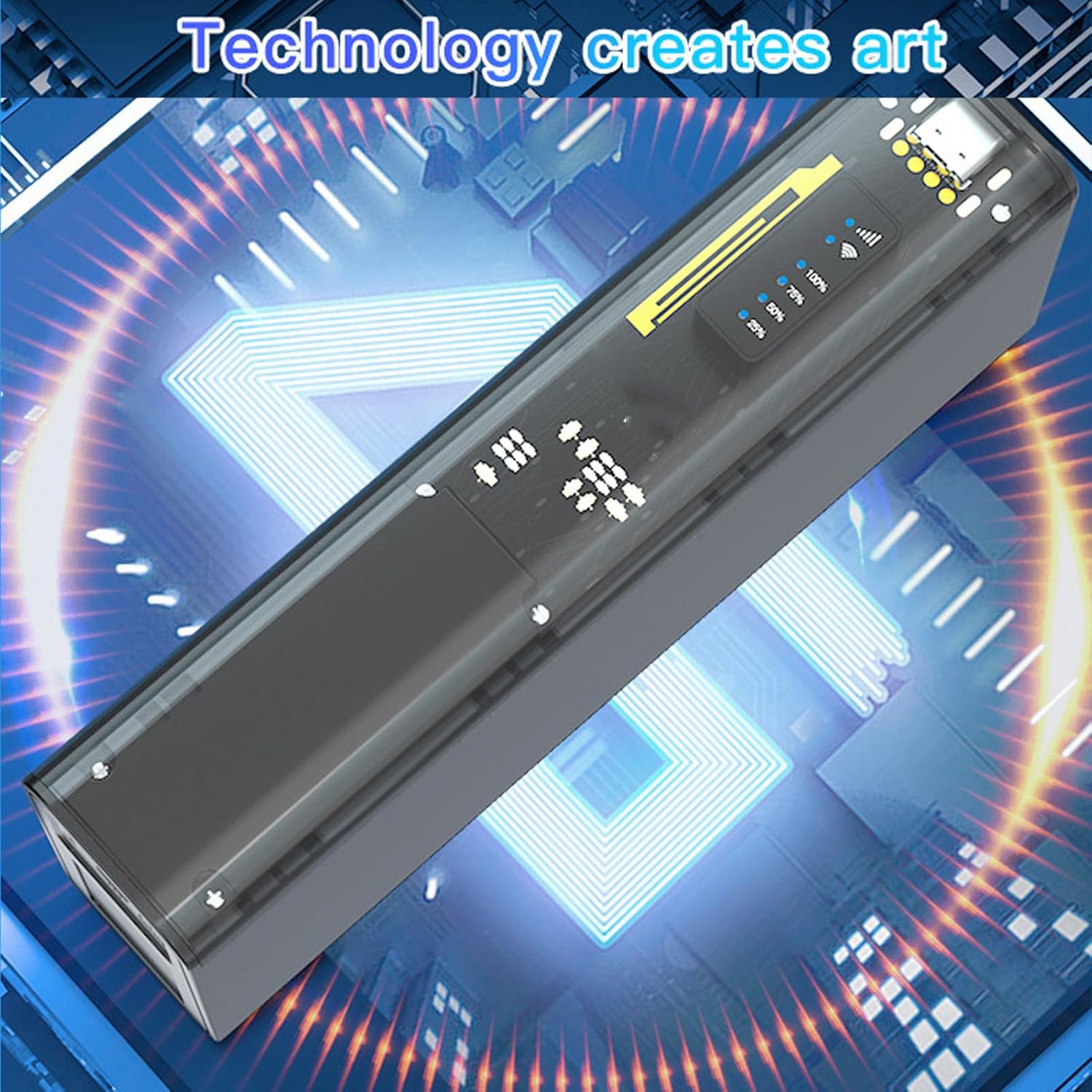
Gambar 5.3: The router connected to a desktop computer, illustrating its direct USB connection capability for internet access.
6. Spésifikasi
| Fitur | Spésifikasi |
|---|---|
| Nomer modél | Jectse8og49p7mre |
| Network Frequency Bands | FDD B1 3 5 7 8 20, TDD B38 40 41, WCDMA B1 5 8 |
| Supported Network Type | 4G, 3G |
| Laju transmisi | Nepi ka 300 Mbps |
| Protokol Dirojong | 802.11ac |
| Frékuénsi Jaringan Nirkabel | 2.4 GHz, 5.8 GHz |
| Diwangun-di firewall | Sumuhun |
| Batré | Batré Litium-ion 8000 mAh |
| Slot Kartu SIM | Micro SIM (not included) |
| Bahan | ABS |
| Wewengkon Dirojong | Europe, Africa, Southeast Asia, Middle East, Central Asia |
7. Pangropéa
To ensure the longevity and optimal performance of your Jectse 4G LTE Mobile WiFi Hotspot Router, follow these maintenance guidelines:
- beberesih: Anggo kaén anu lemes sareng garing pikeun ngabersihan alat. Hindarkeun nganggo pembersih cair atanapi bahan abrasive.
- Panyimpenan: Simpen alat dina tempat anu tiis sareng garing jauh tina sinar panonpoé langsung sareng suhu anu ekstrim.
- Perawatan batré: Pikeun umur batre optimal, ulah pinuh discharging batré remen. Upami nyimpen kanggo waktos anu panjang, ngeusi batre sakitar 50% sateuacan disimpen.
- Ngahindarkeun Dampak: Jaga alat tina tetes sareng tabrakan, anu tiasa ngaruksak komponén internal.
- Ventilasi: Pastikeun alat éta ngagaduhan ventilasi anu cekap nalika dioperasikeun pikeun nyegah panas teuing.
8. Cara ngungkulan
If you encounter issues with your Jectse 4G LTE Mobile WiFi Hotspot Router, refer to the following common problems and solutions:
| Masalah | Mungkin Cukang lantaranana / Solusi |
|---|---|
| Taya Konéksi Internét |
|
| Lambat Internet Speed |
|
| Teu tiasa nyambung ka WiFi |
|
| Alat Teu Ngecas |
|
9. Garansi jeung Rojongan
Your Jectse 4G LTE Mobile WiFi Hotspot Router comes with a manufacturer's warranty.
- Garansi Pabrikan: 2 taun.
- Kasadiaan suku cadang: Inpormasi teu sayogi.
- Apdet parangkat lunak: Inpormasi teu sayogi.
For technical support or warranty claims, please contact your retailer or the manufacturer directly. Keep your purchase receipt as proof of purchase.