This manual provides detailed instructions for the proper use and maintenance of your Fachixy FC-200 Wireless Gaming Headset. Please read this manual thoroughly before using the product to ensure optimal performance and longevity. The FC-200 headset offers versatile connectivity via 2.4GHz wireless and Bluetooth 5.4, designed for a wide range of gaming and multimedia devices.
Émbaran Kasalametan penting
Hindarkeun dengekeun berkepanjangan dina tingkat polumeu luhur pikeun nyegah karuksakan dédéngéan.
Ulah ngantepkeun headset ka suhu, kalembaban, atanapi cairan anu ekstrim.
Keep the headset away from strong magnetic fields.
Ulah nyobian ngabongkar atanapi ngarobih headset. Ieu bakal ngabatalkeun garansi.
Use only the provided charging cable for charging.
Eusi pakét
Pastikeun yén sadaya item aya dina pakét anjeun:
Fachixy FC-200 Wireless kaulinan Headsét
2.4G USB Dongle
Kabel Ngecas USB
Manual pangguna (dokumén ieu)
Produk Leuwihview jeung Kontrol
Familiarize yourself with the headset's components and control buttons.
Gambar: Diagram showing the control buttons on the left earcup of the Fachixy FC-200 headset. Labels indicate buttons for RGB control, microphone mute/mode switch, power/play/pause/call, and volume control.
RGB/Re-pair Button (1): Press for 3 seconds to turn RGB lighting on/off. In Bluetooth mode, press for 3 seconds to re-pair.
Microphone/Mode Switch Button (2): Press for 3 seconds to turn the microphone on/off. Press for 2 seconds to switch between Bluetooth and 2.4G modes.
Power/Play/Pause/Call Button (3): Press for 3 seconds to turn the headset on/off. Press to play/pause audio or answer/end calls.
Volume Control (4): Scroll forward or backward to adjust volume.
Mikropon: Detachable or retractable microphone for voice communication.
Port ngecas USB-C: Pikeun ngecas headset.
Guide Setup
1. Ngecas Headsét
Before first use, fully charge the headset. Connect the provided USB charging cable to the headset's USB-C port and the other end to a USB power source (e.g., computer, wall adapter). A full charge takes approximately 2.5 hours and provides up to 50 hours of battery life (with RGB off). A voice alert will notify you when the battery charge drops below 10%.
Insert the 2.4G USB dongle into an available USB port on your PC, PS4, PS5, or laptop.
Power on the headset by pressing and holding the Power button (3) for 3 seconds.
The headset should automatically connect to the dongle. A successful connection is indicated by a stable light on the headset or a voice prompt.
On your device, ensure the Fachixy FC-200 is selected as the audio input and output device in your sound settings.
Gambar: The Fachixy FC-200 wireless gaming headset shown alongside its 2.4G USB dongle, illustrating the wireless connectivity method.
3. Bluetooth 5.4 Connection (for PC, Tablets, Mobile Phones, Switch)
Pastikeun headset dihurungkeun.
Press and hold the Microphone/Mode Switch button (2) for 2 seconds to switch to Bluetooth mode. The headset will enter pairing mode, indicated by a flashing light or voice prompt.
On your device (PC, tablet, mobile phone, Switch), enable Bluetooth and search for "FC-200" in the list of available devices.
Select "FC-200" to pair. Once connected, the headset's indicator light will become stable.
Catetan Kasaluyuan Penting:
Neither 2.4G nor Bluetooth modes are compatible with Xbox consoles (all Series).
The microphone is not supported when using the headset with Nintendo Switch.
Bluetooth mode is not compatible with PS4 or PS5 consoles.
Parentah Operasi
Daya Hurung/Pareuman
To power on: Press and hold the Power button (3) for 3 seconds.
To power off: Press and hold the Power button (3) for 3 seconds.
Mode Switching (Bluetooth / 2.4G)
To switch between 2.4G and Bluetooth modes: Press and hold the Microphone/Mode Switch button (2) for 2 seconds.
Volume Control
Adjust volume: Use the Volume Control wheel (4) by scrolling it forward to increase volume or backward to decrease volume.
Kontrol Mikropon
To turn microphone on/off: Press and hold the Microphone/Mode Switch button (2) for 3 seconds.
Kontrol Lampu RGB
To turn RGB lighting on/off: Press and hold the RGB/Re-pair button (1) for 3 seconds.
Putereun Audio sareng Manajemén Telepon
Play/Pause: Press the Power button (3) once.
Answer/End Call: Press the Power button (3) once during an incoming call or an active call.
Pangropéa
beberesih: Anggo lawon anu lemes sareng garing pikeun ngabersihkeun headset. Entong nganggo pembersih atanapi pelarut anu abrasif.
Panyimpenan: Simpen headset di tempat anu tiis, garing, sareng jauh tina sinar panonpoé langsung sareng suhu anu ekstrim. Desain anu tiasa dilipet ngamungkinkeun panyimpenan anu ringkes.
Perawatan batré: To preserve battery life, charge the headset regularly, even if not in frequent use. Avoid fully discharging the battery for extended periods.
Pamérésan masalah
Masalah
Solusi anu mungkin
Headset teu hurung.
Ensure the headset is charged. Connect it to a power source using the USB charging cable.
Taya sora atawa kualitas sora goréng.
Pariksa tingkat polumeu boh dina headset sareng alat Anjeun nu disambungkeun.
Ensure the headset is correctly paired/connected (2.4G dongle inserted, Bluetooth paired).
Verify that "FC-200" is selected as the audio output device in your device's sound settings.
Try re-pairing the headset.
Mikropon teu jalan.
Ensure the microphone is not muted (press and hold button 2 for 3 seconds).
Verify that "FC-200" is selected as the audio input device in your device's sound settings.
Remember the microphone is not supported on Nintendo Switch.
Cannot connect via 2.4GHz.
Ensure the USB dongle is fully inserted into a working USB port.
Confirm the headset is in 2.4G mode (press and hold button 2 for 2 seconds to switch modes).
Coba nganggo port USB anu béda.
Teu bisa nyambung via Bluetooth.
Ensure the headset is in Bluetooth pairing mode (flashing light, press and hold button 2 for 2 seconds to switch).
Make sure Bluetooth is enabled on your device and it's searching for new devices.
Try "forgetting" the device on your phone/PC and re-pairing.
Remember Bluetooth mode is not compatible with PS4/PS5.
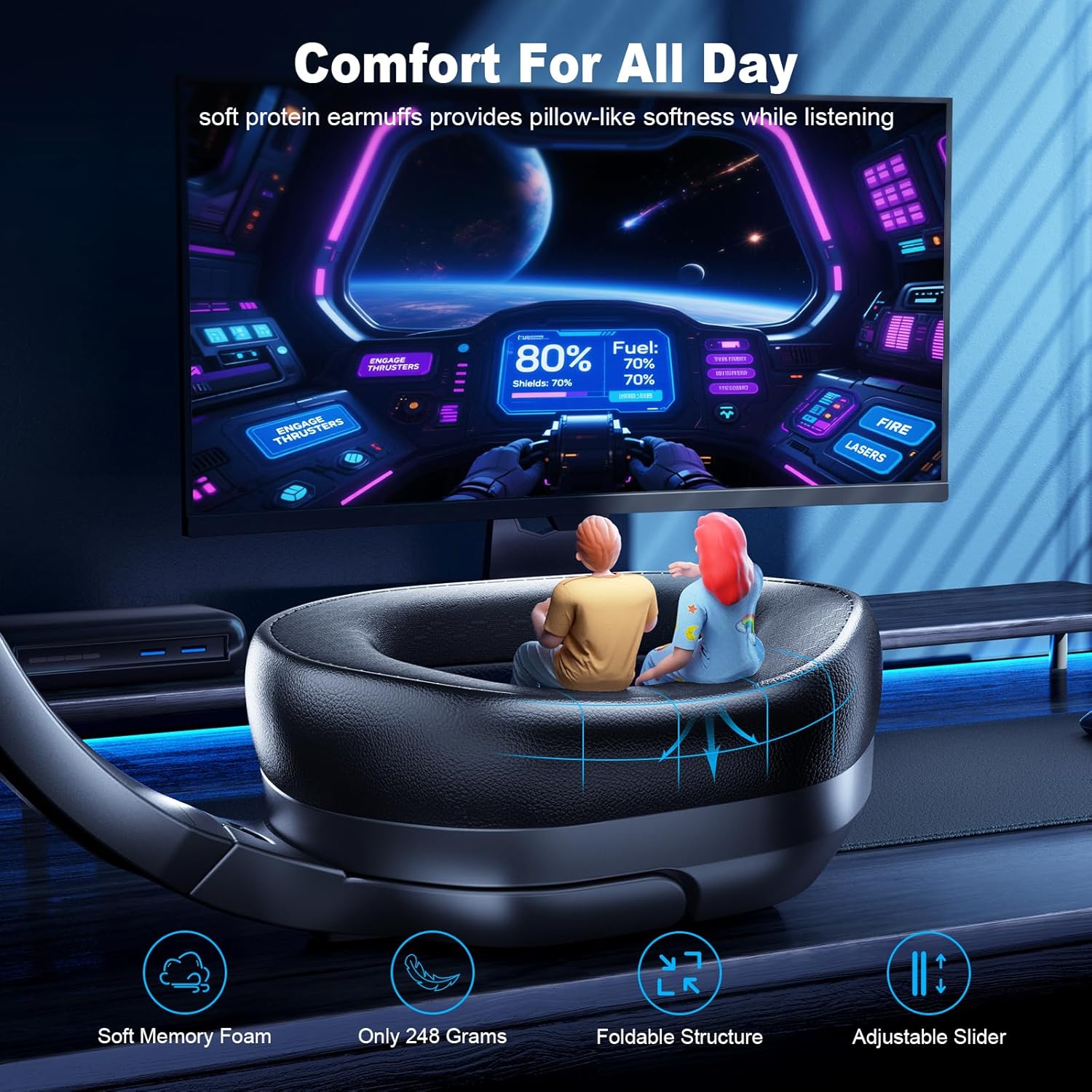
Foldable, Lightweight, Microphone Included, Volume Control
Item Beurat
13.7 ons
UPC
673658101209
Émbaran jaminan
Fachixy products are covered by a limited warranty from the date of purchase. This warranty covers manufacturing defects in materials and workmanship. It does not cover damage caused by misuse, accidents, unauthorized modifications, or normal wear and tear. Please retain your proof of purchase for warranty claims.
Rojongan Palanggan
For technical assistance, warranty claims, or general inquiries, please contact Fachixy customer support. Refer to the official Fachixy websitus atawa dokuméntasi pameseran Anjeun pikeun inpo kontak panganyarna.
Fachixy FC-100 Gaming Headset User Manual Comprehensive user manual for the Fachixy FC-100 Gaming Headset, covering setup, features, and troubleshooting for various platforms including PS4, PS5, Xbox, Nintendo Switch, PC, and Mac. Includes product specifications, safety warnings, and contact information.
Fachixy FC200 kaulinan Headsét Manual Pamaké Comprehensive guide to the Fachixy FC200 gaming headset, covering setup for PlayStation, Xbox, and Nintendo consoles, technical specifications, troubleshooting, and safety information.