1. Bubuka
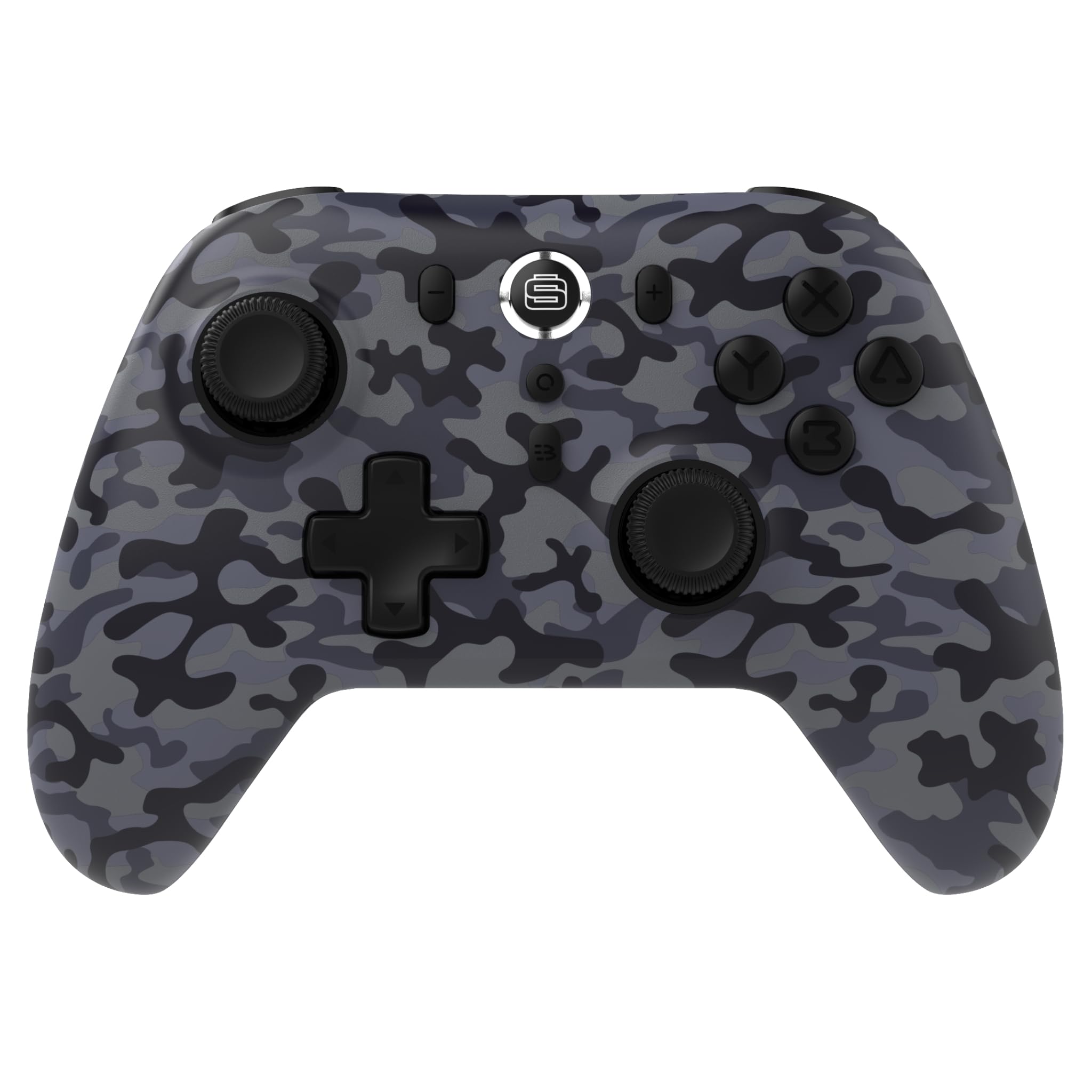
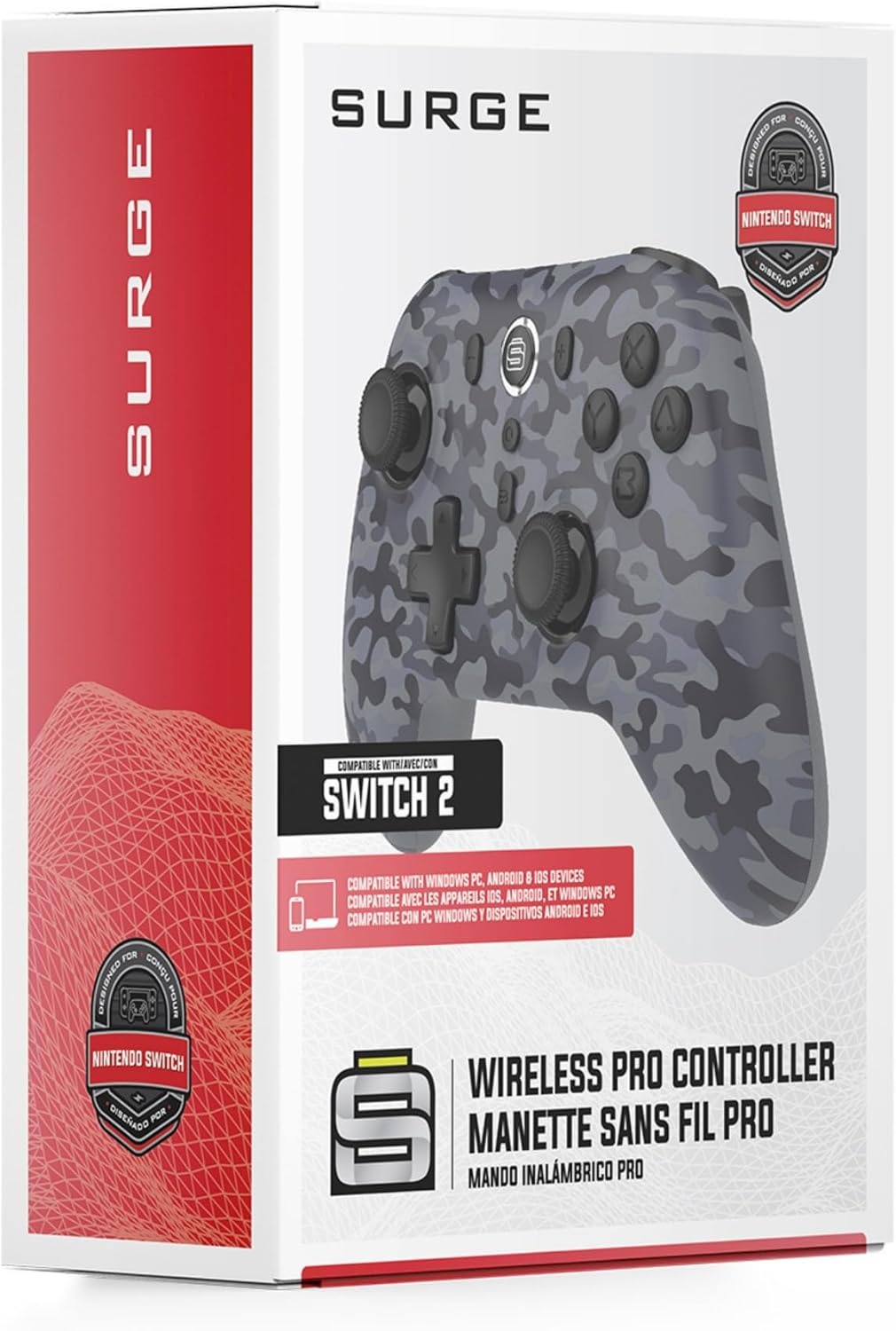
Thank you for choosing the Surge Wireless Pro Controller. This multi-platform Bluetooth controller is designed to enhance your gaming experience across various devices, including Nintendo Switch/Switch 2, Windows PC, Android, and iOS. Featuring Hall Effect sticks and triggers, adjustable turbo functionality, and customizable vibration feedback, this controller offers precision and comfort. Please read this manual thoroughly before use to ensure optimal performance and longevity of your device.
2. Fitur Produk
- Kasaluyuan Multi-Platform: Compatible with Nintendo Switch/Switch 2 (Note: No C Button/Audio Port), Windows PC, Steam Deck, Android, and iOS devices.
- Hall Effect Thumb Sticks & Triggers: Delivers precision control and prevents stick drift, ensuring accurate input.
- Fungsi Turbo: Offers 3 adjustable turbo levels for rapid-fire control in compatible games.
- Eupan Balik Geter: Choose from 4 vibration levels for tailored haptic feedback, enhancing immersion.
- Kadali gerak: Supports motion controls for compatible games on supported platforms.
- Console Wake Up: Ability to wake your Nintendo Switch console from sleep mode instantly (Nintendo Switch Only).
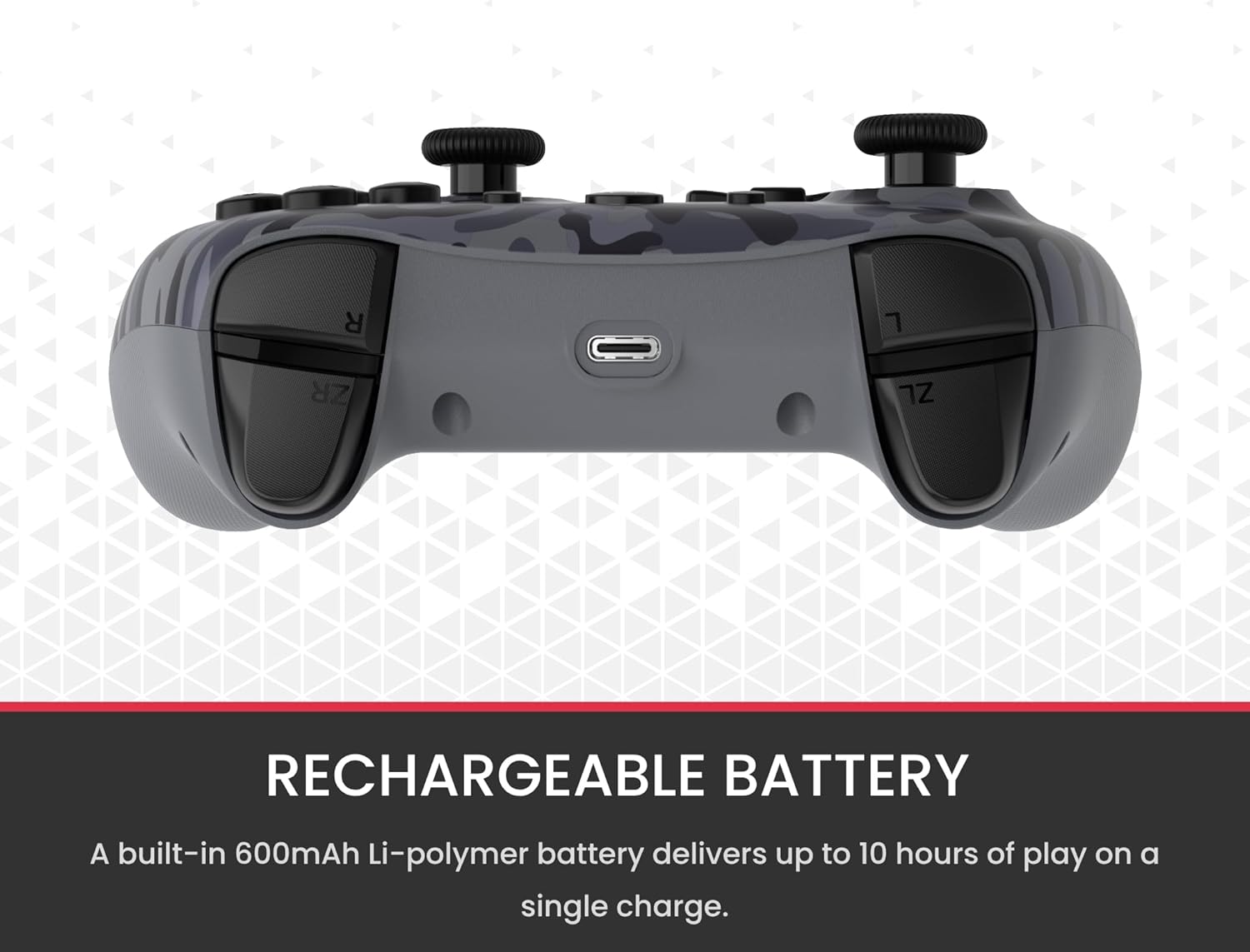
- Batré anu tiasa dicas deui: A built-in 600mAh Li-polymer battery provides up to 10 hours of gameplay on a single charge.
- Kabel Ngecas USB-C: Includes a 1-meter USB-C cable for convenient recharging.

3. Eusi Paket
Punten pastikeun sadaya barang aya dina pakét anjeun:
- 1 x Surge Wireless Pro Controller (Model: SG60096)
- 1 x Kabel Ngecas USB-C (1 méter)
- 1 x Manual Pamaké
4. Setelan & Pamasangan
4.1. Ngecas Controller
Before first use, fully charge the controller using the provided USB-C cable. Connect the USB-C end to the controller's charging port and the USB-A end to a power source (e.g., console, PC, USB wall adapter). The LED indicators on the controller will show charging status.
4.2. Pairing with Nintendo Switch/Switch 2
- Tina Menu RUMAH, pilih Controllers, tuluy Robah Pakem / Orde.
- Dina controller, pencét jeung tahan tombol Tombol papasangan (usually a small button on the top edge or back) for a few seconds until the player LEDs begin to flash.
- Sakali dipasangkeun, pamuter LED (s) anu saluyu sareng nomer pengendali bakal tetep hurung.
- To wake the console from sleep mode, press the Tombol Imah dina controller.
4.3. Pairing with Windows PC
- Pastikeun PC Anjeun tos Bluetooth diaktipkeun.
- Dina controller, pencét jeung tahan tombol Tombol papasangan until the LEDs flash rapidly.
- Dina PC Anjeun, buka Bluetooth & other devices settings, tuluy Tambahkeun Bluetooth atawa alat sejen.
- Pilih Bluetooth jeung milih nu
Dokumén Patali - SG60096

Buku Panduan Pangguna Kontroler Nirkabel SURGE SwitchPad Pro pikeun Nintendo Switch
Buku pituduh pikeun SURGE SwitchPad Pro Wireless Pro Controller (Modél: IX-SW055) pikeun Nintendo Switch. Ngawengku setelan, fitur, ngecas, sinkronisasi, ngungkulan masalah, sareng pernyataan FCC.
Buku Panduan Pangguna SURGE QuickType SG20021 pikeun Kontroler PlayStation 5 DualSense
Buku pituduh resmi pikeun pad obrolan Bluetooth SURGE QuickType SG20021, anu nyayogikeun pitunjuk setelan, tindakan pencegahan, tip pangropéa, sareng inpormasi patuh FCC pikeun pangontrol PlayStation 5 DualSense.
SURGE 20,000 mAh Powerbank: Quick Charge 4.0 & 20W PD Fast Charging
High-capacity 20,000 mAh SURGE powerbank featuring 22.5W Quick Charge 4.0 and 20W USB-C PD fast charging. Supports multiple input/output options for various devices.
Surge Credit Card Agreement: Terms, Fees, and Disclosures
Detailed account opening disclosures, terms and conditions, fees, interest rates, and cardholder rights for the Surge credit card issued by Celtic Bank.
Schneider Electric Surge Alat Pelindung: Produk Leuwihview jeung Data Téknis
Jelajahi jajaran alat pelindung lonjakan Schneider Electric, kalebet séri Acti 9, Multi 9, sareng Easy 9. Dokumén ieu nyadiakeun produk komprehensif leuwihview, spésifikasi teknis lengkep, sarta indéks produk pikeun sagala rupa solusi panyalindungan surge.
Produk Protection Surge Perumahan Siemens: Pamilihan sareng Panungtun Aplikasi
Pitunjuk komprehensif pikeun produk panyalindungan lonjakan padumukan Siemens, kalebet pelindung lonjakan bumi FirstSurge™, FSPHONE/FSPHONE4X pikeun saluran telepon, FSCATV pikeun sambungan coaxial, sareng pusat beban surge. Diajar ngeunaan panyalindungan surge, pamasangan, sareng spésifikasi téknis.