1. Bubuka
This manual provides essential information for the safe and efficient use of your LG 27G411A-B 27-inch UltraGear Full HD IPS Gaming Monitor. Please read it thoroughly before operating the device and retain it for future reference.
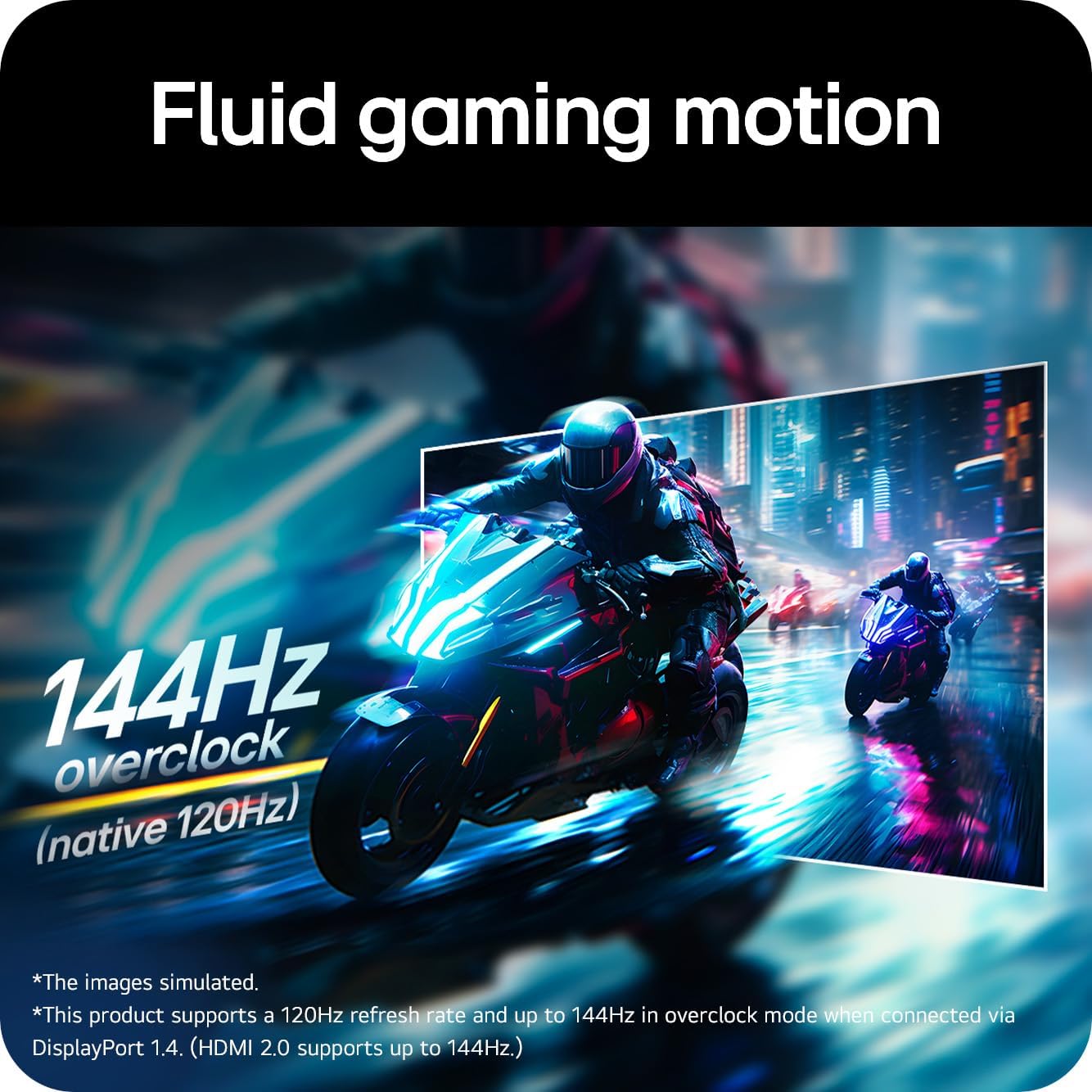
The LG 27G411A-B is a 27-inch Full HD (1920 x 1080) IPS gaming monitor designed for an immersive gaming experience. It features a 144Hz (Overclock) refresh rate, 1ms Motion Blur Reduction (MBR), NVIDIA G-Sync Compatible and AMD FreeSync technologies, and HDR10 support. Connectivity options include HDMI and DisplayPort.
2. Émbaran Kasalametan
Titénan pancegahan kaamanan di handap ieu pikeun nyegah shock listrik, seuneu, atawa karuksakan produk.
- Ulah nempatkeun monitor deukeut sumber panas atawa dina sinar panonpoé langsung.
- Pastikeun ventilasi ditangtoskeun sabudeureun monitor.
- Paké ngan kabel kakuatan jeung adaptor disadiakeun kalawan monitor.
- Ulah nyelapkeun sagala objék logam kana bukaan monitor.
- If smoke, strange sounds, or odors occur, immediately unplug the power cord and contact customer support.
- Keep the monitor away from water and excessive humidity.
- Bersihkeun layar nganggo kaen anu lembut sareng garing. Hindarkeun ngagunakeun bahan kimia anu kasar.
3. Eusi Paket
Pastikeun yén sadaya barang aya dina kotak produk anjeun:
- LG 27G411A-B 27-inch UltraGear Monitor
- Stand Monitor (Dasar sareng Beuheung)
- Kabel listrik
- Kabel HDMI
- Manual pangguna (dokumén ieu)
- Dokuméntasi sanésna (contona, kartu garansi)
4. Setélan
4.1 Ngarakit Stand
Turutan léngkah ieu pikeun ngagantelkeun stand ka monitor anjeun:
- Teundeun monitor nyanghareupan handap dina permukaan lemes, beresih pikeun nyegah goresan.
- Pasang beuheung nangtung ka monitor nganggo sekrup anu disayogikeun.
- Sambungkeun dasar nangtung kana beuheung nangtung sareng amankeun ku sekrup jempol.

Gambar 4.1: Sisi view of the monitor, illustrating the stand assembly and tilt adjustment range.
Gambar 4.2: Tukangeun view of the monitor, showing the stand attachment point and VESA mount compatibility.
4.2 Nyambungkeun Kabel
Sambungkeun kabel nu diperlukeun ka monitor jeung komputer/alat Anjeun:
- Kakuatan Kabel: Sambungkeun adaptor daya ka input daya monitor, teras colokkeun kabel listrik kana stop kontak témbok.
- Kabel HDMI: Connect one end of the HDMI cable to the HDMI port on your monitor and the other end to the HDMI output on your computer or gaming console.
- Kabel DisplayPort: For optimal gaming performance (144Hz Overclock), connect a DisplayPort cable from your monitor's DisplayPort input to your computer's DisplayPort output.
- Audio Kaluar: If using external speakers or headphones, connect them to the 3.5mm audio out jack on the monitor.
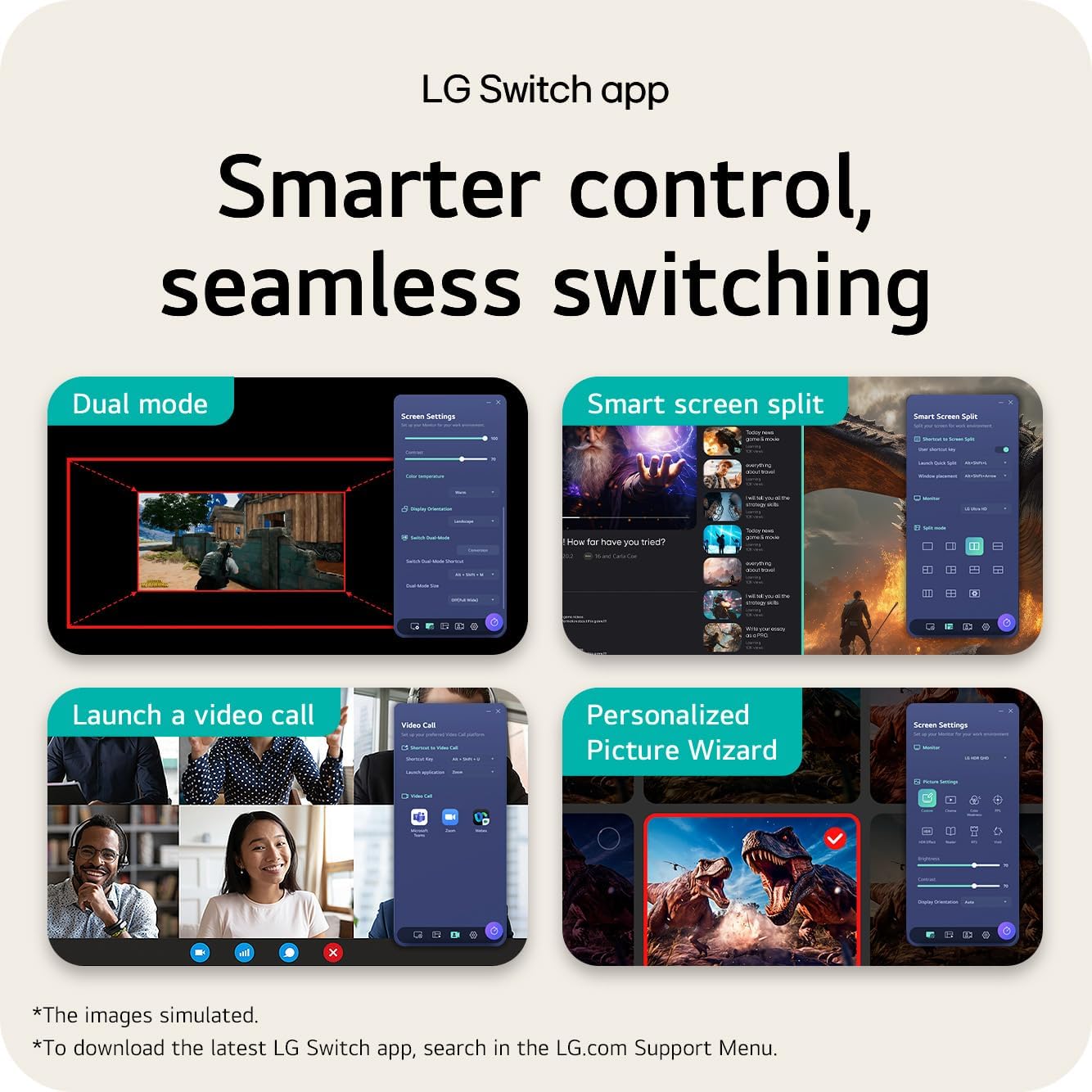
Figure 4.3: Detail of the monitor's rear ports, including HDMI, DisplayPort, and audio out connections.
5. Ngoperasikeun Monitor
5.1 Daya Hurung / Pareum sareng Navigasi OSD
The monitor features a joystick button located on the bottom center for power control and On-Screen Display (OSD) menu navigation.
- Daya Hurung: Press the joystick button once.
- Pareum listrik: Press and hold the joystick button for a few seconds.
- Menu OSD: Press the joystick button once to bring up the main OSD menu. Move the joystick up/down/left/right to navigate and press to select.
5.2 Fitur konci na Setélan
Utilize the OSD menu to configure various display settings:
- Refresh Rate (144Hz O/C): The monitor supports up to 144Hz refresh rate when overclocked via DisplayPort 1.4 (HDMI 2.0 supports up to 144Hz). Ensure your graphics card and cable support this.
- Pangurangan Kabur Gerakan 1ms (MBR): This feature reduces motion blur for clearer action in fast-paced games. Note that activating MBR may disable AMD FreeSync / Dynamic Action Sync (DAS) and flicker may occur during operation.
- NVIDIA G-Sync Compatible / AMD FreeSync: These technologies synchronize the monitor's refresh rate with your GPU's frame rate to eliminate screen tearing and stuttering. Enable the corresponding setting in your graphics card control panel and on the monitor's OSD.
- HDR10: Experience enhanced color and contrast with HDR10 support. Ensure your content and system settings are configured for HDR.
- Modeu Gambar: Select from various preset picture modes (e.g., Gamer 1, FPS, RTS, Vivid, Reader) or customize your own settings for brightness, contrast, sharpness, and color temperature.
- Pilihan Input: Manually switch between HDMI and DisplayPort inputs if auto-detection does not work.
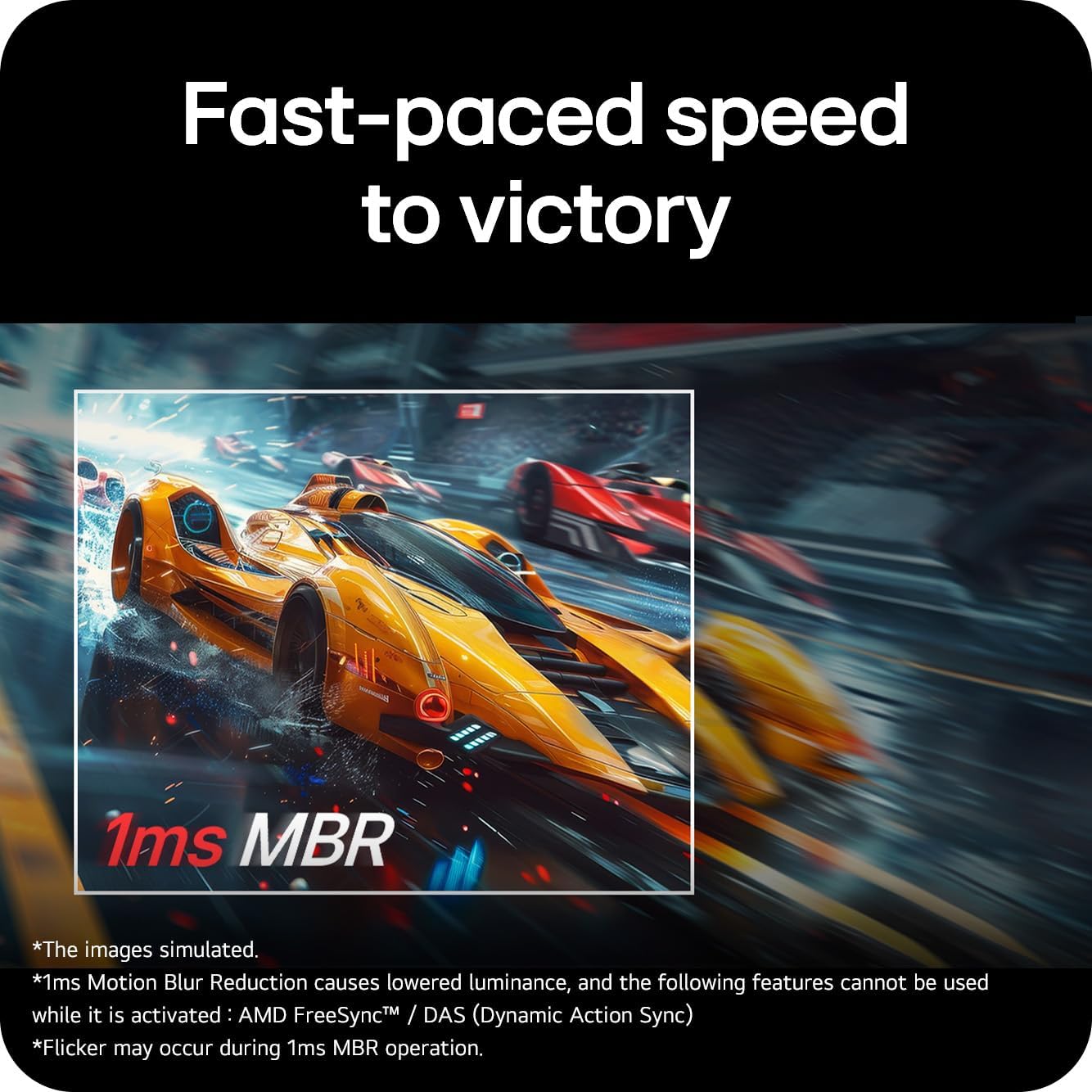
Figure 5.1: The LG 27G411A-B monitor showcasing vivid colors and fluid motion in a gaming environment.

Figure 5.2: An illustration demonstrating the effect of 1ms Motion Blur Reduction (MBR) for clearer visuals during fast-paced action.

Figure 5.3: A visual comparison illustrating the benefits of NVIDIA G-Sync Compatible and AMD FreeSync technologies in eliminating screen tearing.
6. Pangropéa
Pangropéa anu leres mastikeun umur panjang monitor anjeun:
- Ngabersihan layar: Ngusap layar nganggo kaén anu lembut sareng teu aya serat. Pikeun tanda pengkuh, enteng dampen the cloth with water or a specialized screen cleaner (non-ammonia based). Do not spray liquid directly onto the screen.
- Ngabersihkeun Kabinet: Anggo kaén anu lemes sareng garing pikeun ngusap monitor casing. Ngahindarkeun cleaners abrasive.
- Ventilasi: Jaga bukaan ventilasi bersih tina lebu sareng halangan pikeun nyegah overheating.
- Pareum listrik: Always power off and unplug the monitor when not in use for extended periods.
7. Cara ngungkulan
Upami anjeun mendakan masalah, tingal masalah sareng solusi umum ieu:
| Masalah | Mungkin Cukang lantaranana | Solusi |
|---|---|---|
| Taya kakuatan | Power cord not connected; power outlet issue | Pastikeun kabel listrik disambungkeun aman. Nguji stop kontak jeung alat sejen. |
| Taya sinyal | Video cable not connected; incorrect input selected | Check HDMI/DisplayPort cable connections. Select the correct input source via the OSD menu. |
| Screen flickering/stuttering | Refresh rate mismatch; G-Sync/FreeSync not enabled or incompatible | Verify refresh rate in display settings. Ensure G-Sync/FreeSync is enabled on both monitor and GPU. Update graphics drivers. |
| Kualitas gambar henteu saé | Incorrect resolution; picture settings misconfigured | Set display resolution to 1920x1080. Adjust brightness, contrast, and color settings in the OSD. |
If the problem persists after trying these solutions, contact LG customer support.
8. Spésifikasi
| Fitur | Rincian |
|---|---|
| Ukuran layar | 27 inci |
| Resolusi tampilan | 1920 x 1080 (HD lengkep) |
| Tipe Panel | IPS |
| Refresh Laju | 144Hz (Overclock) |
| Waktu Tanggapan | 1 ms MBR |
| Sync adaptif | NVIDIA G-Sync Compatible, AMD FreeSync |
| Rojongan HDR | HDR10 |
| Konektipitas | HDMI, DisplayPort |
| Warna | Hideung |
| Ukuran (L x W x H) | 22 x 61.2 x 45.2 cm (kalayan nangtung) |
| Beurat | 3.8 kg |
9. Garansi jeung Rojongan
Your LG 27G411A-B monitor comes with a limited warranty. Please refer to the warranty card included in your package for specific terms and conditions, including coverage duration and limitations.
For technical support, service inquiries, or to download the latest drivers and software, please visit the official LG support websitus atanapi ngahubungan layanan palanggan maranéhna. Anjeun tiasa mendakan langkung seueur inpormasi dina LG Canada Support.
10. Video Produk Resmi
The following videos provide additional information and visual guides for your LG UltraGear monitor. These videos are provided by the manufacturer.
LG 24GS50FX-B 24-inch Gaming Monitor Overview
video ieu nyadiakeun leuwihview of the LG 24GS50FX-B 24-inch Gaming Monitor, highlighting its features such as 180Hz refresh rate, 1ms Motion Blur Reduction, and AMD FreeSync. While a different model, it demonstrates similar UltraGear features and design principles relevant to the 27G411A-B.
LG 27" FHD Monitor 27MS550 Features
This video showcases the LG 27" FHD Monitor 27MS550, detailing its 100Hz refresh rate, 3-side borderless design, height and tilt adjustment, built-in speakers, and 178-degree viewing angle. Many of these design and ergonomic features are shared with the 27G411A-B model.
LG UltraGear 27-inch Curved Gaming Monitor Overview
This video highlights the LG UltraGear 27-inch Curved Gaming Monitor, focusing on its 180Hz refresh rate, 1ms response time, 1000R curved screen, HDR10 support, and gamer-centric design. While the 27G411A-B is a flat panel, the performance and feature explanations are relevant to understanding the UltraGear gaming experience.