1. Bubuka
Thank you for choosing LC-dolida Bluetooth Headphones. This manual provides essential information for setting up, operating, and maintaining your device. Please read it carefully to ensure optimal performance and longevity of your headphones.
These wireless headphones are designed for comfort and extended use, featuring a long battery life and Bluetooth 5.4 connectivity for stable audio transmission.
2. Eusi Paket
- LC-dolida Bluetooth Headphones
- Kabel Ngecas USB
- Manual pamaké
3. Produk Langkungview
Familiarize yourself with the components of your LC-dolida Bluetooth Headphones.

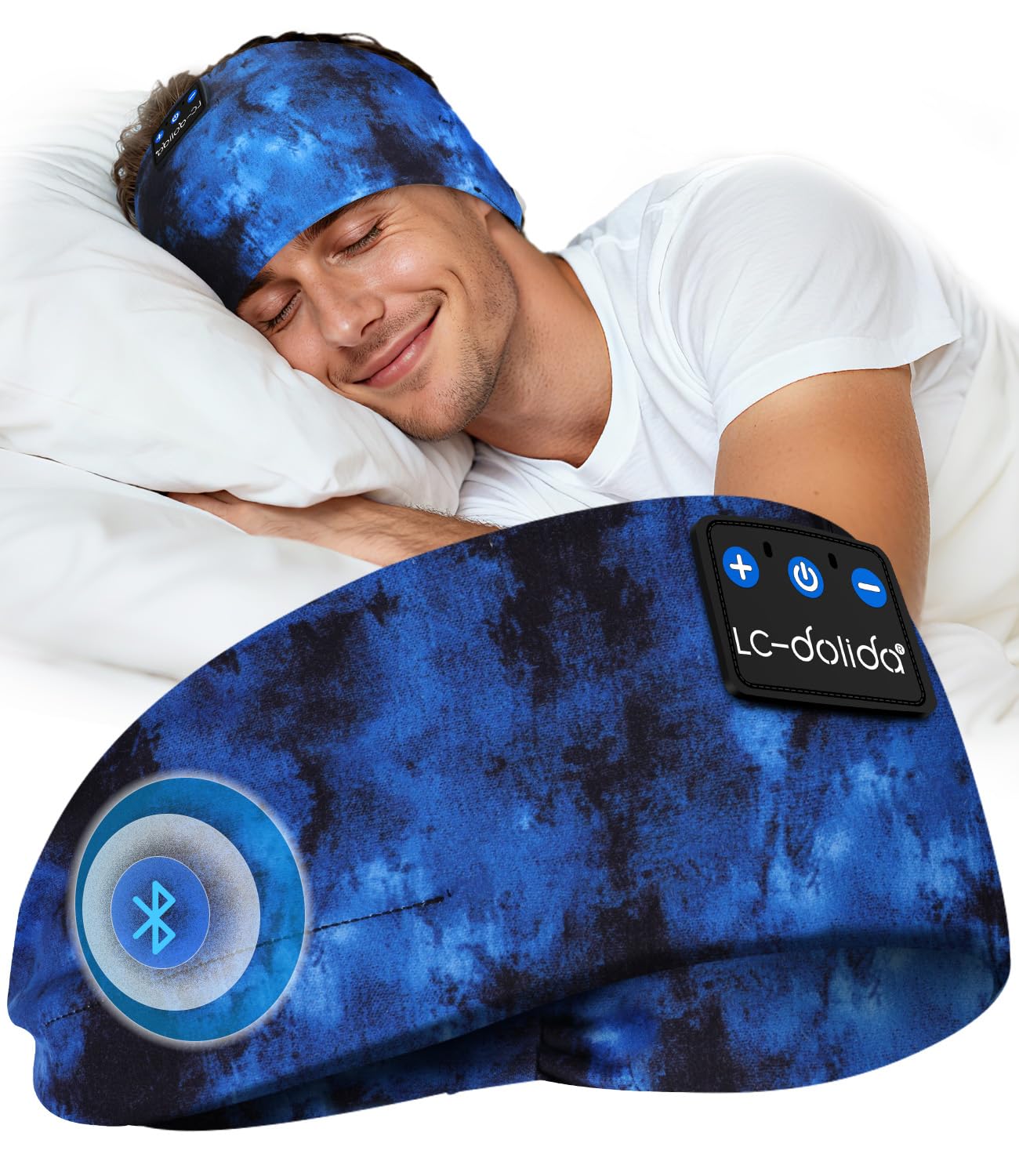
Gambar 3.1: LC-dolida Bluetooth Headphones in use, showcasing the comfortable headband and integrated audio components.

Gambar 3.2: Design features for comfort, including dispersed pressure and a secure wrap around the head.
The headphones feature a soft, breathable headband with integrated speakers. Control buttons are typically located on the side of the headband for easy access to power, volume, and playback functions. A charging port is also integrated for convenient power replenishment.
4. Setélan
4.1 Ngecas Headphone
Before first use, fully charge your headphones. Connect the provided USB charging cable to the charging port on the headphones and to a USB power source (e.g., computer, wall adapter).
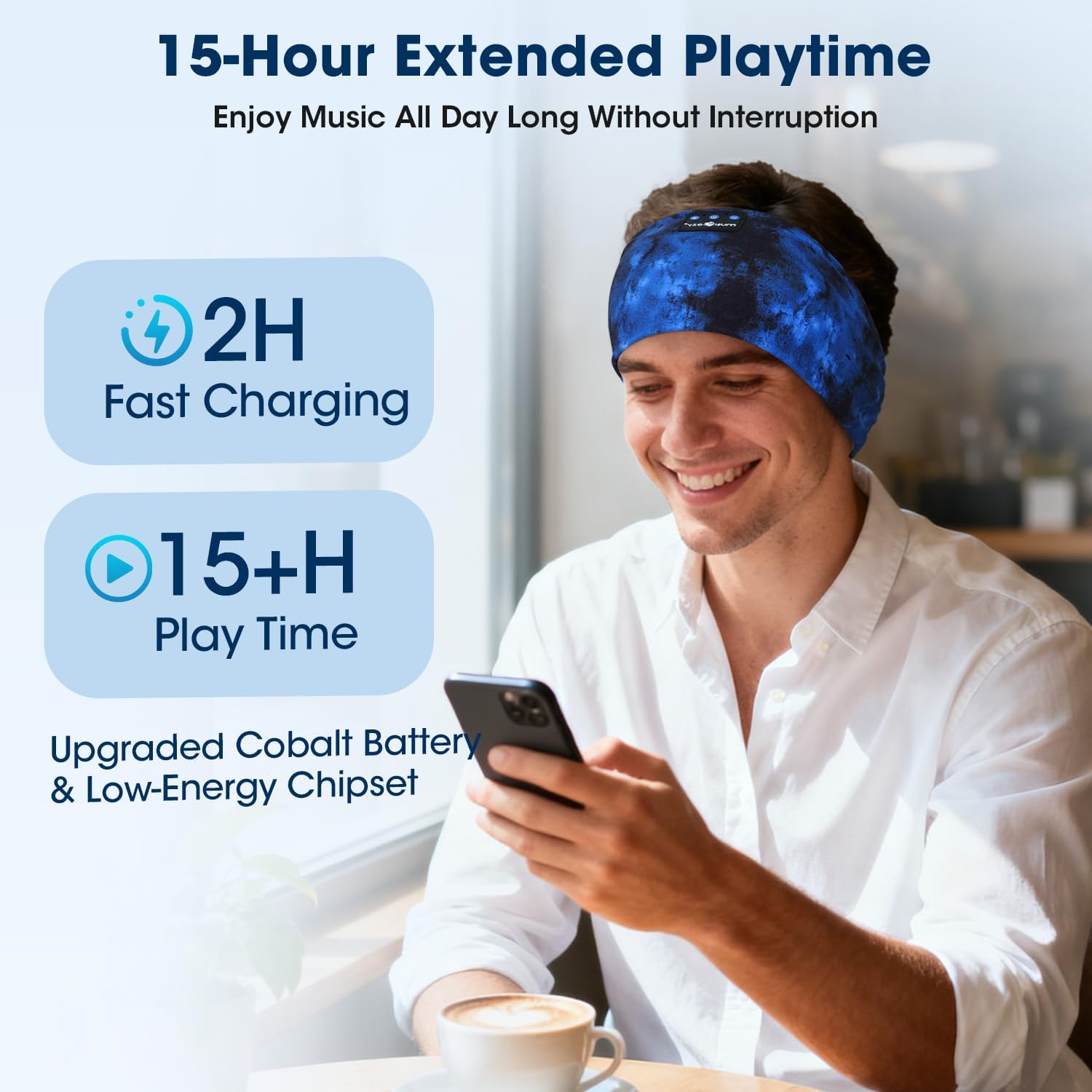
- Ngeusi batre pinuh butuh kurang leuwih 2 jam.
- A 3-minute quick charge provides up to 1.5 hours of listening time.
- Indikator LED bakal nembongkeun status ngecas (misalna beureum keur ngecas, biru keur dicas pinuh).
Gambar 4.1: Charging and battery life details, showing 2 hours for a full charge and over 15 hours of playtime.
4.2 Nyapasangkeun Bluetooth
Pikeun nyambungkeun headphone anjeun ka alat:
- Pastikeun headphone dicas sareng dipareuman.
- Pencét jeung tahan tombol Daya nepi ka indikator LED hurung biru jeung beureum, nuduhkeun mode papasangan.
- Dina alat anjeun (smartphone, tablet, jsb.), aktipkeun Bluetooth sareng milarian alat anu sayogi.
- Select "LC-dolida B0FLX7FYB2" (or similar name) from the list of found devices.
- Once connected, the LED indicator will typically flash blue slowly or turn solid blue.
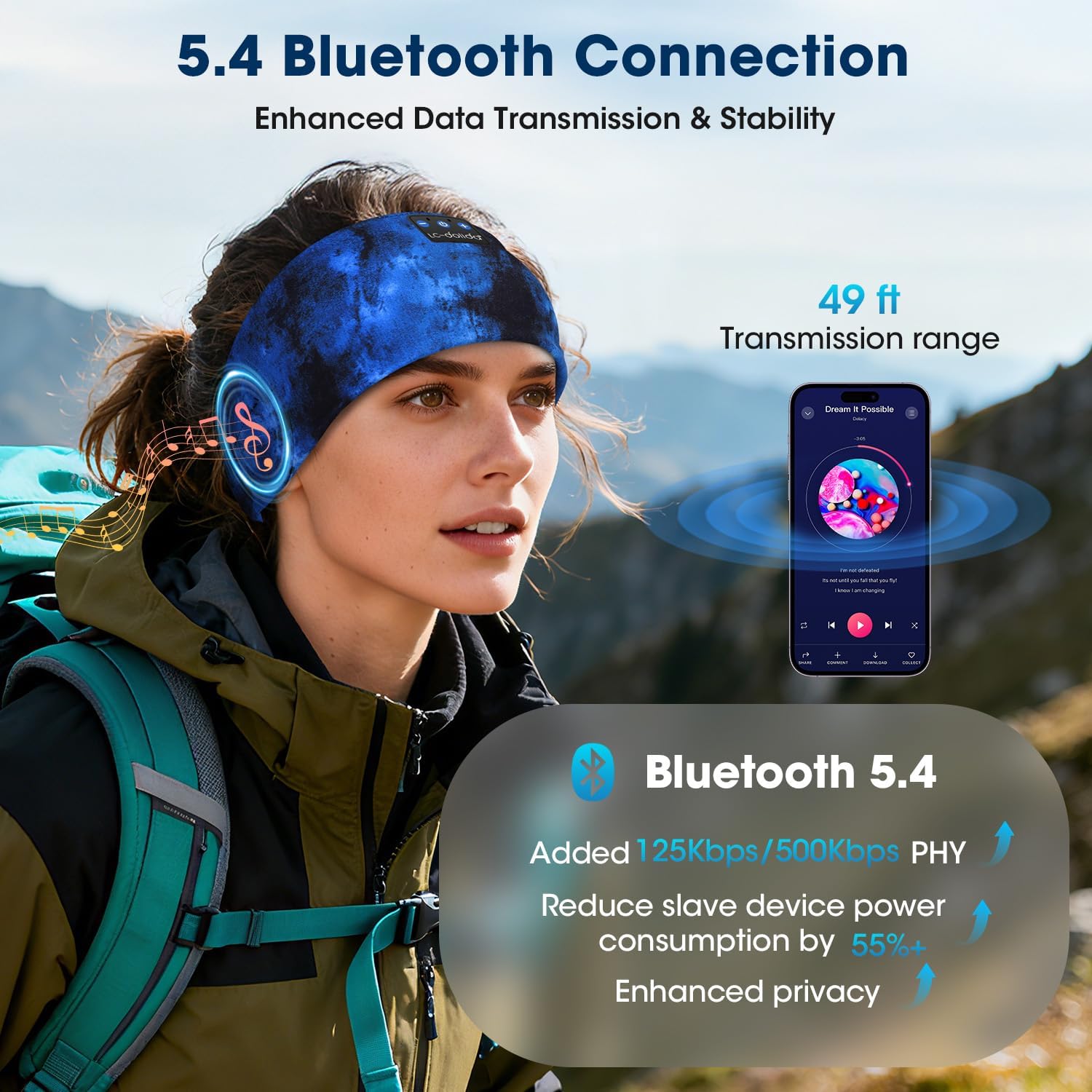
The headphones utilize Bluetooth 5.4 for enhanced data transmission and stability, offering a transmission range of up to 49 feet (approximately 15 meters).

Gambar 4.2: Bluetooth 5.4 connectivity details, highlighting improved data rates and power efficiency.
5. Parentah Operasi
5.1 Daya Hurung/Pareuman
- Daya Hurung: Pencét jeung tahan tombol Daya salila 3 detik. Indikator LED bakal hurung biru.
- Pareum listrik: Press and hold the Power button for 3 seconds. The LED indicator will flash red and then turn off.
5.2 Puterkeun Musik
- Puter / Reureuh: Pencét tombol Multi-fungsi sakali.
- Lagu salajengna: Pencét jeung tahan tombol Volume Up.
- Lagu Sateuacanna: Pencét jeung tahan tombol Jilid Turun.
- Volume Up: Pencét pondok tombol Volume Up.
- Volume Turun: Pencét pondok tombol Volume Turun.
5.3 Manajemén Telepon
Mikropon internal ngamungkinkeun nelepon tanpa nganggo leungeun.
- Ngajawab Telepon: Pencét tombol Multi-fungsi sakali.
- Tungtung Telepon: Pencét tombol Multi-fungsi sakali nalika nelepon.
- Nolak Telepon: Pencét jeung tahan tombol Multi-fungsi salila 2 detik.
- Aktipkeun Asisten Sora: Pencét dua kali tombol Multi-fungsi.
Gambar 5.1: Hands-free calling functionality with the built-in microphone.
5.4 Maké Headphone
The headband is designed for an ergonomic fit and is adjustable to accommodate various head sizes, typically ranging from 20.5 to 23.6 inches in circumference. Position the headband comfortably over your head, ensuring the speakers are aligned with your ears for optimal sound.

Gambar 5.2: Adjustable headband size for a comfortable fit.
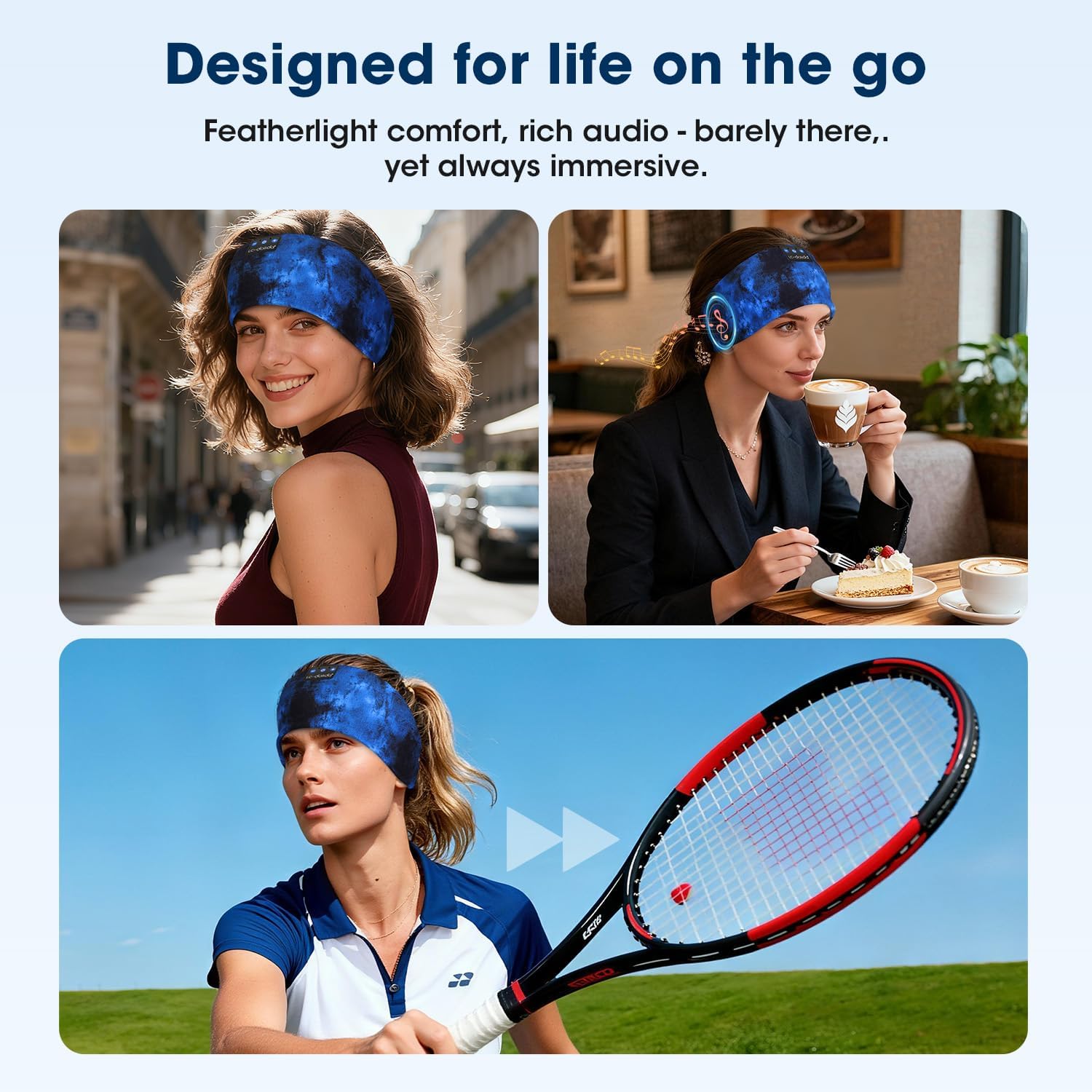
Gambar 5.3: Headphones designed for versatile use in different environments.
6. Pangropéa
6.1 beberesih
The headband is made from advanced breathable, moisture-wicking, and quick-dry material. For cleaning, gently wipe the headband with a damp cloth. Ensure the electronic components (speakers, control panel) do not come into contact with excessive moisture. Allow to air dry completely before use.
Gambar 6.1: Close-up of the breathable fabric used in the headband.
6.2 Panyimpenan
Store the headphones in a cool, dry place away from direct sunlight and extreme temperatures. Avoid placing heavy objects on top of the headphones to prevent damage.
7. Cara ngungkulan
- Headphone teu hurung: Pastikeun headphone dicas pinuh. Sambungkeun ka sumber listrik teras cobian deui.
- Teu tiasa dipasangkeun sareng alat:
- Pastikeun Bluetooth diaktipkeun dina alat Anjeun.
- Pastikeun headphone aya dina modeu pairing (LED kedip-kedip biru sareng beureum).
- Pindahkeun headphone ngadeukeutan ka alat Anjeun.
- Pareuman sareng hurungkeun headphone sareng alat anjeun, teras cobian pasang deui.
- Teu aya sora:
- Pariksa tingkat polumeu boh dina headphone sareng alat Anjeun nu disambungkeun.
- Pastikeun headphone disambungkeun leres via Bluetooth.
- Coba maén audio tina aplikasi atanapi sumber anu béda.
- Kualitas sora anu goréng atanapi sambungan anu pegat-pegat:
- Pastikeun teu aya halangan antara headphone sareng alat anjeun.
- Jauhkeun alat nirkabel anu sanés anu tiasa nyababkeun gangguan.
- Ensure the headphones are within the 49-foot transmission range.
8. Spésifikasi
| merek | LC-dolida |
| Nomer modél | B0FLX7FYB2 |
| Téhnologi konektipitas | Nirkabel (Bluetooth) |
| Téhnologi nirkabel | Bluetooth 5.4 |
| Panempatan Ceuli | On-Ear (integrated into headband) |
| Tingkat Résistansi Cai | Tahan cai |
| Métode kontrol | Sora |
| Kahirupan batré | Nepi ka 15 jam |
| Ngecas Gancang | 3 menit pikeun 1.5 jam playback |
| Diménsi | 20 x 10.1 x 2.7 cm |
| Beurat | 90 gram |
9. Émbaran Kasalametan
- Ulah ngantepkeun headphone ka suhu atanapi kalembaban anu ekstrim.
- Hindarkeun leupaskeun atanapi nahan headphone kana dampak anu kuat.
- Do not attempt to disassemble or modify the headphones, as this may void the warranty and cause damage.
- Jauhkeun tina jangkauan barudak.
- Buang produk sacara tanggung jawab nurutkeun peraturan lokal.
10. Garansi jeung Rojongan
For warranty information or technical support, please refer to the documentation included with your purchase or contact LC-dolida customer service through their official websitus atanapi pangecér dimana produkna dibeuli.


