1. Bubuka
This manual provides essential information for setting up, operating, and maintaining your Tecno Pova Slim 5G smartphone. Please read this guide carefully to ensure proper use and to maximize the device's performance and longevity.
The Tecno Pova Slim 5G is a 5G-enabled smartphone featuring a slim design, a 3D curved display, and a large battery capacity. It incorporates advanced features such as a Dynamic Mood Light and Ella AI with regional language support.

Gambar 1.1: Hareup jeung tukang view of the Tecno Pova Slim 5G smartphone.
2. Naon dina Box
Upon unboxing your Tecno Pova Slim 5G, verify that all the following items are included:
- Tecno Pova Slim 5G Smartphone
- Adaptor kakuatan
- Kabel USB
- Kasus Telepon
- Pelindung layar (diterapkeun atanapi dina kotak)
- SIM Dulang Ejector
- Pituduh Mimiti Gancang (manual ieu)
3. Alat Leuwihview
Familiarize yourself with the physical components of your Tecno Pova Slim 5G smartphone.
3.1. Tata Letak Fisik
- Hareup: Curved AMOLED display, front camera, earpiece.
- Balik: Dual rear cameras, LED flash, Dynamic Mood Light, Tecno branding.
- Sisi katuhu: Tombol daya, tombol volume naék/turun.
- Sisi kénca: baki kartu SIM.
- handap: USB Type-C port, microphone, speaker grille.
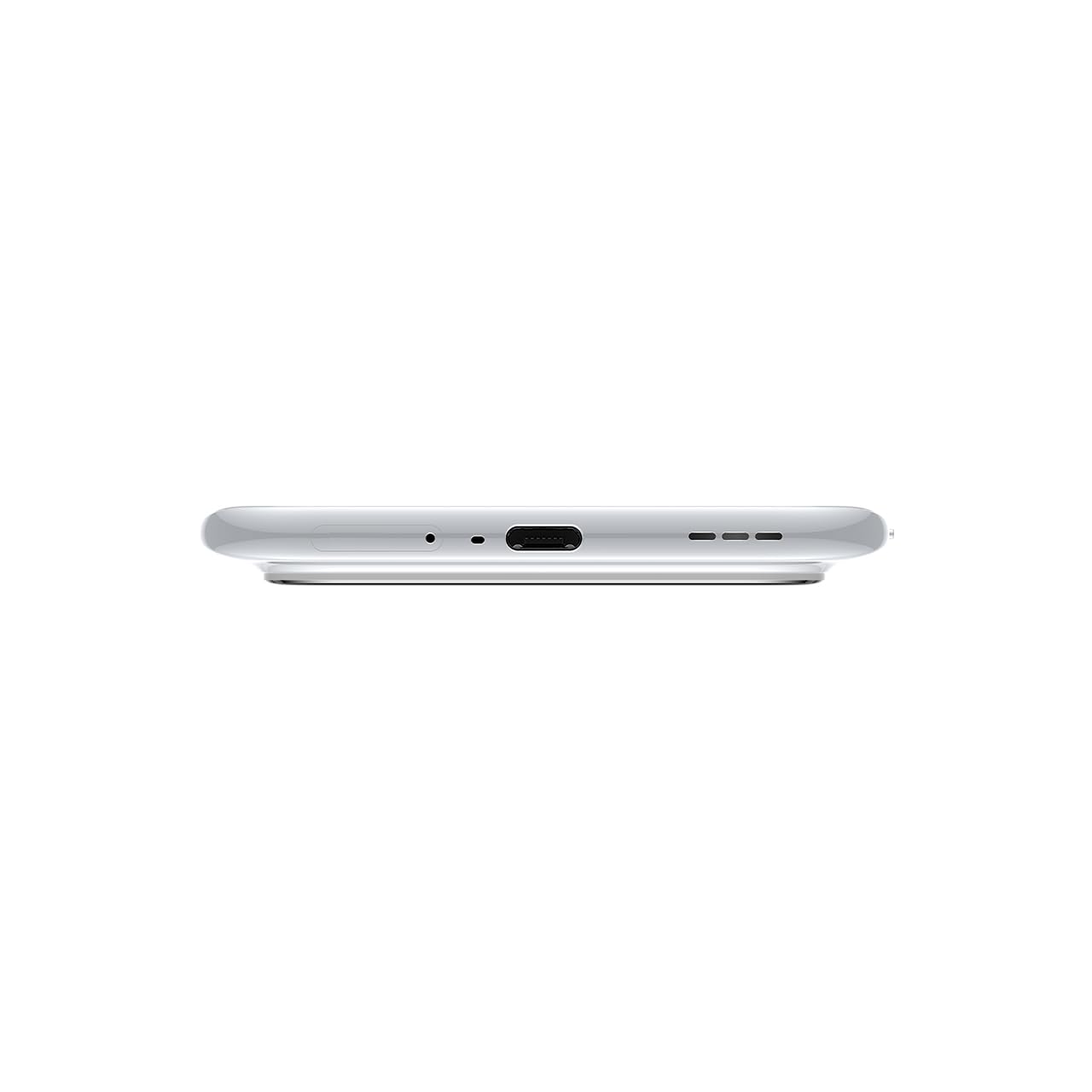
Gambar 3.1: Handap view of the device, highlighting the USB-C port and speaker.
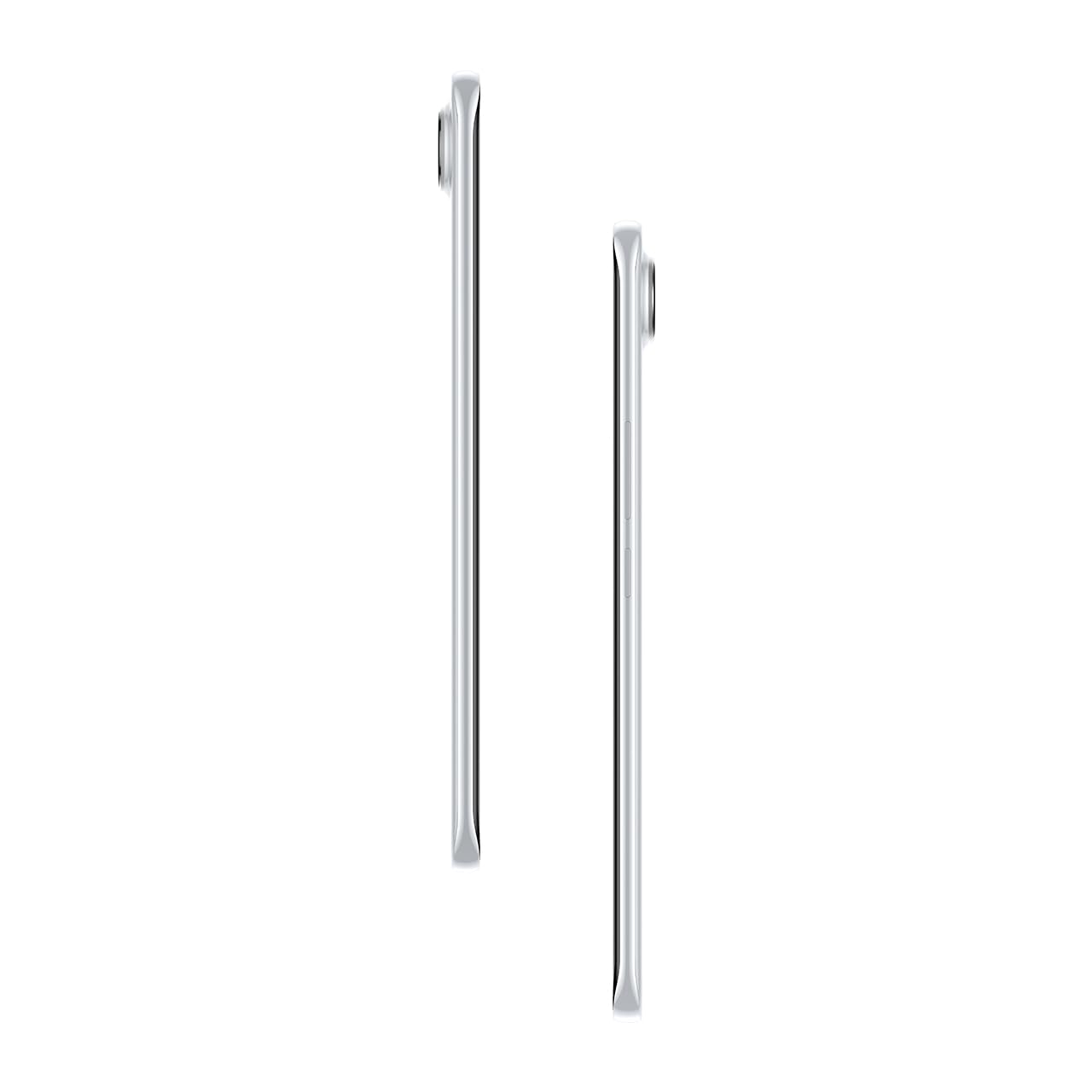
Gambar 3.2: Sisi view ngagambarkeun pro rampingfile tina smartphone.
4. Setélan
4.1. Nyelapkeun Kartu SIM
- Tangtukeun lokasi baki kartu SIM di sisi kénca alat.
- Selapkeun alat ejector baki SIM kana liang leutik gigireun baki terus pencét gently nepi baki pops kaluar.
- Lebetkeun kartu Nano-SIM anjeun kana slot anu ditunjuk dina baki. Pastikeun kontak emasna nyanghareup ka handap.
- Taliti nyorong baki deui kana telepon nepi ka ngaklik kana tempatna.
4.2. Powering on / Pareum
- Pikeun Ngahurungkeun: Press and hold the Power button on the right side of the phone until the Tecno logo appears.
- Pikeun mareuman: Pencét jeung tahan tombol Daya, teras pilih 'Pareuman' tina pilihan dina layar.
- Pikeun ngamimitian deui: Pencét jeung tahan tombol Daya, teras pilih 'Balikan deui' tina pilihan.
4.3. Konfigurasi awal
Upon first power-on, follow the on-screen instructions to set up your device. This includes selecting your language, connecting to Wi-Fi, setting up your Google account, and configuring security features like fingerprint or face unlock.
5. Ngoperasikeun Alat Anjeun
5.1. Fitur tampilan
The Tecno Pova Slim 5G features a 1.5K Curved AMOLED display with a 144Hz refresh rate, providing smooth visuals. It offers up to 4500 nits peak brightness for clear visibility in various lighting conditions and is protected by Corning Gorilla Glass 7i.
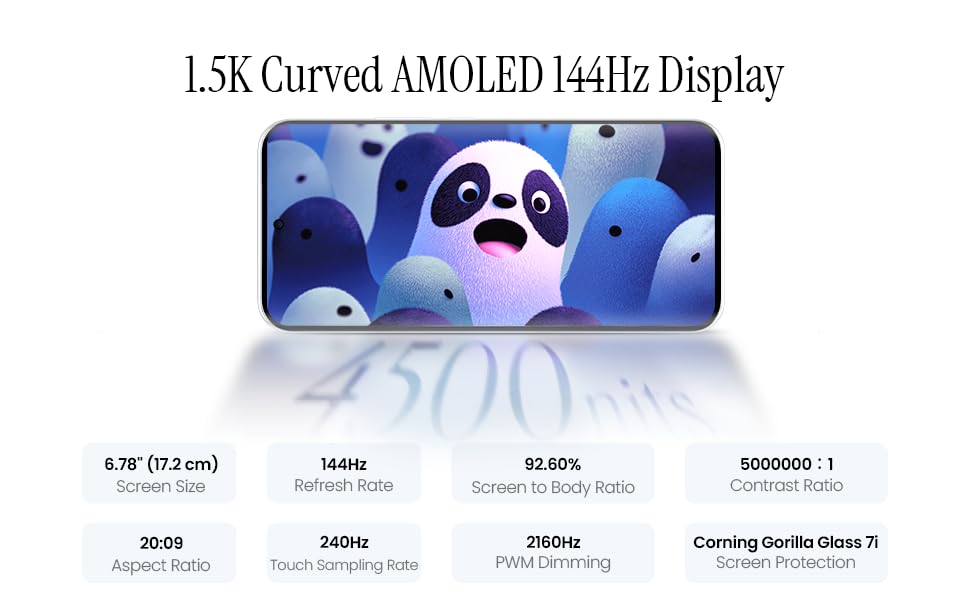
Image 5.1: Display specifications including screen size, refresh rate, and brightness.
5.2. Pamakéan kaméra
The device is equipped with a 50MP AI camera system. To take photos or record videos, open the Camera application. You can switch between different modes (Photo, Video, Portrait, Night, etc.) and adjust settings like zoom, flash, and filters.
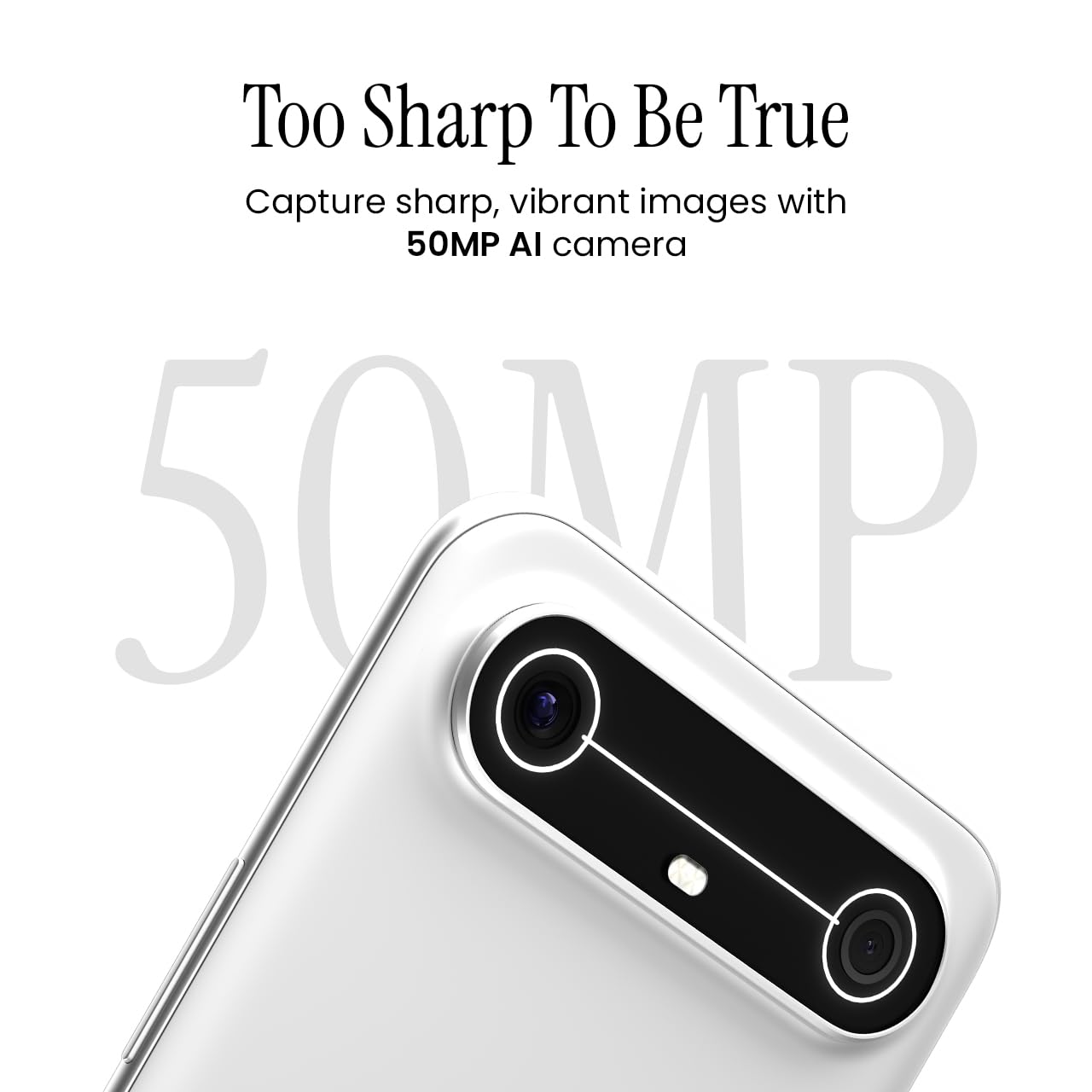
Image 5.2: Detail of the 50MP AI camera module.
5.3. Dynamic Mood Light
The Dynamic Mood Light is an integrated lighting feature on the back of the device that responds to various notifications, calls, and system events, providing visual cues.

Image 5.3: The Dynamic Mood Light design on the device's rear.
5.4. Ella AI Features
Ella AI provides intelligent assistance, including support for Indian regional languages. Key features include:
- AI Writing Assistant: Helps in drafting messages and content.
- Bunderan pikeun Milarian: Allows users to search for information by circling objects on the screen.
- Pamahaman Basa: Processes and responds to voice commands in various Indian languages.
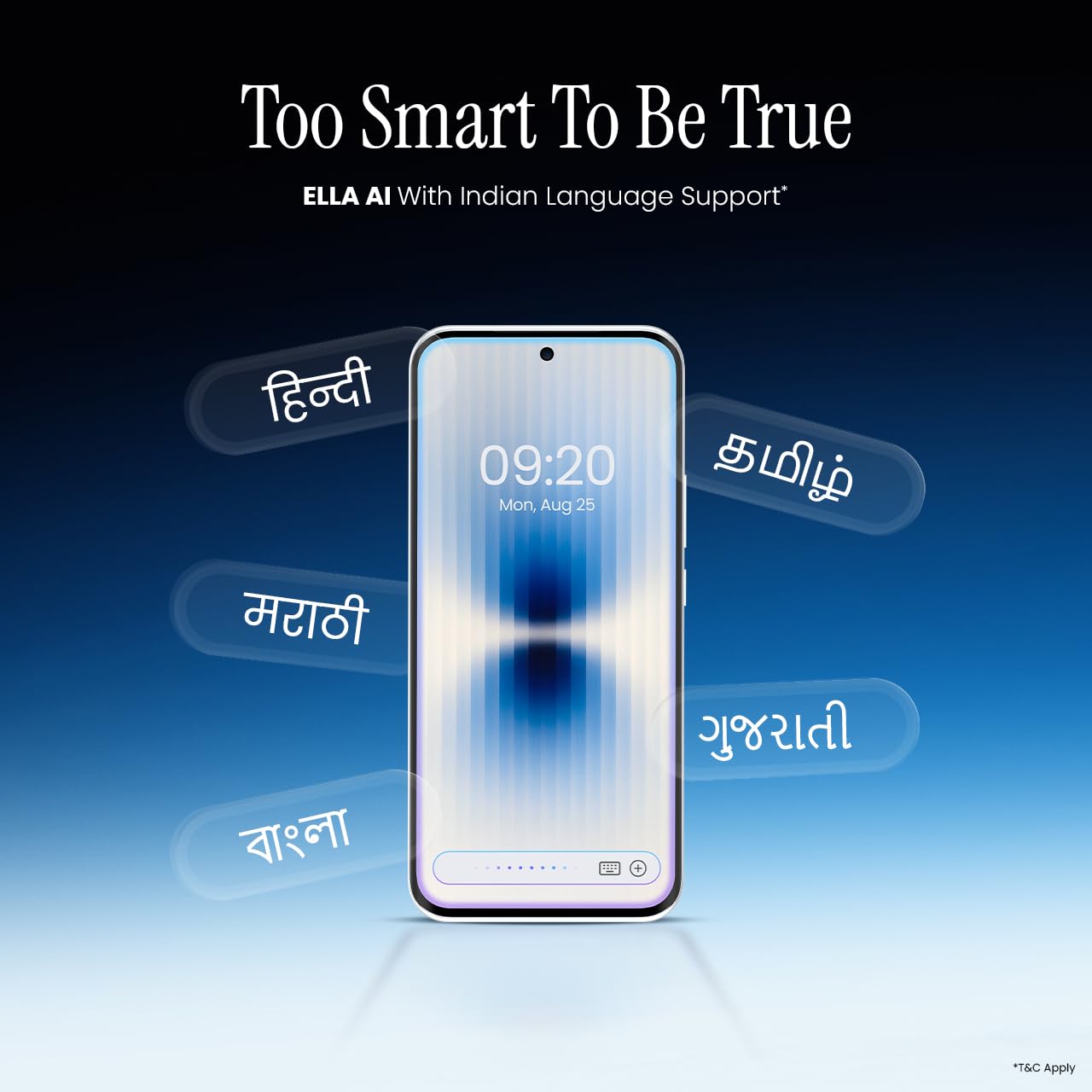
Image 5.4: Ella AI demonstrating Indian language support.
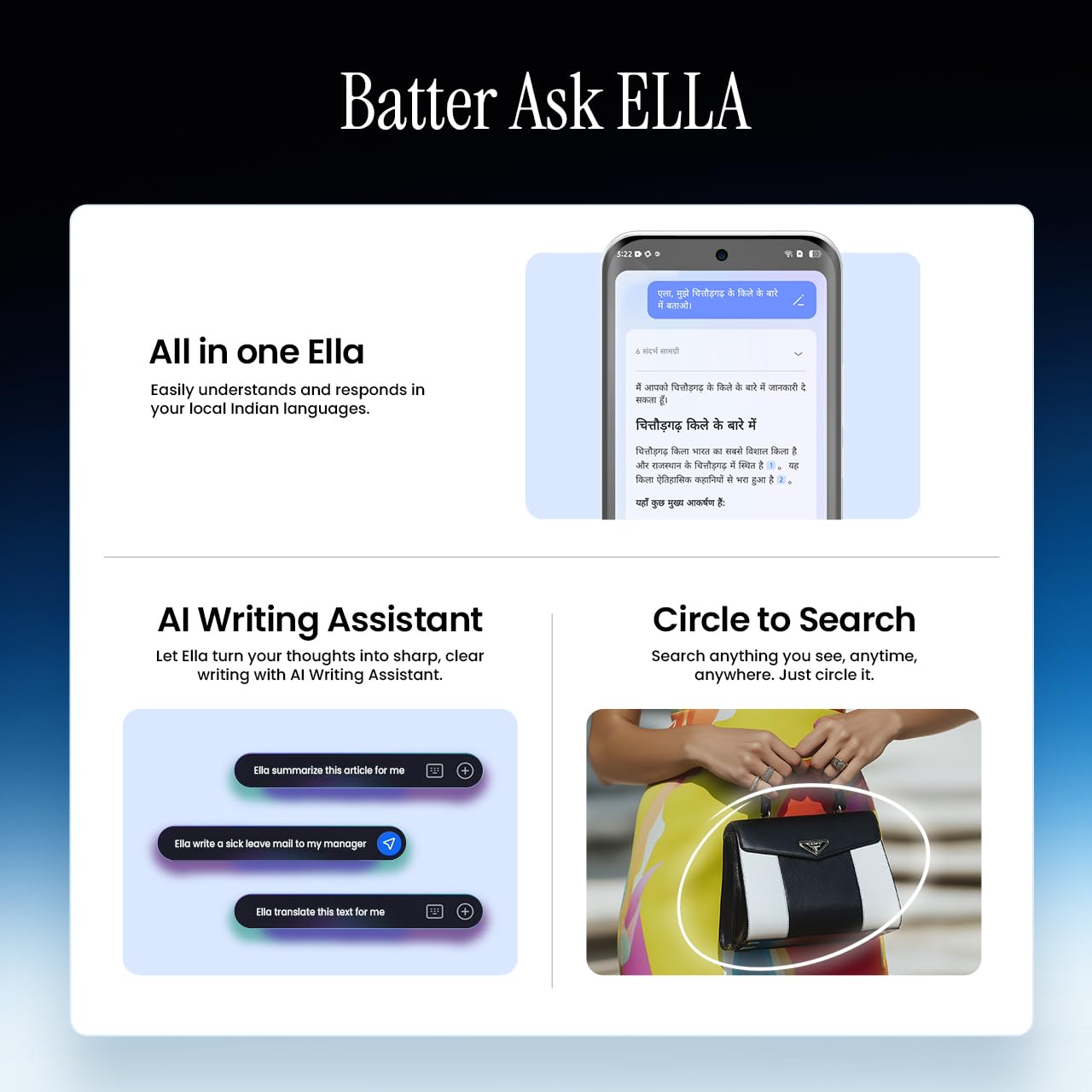
Image 5.5: Visual representation of Ella AI's writing assistant and circle to search functions.
5.5. Konektipitas
The Pova Slim 5G supports 5G networks for high-speed data, Wi-Fi for local network access, and Bluetooth for connecting to accessories. It features an Intelligent Signal Hub System with 4x4 MIMO & N28 Band for enhanced network performance.
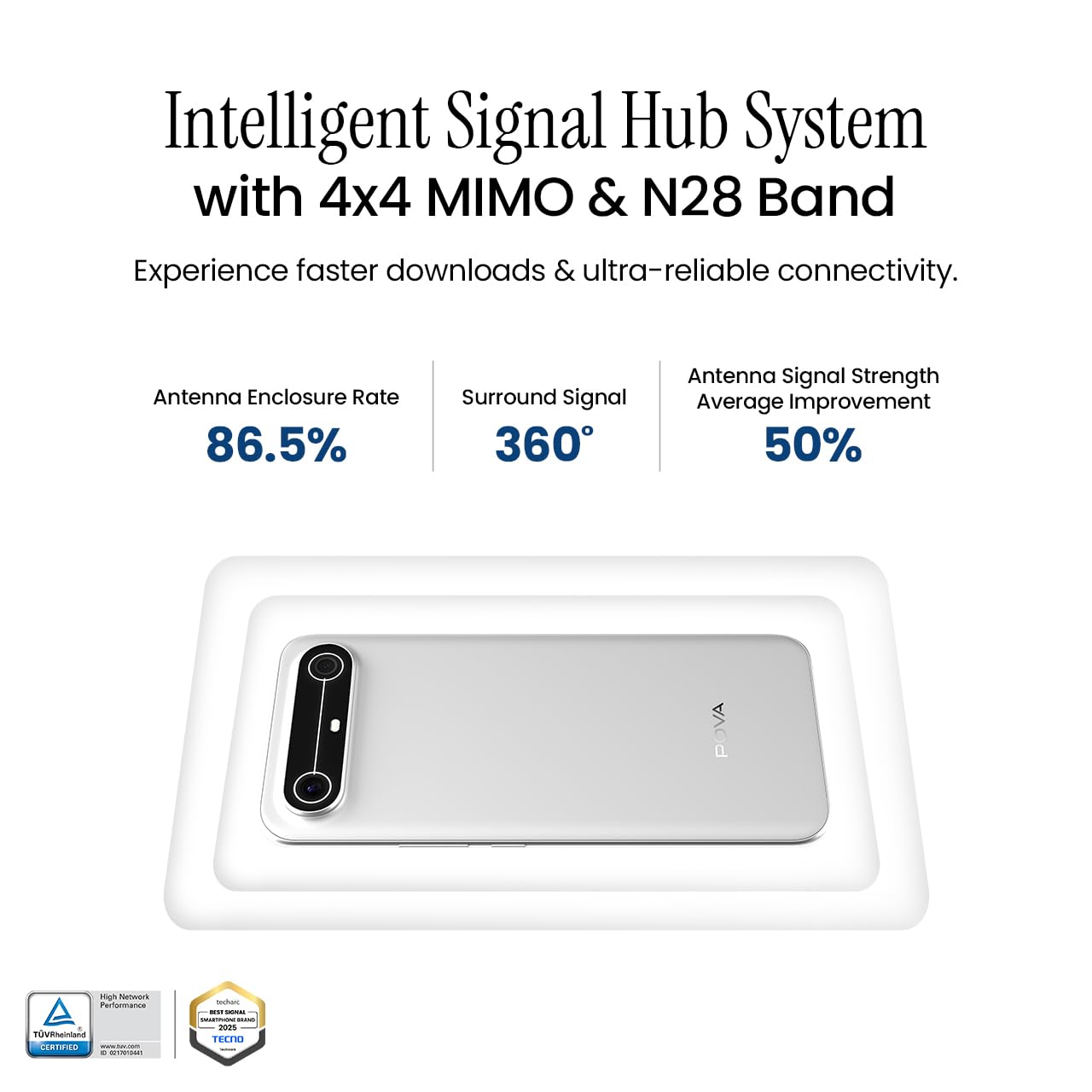
Image 5.6: Diagram illustrating the Intelligent Signal Hub System.
5.6. Batré jeung Ngecas
The device is powered by a 5160mAh battery and supports 45W fast charging. Use the provided power adapter and USB cable for optimal charging performance. Avoid using uncertified chargers or cables.

Image 5.7: Representation of the 5160mAh battery and 45W charging capability.
6. Pangropéa
6.1. Kaperawatan batré
- Hindarkeun suhu anu ekstrim, sabab tiasa ngirangan umur batre.
- Do not fully discharge the battery regularly; charge it before it drops too low.
- Unplug the charger once the battery is full to prevent overcharging.
6.2. Ngabersihan Alat Anjeun
Anggo lawon anu lemes sareng henteu ngaganggu pikeun ngabersihkeun layar sareng awak telepon anjeun. Hindarkeun nganggo bahan kimia anu keras atanapi bahan anu kasar. Pikeun noda anu bandel, usap sakedikampen lawon kalawan cai atawa cleaner layar husus dirancang pikeun éléktronika.
6.3. Apdet parangkat lunak
Regularly check for and install software updates. Updates often include security patches, performance improvements, and new features. To check for updates, go to Setélan> Sistem> Apdet Sistem.
6.4. Fitur durability
The Pova Slim 5G is built with durability in mind, featuring MIL-STD-810H military-grade toughness, IP64 dust and splash resistance, and Corning Gorilla Glass 7i for screen protection.

Image 6.1: Indication of MIL-STD-810H military-grade protection.

Image 6.2: Visual representation of Corning Gorilla Glass 7i protection.

Image 6.3: Device shown with IP64 dust and splash resistance.
7. Cara ngungkulan
Upami anjeun mendakan masalah sareng alat anjeun, cobian solusi ieu:
- Alat teu hurung: Pastikeun batréna geus dieusian. Sambungkeun carjer sareng antosan sababaraha menit sateuacan nyobian hurung deui.
- Masalah Konektipitas Jaringan: Check if your SIM card is properly inserted. Try restarting the device. Verify that mobile data or Wi-Fi is enabled in settings.
- Performance Lambat: Close unnecessary background applications. Clear cache from apps. Consider restarting the device. Ensure sufficient storage space is available.
- Batré gancang ngucur: Reduce screen brightness. Disable unused features like Bluetooth or GPS. Limit background app activity.
- Aplikasi ngadat: Clear the app's cache and data (Settings > Apps > [App Name] > Storage > Clear Cache/Clear Data). If the issue persists, reinstall the app.
For persistent issues, contact customer support or visit an authorized service center.
8. Spésifikasi
| Fitur | Spésifikasi |
|---|---|
| Nomer modél | KM9 |
| Sistem operasi | Android 15 |
| RAM Mémori Dipasang Ukuran | 8 GB |
| Panyimpenan (ROM) | 128 GB |
| Laju CPU | 2, 2.5 GHz |
| Dimensi produk | 16.4 x 7.6 x 0.6 cm |
| Item Beurat | 156 g |
| Peunteun Daya Batré | 5160 mAh |
| Resolusi | 1224 x 2720 piksel |
| Téhnologi konektipitas | Bluetooth, Infrared, USB, Wi-Fi |
| Warna | Slim White |
| Negara asal | India |
9. Garansi jeung Rojongan
Your Tecno Pova Slim 5G smartphone comes with a limited manufacturer's warranty. Please refer to the warranty card included in your product packaging for specific terms and conditions, including coverage period and limitations.
For technical support, service inquiries, or to find authorized service centers, please visit the official Tecno website or contact their customer service helpline. Keep your purchase receipt and device's serial number handy when seeking support.
Dukungan Online: Tecno India Support