1. Bubuka
Thank you for choosing the InAndOn 4-in-1 Karaoke Machine. This all-in-one system integrates a 21.5-inch HD touchscreen, dual speakers, and a mixer, providing a comprehensive KTV experience. This manual provides essential information for safe operation, setup, and maintenance of your device. Please read it thoroughly before use.
2. Émbaran Kasalametan penting
- Sumber Daya: Paké ngan adaptor kakuatan disadiakeun. Pastikeun voltage cocog catu daya lokal Anjeun.
- Ventilasi: Ulah ngahalangan liang ventilasi. Pastikeun aliran hawa anu cekap di sakitar unit pikeun nyegah panas teuing.
- Cai sareng Uap: Jauhkeun alat ieu tina cai, hujan, sareng kalembaban anu luhur. Ulah dianggo nalika leungeun baseuh.
- beberesih: Disconnect from power before cleaning. Use a soft, dry cloth. Avoid liquid cleaners.
- panempatan: Place the unit on a stable, flat surface. Avoid direct sunlight, heat sources, or extreme temperatures.
- Palayanan: Ulah nyobian ngalereskeun alat sorangan. Rujuk sadayana jasa ka tanaga anu mumpuni.
- Mikropon: The wireless microphones are rechargeable. Use appropriate charging methods as described in this manual.
3. Eusi Paket
Punten parios yén sadaya barang aya dina pakét anjeun:
- InAndOn 4-in-1 Karaoke Machine (Main Unit with 21.5" HD Touchscreen)
- Komponen Stand Lantai
- 2 x Mikropon Nirkabel UHF
- Adaptor kakuatan
- Manual pangguna (dokumén ieu)
- Other accessories (e.g., audio cables, USB cable - if included)
4. Produk Langkungview
4.1 Unit Utama
The main unit features a 21.5-inch HD touchscreen for intuitive navigation and song selection. It integrates a karaoke system, mixer, and dual speakers for an immersive audio experience.

4.2 Mikropon Nirkabel
Two rechargeable UHF wireless microphones are included, designed for clear vocal pickup and stable connectivity. They feature durable metal mesh heads and adjustable UHF frequencies to minimize interference.

4.3 Komponen sareng Fitur Internal
The system is powered by a dual-core DSP, runs on Android 10.0, and includes 2GB RAM with 32GB ROM, plus a 500GB hard disk for song storage. It supports both 2.4G and 5G WiFi for robust network connectivity.

5. Setup Guide
5.1 Assembling the Floor Stand
- Carefully unpack all components of the floor stand.
- Attach the base to the main vertical pole using the provided screws.
- Securely mount the karaoke machine unit onto the top of the vertical pole. Ensure all connections are tight and stable.

5.2 Sambungan Daya
- Connect the power adapter to the DC input port on the back of the karaoke machine.
- Colokkeun adaptor kakuatan kana stop kontak listrik anu cocog.
5.3 Setup Mikropon
- Insert AA batteries into the wireless microphones or ensure they are charged if using rechargeable batteries.
- The microphones should automatically pair with the main unit. If not, refer to the troubleshooting section for manual pairing instructions.
5.4 Connecting to External Audio (Optional)
For enhanced sound, connect the karaoke machine to active speakers or a soundbar using an appropriate audio cable (e.g., HDMI, RCA, or optical, depending on your external audio system's inputs and the machine's outputs).
5.5 Sambungan Jaringan
- Daya dina alat.
- Navigate to the 'Settings' menu on the touchscreen.
- Select 'Wi-Fi' and choose your desired network. Enter the password if prompted.
6. Parentah Operasi
6.1 Powering on / Pareum
Press the power button located on the unit to turn it on or off. A short press typically puts it into standby, while a long press performs a full shutdown.
6.2 Napigasi layar rampa
The 21.5-inch HD touchscreen allows for intuitive control. Tap icons to select functions, swipe to scroll, and use pinch-to-zoom gestures where applicable.
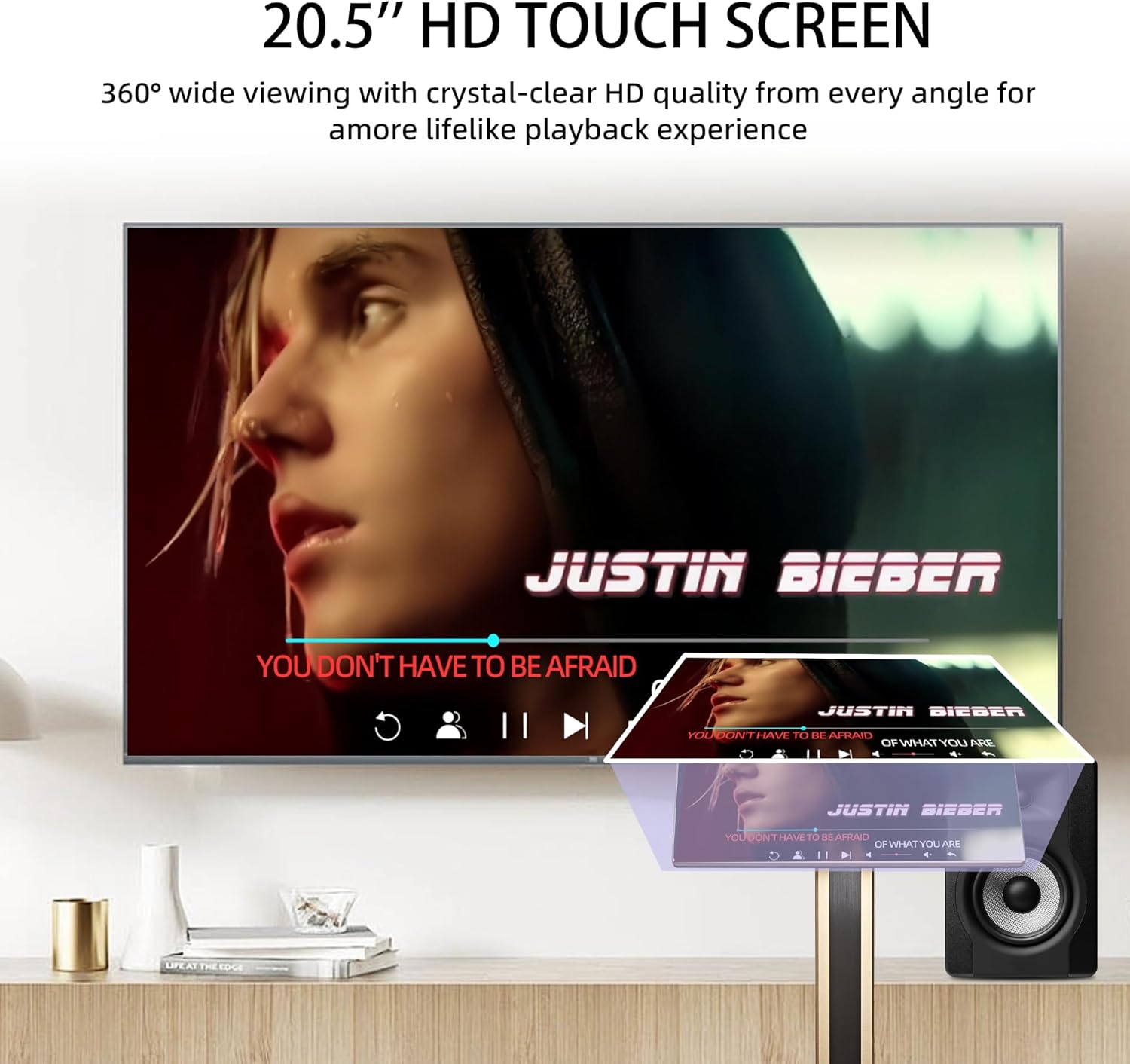
6.3 Song Selection and Playback
- Cloud Server: Access over 650,000 songs with monthly updates. Navigate to the 'Cloud' section to browse and select songs.
- YouTube: Use the integrated YouTube app to stream karaoke videos directly.
- Panyimpenan Lokal: Play songs stored on the internal 500GB hard disk.
- Puterkeun USB: Connect a USB drive to play music or 4K movie files.

6.4 Pamakéan Mikropon
- Kontrol volume: Adjust microphone volume using the on-screen controls or physical knobs if available.
- Vocal/Accompaniment Modes: Switch between original vocal and accompaniment modes for songs from the built-in hard disk or cloud music libraries.
- Balukar: Apply echo or other vocal effects through the system settings.
6.5 Multiple Connection Options
Control song selection and playback using the touchscreen, a mobile phone, tablet, or the dedicated Karaoke app.

6.6 Layar proyéksi
Sync the screen to an external TV or monitor via HDMI or through a compatible app for a larger display.

6.7 Rojongan Basa
The system supports over 16 languages. Change the language setting in the system menu to your preferred language.
7. Pangropéa
- Ngabersihan layar: Use a soft, lint-free cloth specifically designed for electronic screens. Do not use abrasive cleaners or sprays directly on the screen.
- beberesih umum: Wipe the exterior of the unit and microphones with a dry, soft cloth.
- Panyimpenan: When not in use for extended periods, store the machine in a cool, dry place, away from direct sunlight and extreme temperatures.
- Apdet parangkat lunak: Periodically check for system software updates through the settings menu to ensure optimal performance and access to new features.
8. Cara ngungkulan
| Masalah | Mungkin Cukang lantaranana | Solusi |
|---|---|---|
| Taya kakuatan | kabel kakuatan teu disambungkeun; stop kontak listrik lepat. | Pastikeun kabel kakuatan disambungkeun aman. Coba colokan listrik anu béda. |
| Teu aya sora ti panyatur | Volume too low; external speakers not connected/powered. | Increase volume. Check connections to external speakers and ensure they are powered on. |
| Mikropon teu jalan | Mikropon pareum; batré lemah; teu dipasangkeun. | Turn on microphone. Replace/recharge batteries. Re-pair microphones via system settings. |
| Teu bisa nyambung ka Wi-Fi | sandi salah; kaluar tina rentang; masalah router. | Verify Wi-Fi password. Move closer to router. Restart router. |
| Screen projection not working | HDMI cable loose/faulty; incorrect input on TV. | Check HDMI cable connection. Select correct HDMI input on your TV. |
9. Spésifikasi
- model: B0FR9F52GR
- tampilan: Layar rampa HD 21.5 inci
- Sistem operasi: Android 10.0
- Prosesor: DSP dual-core
- Mémori: 2GB RAM + 32GB ROM
- Panyimpenan: 500GB Hard Disk
- Konektipitas: Wi-Fi (2.4G & 5G), HDMI
- Mikropon: 2 x Mikropon Nirkabel UHF
- Jumlah Speaker: 9 (integrated)
- Sumber Daya: Plug In Electric
- Ukuran produk: 19.29 x 30.31 x 5.91 inci
10. Garansi jeung Rojongan
Your InAndOn Karaoke Machine is covered by a limited manufacturer's warranty. Please refer to the warranty card included in your package for specific terms and conditions. For technical support, troubleshooting assistance, or warranty claims, please contact InAndOn customer service through the contact information provided on the official InAndOn websitus atanapi platform pameseran Anjeun.

