Bubuka
The TCL 43P69K is a 43-inch 4K Ultra HD Smart LED TV designed to deliver a high-quality viewing experience. Featuring a 3840 x 2160 pixel resolution and LED display technology, it offers vivid colors and sharp details. This television integrates Google TV, providing access to a wide range of streaming applications and smart features. Advanced HDR support, including HDR10 and HLG, enhances contrast and color accuracy. Connectivity options include Wi-Fi, Bluetooth 5.2, Ethernet LAN, and multiple HDMI 2.1 and USB ports. The TV also supports Apple AirPlay 2 and Chromecast for seamless content sharing.
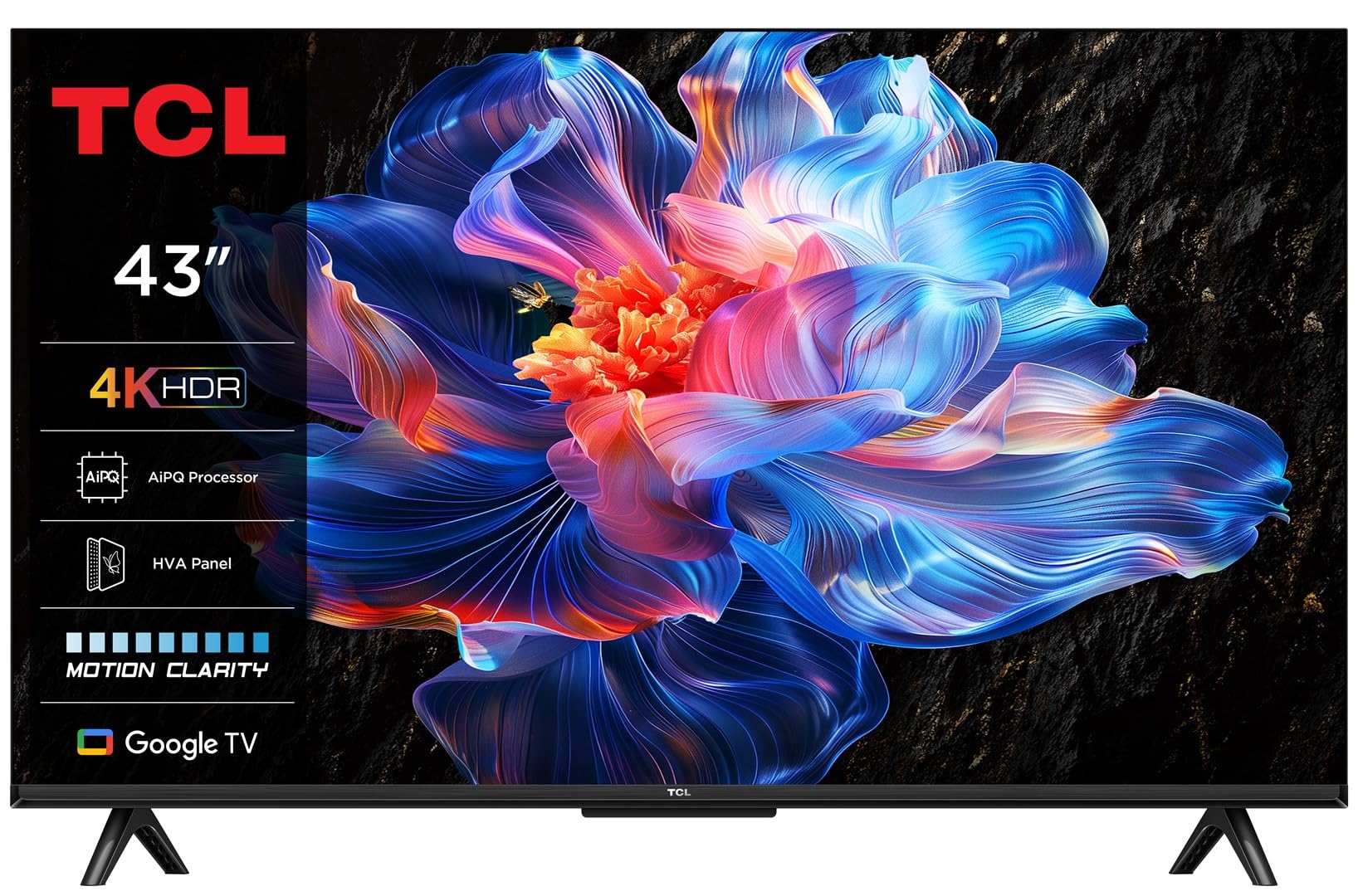
Image: The TCL 43P69K TV showcasing its smart interface in a contemporary living room environment.
Disetél
Unboxing and Stand Installation
Carefully remove the TV from its packaging. Place the TV screen-down on a soft, flat surface to prevent damage. Attach the included feet to the designated slots on the bottom of the TV using the provided screws. Ensure the stand is securely fastened before proceeding.
Nyambungkeun Periferal
The TCL 43P69K offers various ports for connecting external devices:
- Port HDMI (x3): Connect Blu-ray players, gaming consoles, soundbars, or other HDMI-compatible devices. HDMI 2.1 ensures high-bandwidth connections for 4K content and gaming.
- Port USB 2.0 (x1): Sambungkeun alat panyimpen USB pikeun playback média atanapi apdet software.
- Ethernet LAN Port (x1): Pikeun sambungan internét kabel stabil.
- Optical Digital Audio Output (x1): Connect to a sound system for high-quality audio.
- RF Ports (x2): For connecting antenna (DVB-T2) and satellite (DVB-S2) signals.
- CI+ Slot (x1): For inserting a Common Interface Plus module, often used for encrypted digital TV services.

Gambar: Detil view tina port konektipitas TV.
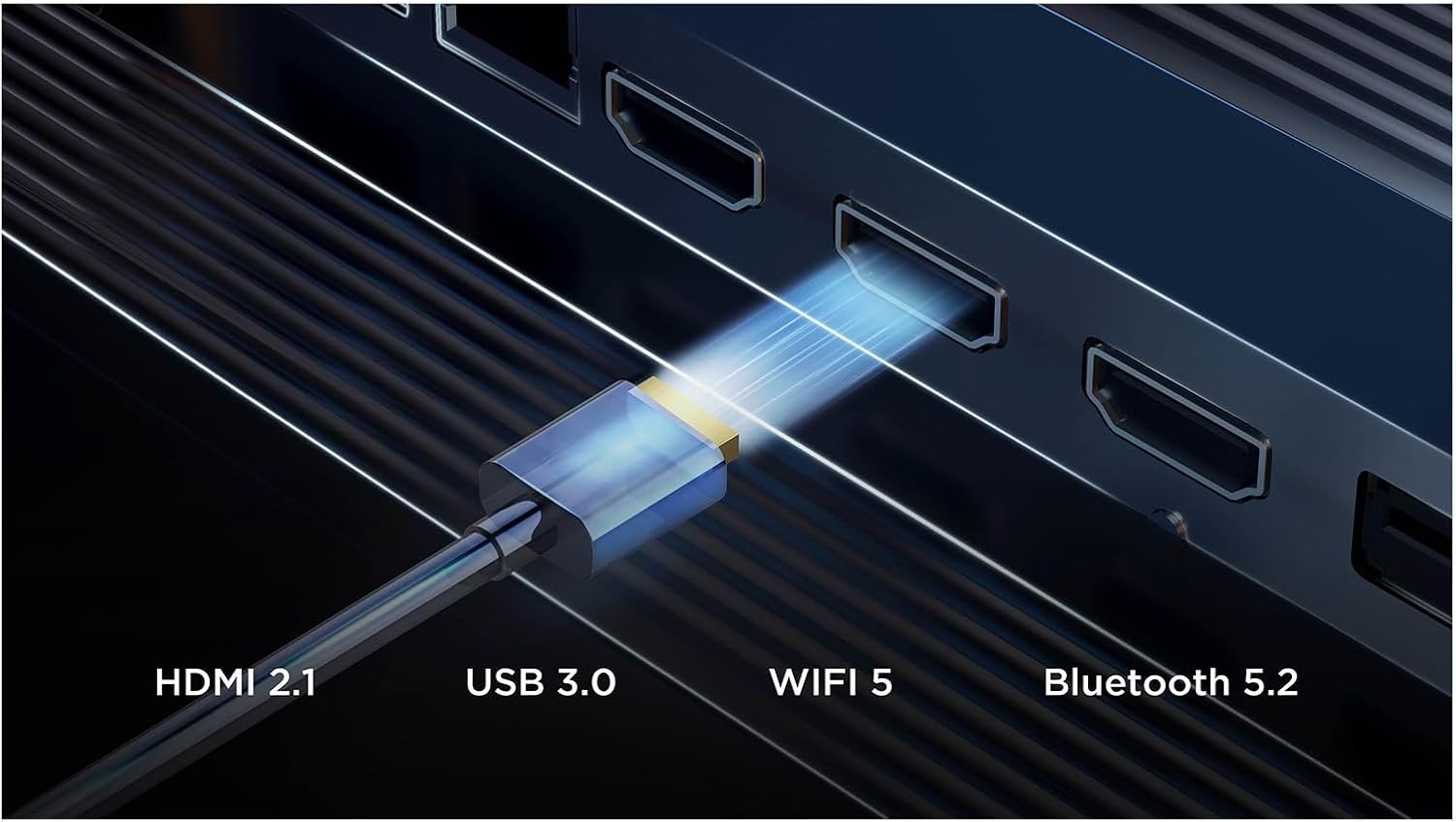
Image: Visual representation of the TV's advanced connectivity features.
Daya Hurung sareng Setup Awal
After connecting all necessary cables, plug the power cord into an electrical outlet. Press the power button on the remote control or the TV. Follow the on-screen instructions to complete the initial setup, including language selection, network connection, and channel scanning.
Ngoperasikeun TV
Fungsi Remote Control
The included remote control (RC833) provides full control over your TV's features. Key buttons include power, volume, channel, navigation, smart app shortcuts (Netflix, Prime Video, YouTube, Disney+), and a dedicated voice assistant button.

Image: The remote control for the TCL 43P69K TV.
Antarbeungeut Google TV
Your TV runs on Google TV (version 12), offering a personalized content experience. Access your favorite streaming services, discover new shows, and manage your apps directly from the home screen. Create multiple user profiles kanggo rekomendasi anu disaluyukeun.
Kontrol sora
The TV supports voice commands via Google Assistant and Amazon Alexa. Press the voice assistant button on your remote and speak your commands to search for content, control smart home devices, or get information.
Setélan Gambar jeung Sora
The 43P69K features a 4K Ultra HD LED display with HDR10 and HLG support for enhanced contrast and color. The AiPQ Processor optimizes image quality. Audio is delivered through a 2.0 channel system with 20W output, supporting Dolby AC4, Dolby TrueHD, DTS Virtual:X, and DTS-HD for an immersive sound experience. Adjust picture modes (Game, Movie, PC, Smart HDR, Sport, Standard, Vivid) and sound equalizer settings to your preference.

Gambar: Leuwihview of key features including picture, sound, and smart capabilities.
Fitur kaulinan
For gamers, the TV includes features like AMD FreeSync, Auto Low Latency Mode (ALLM), and Game Master 2.0, ensuring a smooth and responsive gaming experience with reduced input lag.
Integrasi Média
Pangilon Layar sareng Casting
Utilize built-in Chromecast and Apple AirPlay 2 to wirelessly stream content from your smartphone, tablet, or computer directly to your TV screen.
Video Produk Resmi
Lalajo video ieu pikeun visual leuwihview of some features available on TCL TVs with Google TV. Please note that specific features and design elements may vary slightly depending on the model.
Video: TCL TV V6C features overview. Features shown may vary by model.
Pangropéa
Ngabersihan Layar
Lembut usap layar nganggo lawon anu lemes sareng teu aya serat. Pikeun tanda nekad, rada dampen lawon jeung cai atawa cleaner layar husus. Ulah make bahan kimia kasar atawa bahan abrasive.
Perawatan Umum
Keep the TV in a well-ventilated area. Avoid exposing it to direct sunlight, extreme temperatures, or high humidity. Do not block the ventilation openings on the back of the TV. Regularly check cable connections to ensure they are secure.
Pamérésan masalah
Taya Daya
- Pastikeun kabel listrik dicolokkeun sacara aman kana TV sareng stop kontak listrik.
- Pariksa naha stop kontakna berpungsi ku cara nyolokkeun alat anu sanés.
- Coba pencét tombol daya dina TV sorangan, teu ngan jauh.
Taya Gambar atawa Sora
- Pastikeun sumber input anu bener dipilih (contona, HDMI 1, TV).
- Pariksa sadaya sambungan kabel (HDMI, anteneu, jsb) pikeun looseness atawa ruksakna.
- Balikan deui TV sareng alat-alat nu mana wae nu disambungkeun.
Kadali Jauh Teu Ngabales
- Ganti batré dina kadali jauh.
- Pastikeun teu aya halangan antara jauh sareng sénsor IR TV.
Masalah Sambungan Jaringan
- Balikan deui router Wi-Fi sareng modem anjeun.
- Pariksa setélan jaringan TV pikeun mastikeun éta nyambung ka jaringan anu leres.
- If using Wi-Fi, try a wired Ethernet connection to rule out wireless interference.
spésifikasi
| Fitur | Rincian |
|---|---|
| Ukuran layar | 109.2 cm (43 inci) |
| Resolusi tampilan | 3840 x 2160 piksel (4K Ultra HD) |
| Téknologi tampilan | LED (Direct-LED backlight) |
| Rasio Aspék Asli | 16:9 |
| Téhnologi Interpolasi Gerak | PPI (Picture Performance Index) 2500 |
| Laju Anyarkeun Asli | 60 Hz (supports 50 Hz, 60 Hz) |
| Téhnologi HDR | HDR10, Hybrid Log-Gamma (HLG) |
| Sistem operasi | Google TV (Version 12) |
| Daya Kaluaran Audio (RMS) | 20 W (2.0 channels) |
| Dekoder Audio | Dolby AC4, Dolby TrueHD, DTS Virtual:X, DTS-HD |
| Standar Wi-Fi | 802.11g, Wi-Fi 4 (802.11n), Wi-Fi 5 (802.11ac) |
| Vérsi Bluetooth | 5.2 |
| Palabuhan HDMI | 3 (Vérsi 2.1) |
| palabuhan USB | 1 (USB 2.0) |
| Kelas Éfisiensi Énergi (SDR) | F |
| Energy Consumption (SDR) per 1000h | 45 kWh |
| Kelas Éfisiensi Énergi (HDR) | G |
| Energy Consumption (HDR) per 1000h | 72 kWh |
Garansi sareng Rojongan
Kanggo inpormasi jaminan anu lengkep, mangga tingal kartu garansi anu kalebet dina produk anjeun atanapi kunjungan dukungan TCL resmi website. If you encounter any issues not covered in this manual, please contact TCL customer support for assistance.


