1. Bubuka
This manual provides instructions for the PUSOKEI 4G LTE WiFi Router, a portable mobile hotspot designed to convert a 4G LTE signal into a WiFi network. This device supports up to 10 connected devices simultaneously and operates on a 2.4GHz wireless network frequency.
2. Eusi Paket
Pastikeun yén sadaya item aya dina bungkusan:
- 1 x Portable WiFi Hotspot (PUSOKEI 4G LTE WiFi Router)
- 1 x Kabel USB
- 1 x Manual Pamaké
3. Produk Langkungview
The PUSOKEI 4G LTE WiFi Router is a compact device that provides wireless internet connectivity. It features a standard SIM card slot and an integrated 10000mAh lithium-ion battery for extended use.
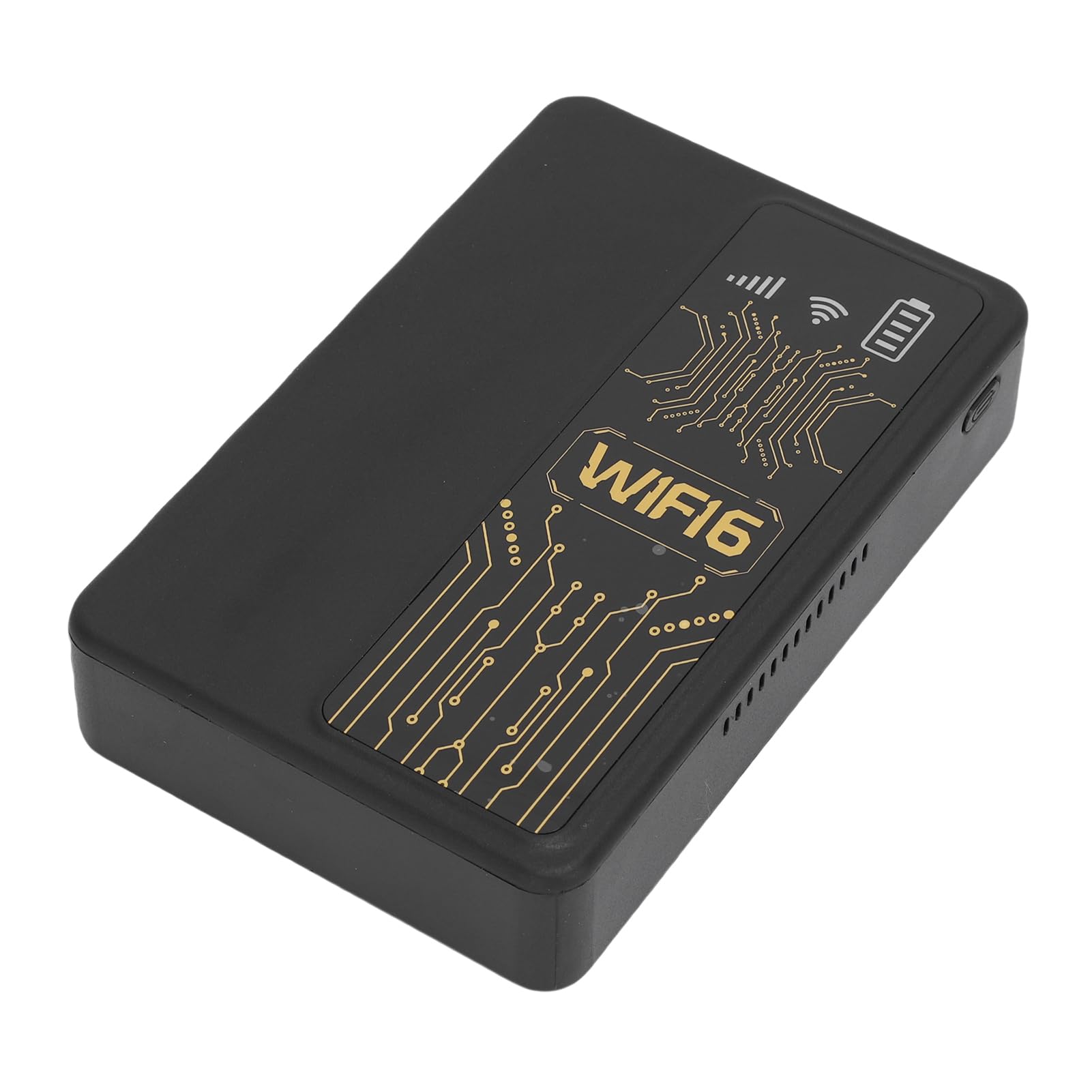
Gambar 3.1: Hareupeun view of the PUSOKEI 4G LTE WiFi Router, showing the display and WiFi6 branding.
fitur konci ngawengku:
- 4G to WiFi Conversion: Converts 4G LTE signals into a WiFi network.
- Laju Pangiriman: Provides up to 300Mbps (2.4GHz) WiFi speeds.
- Konektipitas Alat: Supports connection for up to 10 wireless devices simultaneously.
- Rojongan jaringan: Operates on 2.4GHz WiFi frequency.
- Batré: Equipped with a 10000mAh lithium-ion battery.
4. Setélan
Follow these steps to set up your PUSOKEI 4G LTE WiFi Router:
- Selapkeun Kartu SIM: Locate the SIM card slot on the side of the device. Insert a standard small SIM card into the slot. Ensure the SIM card is correctly oriented.
- Daya Hurung: Press and hold the power button until the device powers on. The device will automatically detect the 4G network signal.
- Kasadiaan jaringan: Once powered on, the device will establish a wireless network. You can then connect your WiFi-enabled devices to this network.

Gambar 4.1: Sisi view of the router, highlighting the SIM card slot.

Figure 4.2: The router powered on and ready to provide internet access.
5. Parentah Operasi
To use your PUSOKEI 4G LTE WiFi Router:
- Sambungkeun Alat: On your WiFi-enabled device (e.g., smartphone, laptop), search for available WiFi networks. Select the network name (SSID) broadcast by your PUSOKEI router.
- Lebetkeun kecap akses: Enter the WiFi password (usually found on a label inside the device or in the quick start guide) when prompted.
- Aksés Internét: Once connected, your device will have internet access via the 4G LTE network. The router provides a stable connection for various online activities.
- Sababaraha Alat: The router can support up to 10 devices simultaneously, making it suitable for sharing internet access in various environments.
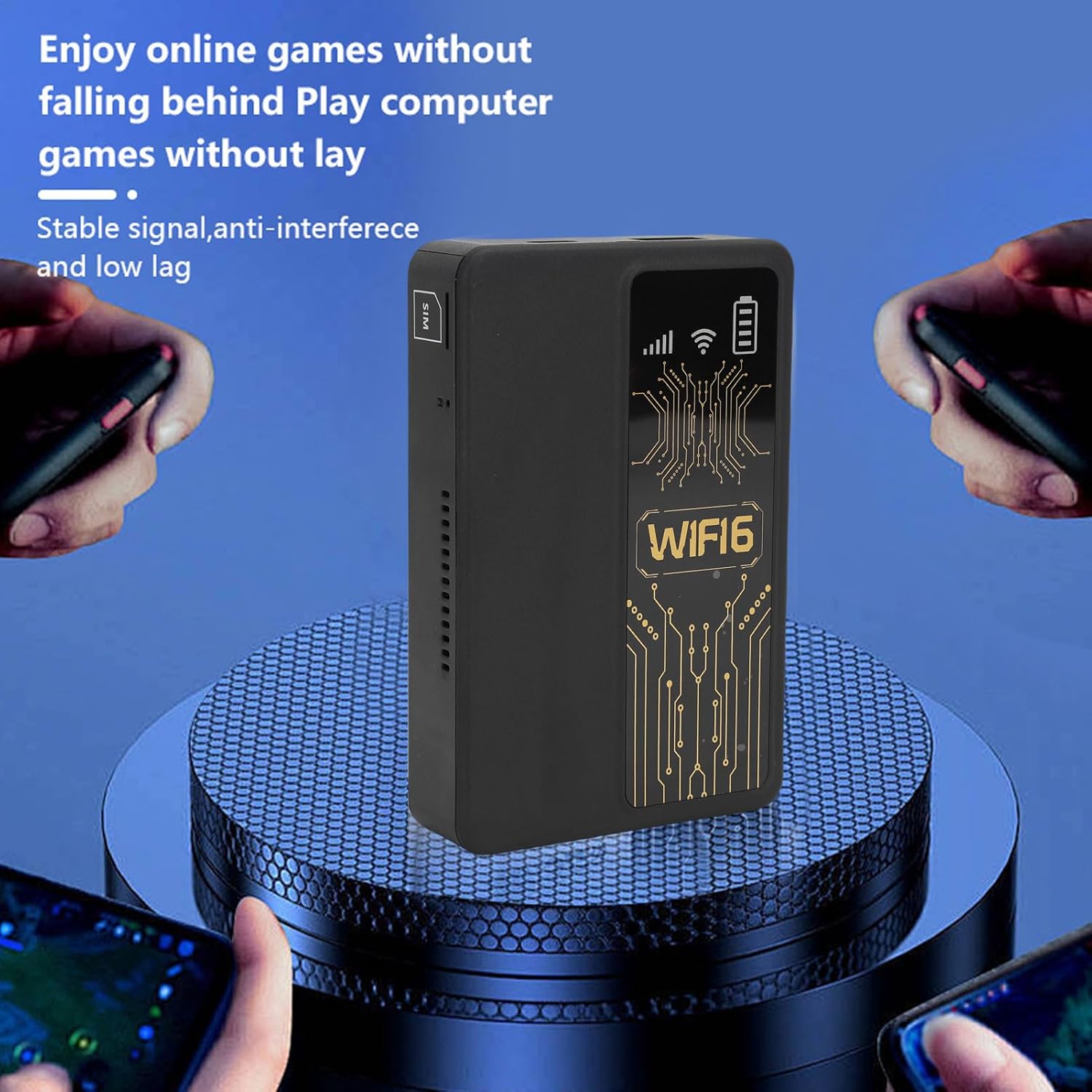
Figure 5.1: A smartphone connected to the router, showing network performance metrics.
6. Pangropéa
Pangropéa anu leres mastikeun umur panjang sareng kinerja optimal router anjeun:
- beberesih: Anggo lawon anu lemes sareng garing pikeun ngabersihkeun bagian luar alat. Hindarkeun nganggo pembersih cair atanapi bahan anu kasar.
- Perawatan batré: The router includes a 10000mAh lithium-ion battery. For optimal battery life, avoid extreme temperatures and fully discharge and recharge the battery periodically.
- Panyimpenan: Lamun teu dipaké pikeun période nambahan, nyimpen alat dina tiis, tempat garing.
- Pembaruan firmware: Pariksa produsén urang website periodically for any available firmware updates to ensure optimal performance and security.
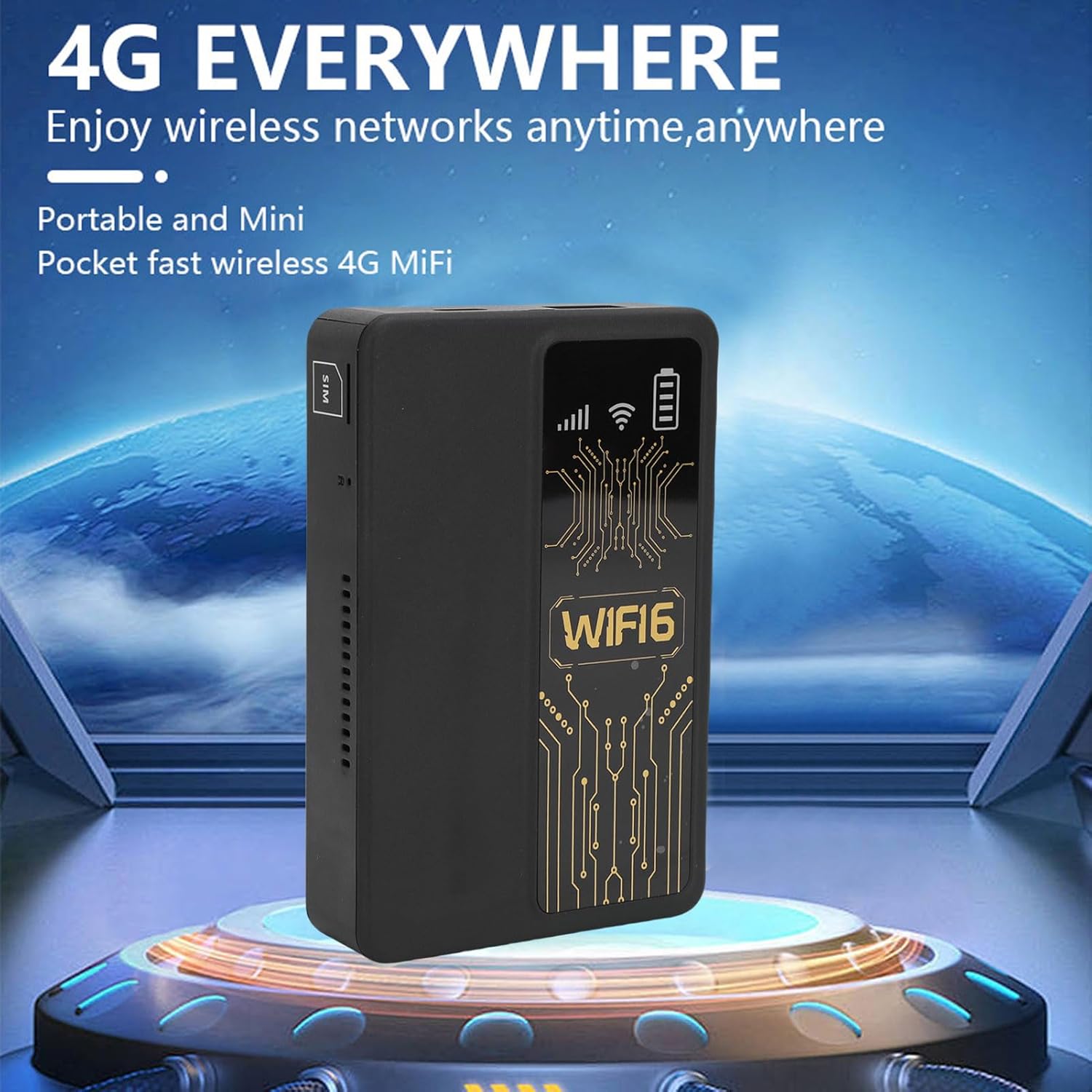
Figure 6.1: The router's internal 10000mAh battery provides extended usage time.
7. Cara ngungkulan
Upami anjeun ngalaman masalah sareng router anjeun, tingali masalah sareng solusi umum ieu:
- Henteu aya sambungan internét:
- Pastikeun kartu SIM diselapkeun leres sareng aktip.
- Check if your local SIM card or 4G bands are supported (FDD-LTE B1 B3 B5 B7 B8 B20 TDD-LTE B38 B40 B41).
- Balikan deui router sareng alat anu nyambung.
- Pariksa yén kartu SIM anjeun gaduh paket data anu aktip.
- Lambat Sambungan Lambat:
- Move to an area with better 4G signal reception.
- Ngurangan jumlah alat nu disambungkeun.
- Ensure no applications are consuming excessive bandwidth.
- Alat Teu Nyambung ka WiFi:
- Confirm you are entering the correct WiFi password.
- Pastikeun router hurung sareng nyiarkeun sinyal WiFi-na.
- Restart both the router and the device attempting to connect.
- Router Only Displays '4G' Network:
- The device is designed to display '4G' regardless of whether a 4G or 5G SIM card is inserted. This is normal operation and does not indicate a fault.
8. Spésifikasi
| Fitur | Spésifikasi |
|---|---|
| Jinis barang | Portable WiFi Hotspot |
| Bahan | ABS |
| Applicable Region | Éropa |
| Frékuénsi jaringan | FDD-LTE B1 B3 B5 B7 B8 B20 TDD- B38 B40 B41 |
| Jaringan | 4G |
| Laju transmisi | 300Mbps |
| Rojongan Protokol | 802.11ac |
| Frékuénsi Jaringan Nirkabel | 2.4GHz |
| Diwangun-di firewall | Sumuhun |
| Batré diwangun-di | 1 x 10000mAh Lithium Ion Battery |
| Slot Kartu SIM | Small SIM Card (Not Included) |
| Item Beurat | 8.9 ons |
| Ukuran Paket | 5.91 x 3.54 x 1.57 inci |
9. Émbaran jaminan
Please refer to the warranty card included with your product or contact the retailer for specific warranty terms and conditions. Keep your proof of purchase for warranty claims.
10. Rojongan Palanggan
For technical assistance or further inquiries, please contact PUSOKEI customer support through the contact information provided on the product packaging or the official PUSOKEI websitus.