1. Bubuka
Welcome to your new Xiaomi 32-inch G QLED Smart TV. This manual provides essential information for setting up, operating, and maintaining your television. Please read it thoroughly before use and retain it for future reference.
Émbaran Kasalametan
- Pastikeun ventilasi ditangtoskeun sabudeureun TV.
- Ulah ngalaan TV ka hujan atawa beueus.
- Ulah neundeun TV caket sumber panas atanapi dina sinar panonpoé langsung.
- Anggo ukur kabel listrik anu disayogikeun sareng TV.
- Rujuk sadayana jasa ka tanaga jasa anu mumpuni.

Gambar 1.1: Hareupeun view of the Xiaomi 32-inch G QLED Smart TV.
2. Naon dina Box
Pastikeun yén sadaya komponén aya dina bungkusan:
- 1 x Xiaomi 32-inch G QLED Smart TV
- 1 x Kadali Jauh
- 1 x Manual Pamaké (dokumén ieu)
- 2 x Stand TV
- 4 x Screws kanggo TV Stands
- 2 x Batré AAA (pikeun kadali jauh)
- 1 x Kabel Listrik

Figure 2.1: Illustration of included items in the product packaging.
3. Setélan
3.1 Ngalampirkeun Stand TV
- Teundeun TV sacara saksama dina tempat anu lemes sareng datar pikeun nyegah karusakan layar.
- Sejajarkeun unggal stand jeung liang screw nu pakait dina handap TV.
- Secure each stand using the provided screws.
- Angkat TV tegak teras teundeun dina permukaan datar anu stabil.
3.2 Pamasangan Tembok (Pilihan)
If you choose to wall mount your TV, ensure you use a compatible VESA mount (not included) and follow the instructions provided with the wall mount kit. Professional installation is recommended.
3.3 Nyambungkeun périferal
Refer to the port diagram below for connecting external devices.
Gambar 3.1: Tukangeun view of the TV showing various input/output ports.
- Port HDMI (x2): Connect Blu-ray players, gaming consoles, set-top boxes.
- Port USB (x2): Sambungkeun alat panyimpenan USB pikeun playback media.
- Jaringan (Ethernet): Connect to your home network via a wired connection.
- Input anteneu: Sambungkeun anteneu pikeun siaran over-the-air.
- Input AV: Sambungkeun alat anu langkung lami nganggo kabel video komposit sareng audio stereo.
- 3.5mm Audio Jack: Sambungkeun headphone éksternal atanapi speaker.
3.4 Sambungan Daya
Sambungkeun kabel daya kana input daya TV teras kana stop kontak. TV bakal asup kana modeu siaga.
4. Ngoperasikeun TV Anjeun
4.1 Jauh Jauh
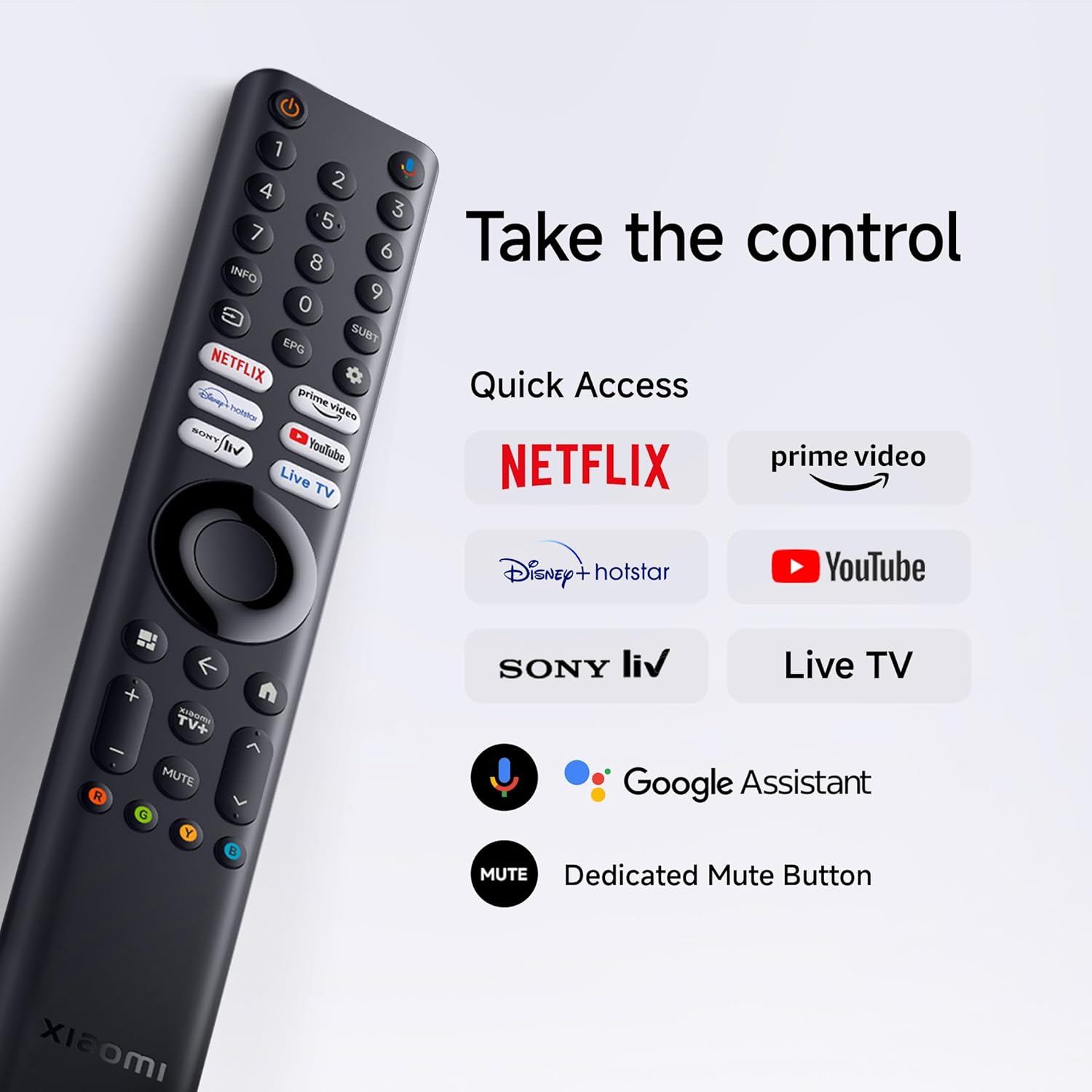
Insert the two AAA batteries into the remote control, observing polarity. The remote allows navigation, volume control, channel selection, and quick access to streaming services and Google Assistant.
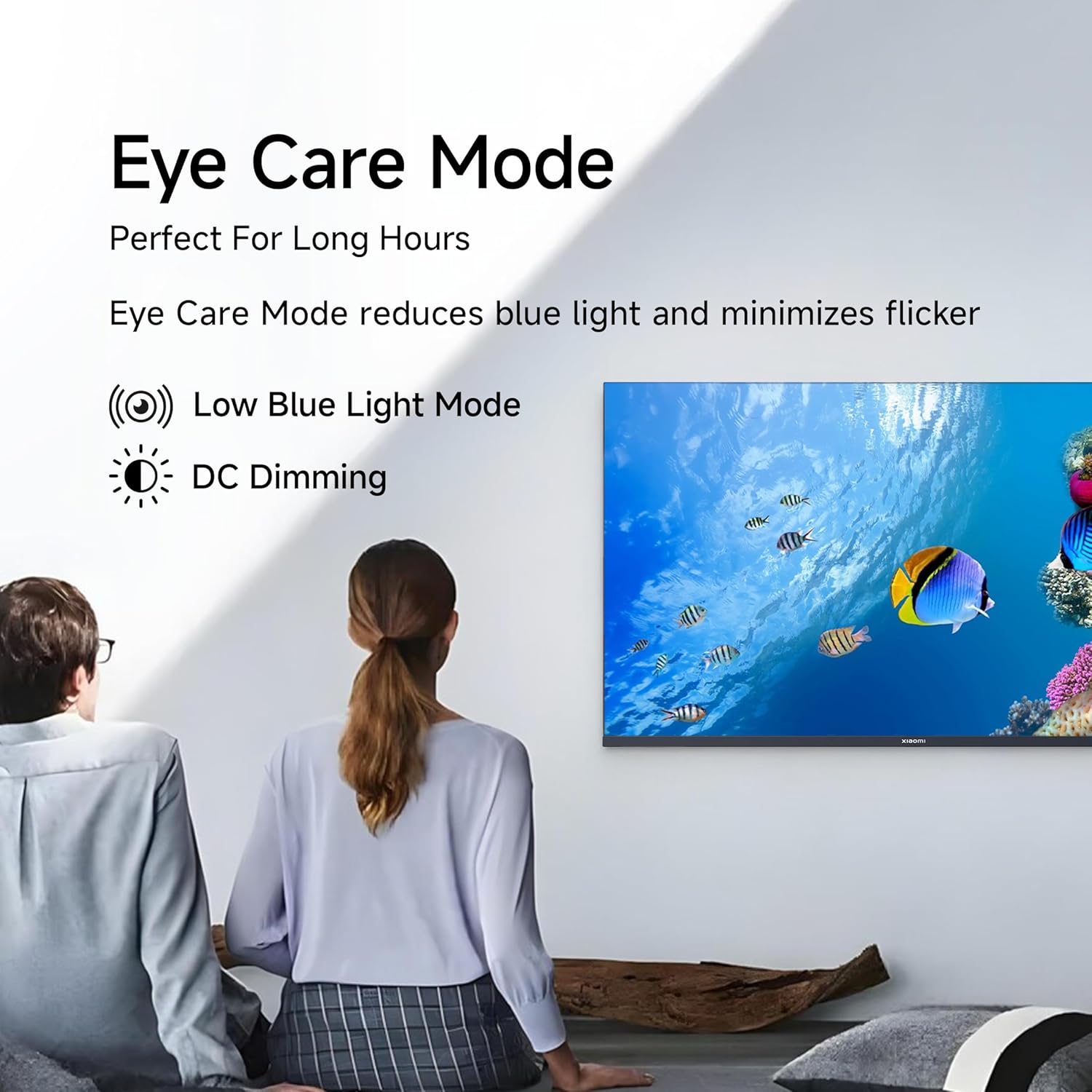
Figure 4.1: Xiaomi Smart TV remote control layout.
- Tombol Daya: Hurungkeun/pareuman TV atawa keur sayaga.
- Pad Navigasi: Pikeun navigasi menu.
- Tombol OK: Konfirmasi pilihan.
- Tombol Balik: Mulih ka layar saméméhna.
- Tombol imah: Ngaksés layar utama Google TV.
- Volume +/-: Nyetél polumeu.
- Tombol Bisu: Ngajempékeun / nganonaktipkeun audio.
- Tombol Asisten Google: Ngaktipkeun kadali sora.
- Tombol Aksés Gancang: Dedicated buttons for Netflix, Prime Video, YouTube, and other streaming services.
4.2 Fitur Smart TV (Google TV)
Your TV runs on Android 14 OS with Google TV, offering a personalized entertainment experience.

Gambar 4.2: Leuwihview of Google TV features.
- UI Eusi Mimiti: Ngutamakeun panemuan eusi.
- Pro pribadifiles: Jieun individu profiles kanggo rekomendasi anu disaluyukeun.
- Asisten Google: Anggo paréntah sora pikeun milarian, kontrol, sareng inpormasi.
- Chromecast Diwangun-di: Cast content from compatible mobile devices.
- Daptar awaskeun: Lacak pilem sareng acara anu anjeun hoyong tonton.
- Modeu Ambient: Témbongkeun poto atawa informasi nu mangpaat nalika TV keur teu dianggo.
- Barudak Profile: Eusi anu dikuratori sareng kontrol kolot pikeun murangkalih.
- Rekomendasi: Saran anu dipersonalisasi dumasar kana anjeun viewkabiasaan.
4.3 Aplikasi nu dirojong
The TV comes with pre-installed applications and supports downloads from the Google Play Store. Popular supported apps include Netflix, Prime Video, YouTube, JioCinema, JioHotstar, SonyLiv, and Zee5.

Gambar 4.3: Kelamples of supported streaming applications.
5. Fitur tampilan
Experience enhanced visuals with the following display technologies:
- tampilan QLED: Quantum Dot technology delivers vivid, vibrant, and sharp picture quality.
- HD Ready (1366 x 768) Resolution: Nyayogikeun gambar anu jelas sareng rinci.
- HDR 10 & HLG Support: Enhances contrast and color accuracy for compatible content.
- Mesin Gambar Anu Jelas 2: Proprietary technology that fine-tunes every frame for improved clarity and realism.
- Wide Colour Gamut: Offers a broad spectrum of colors (up to 16.7 million) for rich and vivid visuals.
- Mode Kanyamanan Panon: Reduces blue light and minimizes flicker for comfortable long-term viewing.
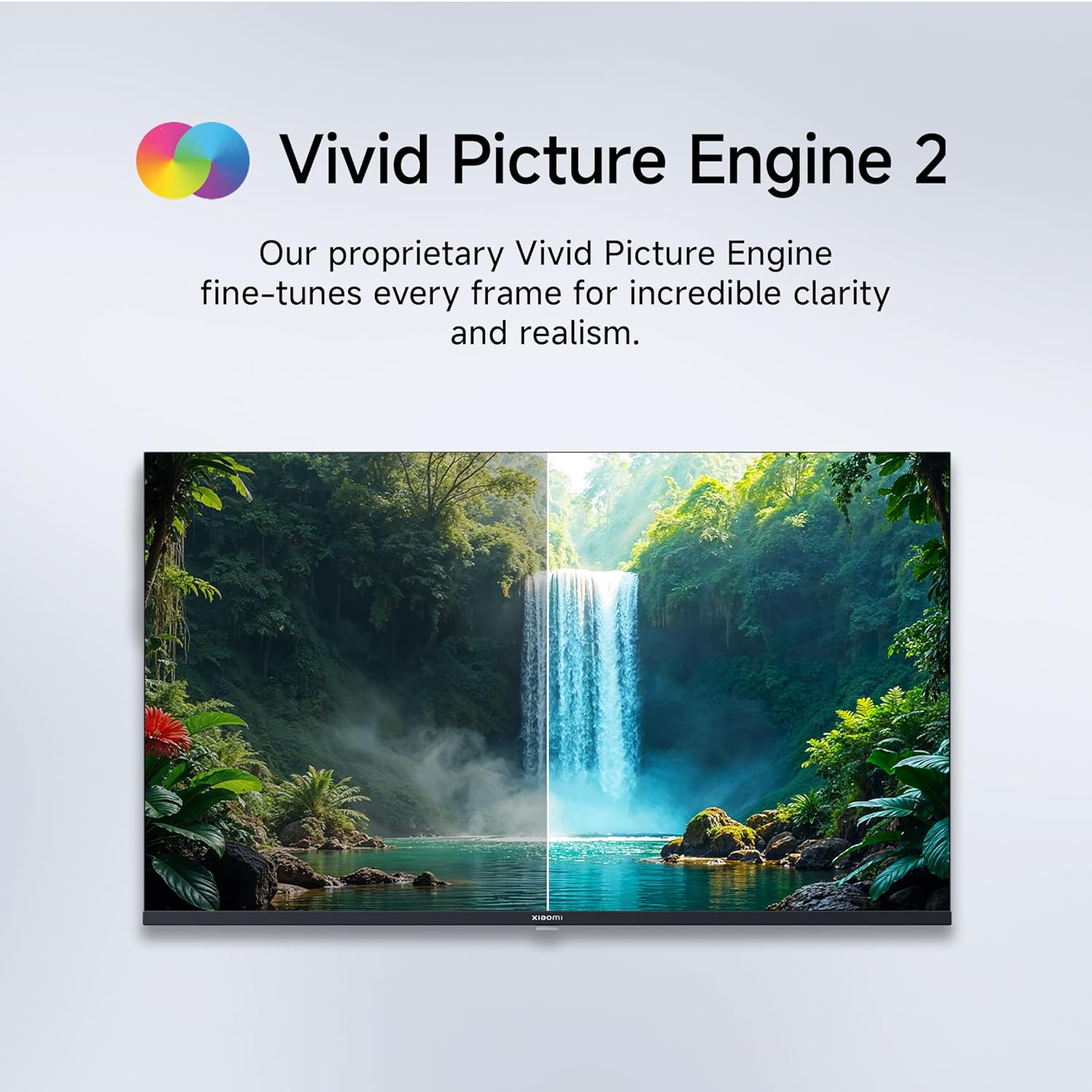
Figure 5.1: Quantum Clarity for exceptional contrast and color.
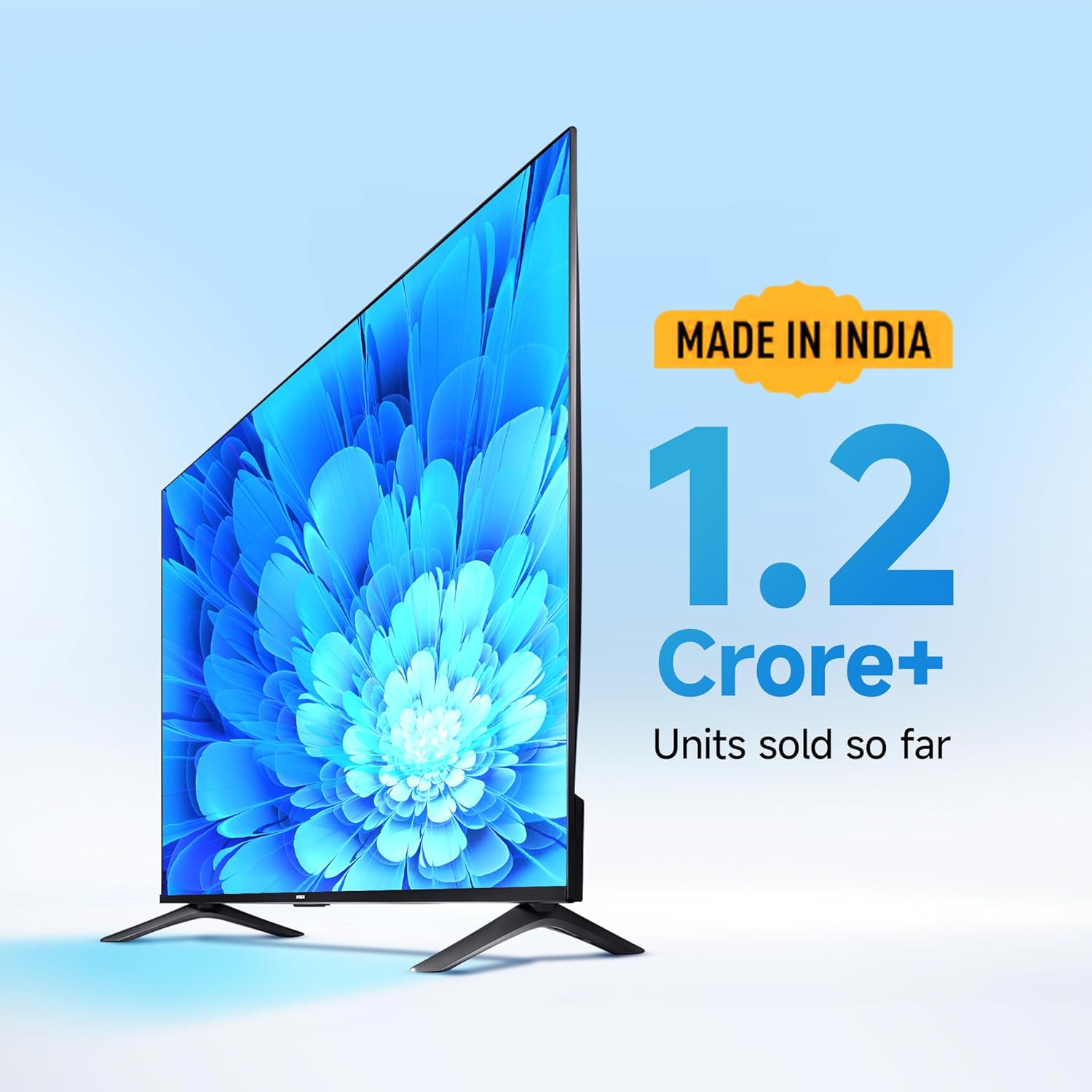
Figure 5.2: Vivid Picture Engine 2 for enhanced realism.
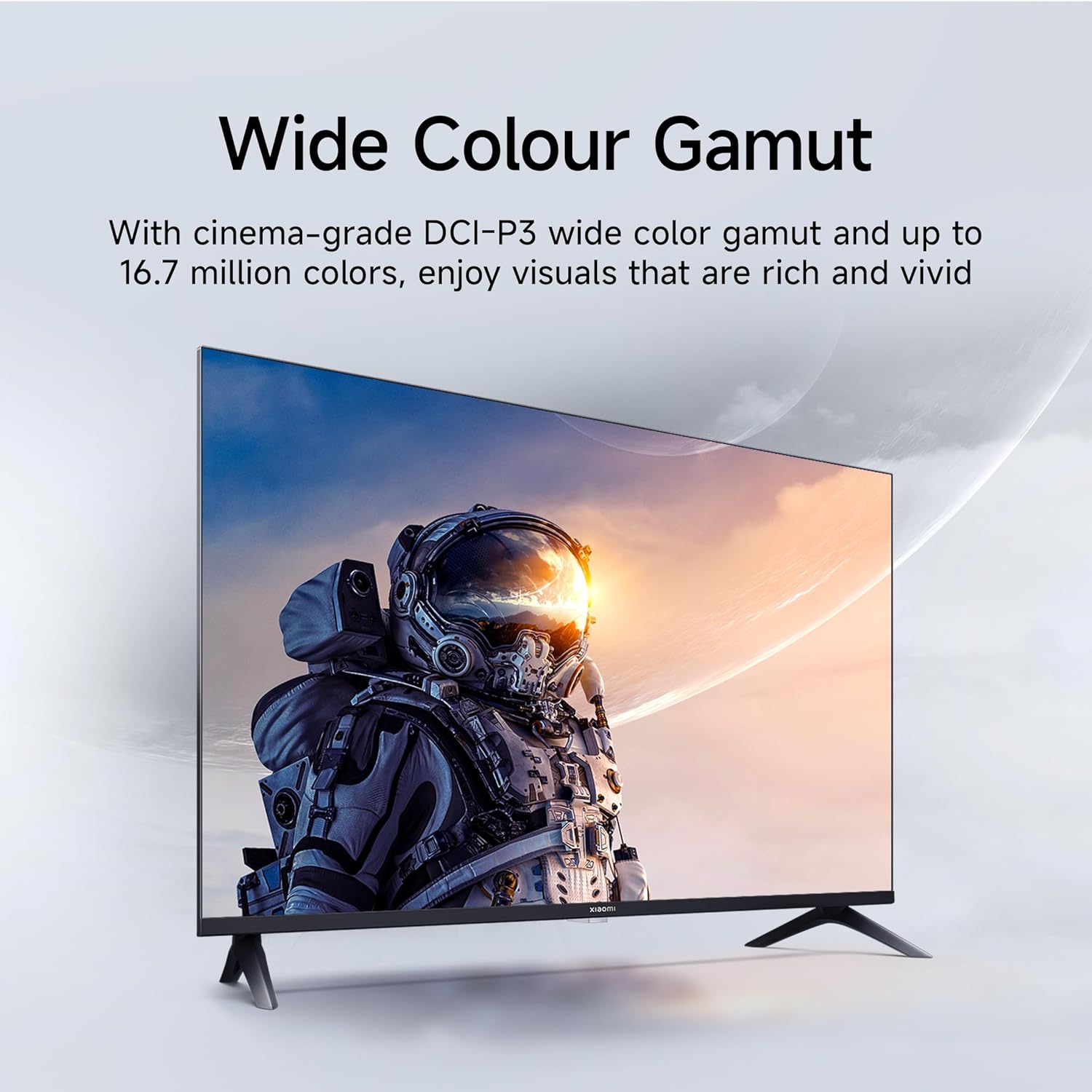
Figure 5.3: Eye Care Mode for reduced eye strain.
6. Fitur Audio
Your TV is equipped with advanced audio technologies for an immersive sound experience:
- Kaluaran 20 Watt: Powerful stereo speakers deliver clear and dynamic sound.
- Dolby Audio: Provides rich, clear, and powerful sound for movies, shows, and games.
- DTS-X & DTS Virtual:X: Creates a multi-dimensional audio experience, simulating surround sound without additional speakers.
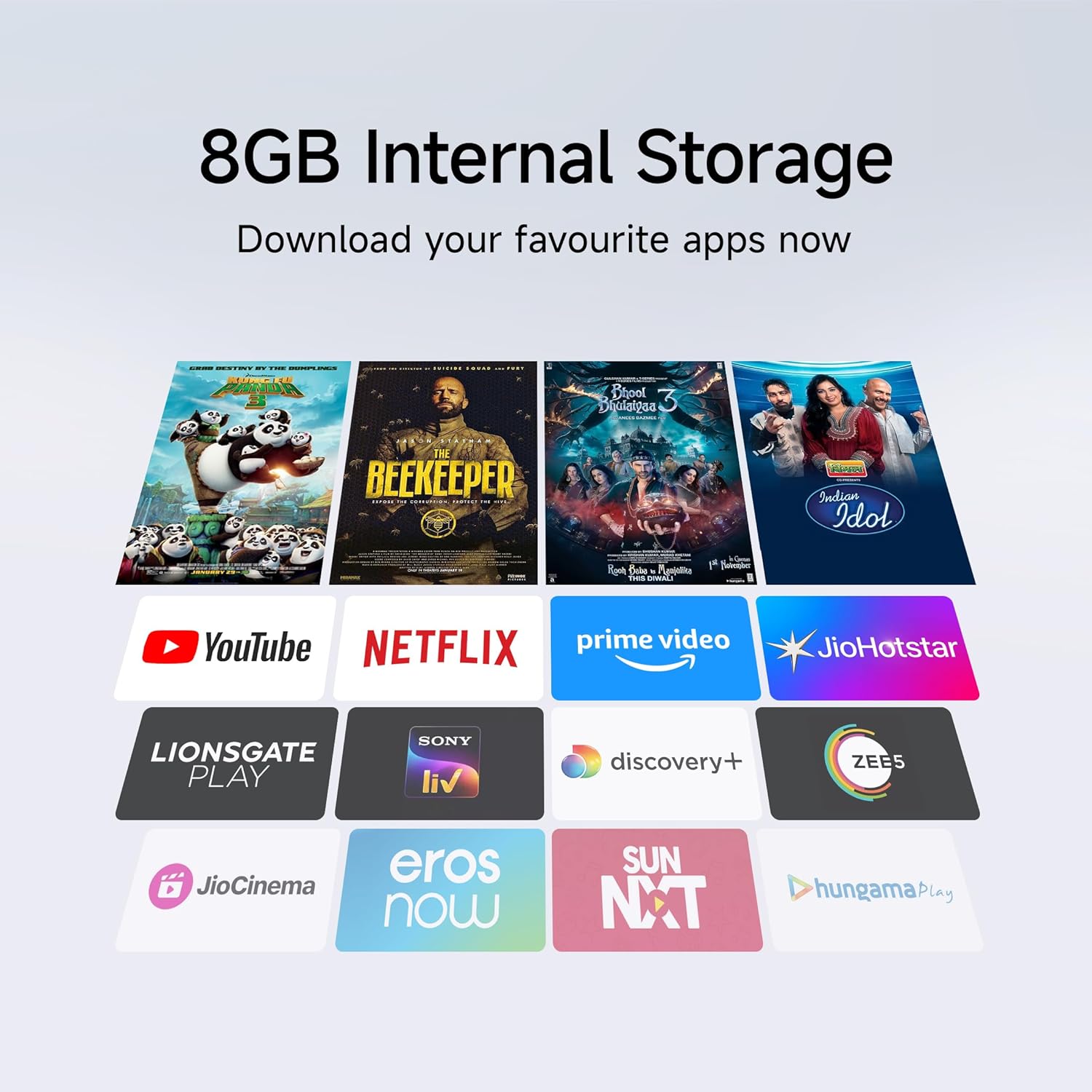
Figure 6.1: Enhanced audio experience with 20W speakers and Dolby/DTS technologies.
7. Konektipitas
The TV offers various options for connecting to networks and other devices:
- Wi-Fi Dual Band: Connect wirelessly to your home network (2.4GHz and 5GHz).
- Ethernet: Pikeun sambungan internét kabel stabil.
- Bluetooth: Sambungkeun headphone nirkabel, speaker, atanapi asesoris Bluetooth anu sanés.
- HDMI (x2) with ARC: Audio Return Channel (ARC) allows audio to be sent from the TV to a compatible sound system via a single HDMI cable.
- USB (x2): For connecting external storage.
8. Pangropéa
8.1 Ngabersihan TV
- Sok cabut TV samemeh beberesih.
- Paké lawon lemes, garing, lint bébas ngusap layar tur kabinet.
- Pikeun tanda pengkuh, enteng dampen kaen nganggo cai atanapi pembersih layar khusus (ngahindarkeun bahan kimia anu kasar).
- Do not spray liquid directly onto the TV.
8.2 Perawatan Umum
- Hindarkeun nempatkeun barang beurat dina TV.
- Protect the TV from extreme temperatures and humidity.
- Upami mindahkeun TV, pastikeun éta dirojong sareng diatur leres pikeun nyegah karusakan.
9. Cara ngungkulan
Before contacting customer support, try these common solutions:
| Masalah | Mungkin Cukang lantaranana | Solusi |
|---|---|---|
| Taya kakuatan | Kabel listrik dipegatkeun; Masalah stop kontak | Pariksa sambungan kabel kakuatan; Nguji outlet sareng alat sejen. |
| Henteu aya gambar, tapi aya sora | Incorrect input source; Loose HDMI/AV cable | Press the "Input" button on the remote to select the correct source; Reconnect cables securely. |
| Henteu aya sora, tapi aya gambar | Volume muted or too low; External audio device issue | Unmute or increase volume; Check connections to external audio systems. |
| Kadali jauh teu jalan | Batréna béak; Halangan antara remot sareng TV | Ganti batré; Leupaskeun sagala halangan. |
| Teu bisa nyambung ka Wi-Fi | Sandi salah; Masalah router; TV jauh teuing ti router | Verify Wi-Fi password; Restart router; Move TV closer or use Ethernet. |
10. Spésifikasi
| Fitur | Rincian |
|---|---|
| merek | XIAOMI |
| Modél | L32MB-APIN |
| Ukuran layar | 32 Inci (80 cm) |
| Téknologi tampilan | QLED |
| Resolusi | Siap HD (1366 x 768 piksel) |
| Refresh Laju | 60 Hz |
| Sistem operasi | Android 14 OS, Google TV |
| Mémori RAM | 1 GB |
| Panyimpenan internal | 8 GB |
| Prosesor | A53 Quad Core Processor |
| Kaluaran Audio | 20 Watt |
| Téhnologi Audio | Dolby Audio, DTS-X, DTS Virtual:X |
| Konektipitas | Dual Band Wi-Fi, Bluetooth, 2 x HDMI (ARC), 2 x USB, Ethernet, 3.5mm Audio, AV Input |
| Viewdina Angle | 178 darajat |
| Ukuran produk (L x W x H) | 19.8 x 71.6 x 46.9 cm (kalayan nangtung) |
| Item Beurat | 3.2 kg |
| Model Taun | 2025 |

Angka 10.1: Dimensi produk sareng beurat.

Figure 10.2: A53 Quad Core Processor for optimal performance.

Figure 10.3: Energy efficiency label.
11. Garansi jeung Rojongan
11.1 Émbaran jaminan
Your Xiaomi TV comes with a 1-taun jaminan komprehensif kana produk sareng a garansi tambahan 1 taun kanggo panel, disayogikeun ku mérek ti tanggal pameseran. Mangga simpen resi pameseran anjeun kanggo klaim garansi.
11.2 Rojongan Palanggan
For technical assistance, service requests, or warranty claims, please contact Xiaomi customer support. Refer to the official Xiaomi websitus atawa dokuméntasi pameseran Anjeun pikeun inpo kontak panganyarna.


