1. Bubuka
Thank you for choosing the TCL 55T6C 4K UHD Smart QLED Google TV. This manual provides essential information for the safe and efficient use of your television. Please read it thoroughly before operating the device and retain it for future reference.
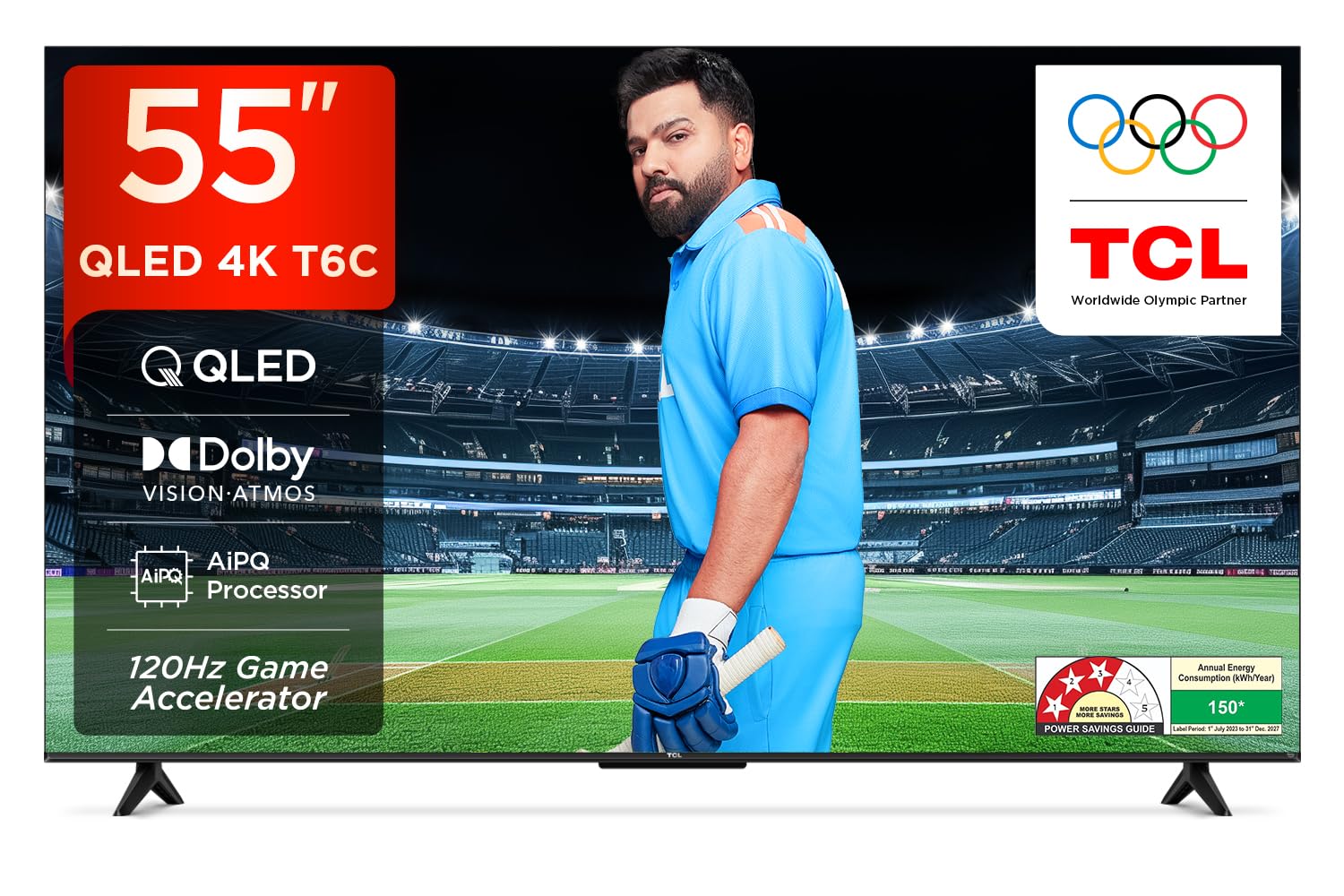
Gambar: Hareupeun view of the TCL 55T6C television, highlighting its sleek design and energy efficiency rating.
2. Émbaran Kasalametan
Always observe the following basic safety precautions when using your television:
- Ulah meungpeuk bukaan ventilasi. Pastikeun spasi nyukupan sabudeureun TV pikeun aliran hawa ditangtoskeun.
- Entong nempatkeun TV dina karanjang, stand, tripod, bracket, atanapi méja anu teu stabil.
- Nangtayungan kabel kakuatan tina keur leumpang dina atawa pinched.
- Ulah ngalaan TV ka hujan atawa beueus pikeun nyegah seuneu atawa shock listrik.
- Rujuk sadayana jasa ka tanaga jasa anu mumpuni.
3. Naon dina Box
Carefully unpack your television and check that all items are present:
- 1N LED TV (TCL 55T6C)
- Kabel Audio 1N
- 1N Stand (for tabletop mounting)
- 1N Kadali Jauh
- Batré AAA 2N (pikeun kadali jauh)
Note: A fixed or adjustable wall mount is not included and must be purchased separately if wall mounting is desired.

Image: Illustration of the items included in the product packaging.
4. Setélan fisik
4.1 Ngagantelkeun Stand
- Teundeun layar TV ka handap dina tempat nu datar tur lemes pikeun nyegah karuksakan.
- Sejajarkeun stand jeung liang pamasangan di handapeun TV.
- Ngamankeun stand ngagunakeun screws disadiakeun.
4.2 Pamasangan Tembok (Pilihan)
If you choose to wall mount your TV, please use a compatible VESA wall mount (not included) and follow the instructions provided with the wall mount. Ensure the wall can support the weight of the TV (approximately 9.2 kg with stand, 9 kg without stand).

Gambar: Tukangeun view of the television, indicating the VESA mounting pattern for wall installation.
4.3 Nyambungkeun Alat
Your TCL 55T6C TV offers various connectivity options:
- Port HDMI (3): Connect Blu-ray players, gaming consoles, or set-top boxes. One port supports eARC for enhanced audio return.
- Port USB (1): Sambungkeun alat panyimpenan USB pikeun playback media.
- Antena/Kabel In: Sambungkeun sinyal anteneu atanapi TV kabel.
- AV IN Adaptor: Pikeun alat heubeul make video komposit jeung audio stereo.
- LAN: Pikeun sambungan internét kabel.
- Digital Audio Out (Optik): Pikeun nyambungkeun ka sistem audio éksternal.

Gambar: Detil view of the television's side panel, showing all available input and output ports with numerical labels.
5. Setup Awal
- Daya Hurung: Connect the power cord to the TV and a power outlet. Press the power button on the remote control.
- Pilihan Basa: Turutan pituduh dina layar pikeun milih basa anu anjeun pikaresep.
- Sambungan jaringan: Connect your TV to the internet via Wi-Fi or Ethernet.
- Setup Akun Google: Asup sareng akun Google anjeun pikeun ngaksés pitur Google TV, aplikasi, sareng saran anu dipersonalisasi.
- Scan Channel: If using an antenna or cable, perform an automatic channel scan.

Image: Screenshot of the Google TV home screen, displaying popular streaming applications and content suggestions.
6. Ngoperasikeun TV Anjeun
6.1 Jauh Jauh
The smart remote control allows you to navigate the TV's features. It includes dedicated hotkeys for popular streaming services and a Google Assistant button for voice commands.
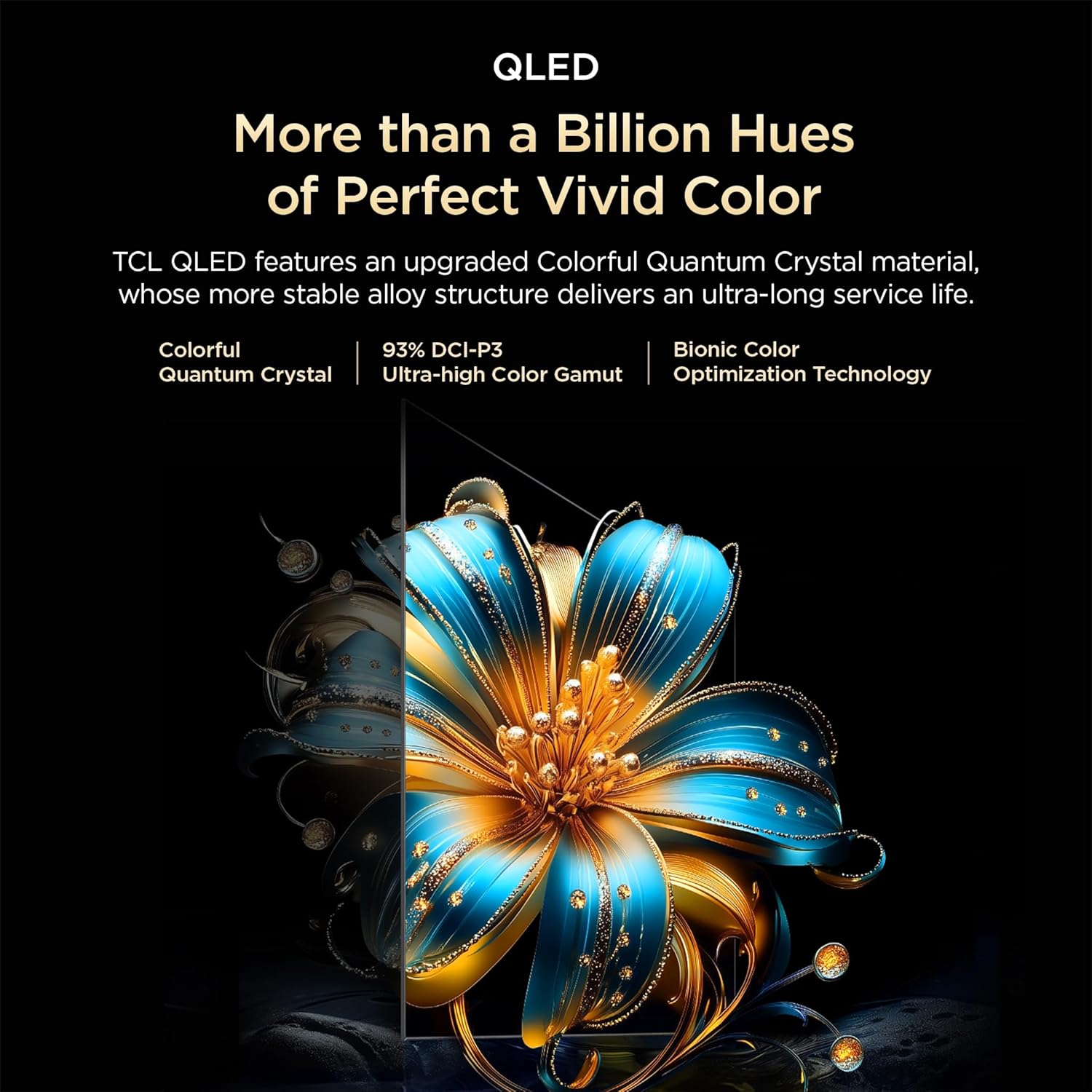
Image: Close-up of the remote control, highlighting the Google Assistant microphone button and quick access buttons for streaming services.
6.2 Fitur Smart TV (Google TV)
- Asisten Google: Anggo paréntah sora pikeun milarian eusi, ngontrol alat home pinter, sareng kéngingkeun inpormasi.
- Aplikasi streaming: Access pre-installed apps like Prime Video, Netflix, Hotstar, Zee5, and download more from the Google Play Store.
- Pangeunteungan layar: Cast content from your smartphone or tablet to the TV.
- Daptar awaskeun: Create a unified watchlist across various streaming services.

Image: The Google TV interface demonstrating the Watchlist feature and its integration with mobile devices.
6.3 Gambar jeung Sora Setélan
Saluyukeun setelan gambar sareng sora pikeun ngaoptimalkeun anjeun viewpangalaman:
- Modeu Gambar: Select from various preset modes (e.g., Standard, Vivid, Movie, Game) or customize settings like brightness, contrast, and color.
- Modeu sora: Choose audio presets (e.g., Standard, Music, Movie) or adjust equalizer settings.
- Dolby Atmos: Experience immersive, three-dimensional audio.
- DTS Virtual:X: Enjoy virtualized 3D sound without additional speakers.
Image: Visual representation of Dolby Atmos technology delivering immersive sound from the television.
6.4 Gaming Features (Game Master)
The Game Master feature enhances your gaming experience:
- 120Hz Game Akselerator: Reduces latency and provides a higher refresh rate for smoother gameplay.
- Lag Input Lemah: Optimized for responsive gaming.

Image: A gaming scene displayed on the television, illustrating the benefits of the Game Master feature for an optimized gaming experience.
7. Pangropéa
7.1 Ngabersihan TV
- Sok cabut TV samemeh beberesih.
- Anggo lawon anu garing sareng lemes pikeun ngusap layar sareng kabinet.
- Pikeun tanda nekad, make cleaner layar husus dirancang pikeun TV, dilarapkeun ka lawon, teu langsung kana layar.
- Ulah make cleaners abrasive, lilin, atawa pangleyur.
7.2 Apdet parangkat lunak
TV anjeun tiasa nampi apdet parangkat lunak otomatis. Pastikeun TV anjeun nyambung ka internét pikeun nampi apdet ieu, anu tiasa ningkatkeun kinerja sareng nambihan fitur énggal.
8. Cara ngungkulan
Upami anjeun ngalaman masalah sareng TV anjeun, tingal solusi umum ieu:
| Masalah | Solusi anu mungkin |
|---|---|
| Taya kakuatan | Check if the power cord is securely plugged into the TV and the power outlet. Ensure the outlet is active. |
| Henteu aya gambar, tapi aya sora | Pariksa sumber input. Pastikeun alat éksternal disambungkeun leres tur diaktipkeun. |
| Henteu aya sora, tapi aya gambar | Pariksa tingkat volume. Pastikeun bisu teu diaktipkeun. Pariksa setélan kaluaran audio upami nganggo spiker éksternal. |
| Kadali jauh teu jalan | Ganti batréna. Pastikeun teu aya halangan antara jauh sareng sénsor IR TV. |
| Masalah sambungan Wi-Fi | Restart your router and modem. Re-enter the Wi-Fi password. Ensure the TV is within range of the router. |
For more complex issues, please contact TCL customer support.
9. Spésifikasi
| Fitur | Rincian |
|---|---|
| Modél | 55T6C |
| Ukuran tampilan | 139 cm (55 inci) |
| Resolusi | 4K UHD (3840 x 2160) |
| Téknologi tampilan | QLED, HDR 10+, HVA Panel, Dynamic Color Enhancement |
| Refresh Laju | 60 Hz (120Hz Game Accelerator) |
| Prosesor | 64-bit Quad Core, AiPQ Processor |
| Sistem operasi | Google TV |
| RAM / ROM | 2 GB / 16 GB |
| Kaluaran Audio | 24 Watts, Dolby Atmos, DTS Virtual:X |
| Konektipitas | 3 HDMI (1 eARC), 1 USB, Wi-Fi 5, Ethernet, Bluetooth |
| Dimensi (kalayan stand) | 25.5 x 122.6 x 75 cm |
| Beurat (kalayan stand) | 9.2 kg |
| Konsumsi Daya | 135 Watt |
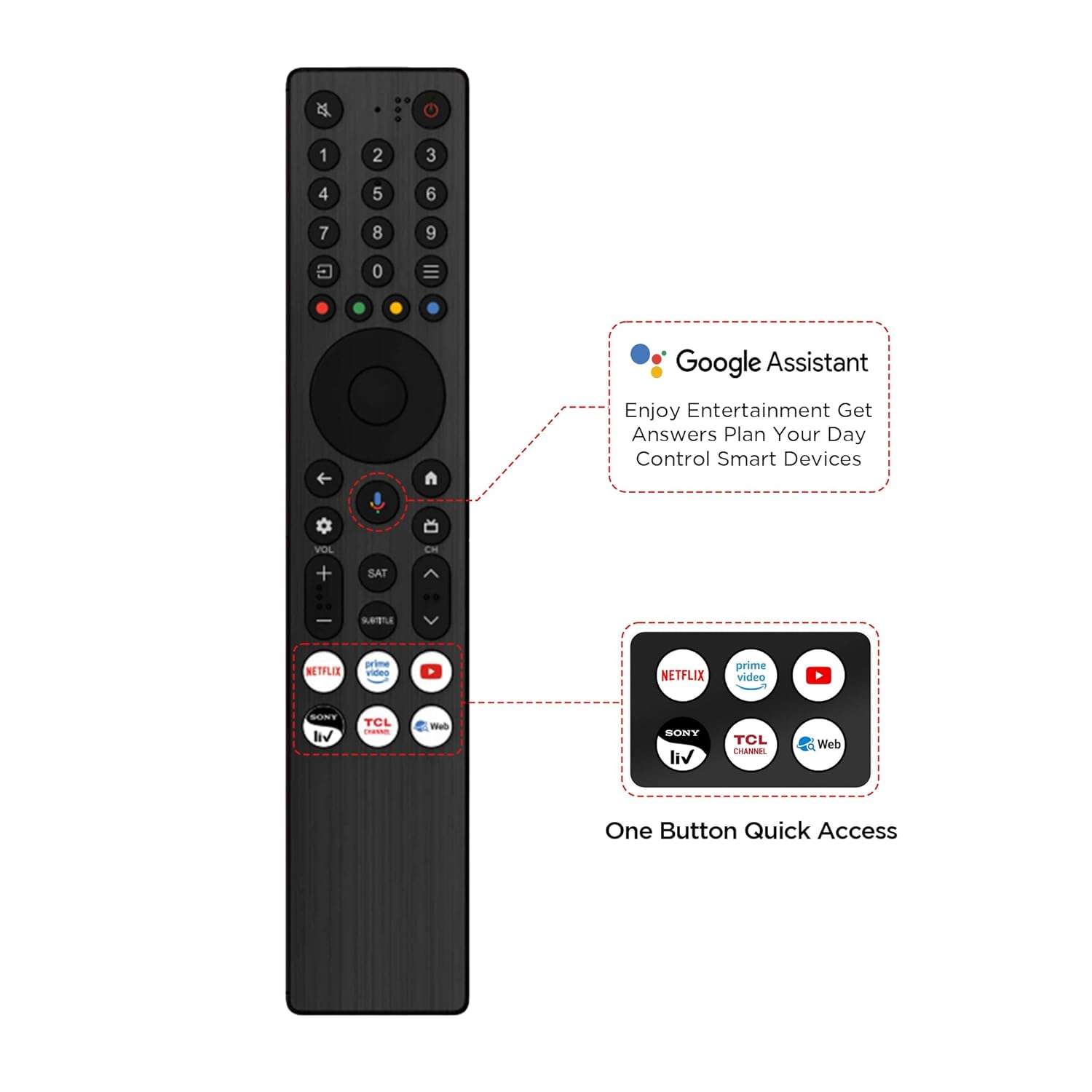
Image: Diagram illustrating the physical dimensions of the TCL 55T6C television, both with and without its stand.
10. Garansi jeung Rojongan
10.1 Émbaran jaminan
Your TCL 55T6C television comes with a 2-taun jaminan produsén urang from the date of purchase. The remote control has a separate 6-garansi sasih. Klaim garansi tiasa diolah nganggo e-invoice Amazon anjeun.
10.2 Rojongan Palanggan
For technical assistance, service requests, or further inquiries, please visit the official TCL support website or contact their customer service helpline. Refer to the product packaging or TCL's official websitus pikeun inpo kontak panganyarna.


