1. Bubuka
This manual provides essential information for the proper setup, operation, and maintenance of your MESWAO 15.6-inch Android 14 Tablet (Model MES-B3). Please read this manual thoroughly before using the device to ensure optimal performance and longevity. Keep this manual for future reference.
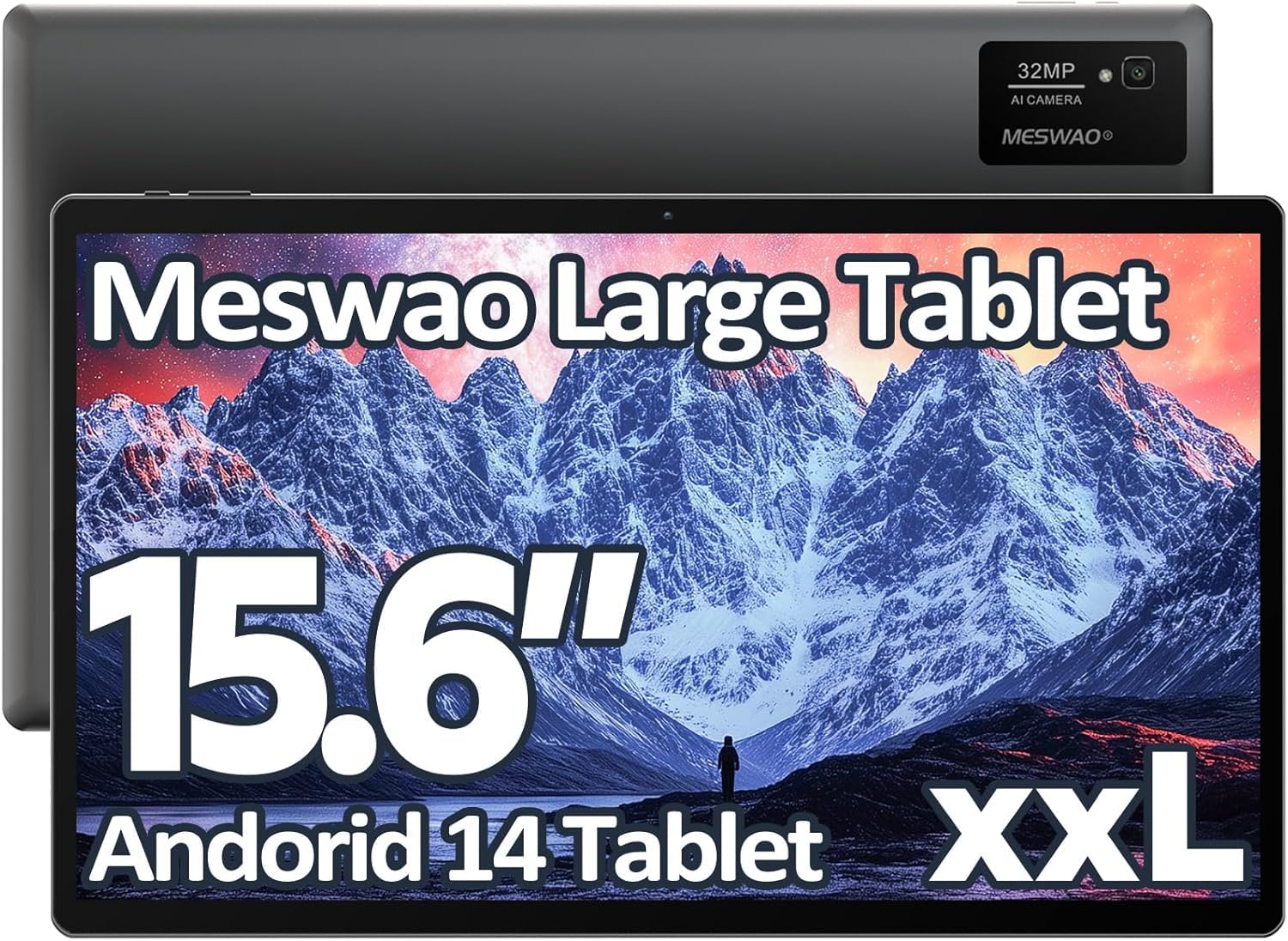
Image: The MESWAO 15.6-inch Android 14 Tablet, showcasing tampilan badag sarta desain sleek.
2. Setélan
2.1 Unboxing sareng Inspeksi Awal
Cabut sadaya komponén tina bungkusna kalayan ati-ati. Pariksa yén sadaya barang anu didaptarkeun dina eusi bungkus aya sareng henteu ruksak. Upami aya barang anu leungit atanapi ruksak, langsung hubungi layanan palanggan.
2.2 Ngecas Tablet
Before first use, fully charge the tablet. Connect the provided USB-C cable to the tablet's charging port and the other end to the power adapter. Plug the power adapter into a wall outlet. The charging indicator will illuminate. A full charge typically takes approximately 3 hours with the 30W fast charging capability.
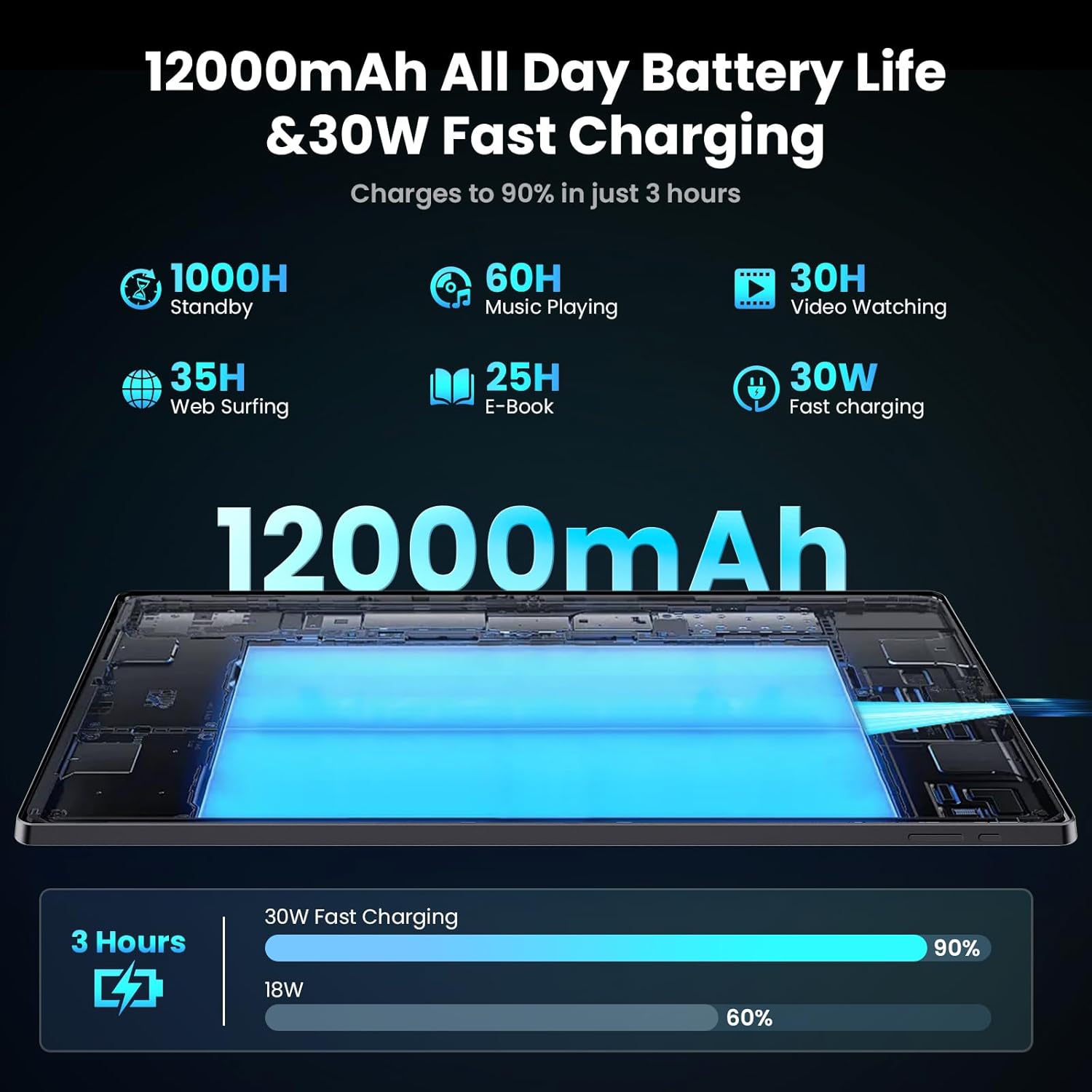
Image: Diagram illustrating the 12000mAh battery capacity and 30W fast charging feature, showing a charge to 90% in 3 hours.
2.3 Ngahurungkeun sareng Konfigurasi Awal
- Press and hold the Power button until the MESWAO logo appears.
- Turutan parentah dina-layar pikeun milih basa anjeun, wewengkon, jeung nyambung ka jaringan Wi-Fi.
- Lebet nganggo akun Google anjeun atanapi jieun akun énggal pikeun ngaksés Google Play Store sareng layanan anu sanésna.
- Complete any remaining setup steps, such as setting up a screen lock (PIN, pattern, or password) and reviewngonpigurasikeun setélan privasi.
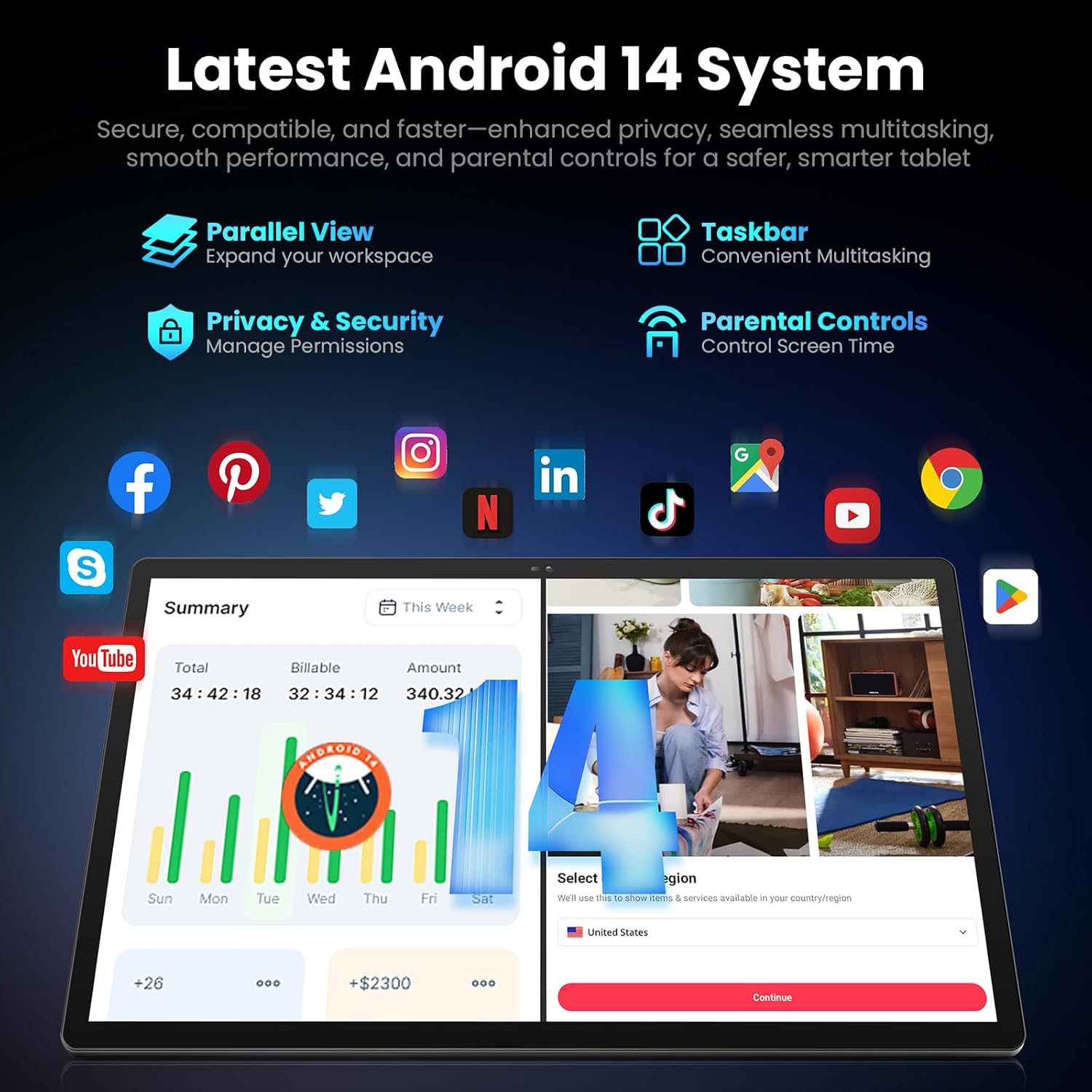
Image: Screenshot of the Android 14 system interface on the MESWAO tablet, highlighting features like Parallel View, Taskbar, Privacy & Security, and Parental Controls.
3. Parentah Operasi
3.1 Napigasi Dasar
- Sapuan Toél: Ketok pikeun milih, gesek pikeun ngagulung, ciwit pikeun ngazum.
- Layar Utama: Aksés aplikasi, widget, sareng bewara.
- Panel Bewara: Gesek ka handap ti luhur layar pikeun view bewara sareng setelan gancang.
- Laci Aplikasi: Gesek ka luhur ti bagean handap layar pikeun ngakses sadaya aplikasi anu dipasang.
3.2 Tampilan sareng Pangalaman Visual
The 15.6-inch Full HD (1920x1080) IPS display offers vivid colors and wide viewing angles. Adjust brightness and display settings in the Settings menu under "Display" for optimal viewing comfort. The large screen is ideal for multitasking and immersive media consumption.

Image: The MESWAO tablet displaying a high-definition image, emphasizing the 1920x1080P Full HD IPS display with eye protection features.
3.3 Performance sarta Panyimpenan
Equipped with an Octa-Core Helio G99 processor and Android 14, the tablet provides smooth performance for various applications. It includes 8GB RAM and 256GB internal storage, expandable up to 1TB via a TF (microSD) card. To insert a TF card, locate the card slot on the side of the tablet, open the tray, and carefully place the card into the designated slot before reinserting the tray.
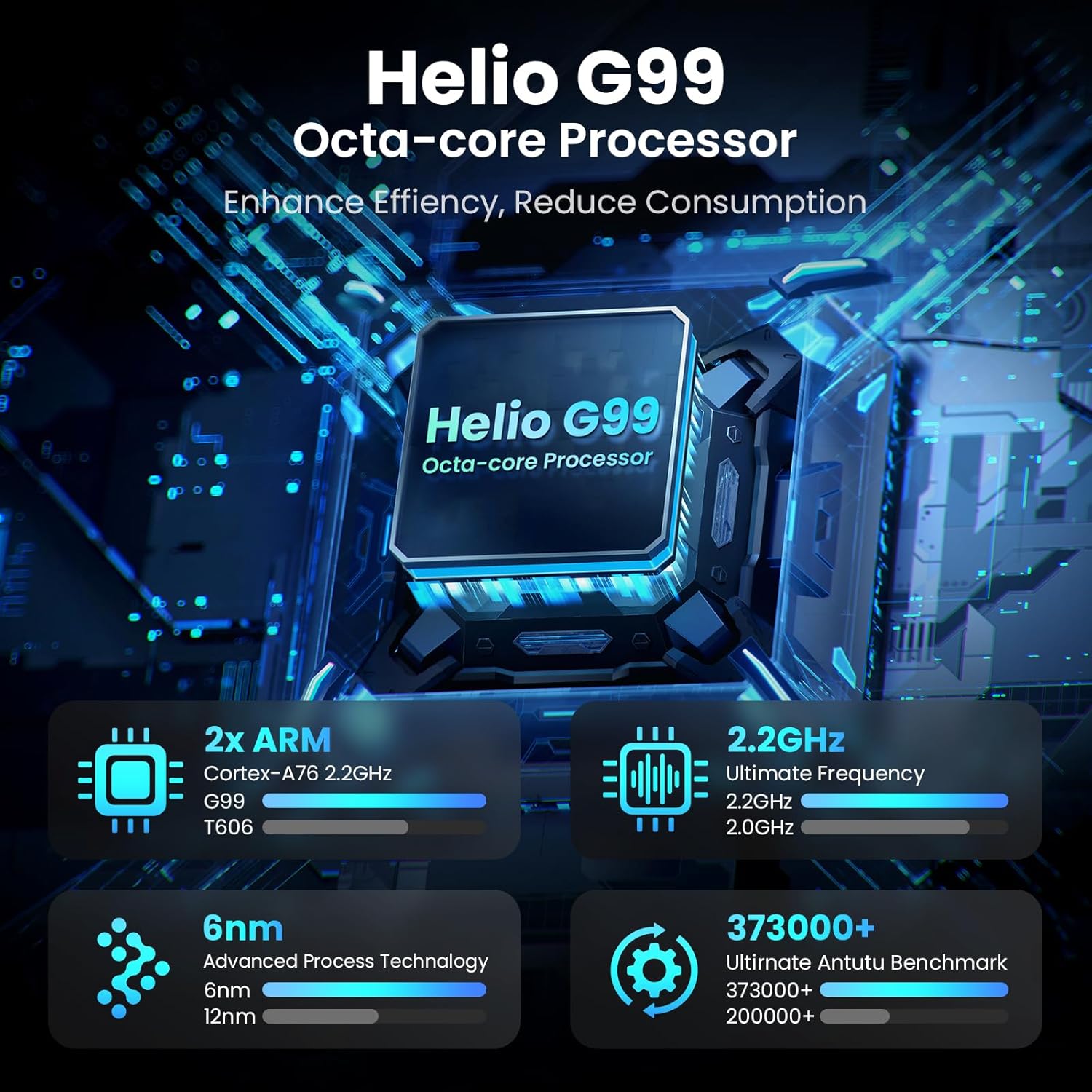
Image: Visual representation of the Helio G99 Octa-core Processor, detailing its architecture and performance metrics like 2.2GHz frequency and 6nm process technology.

Image: The MESWAO tablet screen showing multiple open applications and storage capacity details: 8GB RAM, 256GB ROM, and support for up to 1TB external storage.
3.4 Pamakéan kaméra
The tablet features a 32MP rear camera with flash and a 5MP front camera. Open the Camera application to capture photos, record videos, or engage in video calls. Ensure good lighting for best results.

Image: A visual demonstrating the MESWAO tablet's 5MP front camera and 32MP rear camera, showing a family photo being taken and a video call in progress.
3.5 Konéktipitas
The tablet supports dual-band Wi-Fi (2.4GHz & 5GHz) for stable internet connectivity. Bluetooth is also available for connecting wireless accessories. Access these settings via the Notification Panel or the main Settings app.
4. Pangropéa
4.1 Ngabersihan Tablet
Anggo lawon anu lemes sareng henteu lint pikeun ngabersihan layar sareng awak tablet. Pikeun smudges nekad, rada dampen lawon jeung cai atawa solusi beberesih layar-aman. Ulah make bahan kimia kasar atawa bahan abrasive.
4.2 Apdet parangkat lunak
Pariksa sareng pasang apdet sistem sacara rutin pikeun mastikeun tablet anjeun ngagaduhan fitur pangénggalna, patch kaamanan, sareng paningkatan kinerja. Buka Setélan > Sistem > Apdet sistem pikeun mariksa apdet.
4.3 Perawatan Batré
- Hindarkeun suhu anu ekstrim, sabab tiasa ngirangan umur batre.
- Ulah ngantep batré lengkep solokan remen.
- Paké ngan carjer disadiakeun atawa carjer cocog Certified.
5. Cara ngungkulan
5.1 Tablet Teu Nyala
- Pastikeun tablet tos dicas cekap. Sambungkeun kana carjer sahenteuna 30 menit sateuacan dihurungkeun deui.
- Pencét jeung tahan tombol Daya salila 10-15 detik pikeun ngalakukeun balikan deui paksa.
5.2 Masalah Konektipitas Wi-Fi
- Check if Wi-Fi is enabled in the Quick Settings or Settings menu.
- Balikan deui router Wi-Fi anjeun sareng tablet.
- Pohokeun jaringan dina setélan Wi-Fi teras sambungkeun deui.
- Pastikeun anjeun aya dina jangkauan sinyal Wi-Fi.
5.3 Performance slow
- Tutup aplikasi latar tukang anu teu perlu.
- Clear cache data for frequently used apps (Setelan > Aplikasi > [Ngaran Aplikasi] > Panyimpenan & cache > Hapus cache).
- Ensure sufficient free storage space. Delete unused files atawa aktip.
- Balikan deui tablet périodik.
5.4 Layar Unresponsive
- Perform a forced restart (hold Power button for 10-15 seconds).
- Pastikeun layar bersih sareng bébas tina kalembaban atanapi kokotor.
6. Spésifikasi
| Fitur | Rincian |
|---|---|
| Ngaran modél | MES-B3 |
| Ukuran tampilan | 15.6 inci |
| Resolusi layar Max | 1920 x 1080 piksel (IPS HD lengkep) |
| Sistem operasi | Android 14 |
| Prosesor | Octa-Core Helio G99 (up to 2.2 GHz) |
| Ram | 8GB |
| Panyimpenan internal (ROM) | 256GB |
| Panyimpenan Expandable | Nepi ka 1TB (Kartu TF) |
| Kapasitas batré | 12000 mah |
| Ngecas | 30W Ngecas Gancang |
| Kaméra tukang | 32MP sareng Flash |
| Kaméra hareup | 5MP |
| Konektipitas | Dual-band Wi-Fi (2.4GHz & 5GHz), Bluetooth |
| Ukuran (L x W x H) | 14.53 x 8.78 x 0.43 inci |
| Item Beurat | 3.84 pon |
7. Garansi jeung Rojongan
7.1 Émbaran jaminan
MESWAO products are covered by a limited warranty. Please refer to the warranty card included in your product packaging for specific terms and conditions. Keep your proof of purchase for warranty claims.
7.2 Rojongan Palanggan
For technical assistance, troubleshooting, or warranty inquiries, please contact MESWAO customer support. Contact information can typically be found on the official MESWAO websitus atanapi dina kartu jaminan.
Online resources such as FAQs and support forums may also be available on the MESWAO websitus.


