

tuya GUI Workbench Pamekar Platform

Leuwihview
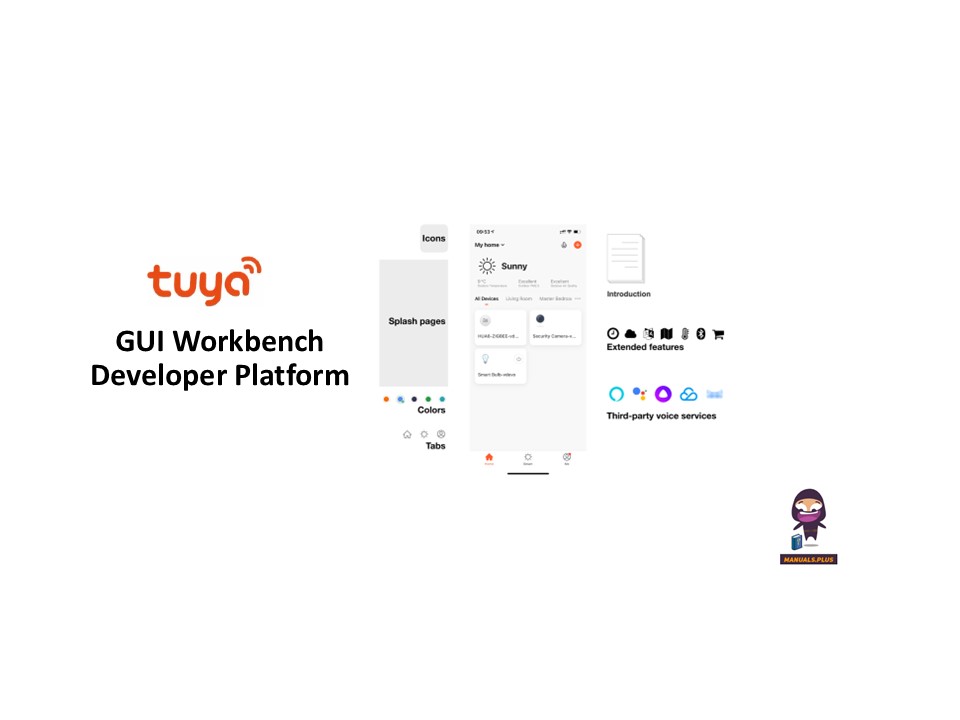
On the Tuya Developer Platform, the GUI workbench is a graphic resource management tool designed for smart devices with screens. With this tool, you can easily configure and update images, fonts, audio, video, and other resource content in your product.
This topic describes how to configure screen-related resources in the GUI workbench.
Prosedur
Submit a resource package
Kahiji, nyiapkeun pakét sumberdaya produk, kaasup gambar files, perpustakaan font, audio, video, jeung sajabana files, ensuring each resource type has a clearly defined ID. After packaging is completed, submit the resource package to the Tuya project manager.
After the Tuya project manager uploads the resource package in the backend, you can select and configure the resources on the Tuya Developer Platform.
Edit and configure GUI cloud capabilities
- Log in to the Tuya Developer Platform and choose Product > Development in the left-side navigation bar.
- On the page of Product Development, select the desired product and click Develop in the Operation column.
- In the step of Device Interaction, click the Display Control Screen GUI tab.

- Click Cloud Capability Configuration. You can perform the following operations on various resource files:
- Replace: Replace existing images, fonts, audio files, jeung sajabana files.
- Add: Add a new resource file and specify a unique ID.
- Delete: Delete resources that are no longer used.
- Modify ID: Modify the unique identifier of the specified resource.


- After completing resource configuration, click Save.
Angkat pangaruh
Dina setélan Advanced Functions, aktipkeun Konfigurasi Sumberdaya GUI. Konfigurasi sumberdaya di luhur ngan bakal dianggo saatos fitur canggih ieu diaktipkeun pikeun produk anjeun.
Dokumén / Sumberdaya
 | GUI Workbench Pamekar Platform |
Rujukan
- Set GUI Resource Package-Tuya Developer Platform-Tuya Developerdeveloper.tuya.com
- Tuya Smart pamekar Centerplatform.tuya.com
- Manual pamakémanual.tools